
Bold Fitness Programs Cards Layout for Divi 5: Four Class Blurbs
A bold Divi 5 cards section showcasing four fitness programs: Strength, Conditioning, Recovery, and Open Gym. Icon blurbs in a 2-column grid with Unbounded headings and electric blue accents.
Rate this element
Download this section, free
- Divi 5 JSON, imports in seconds
- Commercial license included
- No account needed
Click to view the full page
Overview
This section opens with a centered headline in Unbounded 800-weight at 48px (36px on tablet and phone), anchored by a single-sentence subtext in Work Sans 18px — both capped at max-widths of 810px and 640px respectively so the text column never sprawls on wide viewports. The palette is deliberately sparse: pure white (#ffffff) section background, near-black #0c0c14 for headings, slate #3d3d52 for body copy, and a hard electric blue #2438ff reserved exclusively for the icon badges. That contrast ratio between badge and body background is what gives the layout its fitness-brand punch without needing photography.
Below the header sits a 2×2 blurb grid — two rows of two half-width columns — covering Strength, Conditioning, Recovery, and Open gym. Each blurb leads with a square icon badge: 32px Font Awesome icon centered in 16px padding all around, sharp 0px border-radius (no pill softening), vivid blue fill, white icon. The title sits in Unbounded (matching the section heading for typographic cohesion) in the same near-black, while the body line drops to Work Sans slate. The icon badge alignment is set to left within the blurb module, so badge and text stack left-to-right naturally on desktop.
Spacing is intentional and tight. The section carries 30px top padding on the first row only — there is no bottom padding on the section itself, letting the blurb grid breathe through its own internal rhythm rather than adding dead whitespace. On phone breakpoints, both the section and the two content rows switch to flexDirection: column, and each column expands to 24_24 (full width), so all four cards reflow into a single vertical stack — no horizontal cramping on narrow screens.
The section element carries a CSS ID of services and a class of accordion-automated, which means you can wire it directly to an in-page anchor link or to any accordion/tab script already on your site without touching the layout JSON.
What’s inside
- One `divi/section` with a centered intro row (Heading + Text modules) followed by two `divi/row` modules in a 1_2 / 1_2 column split — clean 2×2 grid with no extra wrappers
- Four `divi/blurb` modules (Strength, Conditioning, Recovery, Open gym), each with a Font Awesome icon badge (dumbbell, heartbeat, heart, home) in electric blue `#2438ff` with white icon color
- Icon badges use `useIcon: on` with square 0px border-radius and 16px padding on all sides — no image dependencies, no external assets needed
- Unbounded 800-weight typeface for both the section H2 and all four blurb titles; Work Sans for body copy — fonts are set at the module level so no global theme font override is required
- Responsive column collapse: both content rows set `flexDirection: column` on phone and each column expands to `24_24`, giving a clean single-column stack at mobile widths
- Section-level CSS ID (`services`) and class (`accordion-automated`) baked in — ready for anchor navigation or JS accordion wiring without extra markup
- Max-width constraints on the headline (810px) and subtext (640px) with `alignment: center` so the intro copy stays readable at any viewport width
Who it’s for
This layout fits any fitness or wellness business that offers a small menu of distinct classes or services: CrossFit boxes, boutique gyms, functional training studios, yoga and pilates studios listing their class types, personal training practices, and online coaching programs that sell multiple tracks. It also works for martial arts schools, bootcamp operators, and corporate wellness providers. The icon-led blurb format communicates a concise program menu fast, making it useful on landing pages, membership sales pages, or the "what we offer" section of a full gym site.
Customization tips
The electric blue #2438ff is set as the icon badge background on all four blurbs — change it in one blurb, then copy the updated badge style to the other three to keep them in sync; Divi 5's module presets can make this a single-step operation if you save a preset after the first edit. The Unbounded font (headings) and Work Sans (body) are loaded from Google Fonts — swap either in the module's Typography settings without touching any other setting. Each blurb body line is intentionally short (one sentence), which keeps the two-column grid visually balanced; if you write longer descriptions aim to keep both cards in a row at roughly the same character count to avoid uneven card heights. Icon selection uses Font Awesome 5 Pro weight-900 — any FA solid icon works as a drop-in replacement inside the icon picker. The section background is plain white; adding a subtle background color or image to the section module is straightforward and will not affect the blurb card layouts.
How to install this layout
- Download the layout JSON file from this page.
- Open the target page in the Divi 5 builder.
- Open the portability panel (up/down arrows icon) and choose the Import tab.
- Upload the JSON. Tick “replace existing content” only for full-page imports.
- Check the page at desktop and mobile widths, then swap in your copy and images.
Full walkthrough with troubleshooting: How to Import a Divi 5 Layout.
Questions about Bold Fitness Programs Cards Layout for Divi 5: Four Class Blurbs
How do the four blurbs stack on mobile?
Both content rows have `flexDirection: column` set at the phone breakpoint, and each column expands to full width (`24_24`). The four cards reflow into a single vertical stack — Strength, Conditioning, Recovery, Open gym — with no horizontal cramping.
What modules does this section actually use?
One Section, three Rows (one full-width intro row and two 1_2/1_2 content rows), five Columns, one Heading module, one Text module, and four Blurb modules. No custom code modules, no shortcodes.
The icons use Font Awesome — what if my Divi theme has FA disabled?
Divi 5 bundles its own Font Awesome icon set. As long as you are running Divi 5 the icons (dumbbell \f44b, heartbeat \f21e, heart \f004, home \f015) will render. No third-party icon library is required.
Can I add a CTA button to each blurb card?
The Divi 5 Blurb module supports an optional button field. You can enable it per blurb in the module settings and it will appear below the body text, inheriting the section's spacing rhythm. You will likely want to set a consistent button style across all four to maintain the grid balance.
What is the `accordion-automated` CSS class on the section?
It is a hook for JavaScript — if your site already has an accordion or tab script that targets that class name, this section will integrate automatically. If you do not use such a script, the class has no visual effect and can be removed from the section's Advanced tab without any consequence.
Do I need to load Unbounded and Work Sans myself?
No. Both are set as the font family directly in each module's Typography settings, and Divi 5 fetches them from Google Fonts automatically when the page renders. No manual enqueue or child theme code is needed.
Which Divi version does this layout need?
Divi 5. The layout is generated natively for Divi 5 and validated against its real module structure before publication, so it imports clean into the current builder.
Can I use this layout on client websites?
Yes. Every download includes a commercial license covering unlimited sites you own or build for clients. Only reselling or redistributing the layout file itself is prohibited.
More cards
Browse all cards
Luxe Real Estate Agent Profile Cards Layout for Divi 5: Team Grid
cards · real_estate · elegant
Dark Digital Agency Capabilities Cards Carousel Layout for Divi 5
cards · agency · dark
Playful Summer Camp Events Feature Cards Carousel Layout for Divi 5
cards · events · playful
Brutalist Coffee Gear Ecommerce Feature Cards Bento Layout for Divi 5
cards · ecommerce · bold
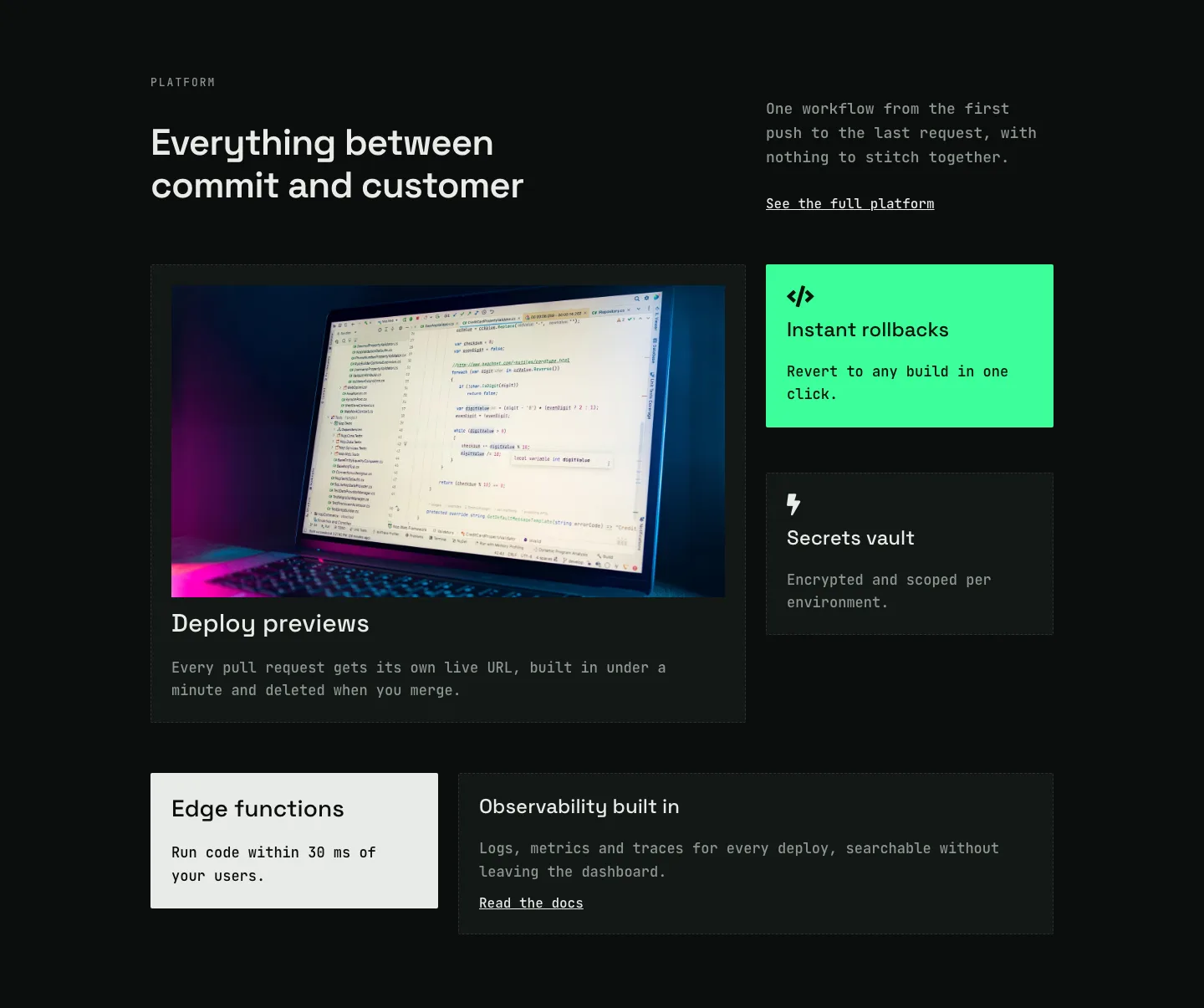
Dark Developer Platform Feature Cards Bento Layout for Divi 5
cards · saas · dark
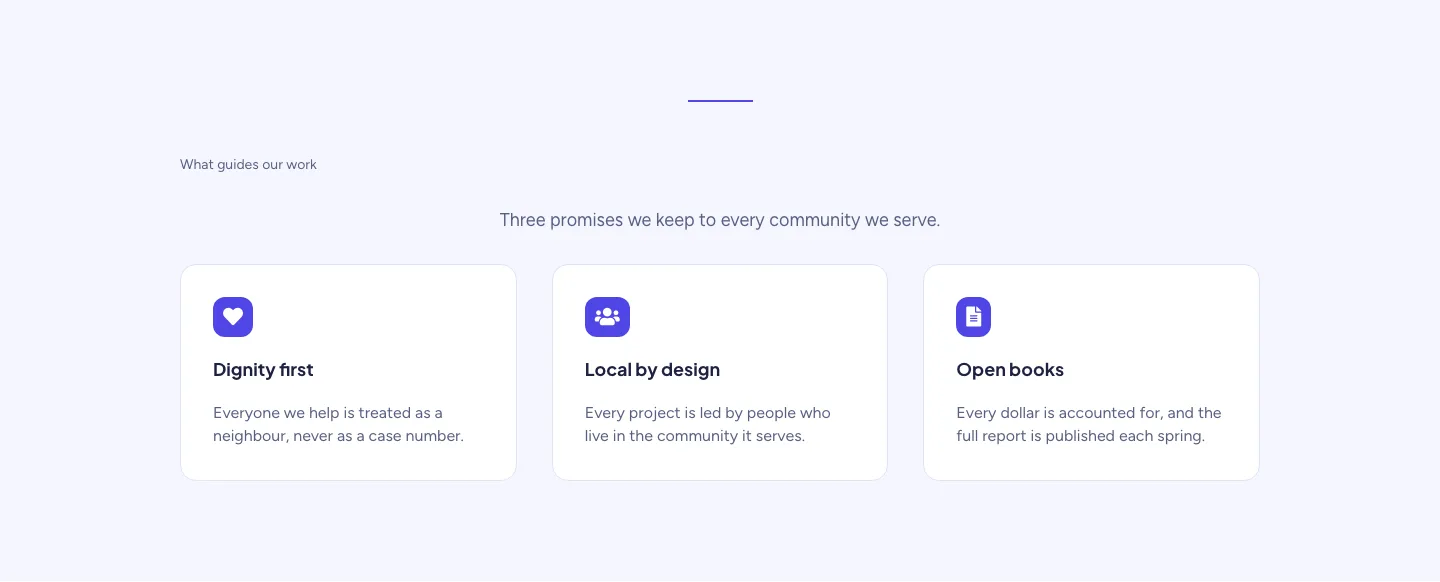
Soft Nonprofit Values Cards Layout for Divi 5: Three Icon Values
cards · nonprofit · minimal