
Bold Purple SaaS CTA Banner: Full-Bleed Divi 5 Layout
High-impact full-bleed CTA section for SaaS product pages. Bold purple gradient, dual buttons, and trust bar. Built for Divi 5.
Rate this element
Download this section, free
- Divi 5 JSON, imports in seconds
- Commercial license included
- No account needed
Click to view the full page
Overview
A full-bleed closing CTA built for the moment right before signup. The section stretches to 140px of top and bottom padding on desktop, eases to 100px on tablet, and 80px on phone, giving the message room to breathe on any viewport. The background layers a deep #1a0b3d canvas under a 135° gradient (rgba(76,29,149,0.88) → rgba(124,58,237,0.75)) with an image beneath as texture: the gradient does the heavy lifting, so the underlying photo reads as depth rather than distraction and the purple palette stays dominant.
Hierarchy is deliberate top-to-bottom: an uppercase eyebrow pill ('For product & growth teams') sets audience before the eye reaches the headline. The 64px Inter 800 headline drops to 48px on tablet and 36px on phone with tighter letter-spacing so it never breaks mid-word on narrow screens, and a subtle purple text-shadow (preset2) lifts it off the gradient. A 20px lavender subhead sits inside a 680px max-width so line length stays comfortable, then a two-button row (flex, 20px column gap, row-gap 16px, wrap) pairs a solid white primary (purple text, a soft glow via preset3 box-shadow, and a -2px hover translate) with a ghost outline secondary that only fills on hover.
The row wrapper caps at 960px and centers with auto margins, so on wide monitors the composition doesn't stretch into a paragraph. On phones the button row flips to column and both CTAs go full-width, while the trust strip beneath ('SOC 2 Type II · GDPR-ready · 99.98% uptime') stays legible at 14px thanks to a 0.4px letter-spacing and a 75% lavender tone that reads as secondary without disappearing.
What’s inside
- Full-bleed section on `#1a0b3d` with a 135° purple gradient overlay (`rgba(76,29,149,0.88)` → `rgba(124,58,237,0.75)`) sitting on top of a background image
- Uppercase eyebrow pill in a rounded 999px capsule with translucent white fill and a lavender border, capped at 260px max-width
- 64px Inter 800 headline that scales to 48px on tablet and 36px on phone, with a preset2 purple text-shadow
- 20px lavender supporting paragraph (17px on phone) capped at 680px for comfortable line length
- Two-column CTA row with a solid white primary button (purple text, preset3 glow, -2px hover lift) and an outline ghost secondary that fills on hover
- Trust-signal footer line at 14px muted lavender for compliance badges, uptime, and social proof
- Responsive behavior baked in: buttons stack full-width on phone, section padding compresses from 140px → 100px → 80px
- Native Divi 5 modules only (section, row, column, heading, text, and button) no custom code or third-party blocks
Who it’s for
This banner is tuned for SaaS closing sections: the audience pill, trial + demo CTA pair, and compliance trust strip mirror how B2B software visitors evaluate a signup. It fits product analytics platforms, dev tools, project management, HR tech, marketing SaaS, and infrastructure products where a self-serve trial coexists with a sales-assisted demo. It also lifts cleanly into agency portfolio pages, course platforms, and premium consumer apps that need to bracket a landing page with a strong final ask. Because the palette is confident but not niche-specific, teams selling to product, growth, engineering, or ops audiences can rebrand it without redesigning it: swap the copy and the primary hex, and the structure carries the rest.
Customization tips
Palette shifts are the fastest win. The gradient stops (rgba(76,29,149,0.88) → rgba(124,58,237,0.75)) and the section base #1a0b3d control the mood: swap them to indigo, teal, or brand primary and the pill/border/subtext lavender (#e9d5ff) will need a matching lighter tint. The background image is texture, not content; any 1600×1000+ photo with dark midtones will read the same beneath the gradient. Keep the headline to about seven words so the 64px desktop size doesn't wrap awkwardly, and cap the pill copy around 30 characters before it outgrows its 260px max-width. Button labels comfortably fit up to about 30 characters each; shorten both and they'll stay side-by-side on tablet instead of wrapping. The trust line takes four short items separated by middot: replace with your own compliance badges, uptime figures, or press logos without touching the layout.
How to install this layout
- Download the layout JSON file from this page.
- Open the target page in the Divi 5 builder.
- Open the portability panel (up/down arrows icon) and choose the Import tab.
- Upload the JSON. Tick “replace existing content” only for full-page imports.
- Check the page at desktop and mobile widths, then swap in your copy and images.
Full walkthrough with troubleshooting: How to Import a Divi 5 Layout.
Questions about Bold Purple SaaS CTA Banner: Full-Bleed Divi 5 Layout
What happens to the two buttons on mobile?
The button row's inner flex direction flips to column on phone, so the primary 'Start free' CTA stacks above the ghost 'Book a demo' button. Both keep their 18px vertical padding and centered alignment, and the 16px row-gap keeps them from crowding.
Can I remove the background image and keep just the gradient?
Yes. The gradient is set with `overlaysImage: on` and covers most of the photo already, deleting the image URL leaves the same `#1a0b3d` base plus the 135° purple gradient, and the section looks nearly identical.
How is the eyebrow pill built, is it an image or a real element?
It's a native Divi 5 Text module with a 260px max-width, 999px border-radius, translucent white background, and 1px lavender border. Edit the copy inline; the capsule shape follows automatically as long as the text fits on one line.
What should I edit first to fit my product?
Start with the headline, the subhead's product description, and the two button labels + links (`#signup` and `#demo`). Then swap the eyebrow audience tag and update the trust line with your own compliance and uptime facts. Palette can wait.
Does the primary button's purple glow show up on light backgrounds?
The glow is a preset3 box-shadow using `rgba(124,58,237,0.55)`, so it reads clearly on the dark section it ships with. If you drop this button onto a light section elsewhere, lower the shadow opacity or the glow will look heavy.
Which Divi version does this layout need?
Divi 5. The layout is generated natively for Divi 5 and validated against its real module structure before publication, so it imports clean into the current builder.
Can I use this layout on client websites?
Yes. Every download includes a commercial license covering unlimited sites you own or build for clients. Only reselling or redistributing the layout file itself is prohibited.
More call-to-action
Browse all call-to-action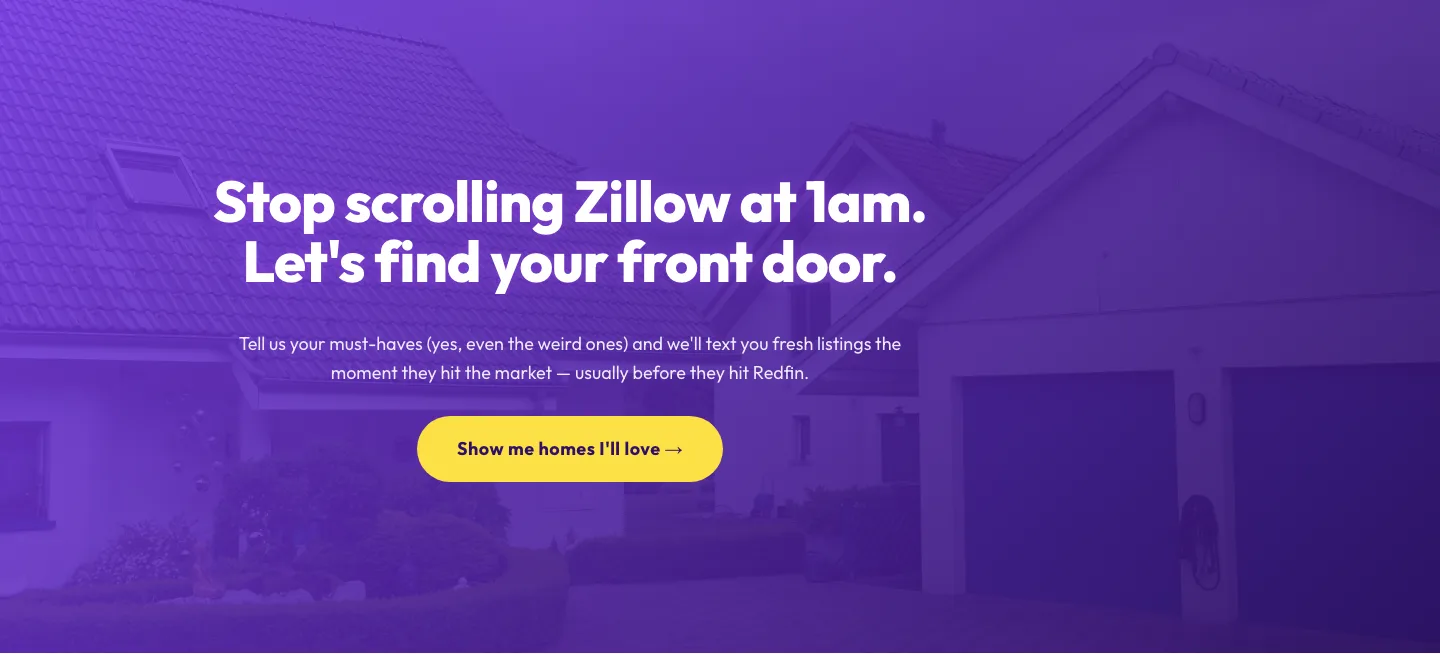
Playful Real Estate CTA: Purple Gradient Listing Alert Signup
cta · real_estate · playful
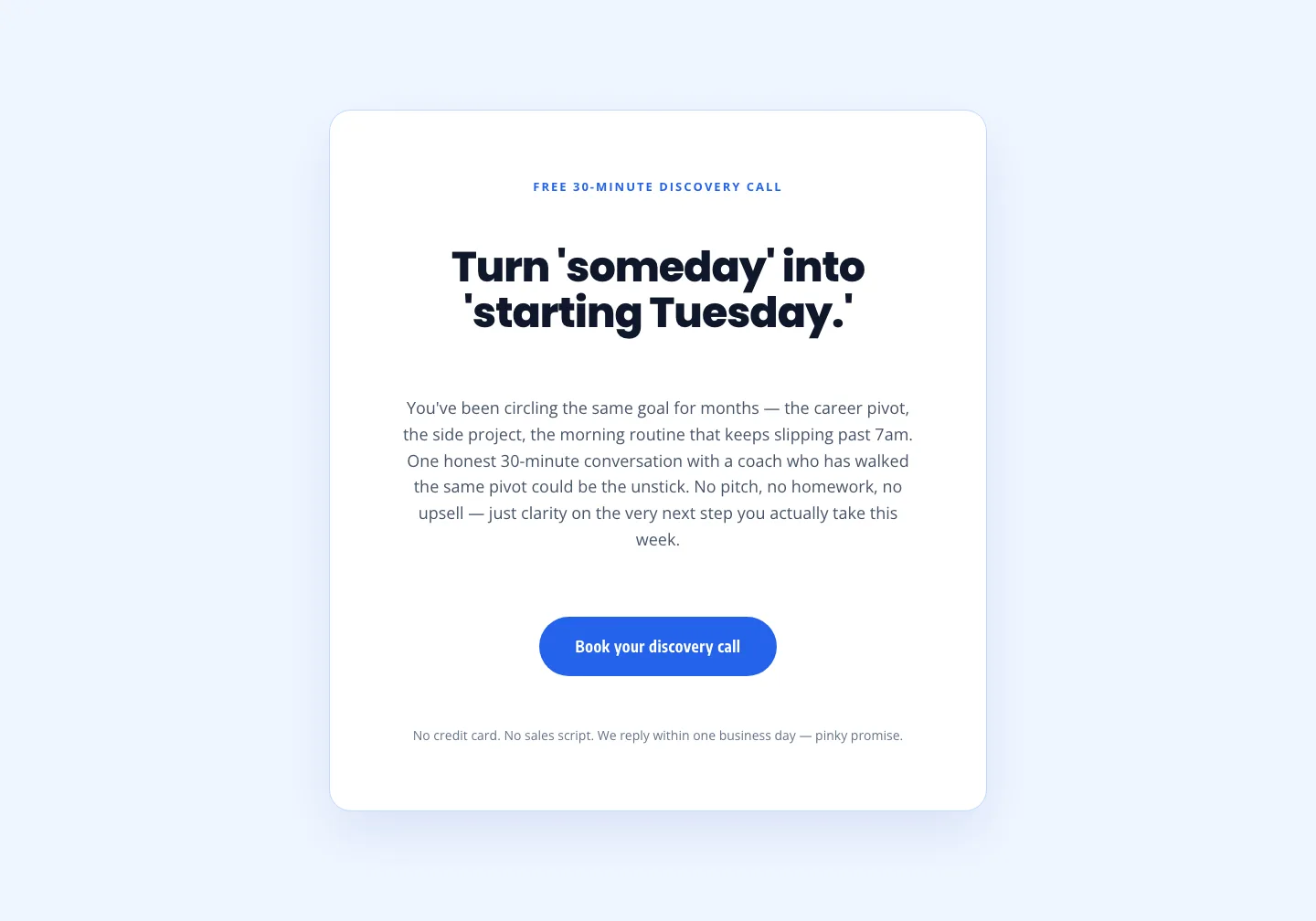
Coaching Discovery Call CTA: Playful Divi 5 Layout
cta · coaching · playful
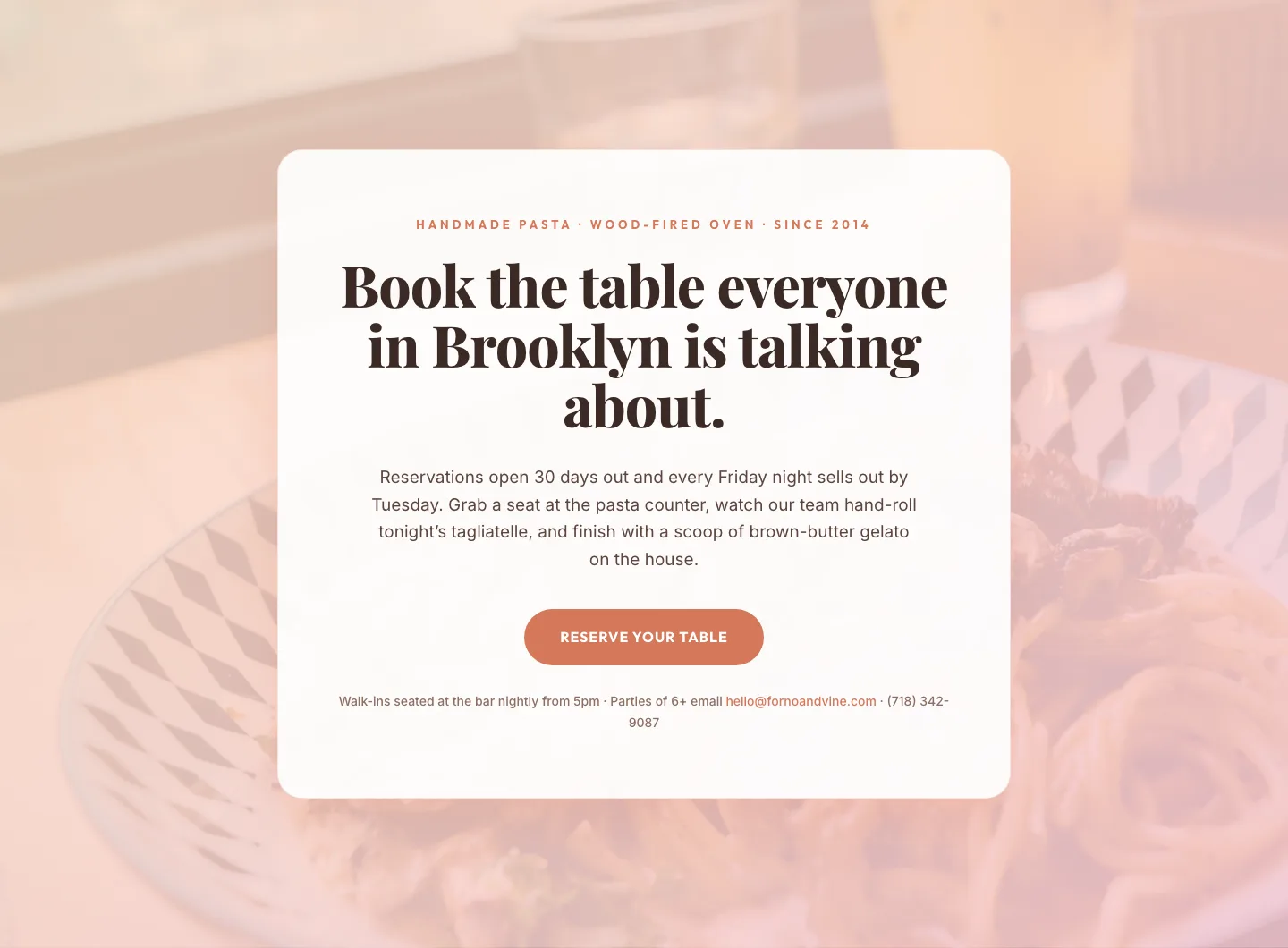
Bold Restaurant Reservation CTA: Divi 5 Layout
cta · restaurant · bold

CTA: Portfolio Bold Blue
cta · portfolio · bold
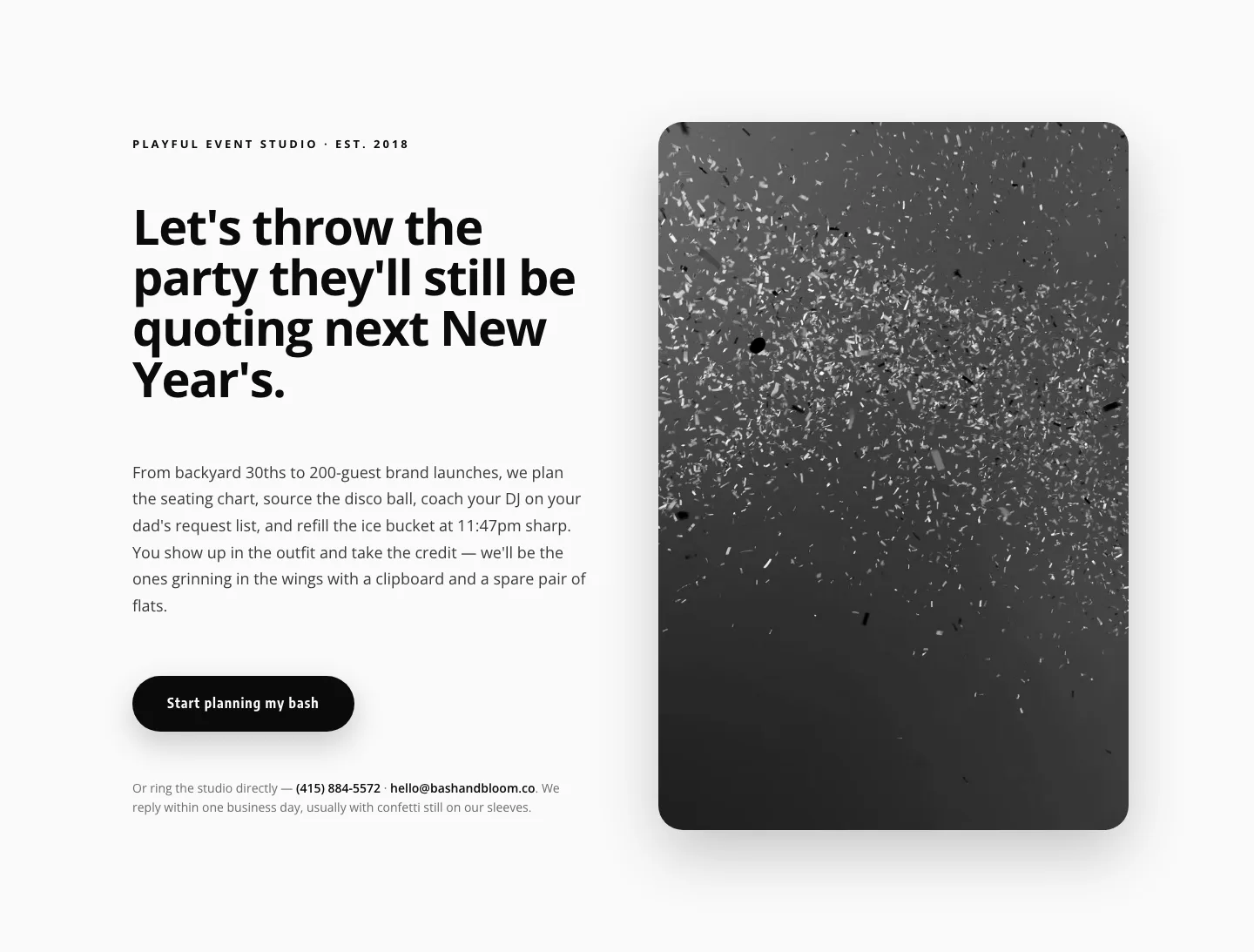
Playful Events CTA Layout for Divi 5: Bash & Bloom
cta · events · playful
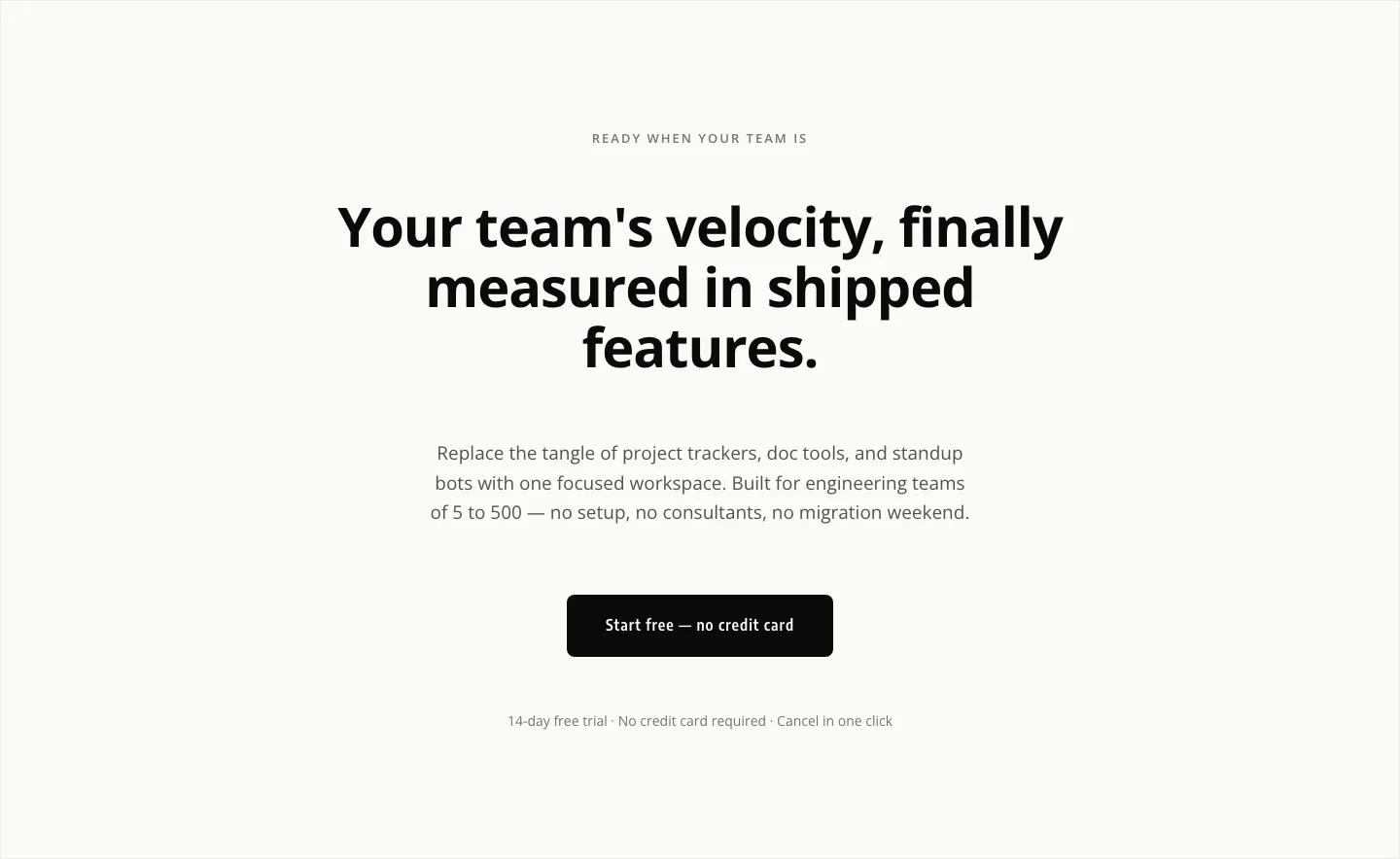
Minimal SaaS CTA: Ship Features Faster
cta · saas · minimal