
Larkspur Home Co. — Minimal Real_estate Contact Page for Divi 5
A clean, conversion-focused Divi 5 landing page for real estate agencies. Features a split hero, social proof stats, contact form, FAQ accordion, and a dark CTA section. Minimal style with forest green accents.
Rate this element
Download this section, free
- Divi 5 JSON, imports in seconds
- Commercial license included
- No account needed
Click to view the full page
Overview
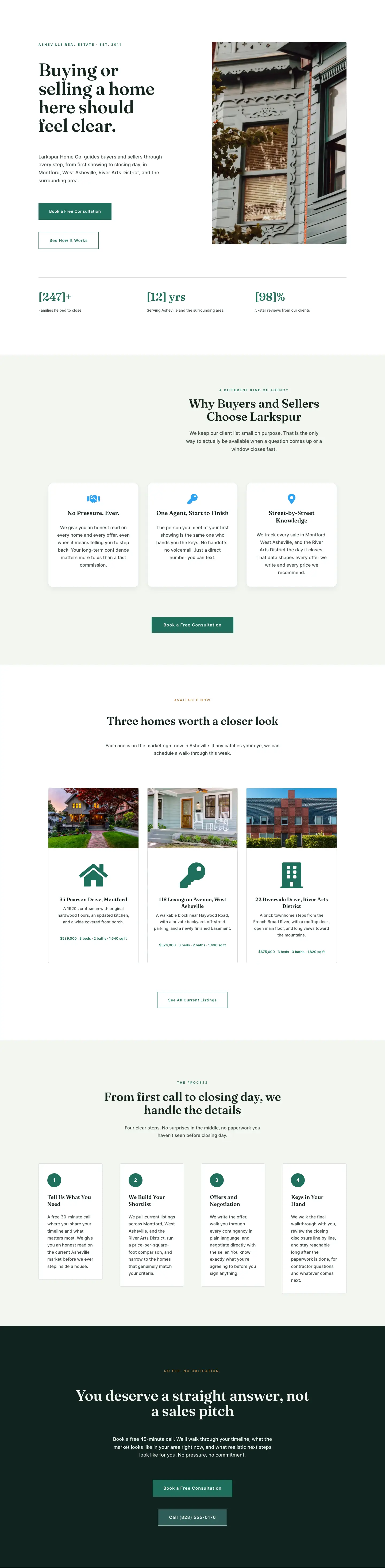
The layout opens on a wide sage-mist section (#F3F6F1) with 120px vertical padding and a 1280px max-width row split into two equal columns. The left column leads with a 12px Inter uppercase overline in forest green (#1F6F5C), then a 64px Fraunces 600 headline with a tight 1.02em line-height, and an 18px Inter body paragraph at 1.65em. Two inline buttons follow: a solid #1F6F5C primary CTA with sharp square corners (0px radius), and a transparent ghost variant with a matching 1px border. On phones the row switches to a vertical stack and the headline steps down to 38px, preserving readability without overflow. The right column holds a single Divi Image module with an 8px border radius.
Directly below the hero, a second row within that same sage-mist section presents three statistics. Each column carries a 2px left-border rule in #1F6F5C and 20px left padding, creating a vertical accent line rather than a card. The numeral labels use Fraunces 600 at 36px with a 1.1em line-height, and the category labels underneath are Inter 12px uppercase with 2px letter-spacing in muted sage (#3F4F49). On phone each stat column expands to full 24/24 width and stacks, keeping the green border accents intact throughout.
The second section repeats the sage-mist background with 120px vertical padding and a row that applies 64px horizontal padding and a 64px column gap. The left column holds the editorial copy: a four-part contact details block (office address, phone, email, and office hours) formatted in Inter 16px at 1.75em, topped by a 42px Fraunces heading and an 18px intro paragraph. The right column is a white form card with 1px #D4DDD9 borders, 4px corner radius, and 48px interior padding on all sides. Inside lives the Divi Contact Form with five fields: Name and Email Address share half-width side by side, and Phone, a buyer/seller intent question, and a message textarea each span the full column. The submit button uses the same #1F6F5C fill with a hover state that deepens to #14261F.
The FAQ section switches to a pure-white background with a centered Fraunces 48px heading constrained to 680px. The Divi Accordion below it caps at 800px, uses a 1px #D8E4DF border, and gives each of its six items 28px of vertical padding, with Fraunces 600 19px titles and Inter 17px answers at 1.65em. The layout closes with a #10231F deep-forest CTA band where the headline renders in #F3F6F1 at 60px (scaling to 34px on phone), supporting copy drops to 80% opacity, and a warm amber overline (#B8844A) is the only color accent in the section. A filled green primary CTA sits above a ghost button linked directly to the office phone number, with section vertical padding stepping down from 120px to 80px on tablet and 60px on phone.
What’s inside
- 50/50 hero row with 64px Fraunces 600 headline, 18px Inter body copy, and an inline filled + ghost button pair (solid #1F6F5C / transparent 1px border, both square-cornered)
- Three-stat proof row with 2px left-border accents in #1F6F5C, Fraunces 36px numerals, and Inter 12px uppercase category labels below each figure
- Two-column contact section: editorial copy column with structured address, phone, email, and office hours opposite a white form card with 48px interior padding and a light sage border
- Divi Contact Form with 5 fields: Name and Email Address half-width side by side, then Phone, a buyer/seller intent question, and a message textarea each at full width
- Divi Accordion FAQ with 6 items centered at max-width 800px, Fraunces 600 19px question titles, and Inter 17px answers with 28px padding per row
- Dark-forest CTA band (#10231F) with warm amber overline, centered 60px Fraunces headline in near-white, a filled green primary CTA, and a ghost button wired to a phone number link
Who it’s for
This layout is a practical fit for independent real estate agents, boutique brokerages, and small buyer or seller teams who want a contact page that earns trust before asking for a call. The stat proof row suits established agents with real transaction history to show, while the accordion FAQ works equally well for newer practitioners who want to pre-answer the questions clients always raise. Teams building a multi-page site will find it slots naturally as a dedicated contact or "work with us" page alongside a listings index or about page. It also suits relocation specialists and luxury residential agents who need a polished, unhurried tone rather than a high-pressure pitch.
Customization tips
The palette is built around four core hex values: #F3F6F1 (page background), #1F6F5C (primary action and accent borders), #14261F (primary text), and #10231F (CTA band). Updating all four through Divi's global color presets rewires buttons, stat borders, form hover states, and the closing section in a single pass. Keep hero headline copy under 8 words to stay within the 1.02em line-height at tablet breakpoints without wrapping to four lines. The hero image column expects a landscape photo at roughly 3:2 or 16:10; portrait-cropped images will extend the column height and push the stat row down. The 5 contact form field labels and the receiver email address are fully editable in the Contact Form module settings. Accordion question titles sit at 19px Fraunces, so keep each question under 70 characters to avoid multiline wrapping inside the accordion header on small screens.
How to install this layout
- Download the layout JSON file from this page.
- Open the target page in the Divi 5 builder.
- Open the portability panel (up/down arrows icon) and choose the Import tab.
- Upload the JSON. Tick “replace existing content” only for full-page imports.
- Check the page at desktop and mobile widths, then swap in your copy and images.
Full walkthrough with troubleshooting: How to Import a Divi 5 Layout.
Questions about Larkspur Home Co. — Minimal Real_estate Contact Page for Divi 5
What Divi 5 modules does this layout use?
The layout uses divi/heading, divi/text, divi/button, divi/image, divi/contact-form with divi/contact-field children, and divi/accordion with divi/accordion-item children. All are native Divi 5 modules with no third-party plugins required.
Does the contact form send email without extra configuration?
Yes. The Contact Form module delivers submissions to the receiver email address stored in its module settings. The layout ships with hello@larkspurhome.co as a placeholder; update that field to your own address before the page goes live.
Can I change the numbers in the stat proof row?
Yes. Each figure is a standard Heading module using Fraunces text. Open the module, replace the bracketed placeholder (for example [214+]) with your own number, and update the Text module label directly beneath it. The green left-border accent is set on the Column decoration and carries through automatically.
How do I add or remove accordion items?
Select the Accordion module in the Divi 5 editor and use the built-in add and remove item controls. Each item stores its own title and content independently. The layout ships with 6 items covering common buyer and seller questions; trim or replace them to match your actual client FAQs.
What image dimensions work best in the hero column?
A landscape image between 940px and 1200px wide works well. The column occupies roughly half of the 1280px row width, rendering at around 580px on desktop. An aspect ratio near 3:2 or 4:3 gives the best proportion alongside the headline. The module applies an 8px corner radius via the image decoration settings in the builder.
How does the layout behave on mobile?
Both the hero row and the contact row are set to flexDirection: column on phone, so the image and the white form card each appear below their respective copy columns. The hero headline scales from 64px to 38px, and the CTA band heading drops from 60px to 34px. The three stat columns each expand to full width and stack vertically with their left-border accents intact.
Which Divi version does this layout need?
Divi 5. The layout is generated natively for Divi 5 and validated against its real module structure before publication, so it imports clean into the current builder.
Can I use this layout on client websites?
Yes. Every download includes a commercial license covering unlimited sites you own or build for clients. Only reselling or redistributing the layout file itself is prohibited.
Included in these packs
More full landing pages
Browse all full landing pages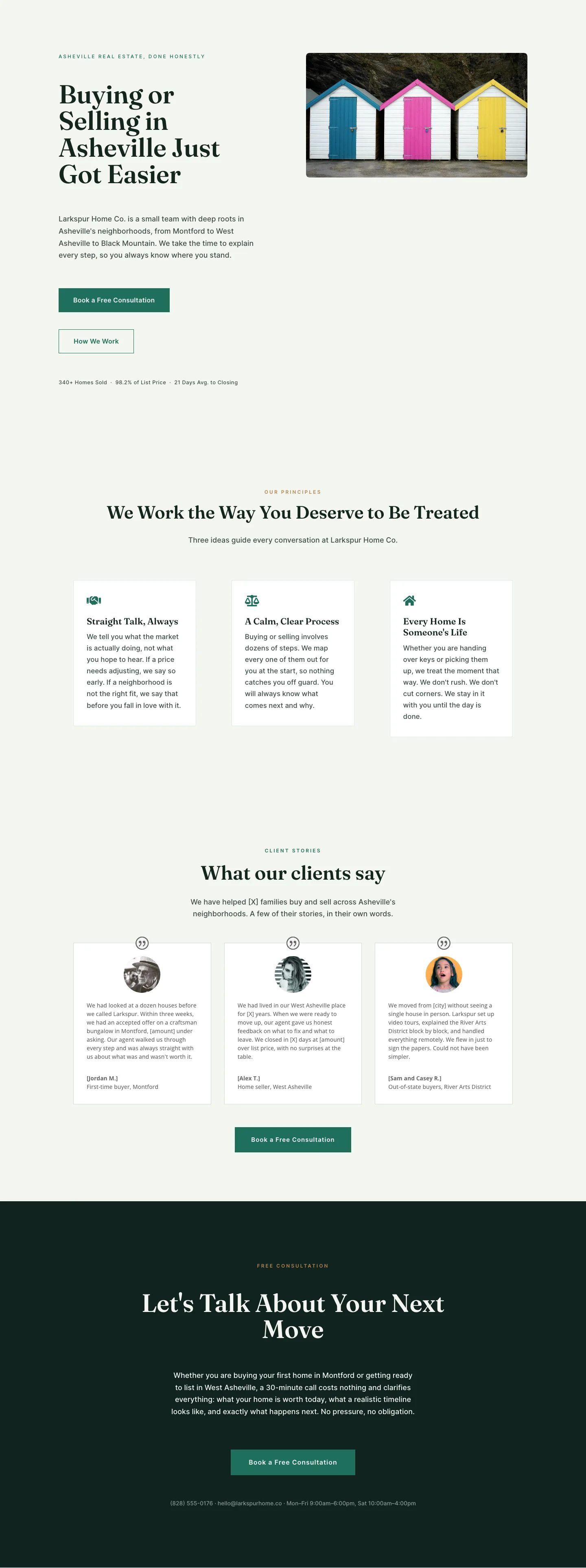
Larkspur Home Co. — Minimal Real_estate About Page for Divi 5
full_landing · real_estate · minimal
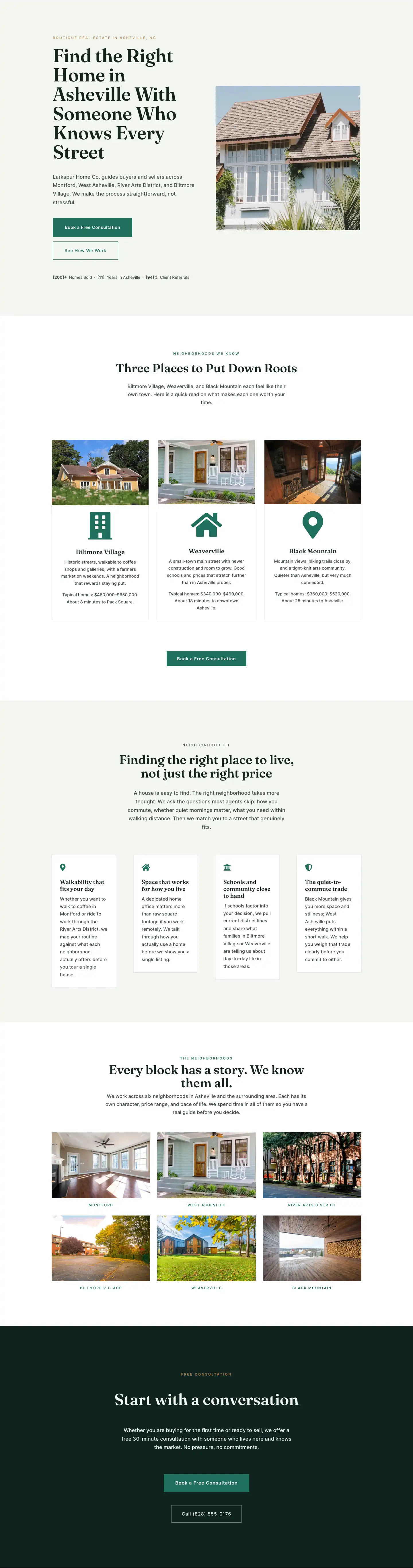
Larkspur Home Co. — Minimal Real_estate Neighborhoods Page for Divi 5
full_landing · real_estate · minimal
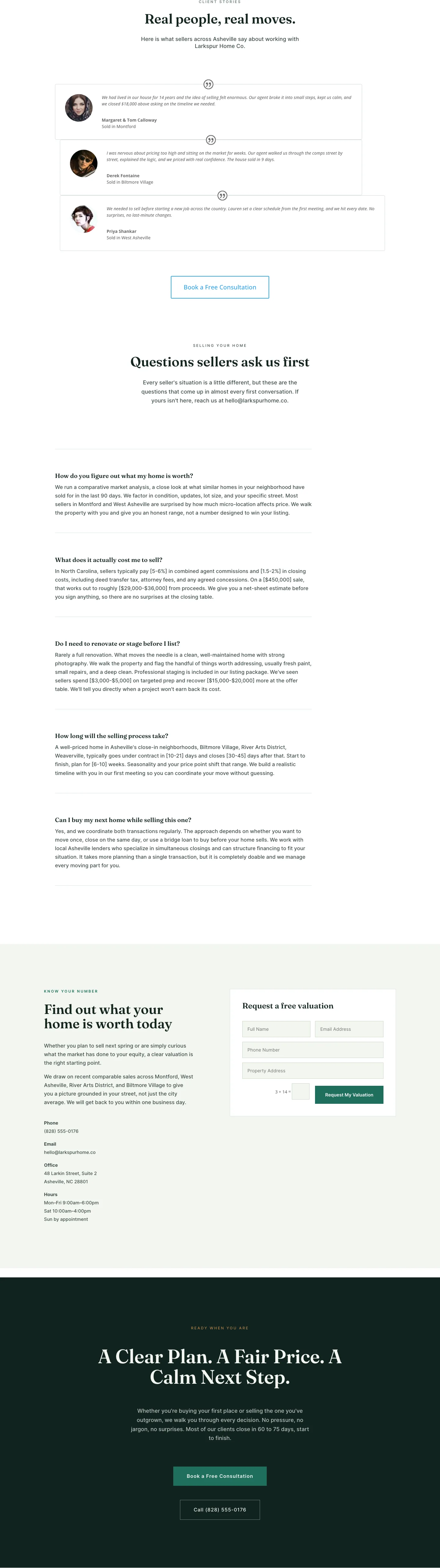
Larkspur Home Co. — Minimal Real_estate Sell Your Home Page for Divi 5
full_landing · real_estate · minimal

Larkspur Home Co. — Minimal Real_estate Property Page for Divi 5
full_landing · real_estate · minimal
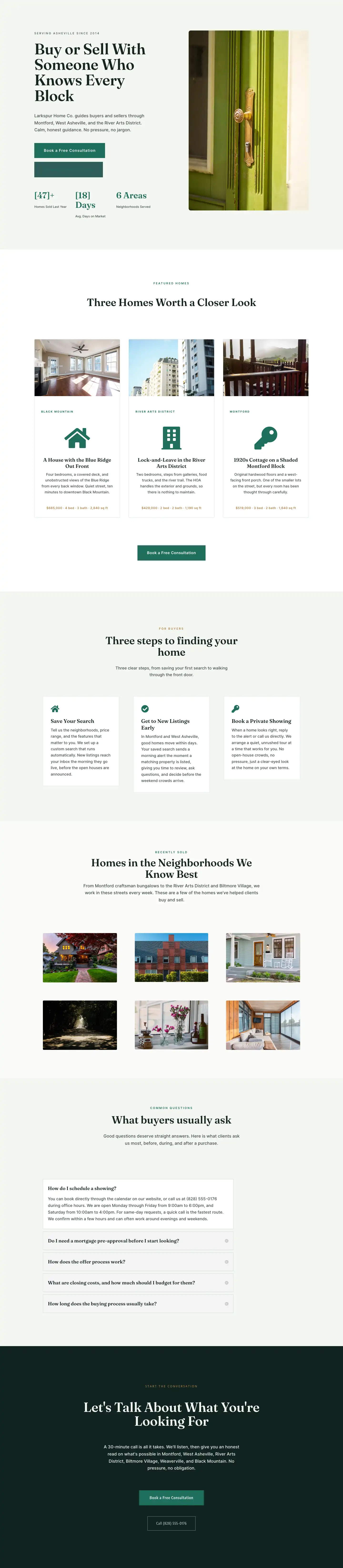
Larkspur Home Co. — Minimal Real_estate Listings Page for Divi 5
full_landing · real_estate · minimal
Larkspur Home Co. — Minimal Real_estate Home Page for Divi 5
full_landing · real_estate · minimal