
Larkspur Home Co. — Minimal Real_estate Property Page for Divi 5
A clean, trust-forward real estate landing page for Divi 5. Features a split hero, photo gallery, feature cards, social proof stats, neighborhood highlights, and a contact form. Minimal style with forest green and warm gold.
Rate this element
Download this section, free
- Divi 5 JSON, imports in seconds
- Commercial license included
- No account needed
Click to view the full page
Overview
Larkspur Home Co. is a minimal full-landing page built for a boutique real estate agency, structured across six distinct sections that each carry a specific job. The page opens with a split hero: a left column holds an uppercase eyebrow label in warm gold (#B8844A), a 64px Fraunces serif headline at 1.02 line height, an 18px Inter body paragraph, and two inline-block buttons — one solid forest green, one ghost with a 1px green border — arranged side by side. The right column is a single craftsman-home photograph with a 4px border radius. The row maxes out at 1400px and collapses to a single column on phone with the image dropping below the copy.
Below the hero a three-column stat bar tracks Homes Closed, Client Referral Rate, and Neighborhoods Served using 42px Fraunces numerals in the same forest green, separated from the hero by a hairline border in rgba(31,111,92,0.2). The property gallery section uses a centered 720px-wide editorial header block followed by a 2-up image row and a 3-up image row — five photographs total — letting the rooms speak without decorative chrome. The "four things" section on white switches to a 4-column grid of bordered cards (1px #D5DDD5, 2px radius, 32px padding) each holding a Font Awesome icon, an h3 in Fraunces, and a short body paragraph in Inter 16px/1.65.
The social-proof section returns to the sage green background (#F3F6F1) and presents three Blurb modules in a white-card row with hover lift animations, showing annual closings, average days to close, and referral percentage — all with bracketed placeholder values ready for the agent to update. The neighborhood amenities section on white uses two rows of three rounded-corner (#F9FAFB) tiles covering schools, parks, shops, transit, safety, and community events. The contact section pairs an agent info column with a live Contact Form module pre-wired to hello@larkspurhome.co, accepting name, email, phone, preferred day, and an optional message. The page closes on a near-black (#10231C) full-width CTA with a large centered Fraunces headline and a single consultation button.
What’s inside
- Split hero row (1/2 + 1/2) with inline-block dual buttons — solid CTA and ghost secondary — collapsing to stacked on mobile
- Three-column stat bar with 42px Fraunces numerals, hairline divider border, and uppercase Inter labels
- Five-photo property gallery: one 2-up row and one 3-up row with editorial centered header block
- Four-column feature-card grid with Font Awesome icons (fa-home, fa-building, fa-gem, fa-map-marker), Fraunces h3 headings, and 1px bordered white cards
- Three Blurb modules in the social-proof section with hover lift transforms and bracketed editable stat values
- Six neighborhood amenity tiles across two rows with rounded 16px corners and #F9FAFB fill
- Native Divi 5 Contact Form module with five fields (name, email, phone, preferred day, message) wired to a real email receiver address
- Full-width dark CTA section (#10231F) with centered 62px Fraunces headline, subtext constrained to 580px max-width, and a single consultation button
Who it’s for
This layout is built for independent real estate agents, boutique brokerages, and buyer's or seller's agents who want a page that feels considered rather than templated. It works especially well for agents operating in lifestyle markets — mountain towns, college cities, historic neighborhoods — where trust and local knowledge are the actual product. It also suits property managers launching single-listing showcase pages, relocation consultants, and new-construction sales teams who want clean photography presentation without a full MLS integration.
Customization tips
Start with the three brand colors: swap #1F6F5C (forest green), #B8844A (warm gold), and #14261F (near-black) across all module color fields to match your agency palette. Fraunces and Inter are the only two typefaces — replace both at the Theme Customizer level and every heading and body block updates at once. The stat bar numbers in the hero row and the bracketed values in the Blurb cards (e.g. [47], [31], [94]%) are plain text inside Heading and Blurb modules — update them directly. Hero images should be landscape at roughly 16:9 or 4:3; gallery images read best at 3:2. Keep body paragraphs under 35 words per block to preserve the airy line spacing at 1.65em. The Contact Form receiver email is set inside the module's Email field under Advanced.
How to install this layout
- Download the layout JSON file from this page.
- Open the target page in the Divi 5 builder.
- Open the portability panel (up/down arrows icon) and choose the Import tab.
- Upload the JSON. Tick “replace existing content” only for full-page imports.
- Check the page at desktop and mobile widths, then swap in your copy and images.
Full walkthrough with troubleshooting: How to Import a Divi 5 Layout.
Questions about Larkspur Home Co. — Minimal Real_estate Property Page for Divi 5
How does the layout stack on mobile?
All multi-column rows carry an explicit phone flexDirection:column setting in the JSON, so every section — hero, stat bar, gallery grids, feature cards, blurb row, and contact split — reflows to a single column. The hero image moves below the copy, and the 3-up gallery becomes three full-width images stacked vertically. Section padding also steps down at tablet and phone breakpoints (120px desktop → 80px tablet → 64px phone on the hero, for example).
What modules does the contact section use?
The right column uses a native Divi 5 Contact Form module with five Contact Field children: Name and Email on a 12/24 grid (side by side), Phone and Preferred Day on another 12/24 row, and a full-width Message textarea. The submit button is styled with an uppercase Inter label, #1F6F5C fill, and a hover shift to #14261F. The receiver email is pre-filled as hello@larkspurhome.co — replace it with your own under the module's Email Advanced settings.
What aspect ratio should the property photos be?
The 2-up gallery row works well with landscape images at 4:3 or 16:9. The 3-up row below it uses equal-width columns, so square or 4:3 crops keep the row height consistent. The hero image sits in a 1/2-width column and stretches to fill, so a portrait-oriented shot (3:4) fills the vertical space more naturally there. None of the Image modules have fixed height constraints, so Divi will scale whatever you supply.
Can I change the stat numbers in the hero and social-proof sections?
Yes. The hero stat bar uses three Heading modules containing plain text values like [247+] and [94%]. The brackets are part of the text — just overwrite them with your real figures. The social-proof Blurb cards in the lower section use the same bracketed convention ([47], [31], [94]%). All are editable directly in the Divi 5 visual builder without touching any settings panel.
Which Font Awesome icons are used in the four-card feature section?
The four cards use fa-home (), fa-building (), fa-gem (), and fa-map-marker () — all Font Awesome 5 Solid weight at 28px in #1F6F5C. You can swap any of them through the Icon module's icon picker in the builder; the size and color are set per-module so changing the glyph won't affect the layout.
What should I edit first after importing?
Replace the business name, phone number, address, and email address in the contact section's text modules and the Contact Form receiver field. Then update the three stat bar numbers in the hero and the three Blurb bracketed values in the social-proof section. Swap the five gallery images last — the layout holds its proportions regardless of image content, so you can evaluate the structure with the placeholder photos first.
Which Divi version does this layout need?
Divi 5. The layout is generated natively for Divi 5 and validated against its real module structure before publication, so it imports clean into the current builder.
Can I use this layout on client websites?
Yes. Every download includes a commercial license covering unlimited sites you own or build for clients. Only reselling or redistributing the layout file itself is prohibited.
Included in these packs
More full landing pages
Browse all full landing pages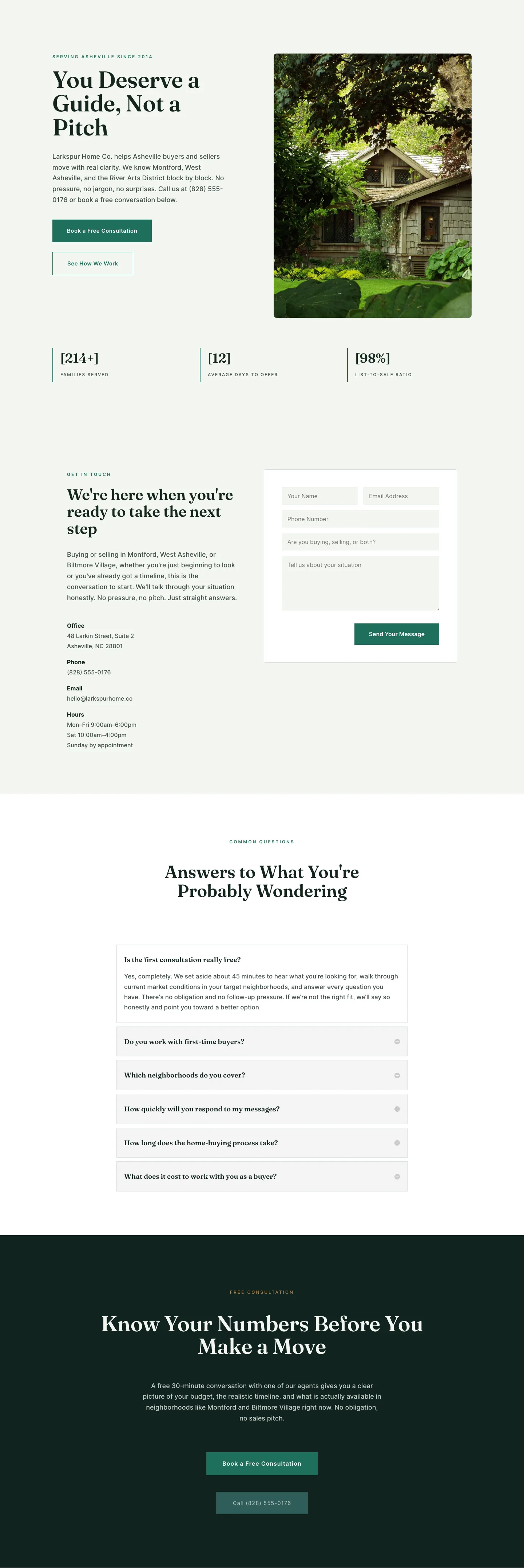
Larkspur Home Co. — Minimal Real_estate Contact Page for Divi 5
full_landing · real_estate · minimal
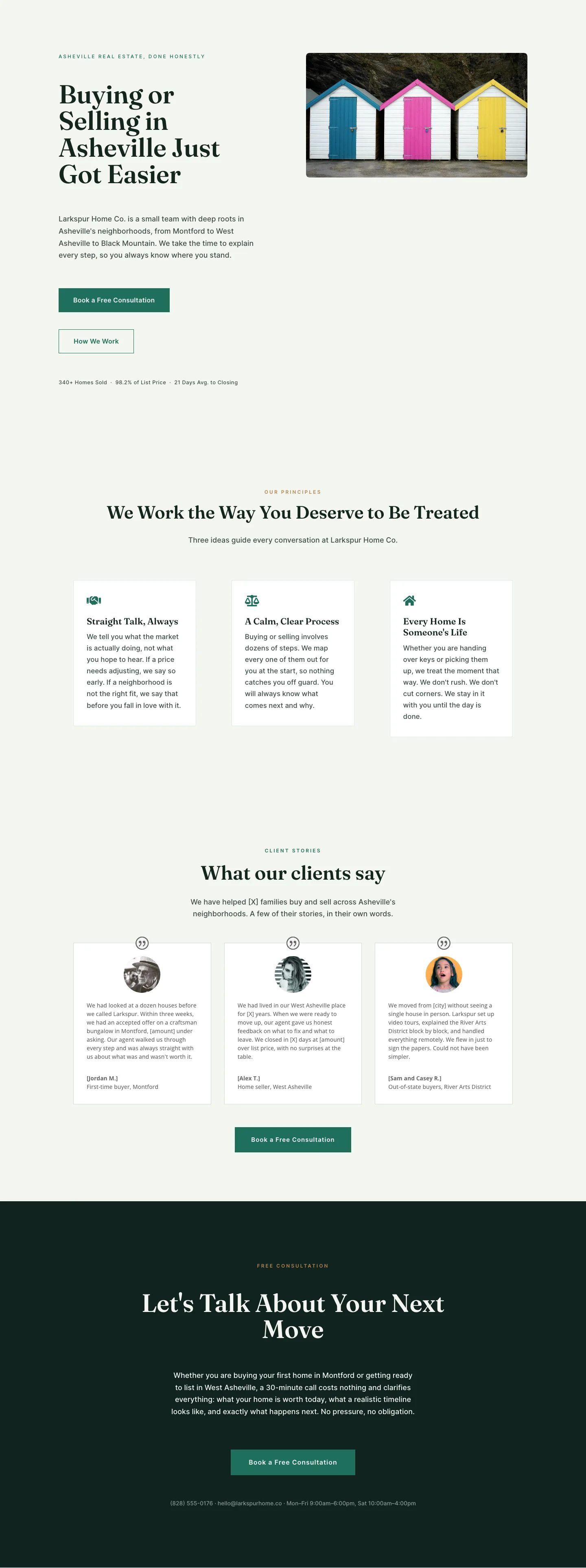
Larkspur Home Co. — Minimal Real_estate About Page for Divi 5
full_landing · real_estate · minimal
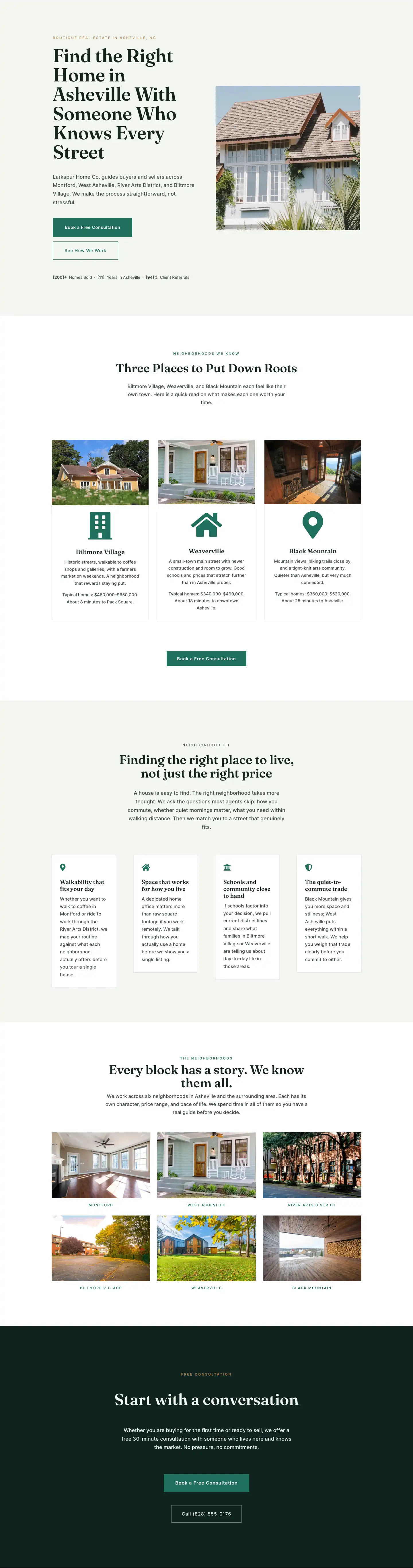
Larkspur Home Co. — Minimal Real_estate Neighborhoods Page for Divi 5
full_landing · real_estate · minimal
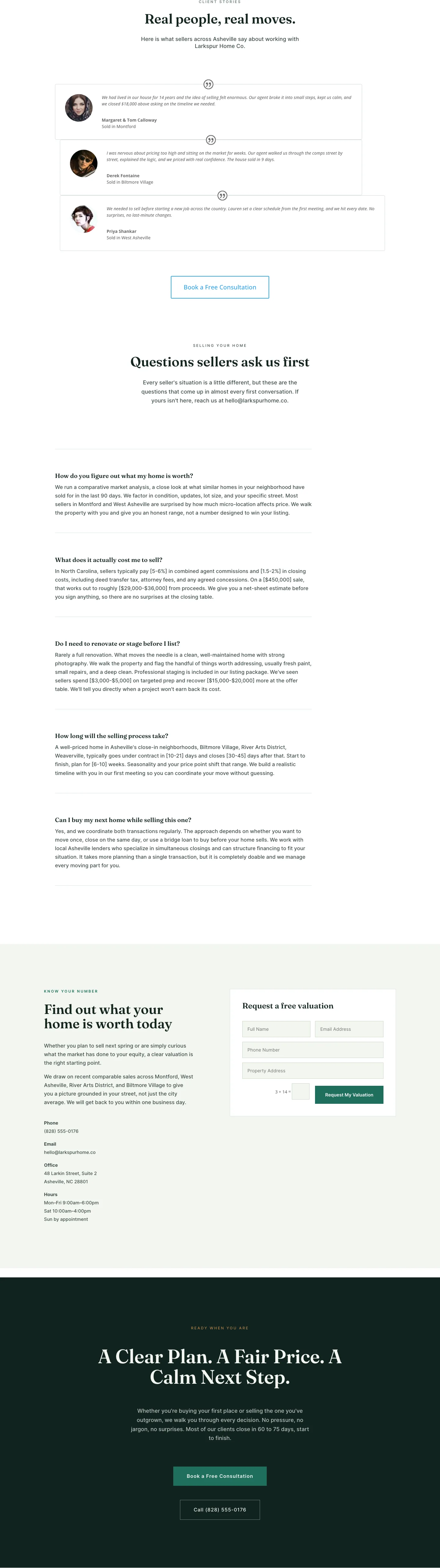
Larkspur Home Co. — Minimal Real_estate Sell Your Home Page for Divi 5
full_landing · real_estate · minimal
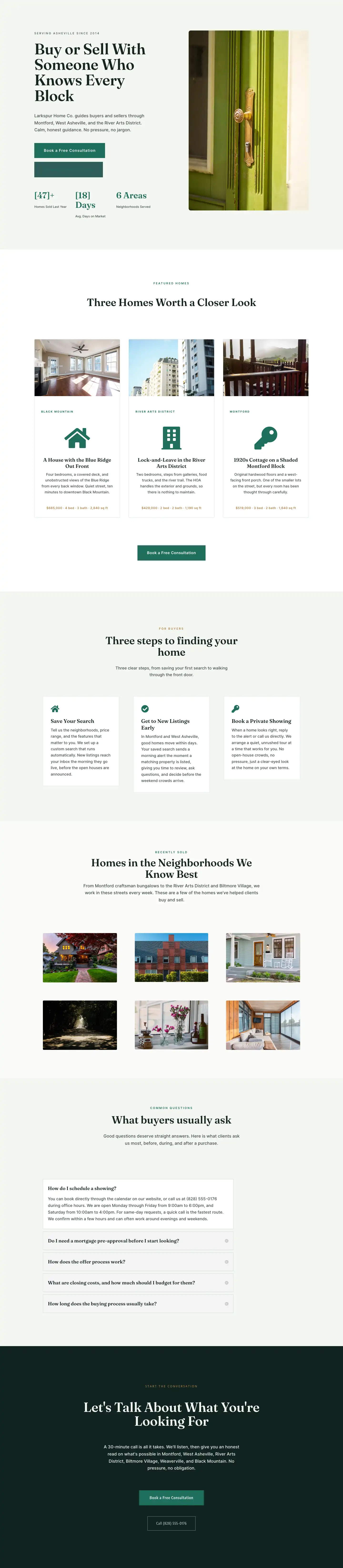
Larkspur Home Co. — Minimal Real_estate Listings Page for Divi 5
full_landing · real_estate · minimal
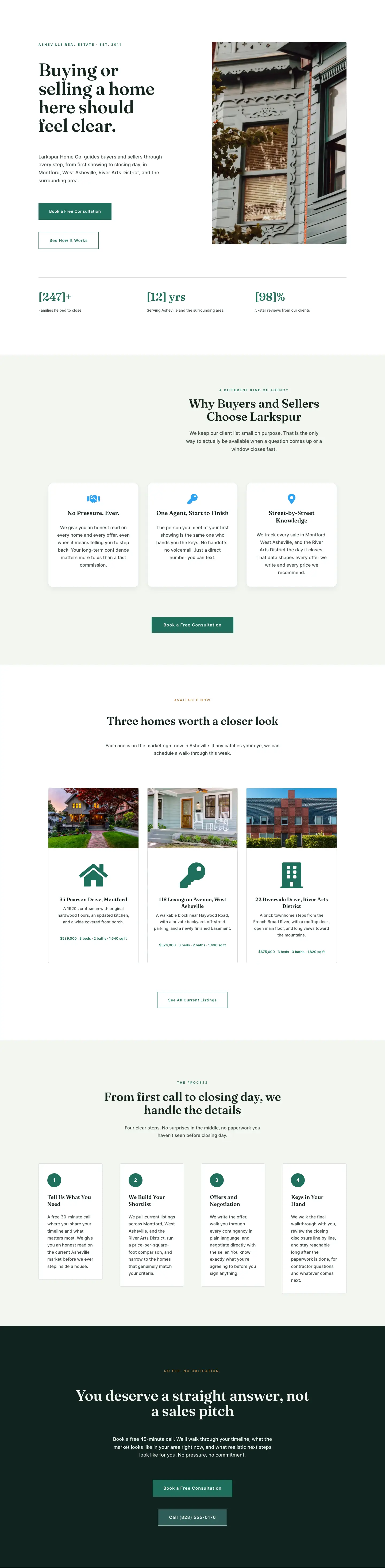
Larkspur Home Co. — Minimal Real_estate Home Page for Divi 5
full_landing · real_estate · minimal