
Larkspur Home Co. — Minimal Real_estate Neighborhoods Page for Divi 5
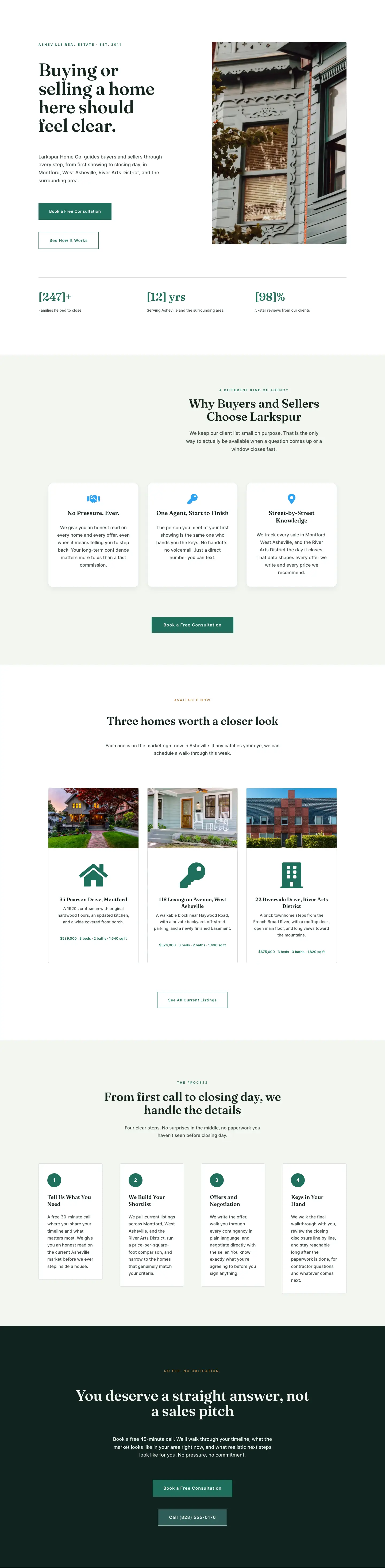
A clean, minimal Divi 5 landing page for a boutique real estate agent. Features a split hero, neighborhood cards, lifestyle-match features grid, photo gallery, and a dark CTA section. Ready to import.
Rate this element
Download this section, free
- Divi 5 JSON, imports in seconds
- Commercial license included
- No account needed
Click to view the full page
Overview
The page opens with a 50/50 split hero on a sage-green background (#F3F6F1), padded 120px top and bottom on desktop, stepping down to 80px on tablet and 60px on phone. The left column builds hierarchy from the top down: a warm-gold eyebrow label in Inter 12px with 3px letter-spacing, a Fraunces 600 headline at 66px (scaling to 48px then 38px across breakpoints), an 18px Inter body paragraph in muted dark green (#3F4F49), two sharp-cornered CTA buttons, and a one-line social-proof bar with three bracketed stats. Every button in this layout carries a 0px border radius — a deliberate editorial decision that keeps the aesthetic clean and confident rather than soft. The row uses a 64px column gap on desktop and collapses to a single flex column with 48px row gap on phone, placing the image below the text at smaller viewports.
The neighborhoods section pairs a centered full-width header (eyebrow, 42px H2, 560px-constrained body) with a three-column blurb grid. Each card leads with a property photo on a 1px neutral-gray border (#D8DDD9), then a Font Awesome icon and Fraunces H3 above Inter 15px body copy that includes real price ranges per area. The hover microinteraction — a -6px Y-axis lift and a border-color switch to brand green (#1F6F5C) — is set entirely inside the column decoration, requiring no custom CSS. Tablet wraps the three columns; phone collapses them to a single column. Below that row, a four-column icon-and-text feature grid on white cards (1px rgba green border, 2px radius) covers four buyer considerations: walkability, living-space fit, schools, and the quiet-versus-commute trade-off. Each card leads with a left-aligned Font Awesome icon at 26px, an H3 in Fraunces 20px, and a body paragraph in Inter 16px.
A dedicated gallery section presents six Asheville neighborhoods across two rows of three columns: Montford, West Asheville, and River Arts District in the first row, followed by Biltmore Village, Weaverville, and Black Mountain. Each column holds a 940:650 landscape-crop photo (4px radius) with an uppercase Inter label in #1F6F5C directly below. Rows use a 24px column gap and collapse to a flex column on phone, keeping the image-and-label pairing intact at every breakpoint. The section functions simultaneously as a visual market tour and as navigational shorthand for buyers scanning before they read.
The closing section inverts the palette: a near-black forest background (#10231F) with 130px of desktop padding stepping to 80px then 60px. A gold eyebrow in Inter 12px (#B8844A) sits above a 56px Fraunces headline in near-white (#F3F6F1), constrained to an 860px centered column. A 600px-max body paragraph leads into two stacked buttons — a solid #1F6F5C primary and a transparent ghost secondary with a semi-transparent border and a tel: phone link pre-wired. The column uses flexDirection column with alignItems center so both buttons stay centered at all breakpoints without an additional wrapper.
What’s inside
- Split 50/50 hero with Fraunces 66px headline, gold Inter eyebrow (12px, 3px letter-spacing), 18px body paragraph, dual sharp-cornered buttons (solid + ghost), and a one-line social-proof stat bar with three bracketed placeholders
- Three neighborhood blurb cards (Biltmore Village, Weaverville, Black Mountain) each containing a divi/image, a Font Awesome icon, an H3, and body copy with typical price ranges — hover lift (-6px Y) and border-color transition set inside column decoration
- Six-up neighborhood photo gallery across two rows of three columns (Montford, West Asheville, River Arts District, Biltmore Village, Weaverville, Black Mountain) with uppercase Inter labels in brand green below each photo
- Four icon-and-text feature cards in a 1/4 four-column row on white with subtle green-tinted borders, each leading with a left-aligned Font Awesome icon at 26px, a Fraunces H3, and an Inter 16px body paragraph
- Dark closing CTA section on #10231F with gold eyebrow, 56px Fraunces headline in near-white, 18px body paragraph, and a stacked button pair including a ghost button with a live tel: phone link
- Explicit padding overrides for every section at all three breakpoints (desktop 120–130px, tablet 80px, phone 56–60px) — no breakpoint left without a declared value
- Fraunces serif + Inter sans-serif type pairing declared at the module level across the full six-section page, with responsive font sizes on every heading module
Who it’s for
Independent real estate agents and boutique brokerages whose competitive advantage is local depth rather than transaction volume. It fits buyer's agents specializing in a defined metro area, relocation specialists helping out-of-state buyers understand a new market, and developer sales teams introducing a master-planned neighborhood to prospective residents. The neighborhood-grid structure — photo, price range, lifestyle description per area — also works for property management companies with multiple community locations, or regional agents expanding into adjacent submarkets who need to communicate genuine familiarity with each area.
Customization tips
Start with the two typefaces. Fraunces handles every display heading and can be swapped for Cormorant Garamond, Playfair Display, or DM Serif Display at the module level without touching global presets. Inter covers all body text, eyebrow labels, and button copy — replacing it with Plus Jakarta Sans or DM Sans takes a single global-preset change.
The five palette values (#F3F6F1 sage white, #14261F deep forest, #1F6F5C forest green, #3F4F49 muted body, #B8844A warm gold) are set at the module level throughout. Shifting to a coastal or desert palette means updating those hex values in one preset pass; the structural contrast between sage-background sections, white card surfaces, and the dark closing section holds regardless of hue.
Hero and neighborhood images should be 940px wide at 2x (1880px source) in a roughly 16:11 landscape crop to match the Pexels parameters baked into the placeholders. The six gallery photos share the same ratio — keep them consistent for row alignment. The social-proof stat bar in the hero uses bracketed placeholders ([200]+, [11], [94]%) — edit those directly inside the text module. Neighborhood label copy in the gallery is short by design; keep each label under 25 characters to avoid wrapping.
How to install this layout
- Download the layout JSON file from this page.
- Open the target page in the Divi 5 builder.
- Open the portability panel (up/down arrows icon) and choose the Import tab.
- Upload the JSON. Tick “replace existing content” only for full-page imports.
- Check the page at desktop and mobile widths, then swap in your copy and images.
Full walkthrough with troubleshooting: How to Import a Divi 5 Layout.
Questions about Larkspur Home Co. — Minimal Real_estate Neighborhoods Page for Divi 5
How does the hero two-column row behave on mobile?
The row is set to flexDirection column on phone with a 48px row gap, placing the image below the text. The headline scales from 66px on desktop to 48px on tablet and 38px on phone via responsive font declarations on the heading module. Both button modules remain full-width and stack vertically in the column.
What modules make up each neighborhood blurb card?
Each card is a divi/column containing a divi/image at the top followed by a divi/blurb. The blurb module carries the Font Awesome icon, the H3 title, and the body copy (including price ranges). The hover lift (-6px Y translate) and border-color switch from gray to green are both set in the column's decoration block — no custom CSS is needed.
How many columns does the four-card feature row show on tablet?
The four-column row keeps its desktop structure on tablet in this layout. Only phone collapses it to a single column via flexDirection column. If your tablet viewport makes four columns too narrow, set each column's tablet flexType to 12_24 and add flexWrap: wrap to the row's tablet layout declaration.
What aspect ratio should replacement photos use in the gallery section?
All image placeholders use Pexels parameters of w=940, h=650, dpr=2 — a roughly 16:11 landscape crop. Sticking near that ratio keeps the two rows of three columns visually balanced. Significantly taller images will push row height unevenly across the six columns.
Does the ghost button in the dark CTA section have a phone link?
Yes. The 'Call (828) 246-3890' button has a tel:+18282463890 href set in the button's innerContent. Update that number in the button module's link field. The primary 'Book a Free Consultation' button links to the #consultation anchor — update that to your form or booking page URL.
What is the second section in the JSON — it looks empty?
That section contains a single column with a hover border and a lift transform but no child modules. It appears to be a placeholder card row intended to hold additional property listing cards or a featured listing module. You can populate it with divi/text or divi/image modules, or delete the section entirely without affecting the rest of the layout.
Which Divi version does this layout need?
Divi 5. The layout is generated natively for Divi 5 and validated against its real module structure before publication, so it imports clean into the current builder.
Can I use this layout on client websites?
Yes. Every download includes a commercial license covering unlimited sites you own or build for clients. Only reselling or redistributing the layout file itself is prohibited.
Included in these packs
More full landing pages
Browse all full landing pages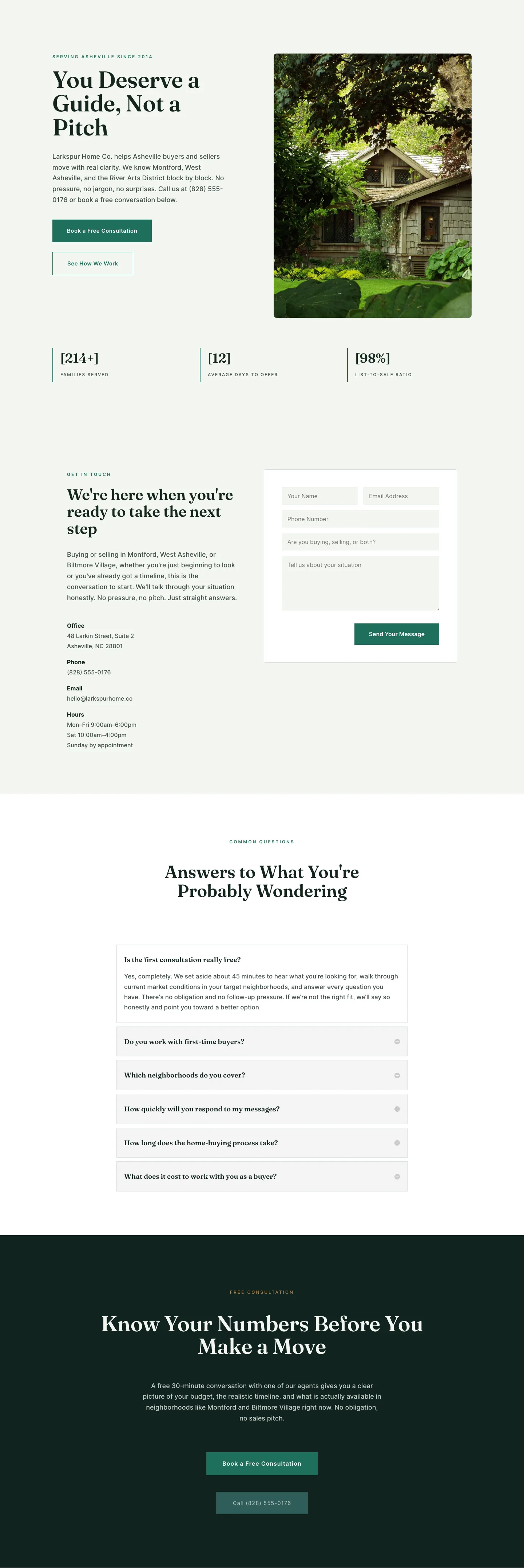
Larkspur Home Co. — Minimal Real_estate Contact Page for Divi 5
full_landing · real_estate · minimal
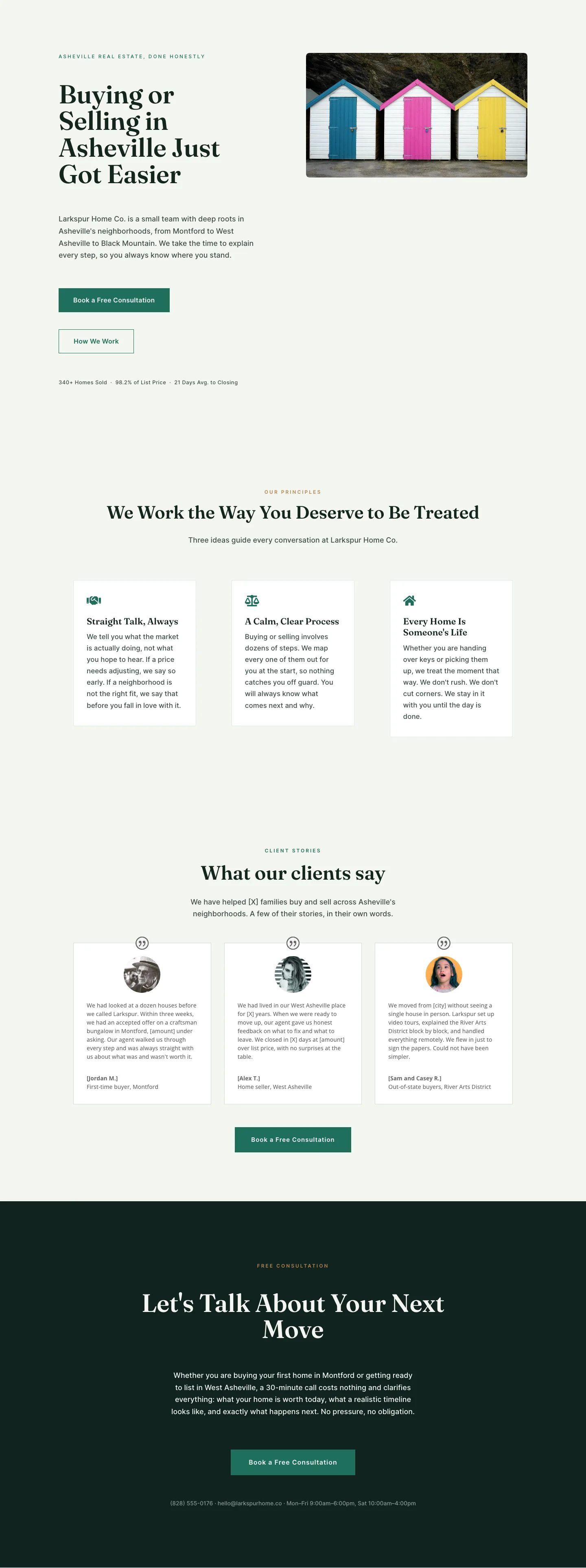
Larkspur Home Co. — Minimal Real_estate About Page for Divi 5
full_landing · real_estate · minimal
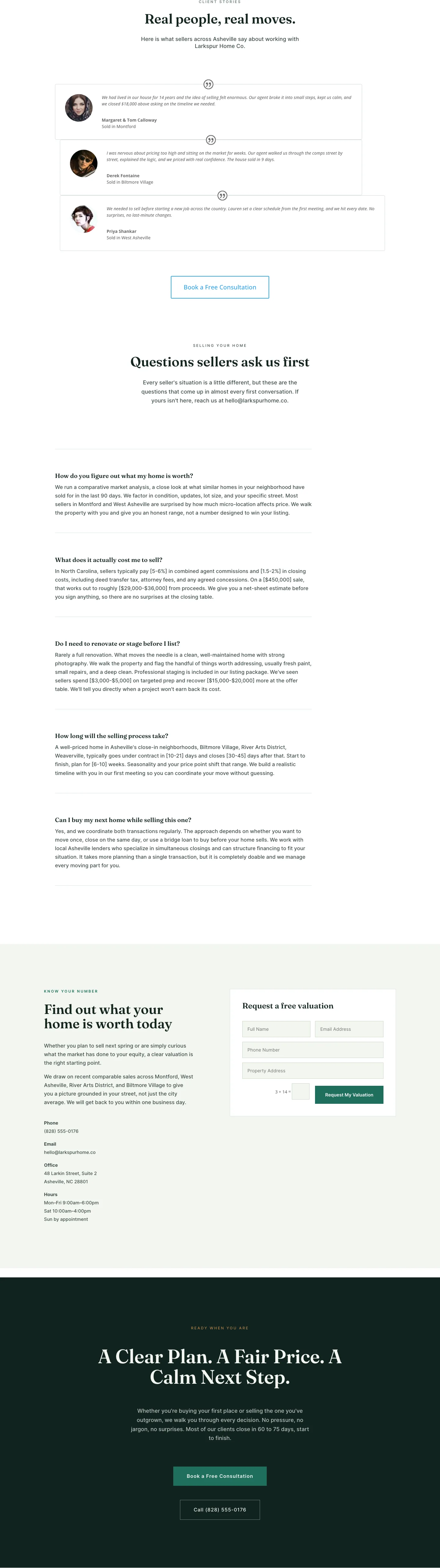
Larkspur Home Co. — Minimal Real_estate Sell Your Home Page for Divi 5
full_landing · real_estate · minimal

Larkspur Home Co. — Minimal Real_estate Property Page for Divi 5
full_landing · real_estate · minimal
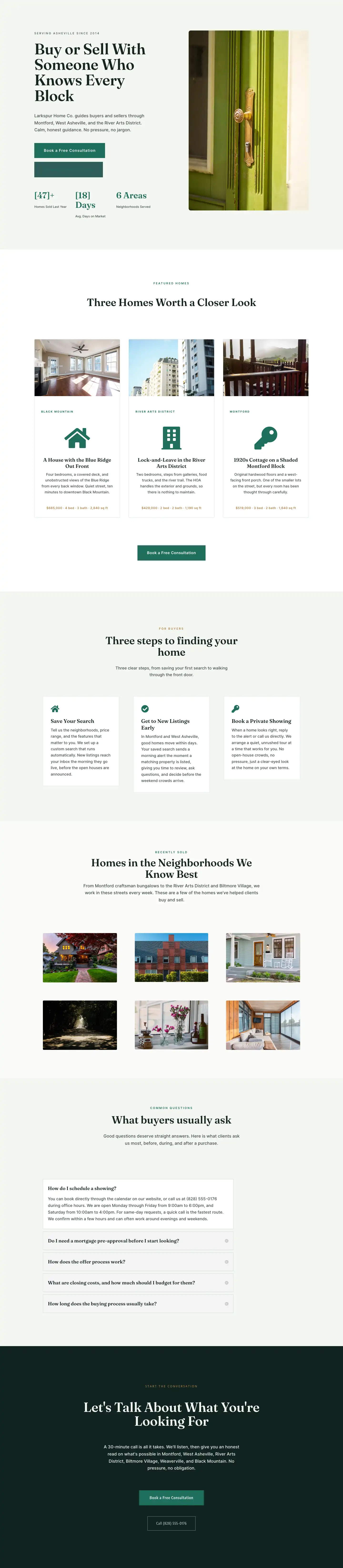
Larkspur Home Co. — Minimal Real_estate Listings Page for Divi 5
full_landing · real_estate · minimal
Larkspur Home Co. — Minimal Real_estate Home Page for Divi 5
full_landing · real_estate · minimal