
Larkspur Home Co. — Minimal Real_estate Listings Page for Divi 5
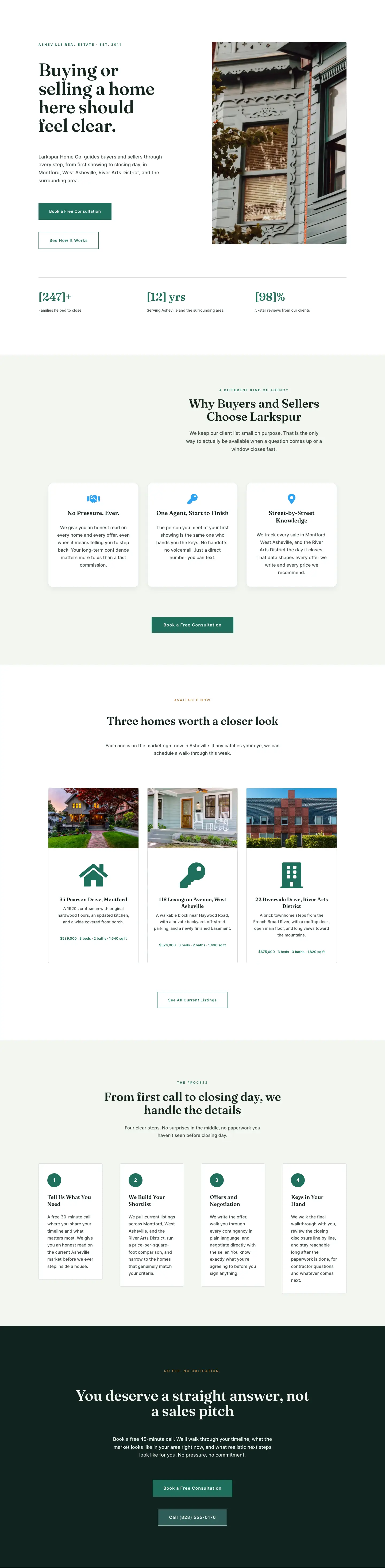
A clean, minimal Divi 5 full landing page for a real estate agency. Features a split hero, property listing cards, buyer process steps, photo gallery, FAQ accordion, and a dark CTA section.
Rate this element
Download this section, free
- Divi 5 JSON, imports in seconds
- Commercial license included
- No account needed
Click to view the full page
Overview
The layout opens on a sage-white hero section (#F3F6F1) built around a strict 1240px two-column grid. The left column carries a 12px uppercase eyebrow in tracked Inter, then a 64px Fraunces serif headline (dropping to 48px on tablet and 38px on phone), followed by 18px body copy at 1.65em line-height and two sharp-cornered buttons: a solid forest-green primary and a 1px-bordered ghost secondary. Tucked below those buttons is a nested three-column stats row that renders three social-proof numbers (homes sold, average days on market, neighborhoods served) in 36px Fraunces numerals set in #1F6F5C against 13px Inter labels. The right column holds a single property photo with an 8px border-radius. On tablet the columns wrap and the image drops below the copy; on phone both columns stack full-width.
Section two moves to pure white and presents three listing cards at a 1200px max-width with 36px column gaps. Each card is built from a stacked Image module, a neighborhood label (11px uppercase Inter in forest green), a Blurb module carrying the property name as an h3 in 21px Fraunces plus a Font Awesome icon, and a price line in 13px Inter set in warm amber (#B8844A). The cards carry a 4px corner radius, a 1px translucent green border that transitions to solid #1F6F5C on hover, and a 4px upward translateY hover lift, all configured natively inside Divi's Column module settings without custom CSS. On tablet the grid shifts to two columns; on phone each card goes full-width.
Section three returns to the sage-white background for a three-step buyer process. Each step is a white card with a left-aligned 32px Font Awesome icon module above a Text module that uses an h3 heading and body paragraph, separated by square-cornered 1px green borders. Section four uses a near-white ground (#FAFAF8) for a six-image sold gallery arranged in two rows of three equal columns, each photo clipped to a 4px radius via Divi's overflow-hidden setting. The fifth section hosts a native Divi Accordion with five FAQ items (Fraunces 20px titles, Inter 17px answers) constrained to an 800px reading width and bordered in sage grey (#C8D6CF) top and bottom.
The layout closes on a very dark forest-green section (#10231F), which creates a strong visual full-stop after the lighter sections above it. A centered 56px Fraunces headline sits above a short body paragraph constrained to 600px, then two stacked buttons: a padded solid-green primary and a transparent ghost button wired to a tel: link. The palette throughout runs on three values (forest green #1F6F5C, near-black #14261F, warm amber #B8844A) against two neutral grounds (#F3F6F1 sage white and #FAFAF8 off-white), giving the page a coherent low-contrast visual system that never competes with the property photography.
What’s inside
- Split hero row: 1240px two-column grid with a nested three-stat counter (homes sold, days on market, areas covered) built from Heading and Text modules inside a 1/3+1/3+1/3 row
- Three listing cards using Blurb modules for property names (h3) plus Font Awesome icons, amber price lines, and hover border-highlight with translateY lift defined entirely inside the Column module
- Three-step buyer process section using Icon modules and Text modules (h3 plus body paragraph) on white cards with square borders and a sage-white section background
- Six-image sold gallery across two rows of three equal columns, each image clipped to a 4px radius via Divi's overflow-hidden column setting
- Native Divi Accordion with five FAQ items, Fraunces 20px question titles, Inter 17px answers, and sage-grey top/bottom borders constrained to an 800px centered column
- Dark-forest-green CTA section (#10231F) with a 56px centered Fraunces headline and two Button modules: a solid primary and a ghost button wired to a tel: link
- Fraunces serif for all display and heading elements, Inter for all body and UI text, with tracked uppercase labels in both forest green and warm amber used consistently across all six sections
Who it’s for
This layout fits independent real estate agents and boutique agencies who work a defined geographic territory and want to signal deep local knowledge rather than broad market coverage. The calm palette and generous spacing suit higher price-point residential markets where visual restraint reads as credibility. Buyer's agents, relocation specialists, and single-agent practices will find the three-step process section and FAQ accordion particularly useful for handling buyer education before the first call. The listing card grid and sold gallery also work well for teams that want to showcase active and recent inventory without building a full property search tool.
Customization tips
The color system runs on three values: the forest-green accent (#1F6F5C), the near-black headline (#14261F), and the warm amber used for prices and eyebrow labels (#B8844A). Swapping those three in Divi's global presets updates every button background, icon color, card border, stat numeral, and price line at once. The hero headline is set at 64px for copy under 10 words; if your tagline runs longer, drop it to 48px to match the tablet breakpoint already coded in the module. Listing card photos display at roughly 16:9 in the card grid, so standardize property images to that ratio before swapping them in. Gallery images in Section 4 are displayed at equal thirds across roughly 1200px; landscape photos at 3:2 or wider fill each cell without distortion. Accordion answers are set at 17px with 1.65em line-height; keep each answer under 75 words to avoid oversized items on mobile. The tel: link in the final CTA button requires updating both the visible button text and the linkUrl field to your own number.
How to install this layout
- Download the layout JSON file from this page.
- Open the target page in the Divi 5 builder.
- Open the portability panel (up/down arrows icon) and choose the Import tab.
- Upload the JSON. Tick “replace existing content” only for full-page imports.
- Check the page at desktop and mobile widths, then swap in your copy and images.
Full walkthrough with troubleshooting: How to Import a Divi 5 Layout.
Questions about Larkspur Home Co. — Minimal Real_estate Listings Page for Divi 5
The hero stat row shows values like "[47]+" and "[18] Days" — how do I update those numbers?
Those are individual Heading modules inside a nested three-column row within the left hero column. Open each Heading module and replace the text directly. The bracket notation is just placeholder formatting in the source copy; Divi renders it as plain text, so your own numbers inherit the Fraunces font, green color, and 36px size automatically.
What modules make up each listing card in Section 2, and how do I add a fourth card?
Each card is a Column module containing four child modules in order: Image (property photo), Text (neighborhood label in uppercase), Blurb (property name as h3 plus Font Awesome icon plus description paragraph), and Text (price line in amber). The hover lift and border color transition are configured inside the Column module's transform and border settings. To add a fourth card, duplicate any existing column and update all four child modules with your new listing.
What image aspect ratio works best for the hero photo and the sold gallery?
The hero photo sits in a half-width column at desktop, so landscape images at 3:2 or 4:3 fill the space cleanly. Very tall portrait crops can overflow the column height at mid-range viewport sizes. The sold gallery images in Section 4 are displayed at equal thirds across roughly 1200px, so landscape photos at 3:2 or wider keep both rows visually even. Avoid mixing portrait and landscape crops within the same gallery row.
Can I add more questions to the accordion in Section 5?
Yes. The FAQ uses Divi's native Accordion module with Accordion Item modules nested inside it. Duplicate any existing Accordion Item, then update the heading field (the question) and the content field (the answer). The sage-grey top/bottom borders (#C8D6CF) are set per-item, so duplicated items inherit the same border styling without any extra configuration.
Does the ghost button in the final CTA section work as a phone dialer on mobile?
Yes. The button's linkUrl is set to tel:+18284127693, which triggers the native phone dialer on iOS and Android. Update both the visible button text and the linkUrl field inside the Button module to match your own number. The solid primary button above it links to #contact, which you should point to whichever section or page holds your booking form.
Which Divi version does this layout need?
Divi 5. The layout is generated natively for Divi 5 and validated against its real module structure before publication, so it imports clean into the current builder.
Can I use this layout on client websites?
Yes. Every download includes a commercial license covering unlimited sites you own or build for clients. Only reselling or redistributing the layout file itself is prohibited.
Included in these packs
More full landing pages
Browse all full landing pages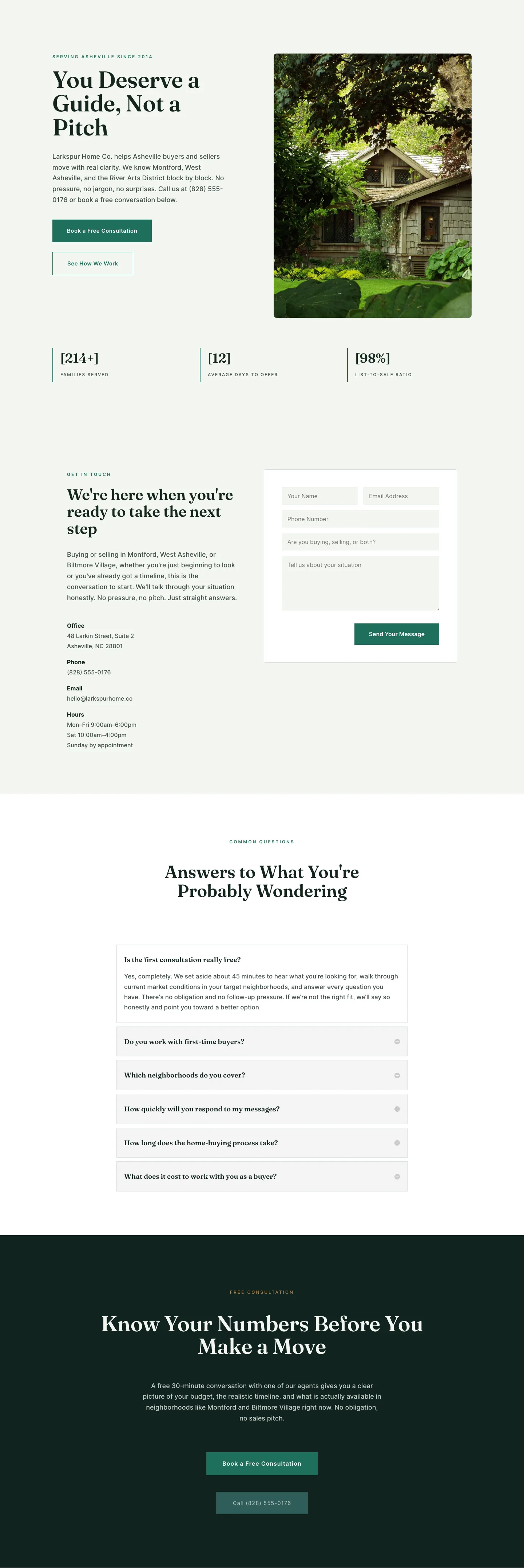
Larkspur Home Co. — Minimal Real_estate Contact Page for Divi 5
full_landing · real_estate · minimal
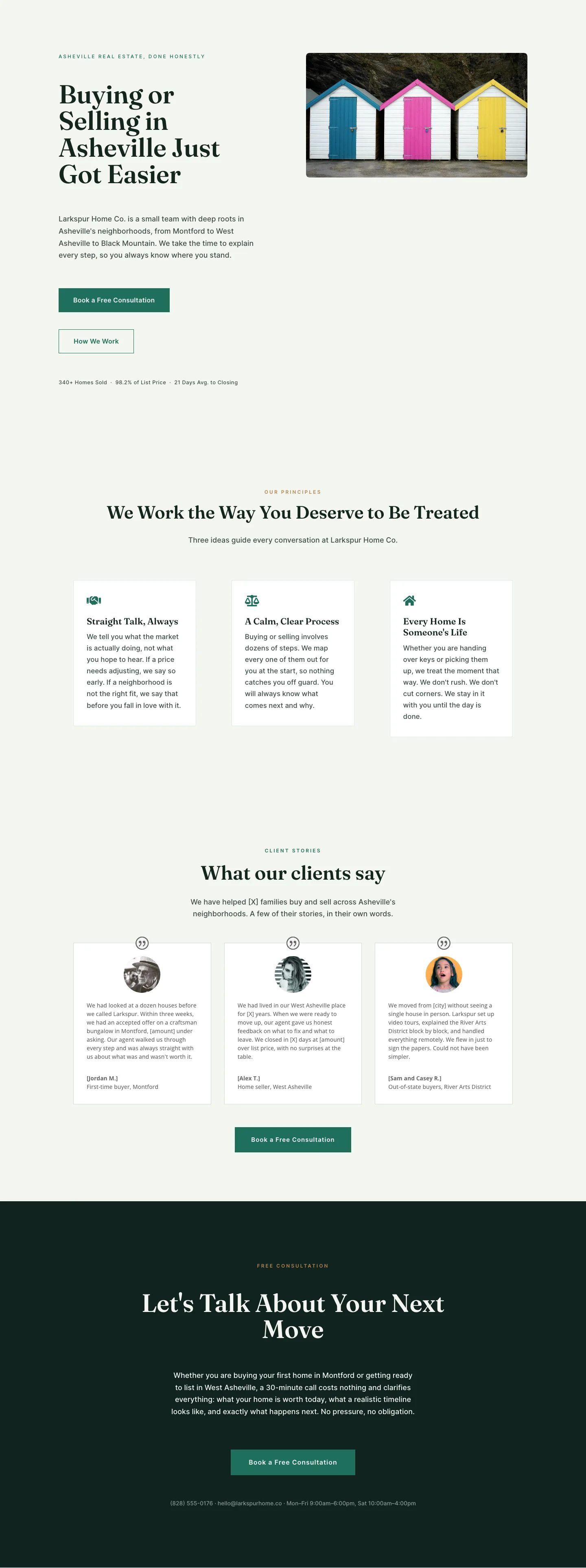
Larkspur Home Co. — Minimal Real_estate About Page for Divi 5
full_landing · real_estate · minimal
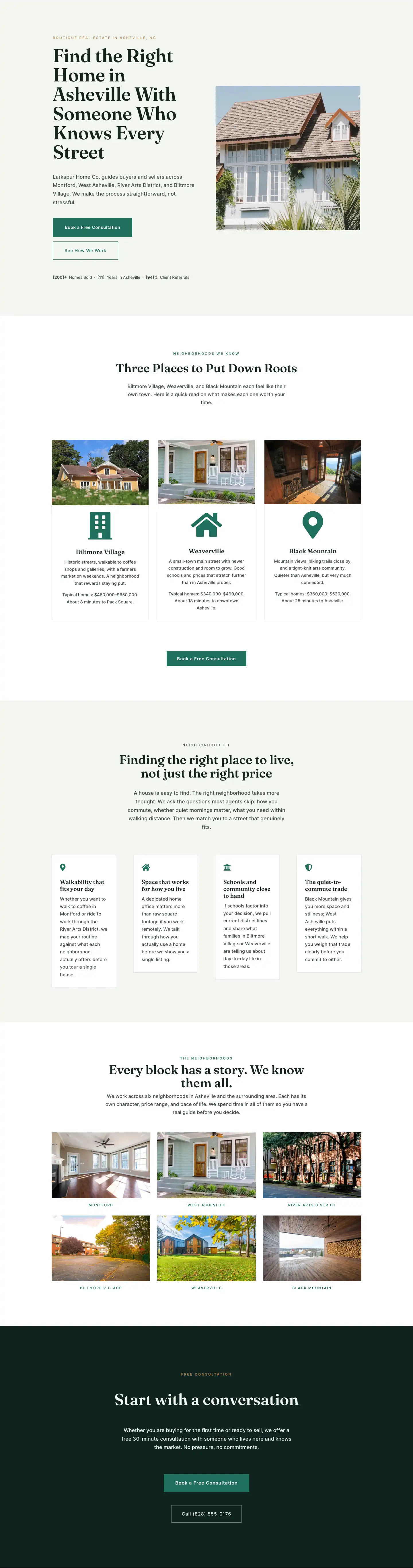
Larkspur Home Co. — Minimal Real_estate Neighborhoods Page for Divi 5
full_landing · real_estate · minimal
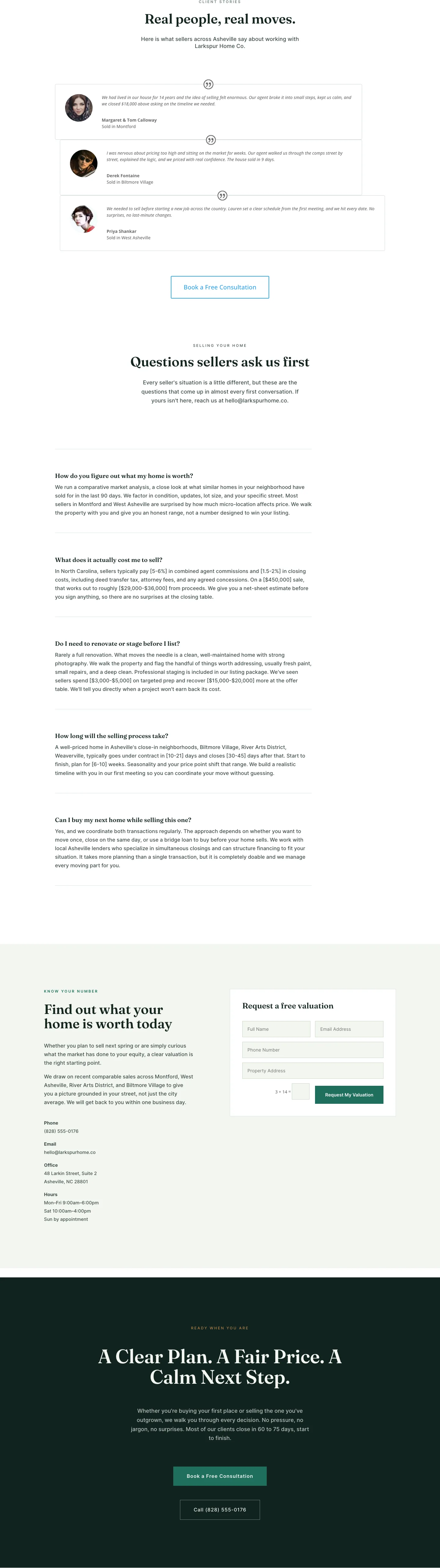
Larkspur Home Co. — Minimal Real_estate Sell Your Home Page for Divi 5
full_landing · real_estate · minimal

Larkspur Home Co. — Minimal Real_estate Property Page for Divi 5
full_landing · real_estate · minimal
Larkspur Home Co. — Minimal Real_estate Home Page for Divi 5
full_landing · real_estate · minimal