
Minimal Design Studio Services Cards Layout for Divi 5: Four Icon Blurbs
Clean four-blurb services section for design agencies. Showcases brand identity, editorial design, packaging, and art direction with icon cards on a white background.
Rate this element
Download this section, free
- Divi 5 JSON, imports in seconds
- Commercial license included
- No account needed
Click to view the full page
Overview
This services cards section is built around a centered header block followed by two two-column rows of Divi 5 Blurb modules — four cards in total, arranged in a 2×2 grid. The section sits on a pure white (#ffffff) background, which keeps all visual weight in the typography and the terracotta icon badges. The heading uses Playfair Display at 48px with −1px letter-spacing and a near-black #1c1a17, giving the section the measured authority of editorial print work. Below it, a single supporting line in Source Sans 3 at 18px and warm gray #6b645a frames the value proposition without competing with the cards.
Each Blurb card leads with a left-aligned icon badge: a 32×32px FontAwesome icon on a padded terracotta (#9a3b1f) square with 4px rounded corners. The icon runs white against that earthy background, creating a compact, confident marker that anchors the eye before the title. Card titles inherit Playfair Display in #1c1a17; body copy stays in Source Sans 3 warm gray, keeping the two-typeface system consistent throughout. The card itself has no border or shadow — the white field and the icon badge provide all the structure needed.
Spacing is deliberate and restrained. The first row carries 30px top padding to breathe away from any preceding section. On mobile, both the 1/2+1/2 rows collapse to full-width single-column stacks (flexDirection: column, flexType: 24_24), so the reading order — Brand identity, Editorial design, Packaging, Art direction — stays logical on every screen size. The section also carries a #services CSS ID and an accordion-automated class, meaning it slots cleanly into any page that uses anchor navigation or JS accordion behavior without extra wiring.
The overall palette — white field, near-black type, warm gray body, terracotta accent — reads as minimal without being cold. It suits studios that want to signal craft and restraint rather than tech-forward energy.
What’s inside
- One Divi 5 Section with white background, `#services` anchor ID, and `accordion-automated` CSS class ready for anchor nav or JS hooks
- Centered header row: Heading module (Playfair Display, 48px desktop / 36px mobile, −1px tracking) + Text module (Source Sans 3, 18px, centered, max-width 640px)
- Two two-column rows (1/2 + 1/2), each collapsing to full-width single columns on mobile
- Four Divi 5 Blurb modules — Brand identity, Editorial design, Packaging, Art direction — each with a left-aligned FontAwesome icon badge
- Icon badges: 32px icons on terracotta `#9a3b1f` padded squares with 4px border radius, white icon color
- Consistent two-typeface system: Playfair Display for all headings/titles, Source Sans 3 for all body copy in warm gray `#6b645a`
- Section-level and column-level responsive overrides already set — no extra breakpoint configuration needed
Who it’s for
This layout is a natural fit for independent design studios, branding consultancies, and creative agencies that want their services page to feel considered rather than templated. It also works well for freelance art directors, packaging designers, and editorial designers positioning themselves as full-service. Any agency offering a defined set of four disciplines — or any business that can organise its offer into four clear pillars — will find the 2×2 grid maps cleanly onto real service structures without forcing extra cards or awkward asymmetry.
Customization tips
The fastest single change is swapping the terracotta badge color (#9a3b1f) for your brand accent — all four icon backgrounds share the same value, so one global find-replace in Divi's styles or a preset update hits every card at once. The heading and card titles both use Playfair Display; if your brand uses a different serif or sans, replace the font family on the Heading module and all four Blurb title font settings. Keep card body copy to one short sentence (the layout ships with lines under ten words) — two sentences still fits, but three breaks the visual rhythm at mobile widths. Icon choices are FontAwesome 5 Solid; any solid-weight icon at the same weight class (900) drops in without resizing. The section's #services ID is already in place, so anchor links from a nav or hero CTA require no extra markup.
How to install this layout
- Download the layout JSON file from this page.
- Open the target page in the Divi 5 builder.
- Open the portability panel (up/down arrows icon) and choose the Import tab.
- Upload the JSON. Tick “replace existing content” only for full-page imports.
- Check the page at desktop and mobile widths, then swap in your copy and images.
Full walkthrough with troubleshooting: How to Import a Divi 5 Layout.
Questions about Minimal Design Studio Services Cards Layout for Divi 5: Four Icon Blurbs
How do the four cards stack on mobile?
Each two-column row has `flexDirection: column` set at the phone breakpoint and each column has `flexType: 24_24`, so the cards stack vertically in order: Brand identity, Editorial design, Packaging, Art direction. No extra responsive settings are needed.
Which Divi 5 modules does this section use?
It uses four module types: Section, Row, Column, Heading, Text, and Blurb. The Blurb modules handle both the icon badge and the card copy — no custom code or third-party modules required.
Can I add a fifth or sixth service card?
Yes. Duplicate one of the existing Rows and add Blurb modules to the new columns. The 1/2+1/2 column structure keeps cards visually consistent. Avoid going to a 1/3+1/3+1/3 structure unless you also reduce the icon badge padding, since three columns compress the blurb body copy noticeably on tablet.
The icons are FontAwesome — what if I want to use a custom SVG instead?
Each Blurb's icon is set via `useIcon: on` with a FontAwesome unicode value. Divi 5 Blurb modules support image mode as an alternative: switch `useIcon` to off and point the image field at your SVG or PNG. You may need to adjust the badge background sizing since the auto-padding is tuned for the 32px icon.
What should I edit first after importing?
Start with the four Blurb titles and body lines — they set the section's actual service offer. Then update the terracotta badge color to your brand accent. The header copy ('Studio services' + the sub-line) can stay until the rest feels right, since it's generic enough to hold the page while you work.
Does the `accordion-automated` CSS class do anything out of the box?
Not without a matching JS or CSS rule — it's a hook you can wire to your own accordion or scroll-reveal script. If you have no such script on the page, the class is inert and the section displays as a standard static cards block.
Which Divi version does this layout need?
Divi 5. The layout is generated natively for Divi 5 and validated against its real module structure before publication, so it imports clean into the current builder.
Can I use this layout on client websites?
Yes. Every download includes a commercial license covering unlimited sites you own or build for clients. Only reselling or redistributing the layout file itself is prohibited.
More cards
Browse all cards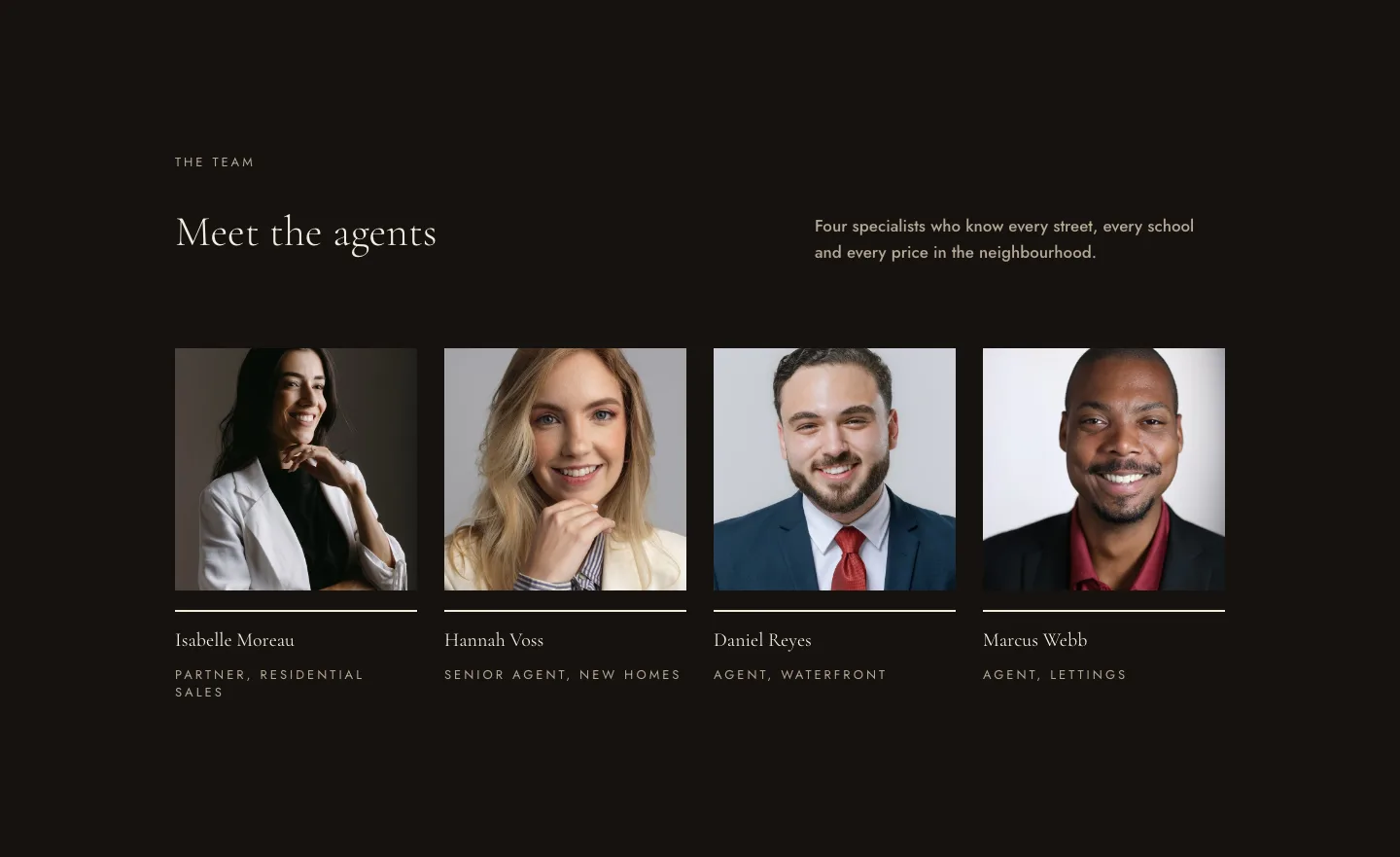
Luxe Real Estate Agent Profile Cards Layout for Divi 5: Team Grid
cards · real_estate · elegant
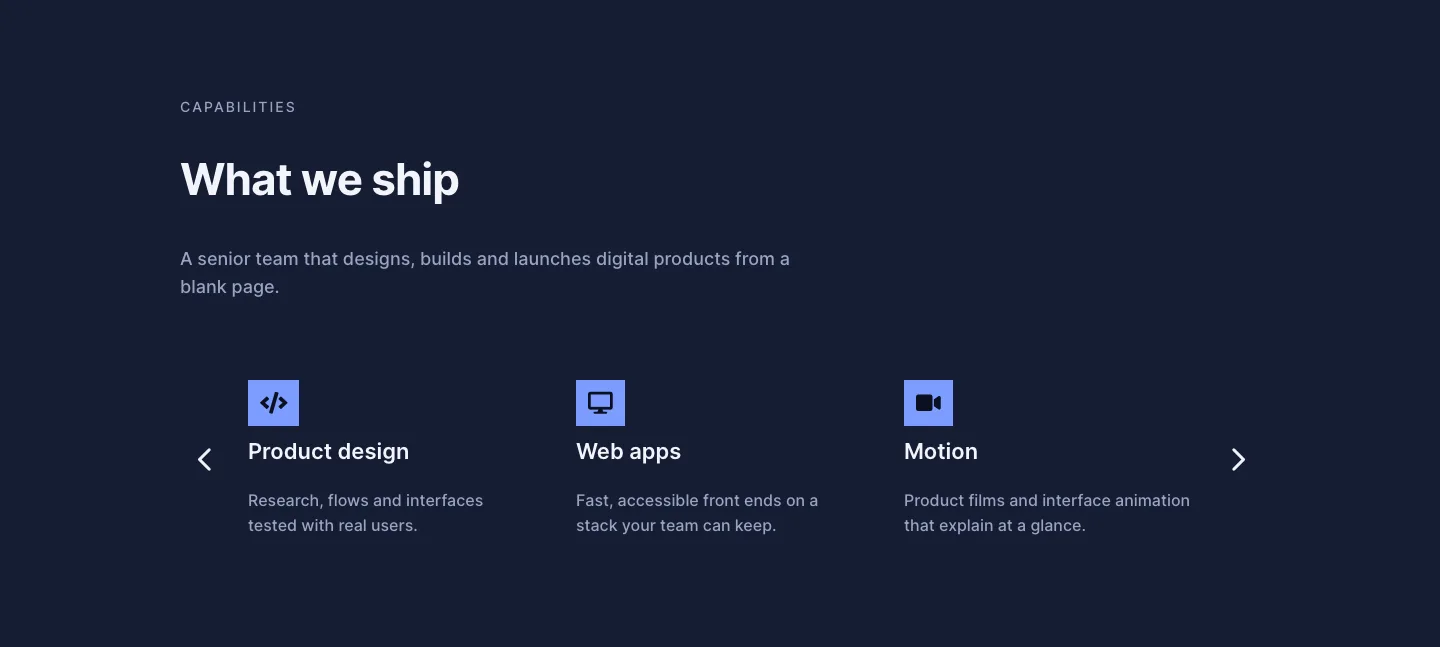
Dark Digital Agency Capabilities Cards Carousel Layout for Divi 5
cards · agency · dark
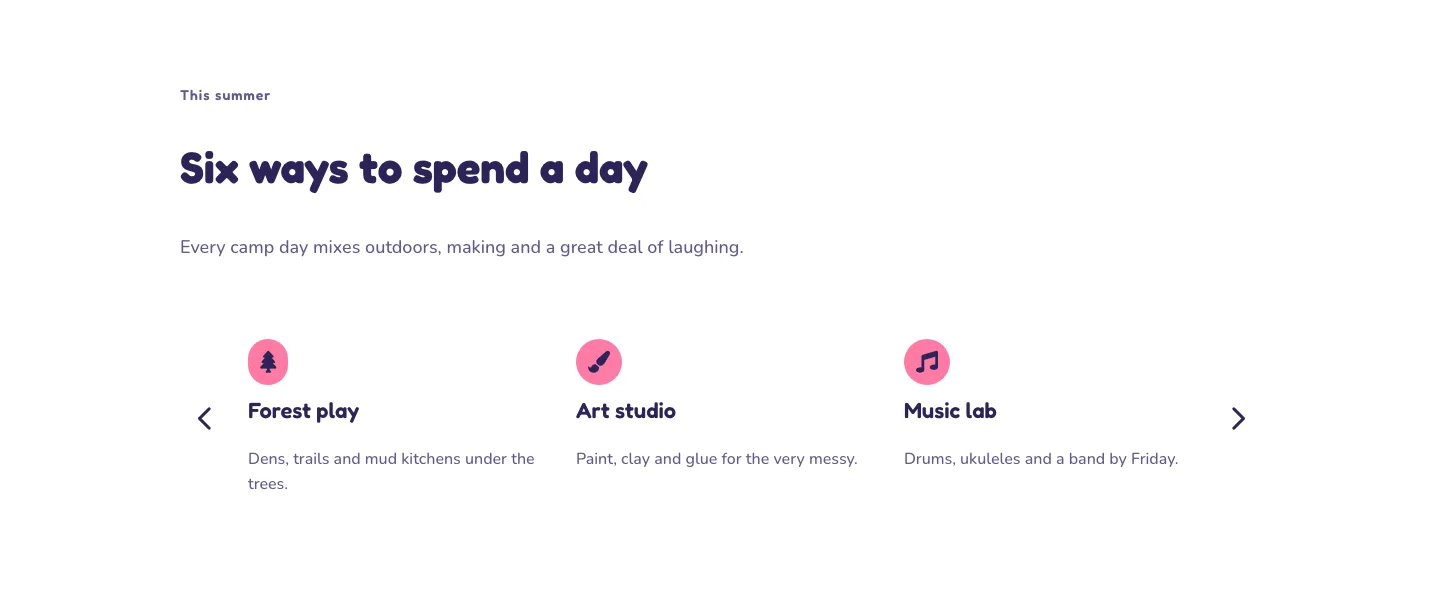
Playful Summer Camp Events Feature Cards Carousel Layout for Divi 5
cards · events · playful
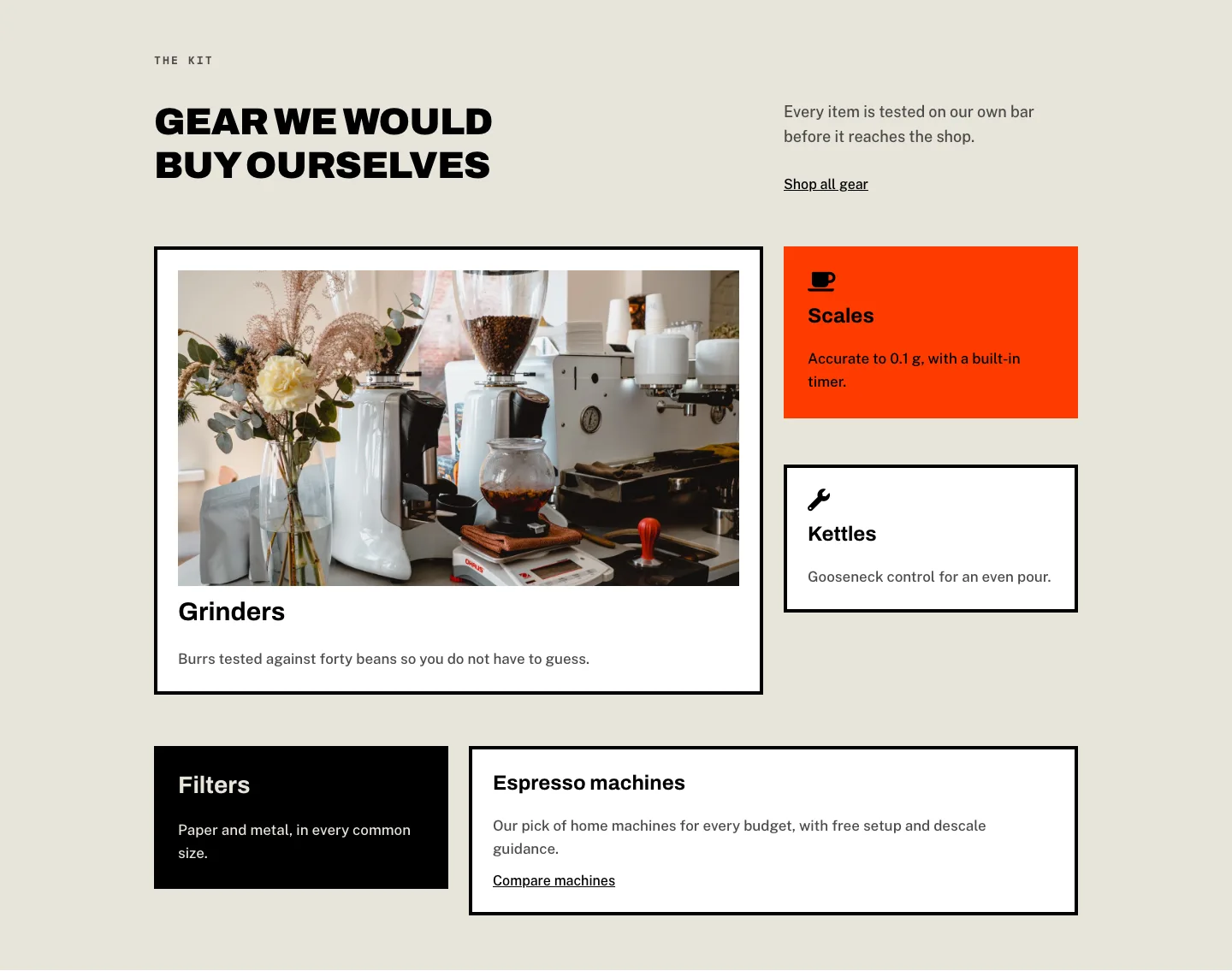
Brutalist Coffee Gear Ecommerce Feature Cards Bento Layout for Divi 5
cards · ecommerce · bold
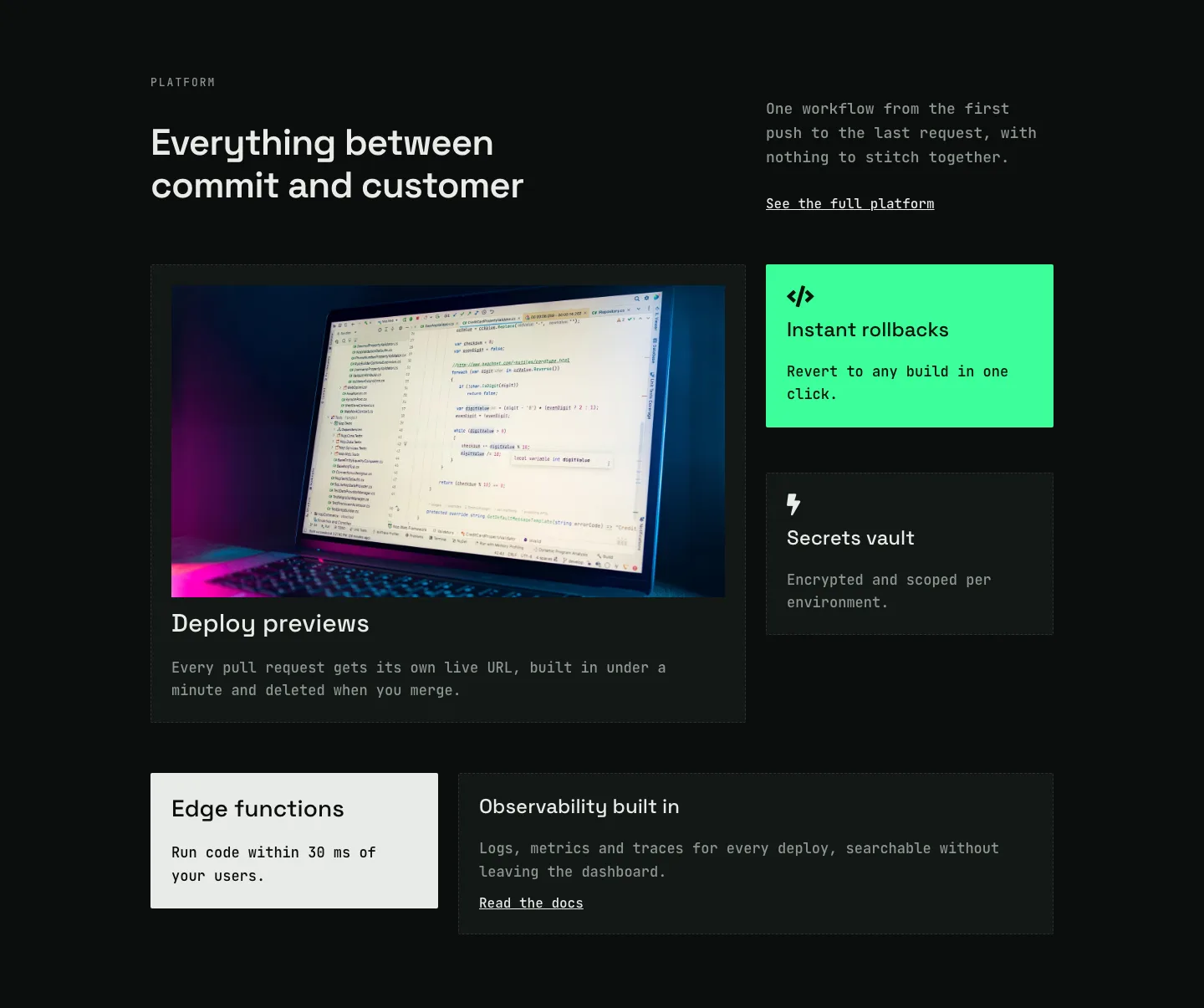
Dark Developer Platform Feature Cards Bento Layout for Divi 5
cards · saas · dark
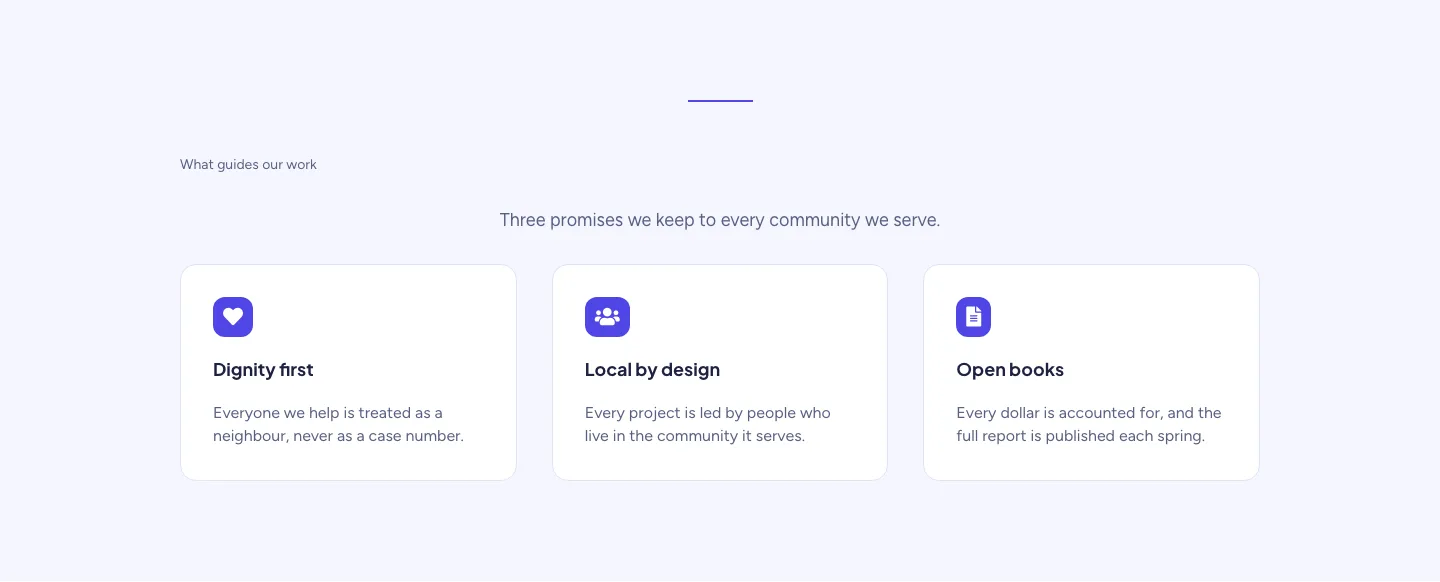
Soft Nonprofit Values Cards Layout for Divi 5: Three Icon Values
cards · nonprofit · minimal