
Three-Step Coaching Method Cards: Elegant Divi 5 Layout
Elegant three-card Divi 5 layout for coaches: numbered steps, serif headings, and warm cream backdrop to present a signature method with quiet authority.
Variations
Rate this element
Download this section, free
- Divi 5 JSON, imports in seconds
- Commercial license included
- No account needed
Click to view the full page
Overview
The section sits on a warm cream backdrop (#F5F0E8) with generous 110px top and bottom padding, giving the three cards room to breathe rather than fighting for attention. Everything is centered: a small uppercase eyebrow (" (The Method) ") in deep forest #2C3E36 sits above a Playfair Display headline that scales from 52px on desktop to 40px on tablet and 32px on phone, followed by an Inter intro paragraph capped at 640px so the copy reads at a comfortable line length regardless of screen width.
Below the intro, three equal columns share a 32px gap and hold matching white cards with 20px rounded corners and a soft forest-tinted shadow. Inside each card, a 48px circular badge in the same deep forest colour carries the step number in Playfair Display, sitting flush next to the card heading. The heading (Playfair Display 500, 24px) is followed by a short paragraph in 16px Inter at 1.75em line-height, then a micro-link in deep forest with a slim gold underline (#C9A961): the only accent colour in the section, used sparingly on purpose.
Columns are set to stretch alignment so uneven copy still lines up cleanly at the base, and each card lifts 6px on hover with a deeper shadow, telegraphing interactivity without a hard border or button. On tablet the row wraps with a 24px row gap; on phone the columns switch to flexDirection column and stack in a single file, keeping the numbered badges as the visual anchor as the layout grows vertical.
What’s inside
- Full-width section on a #F5F0E8 cream backdrop with 110px vertical padding and a centered intro row (uppercase eyebrow, Playfair Display H2 at 52/40/32px, Inter paragraph capped at 640px)
- Three equal 1/3 columns using Divi 5's flex layout with a 32px column gap and stretched alignment so cards match height regardless of copy length
- White cards with 20px border-radius, 36px inner padding on every side, and a 22px row gap between the badge/heading, body copy, and micro-link
- 48px circular numbered badge in deep forest #2C3E36 with a white Playfair Display numeral, rendered inline in a Text module (no icon library required)
- Preset3 soft box-shadow tinted with the forest colour that deepens and lifts each card by -6px translateY on hover
- Uppercase micro-link at the base of each card in Inter 12px with a thin #C9A961 gold underline as the only accent colour in the section
- Responsive breakpoints baked in: tablet wraps the row with a 24px row gap, phone switches to flexDirection column so cards stack full-width
Who it’s for
Life, executive and career coaches who need a "how I work with you" block on the homepage. Therapists, mindset practitioners and somatic coaches presenting a named method. Financial planners, tax strategists and estate advisers describing a structured onboarding process. Wellness studios, retreats and hospitality brands laying out a guest journey. Luxury service providers (interior designers, brand studios, family offices) where three-phase framing signals bespoke care rather than an off-the-shelf funnel. The palette leans elegant and grounded, so it fits mature, quiet-luxury positioning; strip the gold accent and it works for corporate consulting and boutique advisory decks just as cleanly.
Customization tips
Palette swaps are the fastest win. Five values do the work: the cream body (#F5F0E8), forest green for badges and eyebrow (#2C3E36), near-black heading colour (#1A1A1A), muted grey body copy (#5C5C5C), and the gold accent under each micro-link (#C9A961). The card shadow (rgba(44,62,54,0.08)) is tinted with the same forest. Re-tint it to match a new palette.
Keep copy tight to preserve the grid: card headings read best at 2–4 words (like "Discover Your Vision"), and card bodies around 30–45 words. Longer text still works because cards stretch to match, but very uneven lengths break the rhythm.
There are no images to size: the numbered circles are drawn inline in Text modules, so change the digits, swap them for Roman numerals, or drop in an SVG glyph without leaving the Text editor. To go from three steps to four, duplicate a column and set the row's columnStructure to 1_4 × 4; the flex layout, hover lift and phone-stack behaviour carry over automatically.
How to install this layout
- Download the layout JSON file from this page.
- Open the target page in the Divi 5 builder.
- Open the portability panel (up/down arrows icon) and choose the Import tab.
- Upload the JSON. Tick “replace existing content” only for full-page imports.
- Check the page at desktop and mobile widths, then swap in your copy and images.
Full walkthrough with troubleshooting: How to Import a Divi 5 Layout.
Questions about Three-Step Coaching Method Cards: Elegant Divi 5 Layout
Are the numbered badges icons or images?
Neither, each badge is a Divi 5 Text module with a small block of inline HTML/CSS that draws a 48px circle in #2C3E36 with a white Playfair Display numeral. You can change the digit by editing the text, swap to Roman numerals, or replace it with an SVG glyph without touching module settings.
How does the section behave on mobile?
The intro is centered and steps down typographically, the H2 drops from 52px to 40px on tablet and 32px on phone. On tablet the three cards wrap with a 24px row gap; on phone the columns switch to flexDirection column so cards stack full-width, with the numbered badges anchoring the top-left of each card.
Can I add a fourth or fifth step?
Yes. Duplicate one of the columns and set the row's columnStructure to 1_4 × 4 (or five 1_5s). The hover lift, stretched heights and phone-stack behaviour carry over automatically. You'll just want to trim card copy a little to keep four cards balanced across a row on desktop.
What should I edit first?
Start with the eyebrow (" (The Method) ") and the H2, since they set the frame. Then rewrite the three card headings and paragraphs. Finally, repoint the three micro-link anchors (#discover, #strategy, #practice) to the real deep-dive sections on your page, or convert them into buttons if you'd rather push visitors to a booking page.
Which Divi version does this layout need?
Divi 5. The layout is generated natively for Divi 5 and validated against its real module structure before publication, so it imports clean into the current builder.
Can I use this layout on client websites?
Yes. Every download includes a commercial license covering unlimited sites you own or build for clients. Only reselling or redistributing the layout file itself is prohibited.
More cards
Browse all cards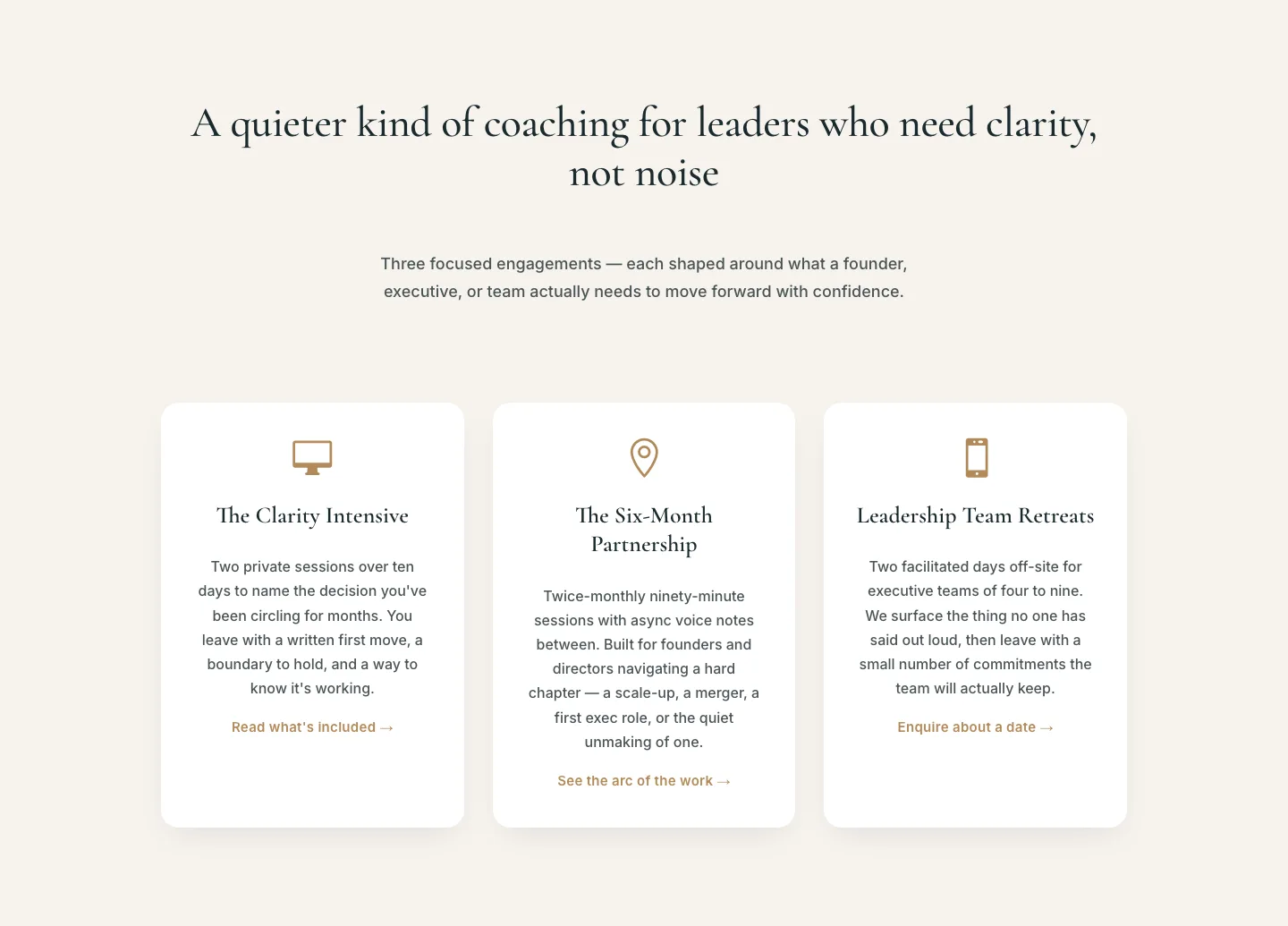
Elegant Coaching Services Cards: Divi 5 Layout
cards · coaching · elegant
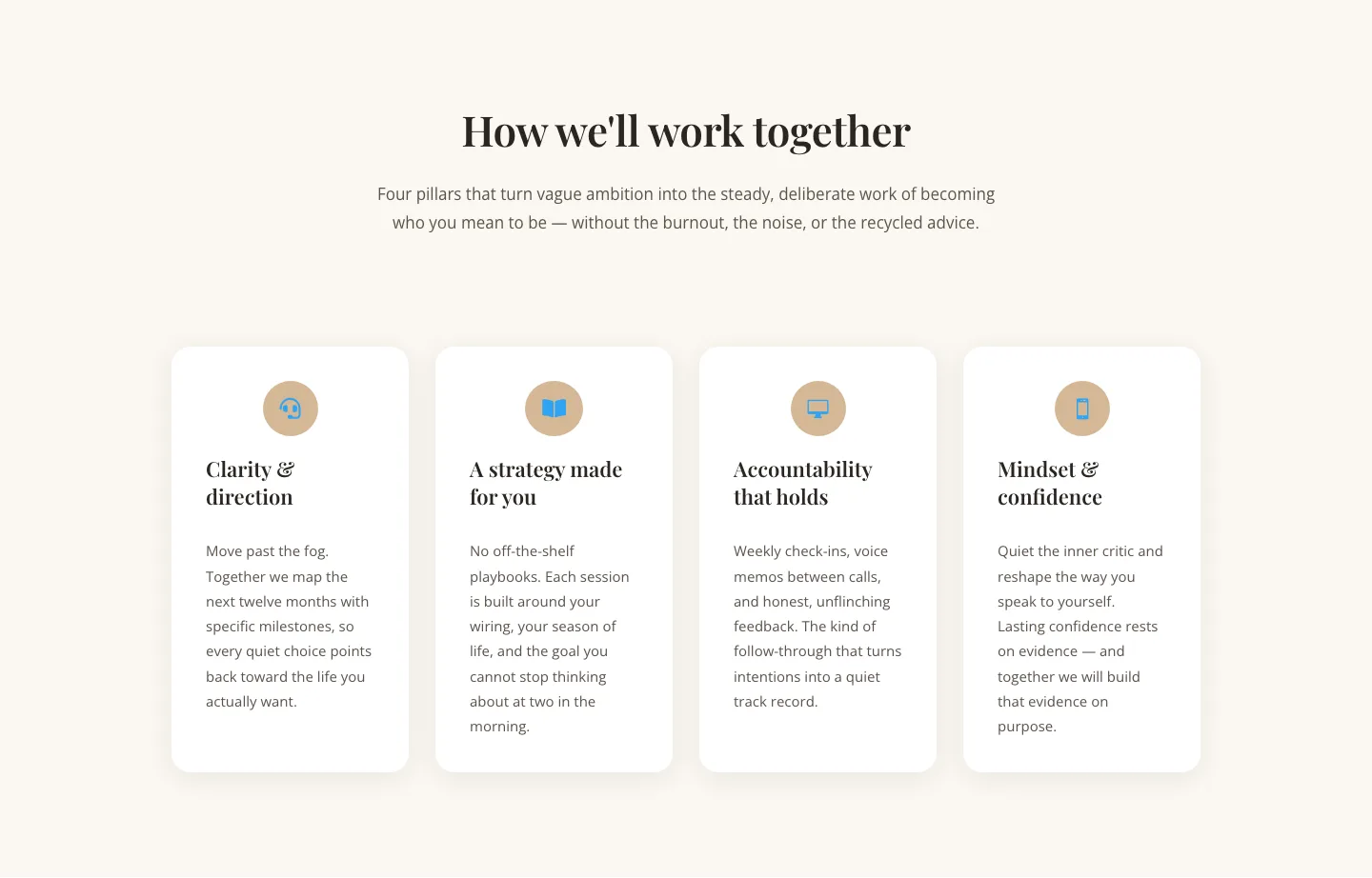
Elegant Coaching Cards Layout for Divi 5: Four-Pillar Framework
cards · coaching · elegant
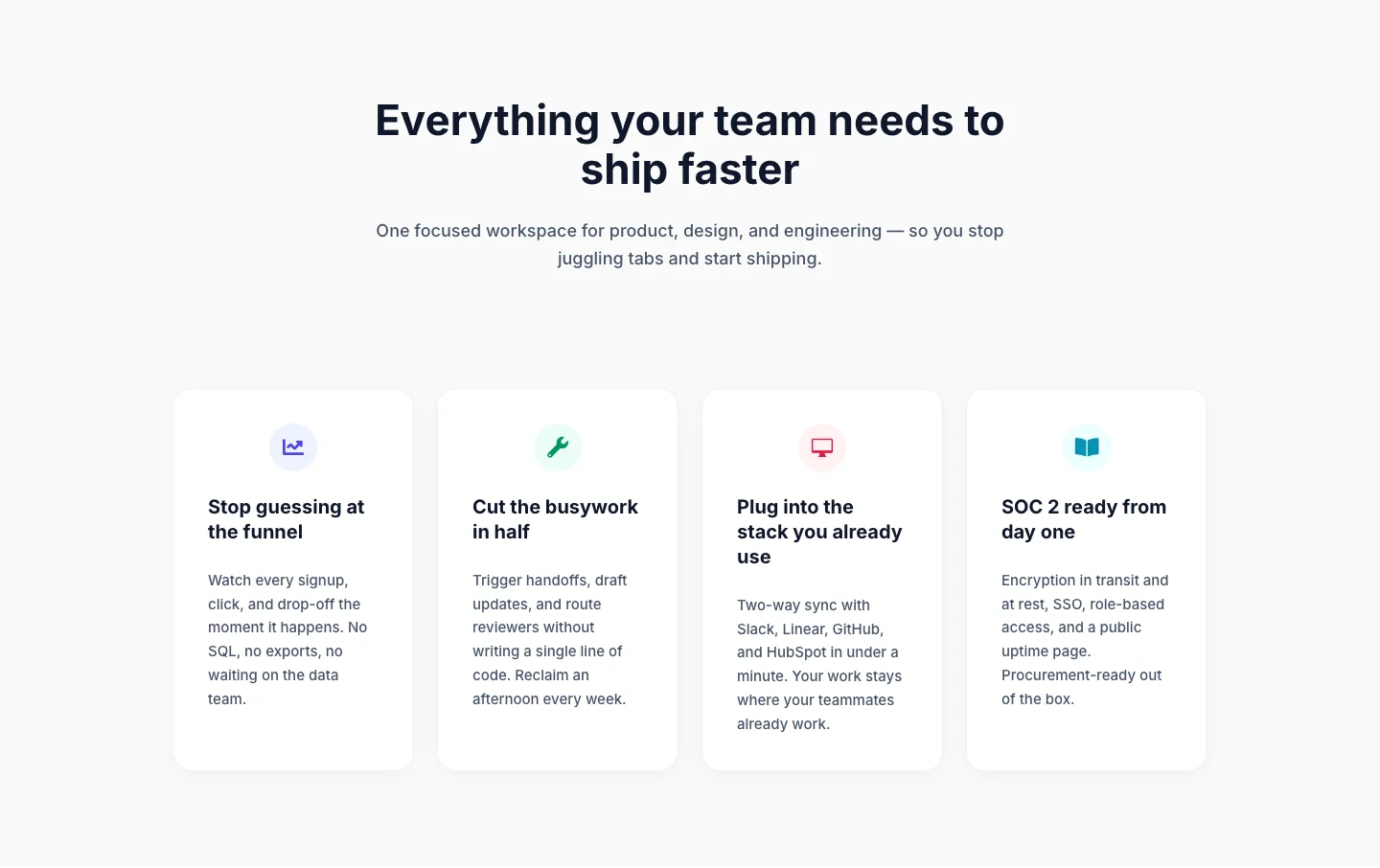
Minimal SaaS Feature Cards Layout: 4-Column Divi 5 Section
cards · saas · minimal
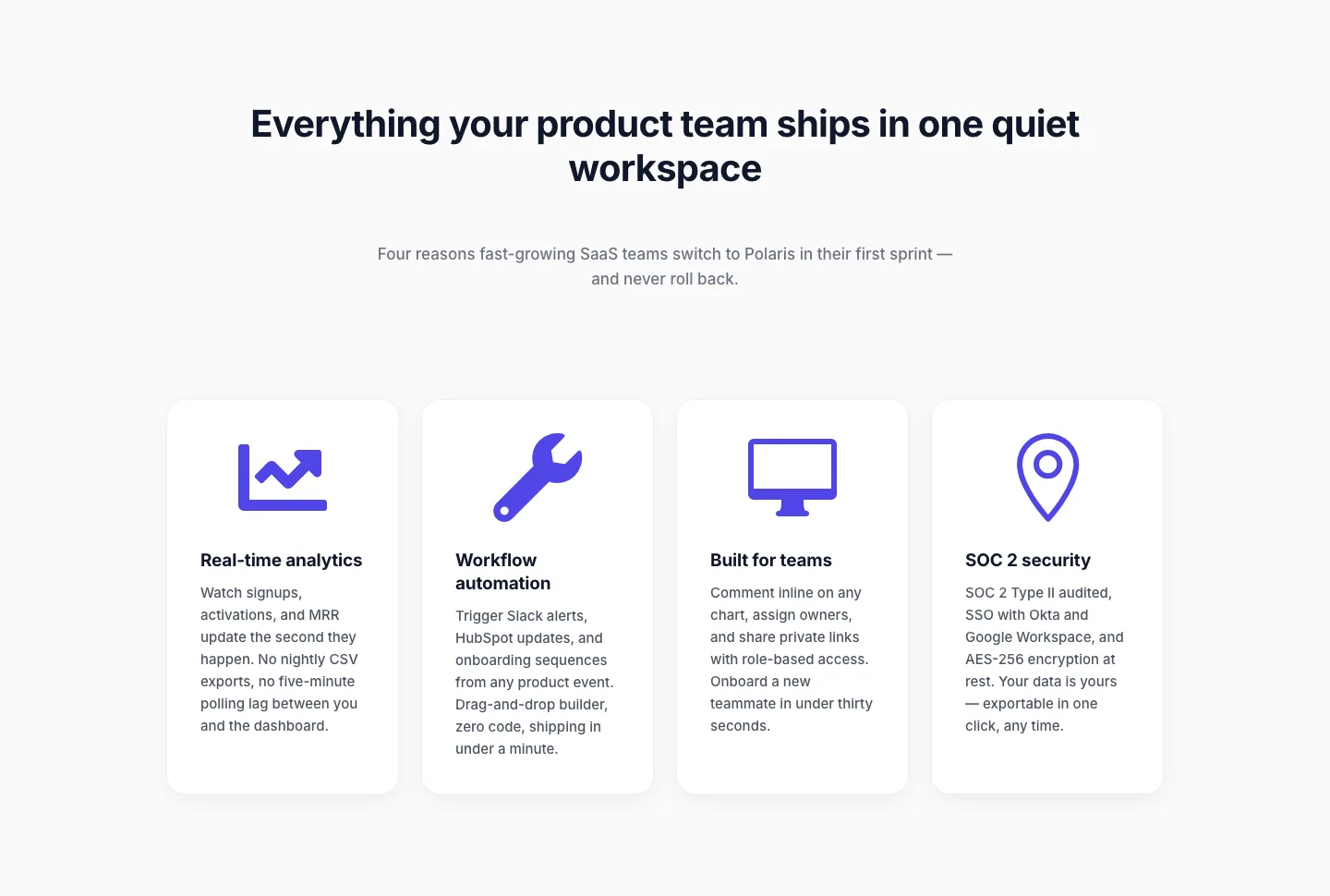
Minimal SaaS Feature Cards Layout for Divi 5
cards · saas · minimal

Minimal SaaS Features Cards Layout for Divi 5
cards · saas · minimal

Minimal SaaS 3-Up Feature Cards Layout for Divi 5
cards · saas · minimal