
Blazefront Outerwear Hero: Bold Ecommerce Divi 5 Layout
Bold, high-contrast Divi 5 hero for outerwear and apparel ecommerce brands. Split image + copy layout with ember-orange CTA, seasonal drop eyebrow, and guarantee-forward messaging.
Rate this element
Download this section, free
- Divi 5 JSON, imports in seconds
- Commercial license included
- No account needed
Click to view the full page
Overview
Blazefront is a split hero built for dark, high-contrast ecommerce storefronts. The section sits on a near-black espresso background (#0f0a08) with generous 140px vertical padding on desktop, stepping down to 96px on tablet and 72px on phone so the hero never swallows the small-screen viewport. Inside, a single two-column row is capped at 1240px and centered with auto margins, using Divi 5's flex layout with a 64px column gap and vertical centering. The image and the copy stay optically aligned no matter how long your paragraph runs.
The left column carries a portrait product image (1200×1400) softened by a 28px uniform border radius and lifted off the background with a large ember-tinted glow shadow (rgba(255,90,31,0.28), 70px blur). That glow is doing real work: it ties the photo to the brand orange used everywhere else, so the two halves of the hero read as one composition rather than image-next-to-text.
The right column follows a strict hierarchy: a small uppercase eyebrow heading in the accent orange (#ff5a1f, 14px, 4px letter spacing) announces the campaign, a heavy 800-weight headline at 58px with tight -1px tracking and 1.05 line height carries the promise, and an 18px warm-grey paragraph (#d8c9bd, constrained to 520px max-width) holds the supporting detail at a readable measure. A single pill button (full 999px radius, orange fill, dark text, and a strong orange drop shadow) is the only call to action, so nothing competes with "Shop the collection."
On phones the row's flex direction flips to column and both columns switch to full width (24/24), stacking image over copy. The headline scales 58 → 44 → 36px across the three breakpoints, so the bold typography survives the trip down to mobile intact.
What’s inside
- Full-width Divi 5 Section with a dark #0f0a08 background and responsive vertical padding (140px desktop / 96px tablet / 72px phone)
- Two-column flex Row (1/2 + 1/2) capped at 1240px, vertically centered with a 64px column gap and 48px row gap for clean wrapping
- Image module with portrait 1200×1400 photo, 28px rounded corners, and a large ember-orange glow shadow that color-matches the CTA
- Uppercase eyebrow Heading in accent orange (#ff5a1f) with 4px letter spacing for campaign or promo messaging
- 58px / 800-weight headline Heading with per-breakpoint sizes already set (44px tablet, 36px phone)
- Text module at 18px with 1.7 line height, constrained to a 520px max-width for a comfortable reading measure
- Pill-shaped Button (999px radius) with orange fill, dark uppercase label, hover color shift to #ff7a3f, and a soft orange shadow
- Phone layout flips to a single stacked column via flex direction and 24/24 column sizing, no extra mobile section needed
Who it’s for
This hero fits ecommerce brands whose product photographs well against dark backgrounds and whose positioning is bold rather than minimal: outerwear and apparel labels (its native use case), footwear and streetwear drops, sports and outdoor gear, coffee roasters, craft spirits, and premium accessories. The eyebrow-headline-guarantee structure suits seasonal launches and limited drops (the copy slots ("Autumn Drop 2026) Now Shipping") are built for campaign messaging with a hard promise underneath. It also works for direct-to-consumer brands that lead with a guarantee or shipping claim as their main conversion lever. It's a weaker fit for pastel or airy brands, or catalogs that need multiple CTAs above the fold. This layout is deliberately single-action.
Customization tips
Start with the two colors doing all the work: the accent orange #ff5a1f appears in four places (eyebrow, button fill, button shadow, image glow shadow). Change all four together or the composition falls apart. The background #0f0a08 and the warm text tones (#fff4ec headline, #d8c9bd body) should shift as a set; keep the body text a muted version of your headline color. Swap the photo for a portrait image close to the 6:7 ratio (1200×1400), a landscape crop will shrink the image column and unbalance the split. Keep the headline under about 8 words at 58px, or drop the desktop size before letting it wrap to four lines. The paragraph reads best at 40–60 words inside its 520px measure. The button's hover state (#ff7a3f) is a lightened version of the fill, regenerate it when you rebrand rather than leaving the old orange behind.
How to install this layout
- Download the layout JSON file from this page.
- Open the target page in the Divi 5 builder.
- Open the portability panel (up/down arrows icon) and choose the Import tab.
- Upload the JSON. Tick “replace existing content” only for full-page imports.
- Check the page at desktop and mobile widths, then swap in your copy and images.
Full walkthrough with troubleshooting: How to Import a Divi 5 Layout.
Questions about Blazefront Outerwear Hero: Bold Ecommerce Divi 5 Layout
How does this hero behave on mobile?
The row's flex direction switches to column on phones and both columns go full-width, so the product image stacks above the copy. The headline drops from 58px to 36px and the section padding tightens from 140px to 72px: all of this is already set per-breakpoint in the layout, so it works out of the box.
Which Divi 5 modules does it use?
Five native modules: one Section, one flex Row with two Columns, an Image module, two Heading modules (the small orange eyebrow and the main headline), a Text module, and a Button. No third-party plugins, no code modules.
What should I edit first after importing?
The image. Everything else (the glow shadow color, the dark background, the warm text palette) is tuned around a warm-toned product photo. Drop in your own portrait-orientation image (roughly 1200×1400), then update the headline and eyebrow text, and finally point the button at your shop page.
Is the photo included with the download?
The layout references a stock photo from Pexels (free to use under the Pexels license). You should replace it with your own product photography: the image is the hero's focal point, and a real product shot will always outperform a stock stand-in.
Can I use this on a light background site?
Yes, but plan on more than a background-color swap. The headline, body text, image glow, and button shadow are all calibrated for the dark #0f0a08 canvas. Invert the text colors, mute or remove the glow shadows, and check the button contrast. Orange-on-white needs a darker fill or a border to hold up.
Why is there only one button?
Deliberate choice. Split heroes with two competing CTAs dilute the click; this layout channels everything toward one action. If you need a secondary link (size guide, lookbook), add it as an inline text link inside the paragraph rather than a second button.
Which Divi version does this layout need?
Divi 5. The layout is generated natively for Divi 5 and validated against its real module structure before publication, so it imports clean into the current builder.
Can I use this layout on client websites?
Yes. Every download includes a commercial license covering unlimited sites you own or build for clients. Only reselling or redistributing the layout file itself is prohibited.
More hero sections
Browse all hero sections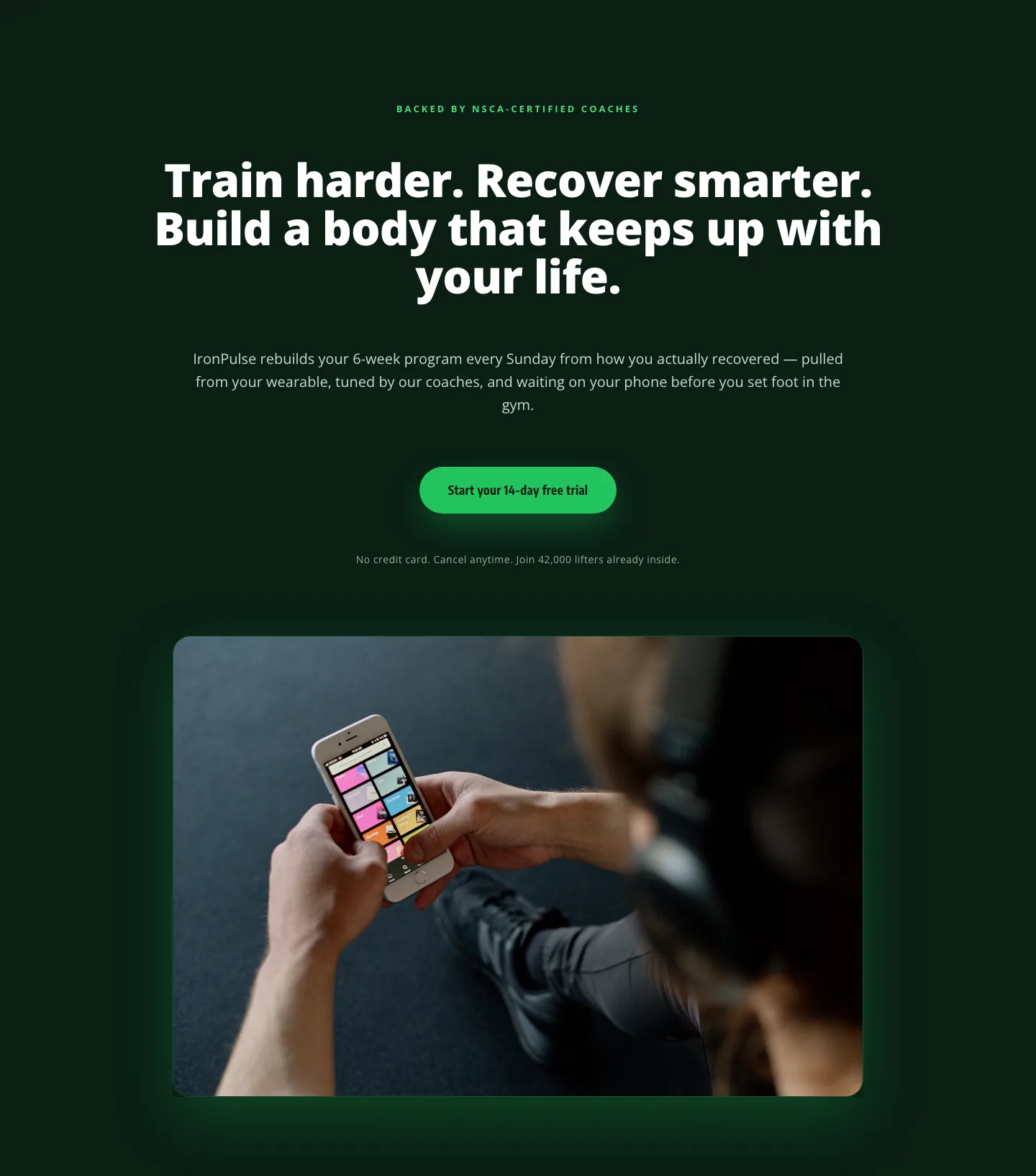
Bold Fitness App Hero Layout for Divi 5: IronPulse Adaptive Training
hero · fitness · bold
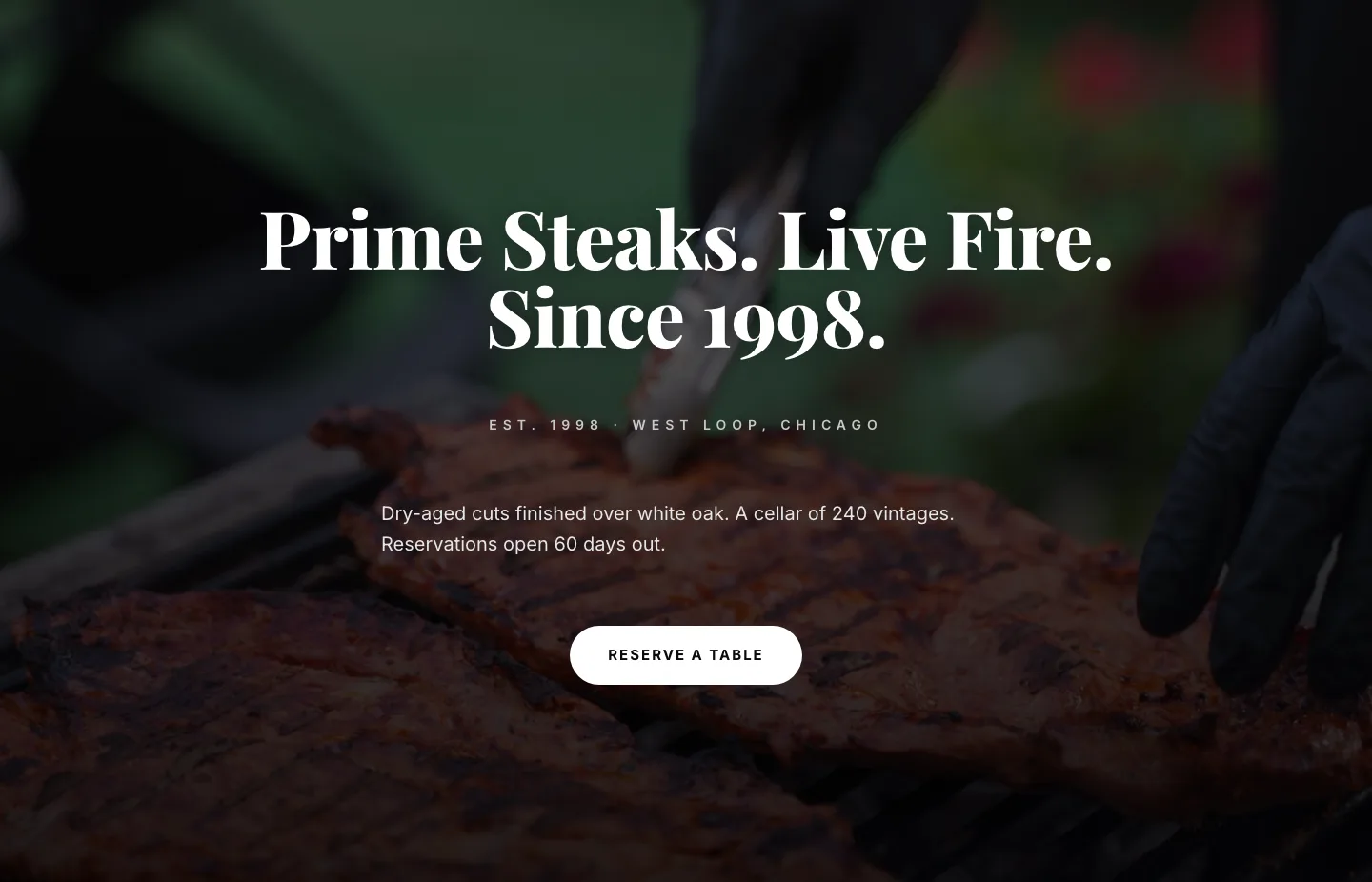
Prime Steaks Hero Section: Bold Monochrome Restaurant Layout for Divi 5
hero · restaurant · bold
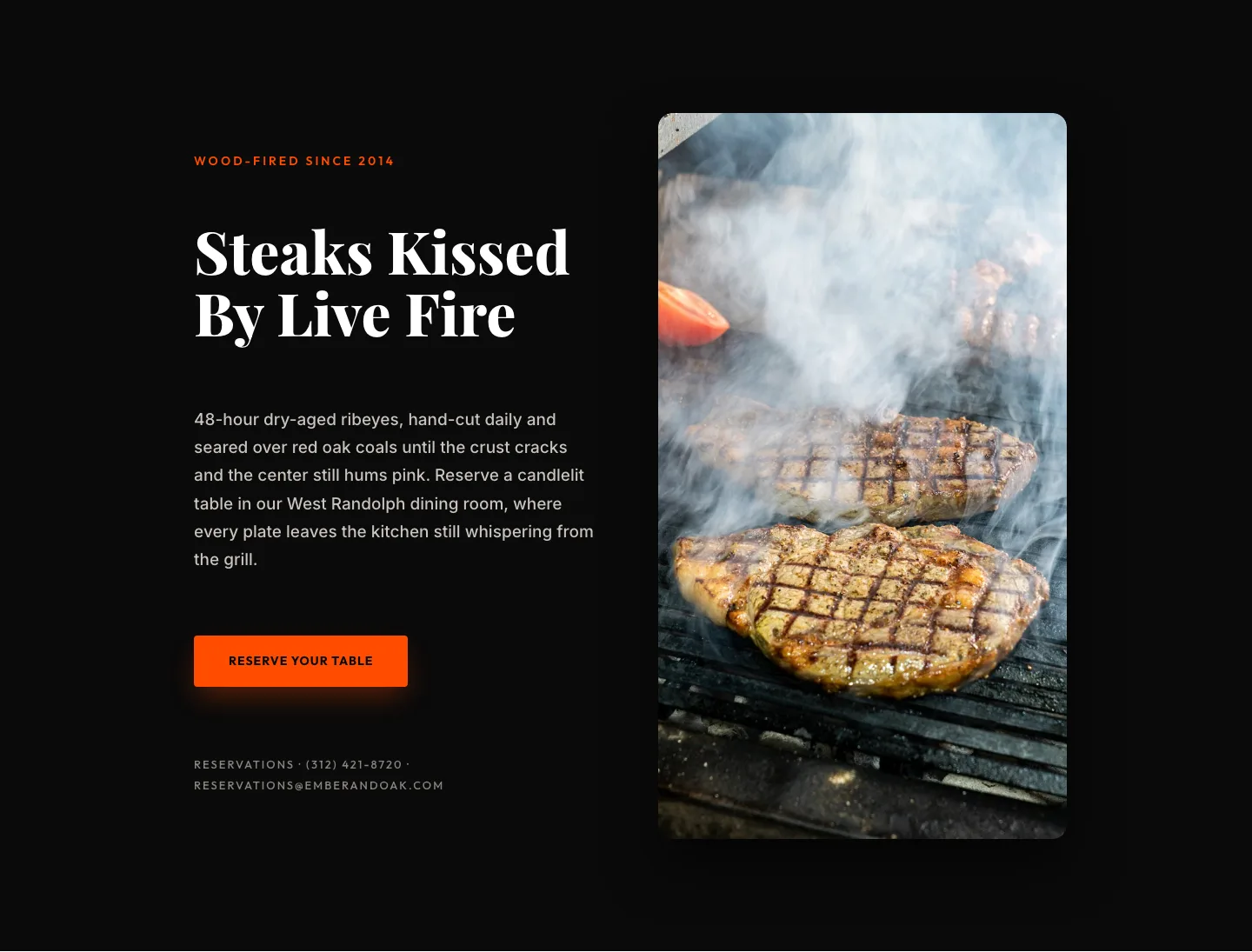
Wood-Fired Steakhouse Hero Layout for Divi 5: Bold Restaurant Template
hero · restaurant · bold
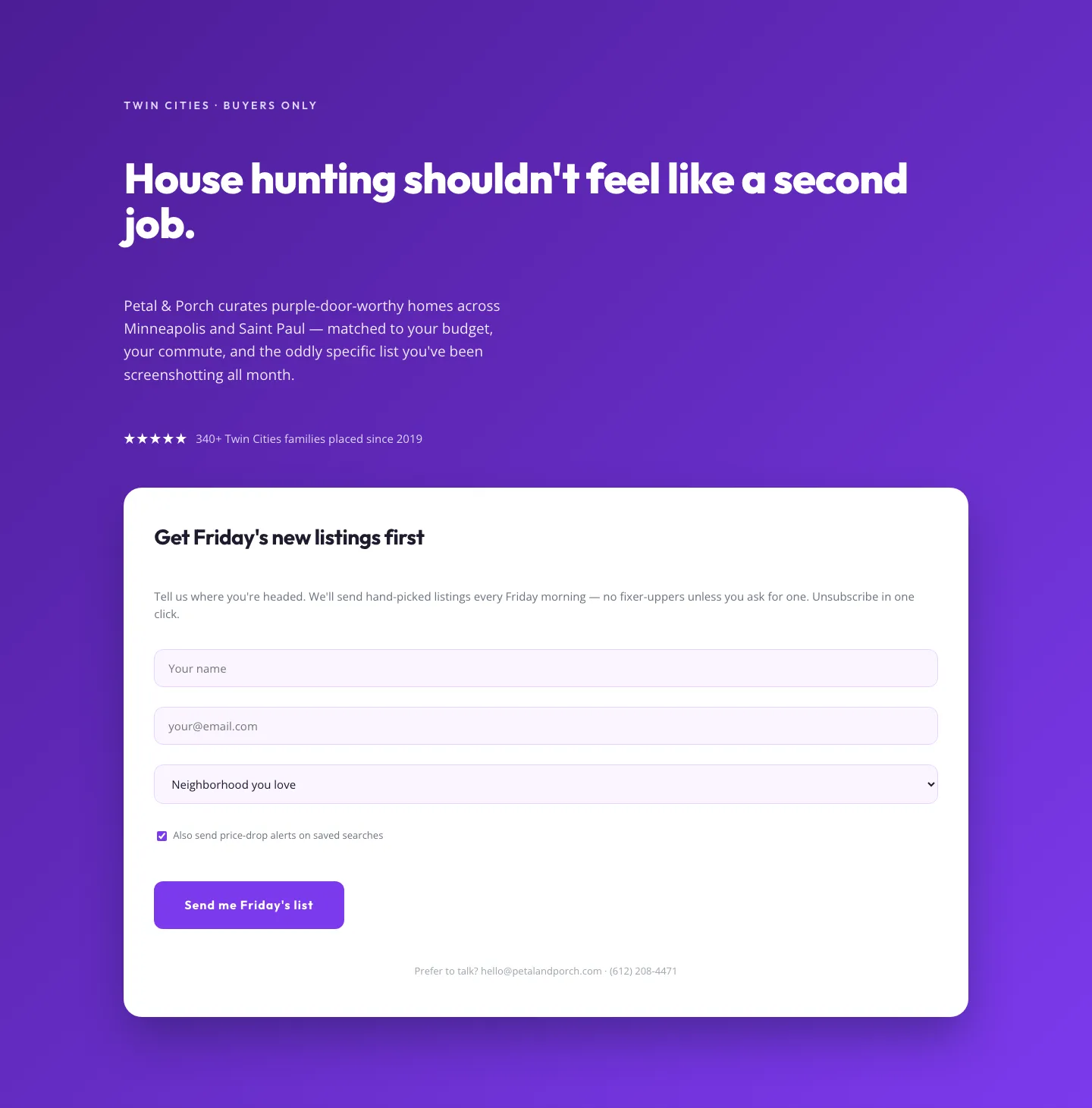
Playful Real Estate Hero with Weekly Listings Signup: Divi 5 Layout
hero · real_estate · playful
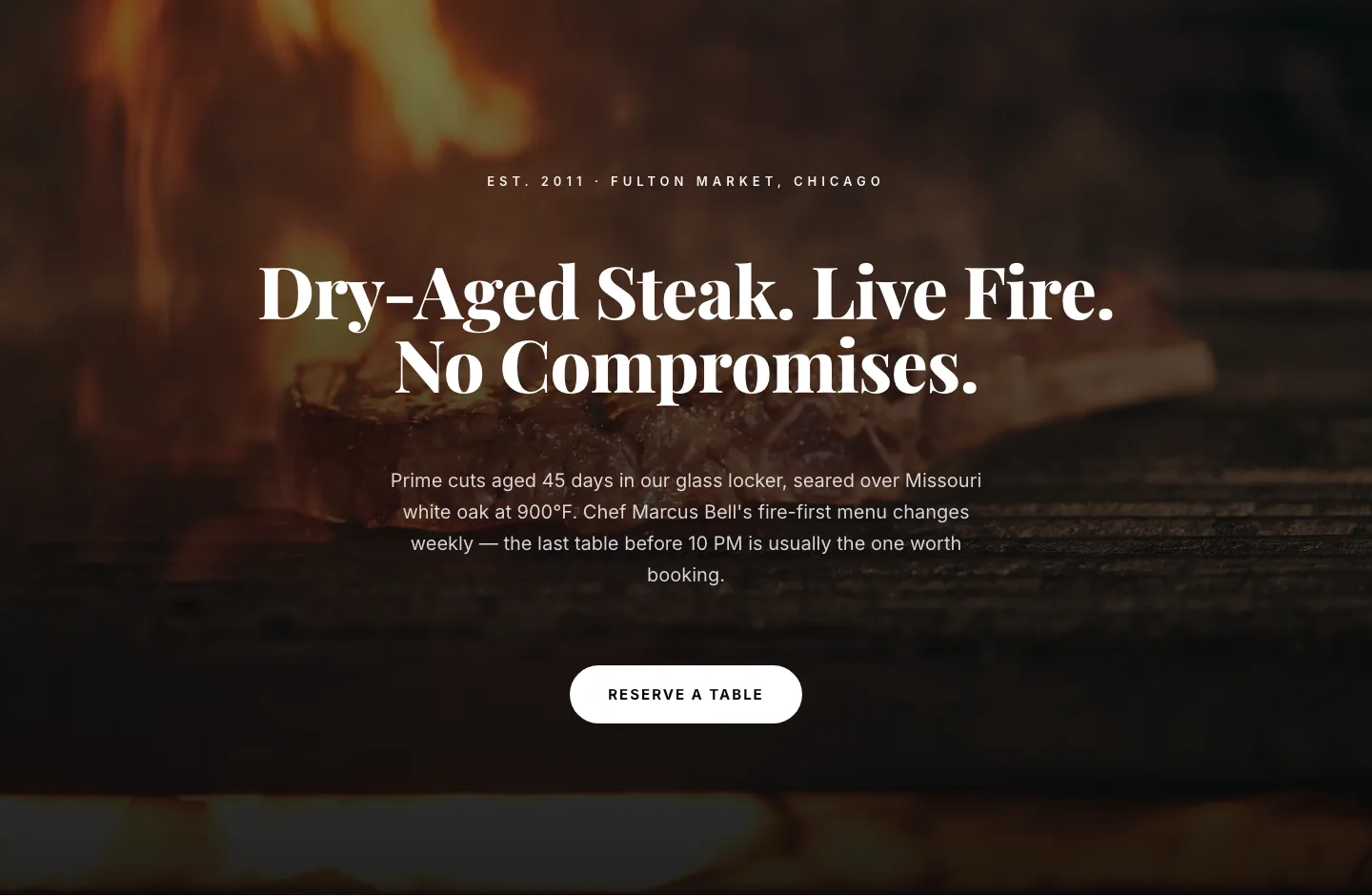
Bold Steakhouse Hero Layout for Divi 5: Fire & Dry-Aged
hero · restaurant · bold
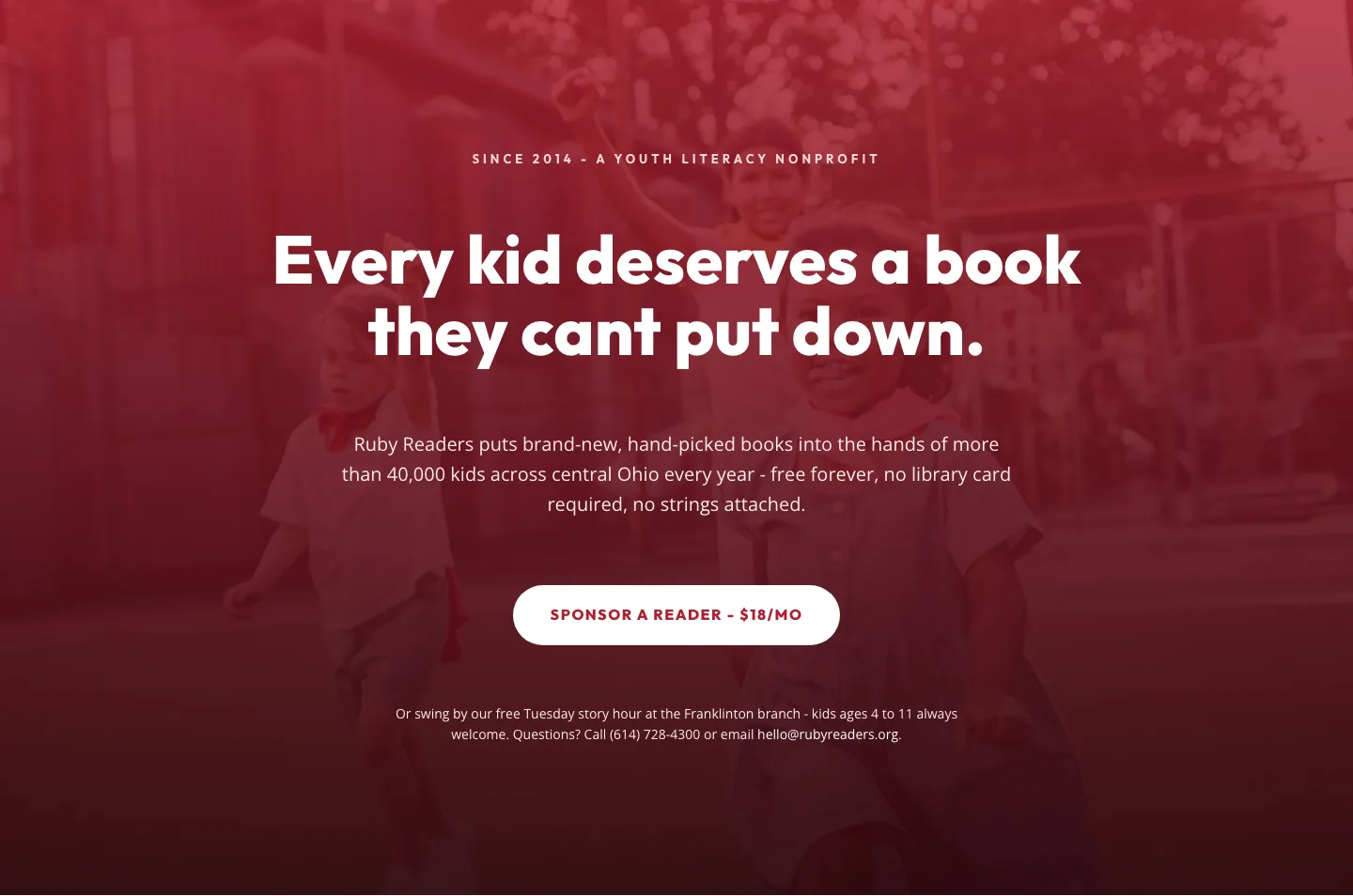
Ruby Readers Nonprofit Hero: Playful Divi 5 Layout
hero · nonprofit · playful