
Bluefin Studio: Playful Creative Agency Hero Section for Divi 5
A friendly, playful Divi 5 hero layout for creative agencies: bold headline, rounded image, blue accent CTA, and responsive two-column layout ready to drop in.
Rate this element
Download this section, free
- Divi 5 JSON, imports in seconds
- Commercial license included
- No account needed
Click to view the full page
Overview
Bluefin Studio is a two-column hero built for creative agencies that want to feel welcoming without looking sleepy. The section sits on a soft #eff6ff blue-tinted canvas with generous 8% vertical padding, so the block breathes at any viewport width and never crashes into whatever module you drop below it. The row uses a 2/5 image + 3/5 copy split with a 56px column gap and a 1240px max-width, an off-balance ratio that makes the headline the visual anchor while the portrait carries the personality.
The left column carries a square Pexels image with a full 36px border radius and a soft blue drop shadow (rgba(37,99,235,0.28)), plus a subtle -2% horizontal nudge so the photo peeks slightly out of the copy column and reads as playful rather than gridded. A 700ms slide-in-from-left animation greets first-time visitors without hijacking the scroll. The right column layers four modules: a small ★ eyebrow heading in vivid #2563eb uppercase, a chunky 60px display headline in near-black navy #0b1f4d, a 19px paragraph in #1e3a5f capped at 560px for comfortable reading, and a pill-shaped CTA (999px radius) with a matching blue glow shadow.
Spacing is deliberate: 18px under the eyebrow, 22px under the headline, and 32px under the paragraph. A stepped rhythm that pushes the eye toward the button. On phone breakpoints the row flips to a column stack, the image sits above the copy at full width, the display heading drops from 60px to 40px, and the section padding switches to a fixed 60px/20px so tall photos and long headlines both stay readable on narrow screens.
What’s inside
- Two-column 2/5 + 3/5 hero row with 56px column gap and centered vertical alignment, capped at a 1240px max-width
- Native Divi 5 Image module with 36px rounded corners, custom blue-tinted drop shadow, and a 700ms slide-left entrance animation
- Three-tier typography stack (uppercase eyebrow heading, 60px display headline, and 19px body copy) using real Divi Heading and Text modules
- Pill-shaped Divi Button module (999px radius) with a solid blue fill, hover color swap, and a soft glow shadow
- Blue-forward palette wired to five clearly-defined tokens (`#eff6ff` bg, `#2563eb` accent, `#1d4ed8` hover, `#0b1f4d` headline, `#1e3a5f` body)
- Phone breakpoint already tuned: column stack, 40px mobile headline size, and a 60px/20px section padding override
- Body-copy max-width of 560px so the paragraph never stretches into an unreadable line length on wide monitors
Who it’s for
This hero is built for small creative agencies, brand studios, illustration and motion shops, freelance designers, and boutique web teams that want to lead with personality instead of stock-photo formality. The playful eyebrow, oversized headline, and pill CTA also translate well for adjacent service brands: social media managers, content studios, podcast production houses, wedding photographers, and indie marketing consultants (where the pitch is "friendly humans doing real work." It's a poor fit for enterprise SaaS or legal/financial brands that need a more restrained tone, and it assumes you have one strong portrait or product photo to anchor the left column) teams without imagery should swap in an illustration or a bold gradient block before publishing.
Customization tips
Start with the palette: the five hex values (#eff6ff, #2563eb, #1d4ed8, #0b1f4d, #1e3a5f) appear on the section background, the eyebrow, the button + button-hover, the headline, and the body. Remap those five tokens to your brand and the whole hero re-skins in about a minute. Keep the headline to six words or fewer so it stays on two lines at 60px desktop; anything longer will push the row taller than the image. The eyebrow is designed for 40–55 characters: enough for a tagline plus the star glyph, not a full sentence. The body paragraph reads best around 35–55 words so it doesn't overrun the 560px max-width. For the image, use a 1:1 square (the source is 1200×1200). Portraits or landscape crops will fight the 36px rounded corners and the -2% horizontal translate. If you don't want the animation, delete the slide animation on the Image module; if you want a bigger CTA presence, raise the button font size to 18px rather than adding a second button.
How to install this layout
- Download the layout JSON file from this page.
- Open the target page in the Divi 5 builder.
- Open the portability panel (up/down arrows icon) and choose the Import tab.
- Upload the JSON. Tick “replace existing content” only for full-page imports.
- Check the page at desktop and mobile widths, then swap in your copy and images.
Full walkthrough with troubleshooting: How to Import a Divi 5 Layout.
Questions about Bluefin Studio: Playful Creative Agency Hero Section for Divi 5
Is the layout responsive out of the box?
Yes. Phone-breakpoint overrides are already set on the row, columns, headline, and section padding, so the two columns stack vertically, the display headline drops from 60px to 40px, and horizontal padding shrinks to 20px on narrow screens without any extra work.
Which Divi 5 modules does it actually use?
One Section, one Row with two Columns, one Image module (left), two Heading modules (eyebrow + display), one Text module, and one Button module. Six modules total, all native Divi 5: no third-party plugins, no custom code.
What image should I use in the left column?
A square 1:1 crop, ideally 1000–1200px on each side. The image ships with a 36px border radius and a -2% horizontal offset, so busy edges will get clipped. Portraits centered on the subject or product shots with breathing room work best.
What should I edit first?
Swap the placeholder Pexels photo for your own image, then rewrite the three text blocks in order: eyebrow (your brand + tagline), the 'Brand chaos? We make it click.' headline, and the paragraph. Point the button link to your work/portfolio page. The palette can wait, the copy is what visitors read.
Can I remove the slide-in animation?
Yes. Open the Image module, go to the Design tab → Animation, and clear the preset. Nothing else in the layout depends on it, and the hero still lands cleanly without motion. Useful if you want to respect `prefers-reduced-motion` on your site.
How wide does the hero get on large monitors?
The row is capped at 1240px, so on ultrawide displays the two columns sit centered with the soft blue background bleeding to the edges. If you want an edge-to-edge feel, raise the row max-width or remove the section's 6% horizontal padding.
Which Divi version does this layout need?
Divi 5. The layout is generated natively for Divi 5 and validated against its real module structure before publication, so it imports clean into the current builder.
Can I use this layout on client websites?
Yes. Every download includes a commercial license covering unlimited sites you own or build for clients. Only reselling or redistributing the layout file itself is prohibited.
More hero sections
Browse all hero sections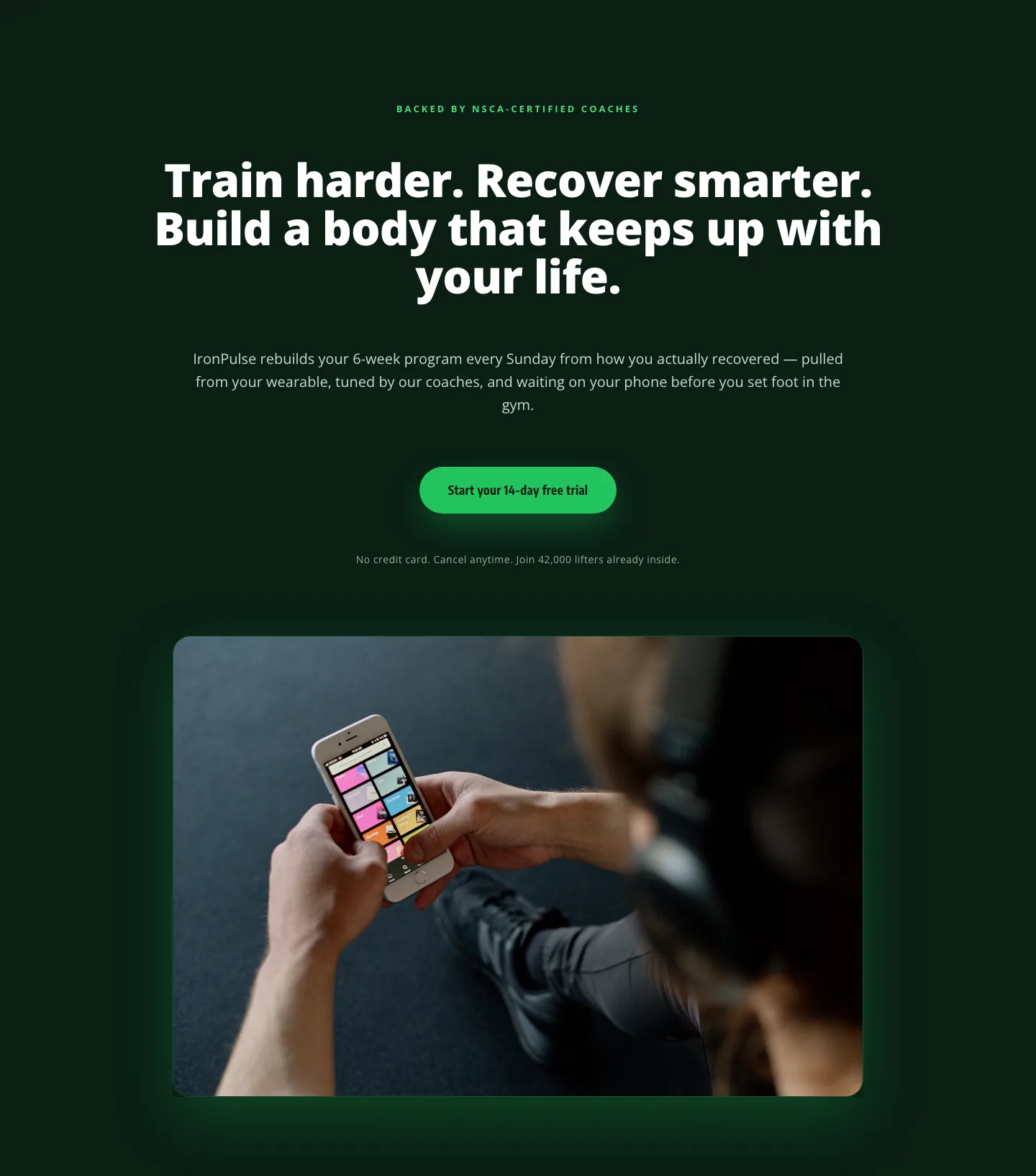
Bold Fitness App Hero Layout for Divi 5: IronPulse Adaptive Training
hero · fitness · bold
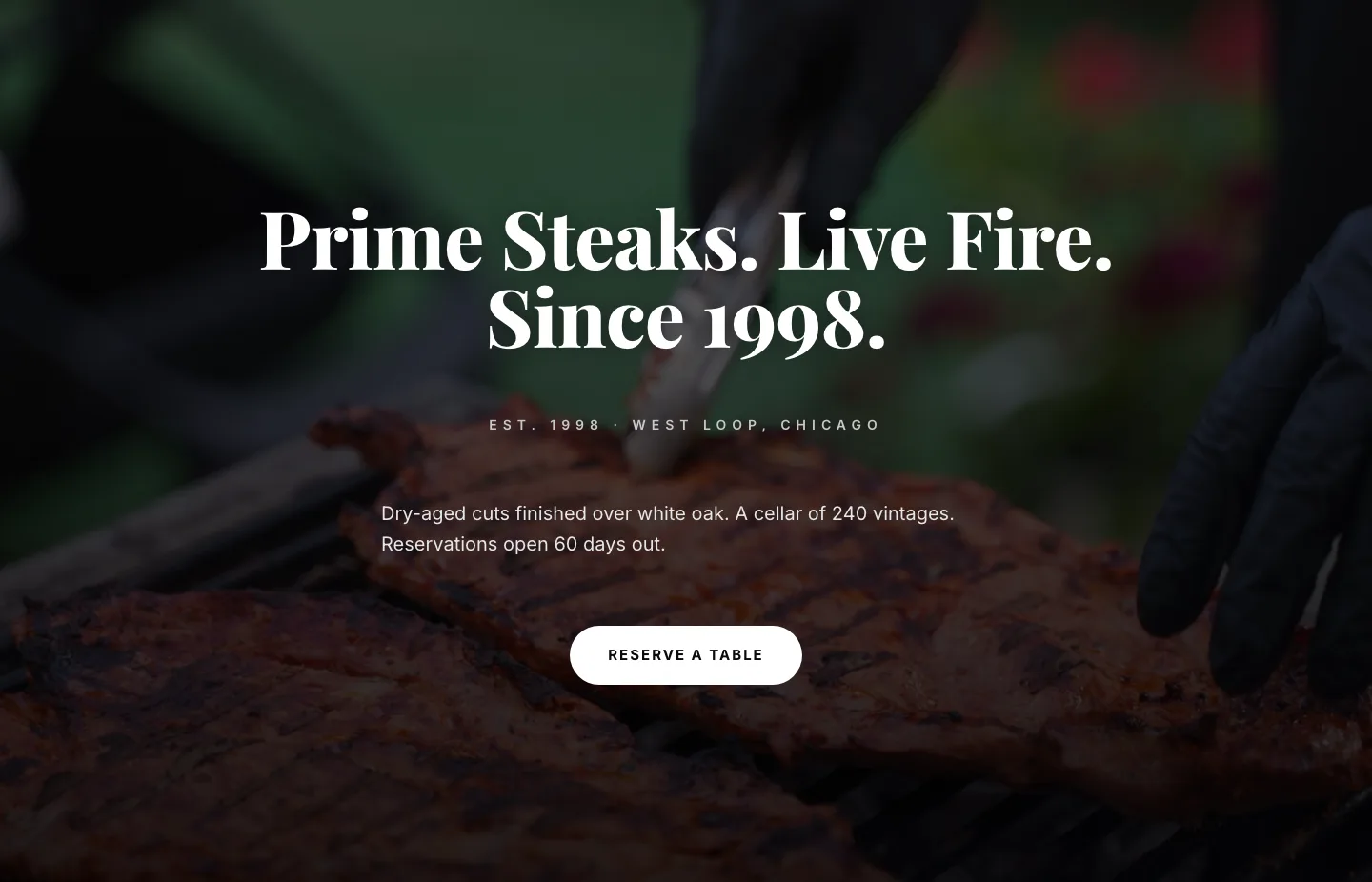
Prime Steaks Hero Section: Bold Monochrome Restaurant Layout for Divi 5
hero · restaurant · bold
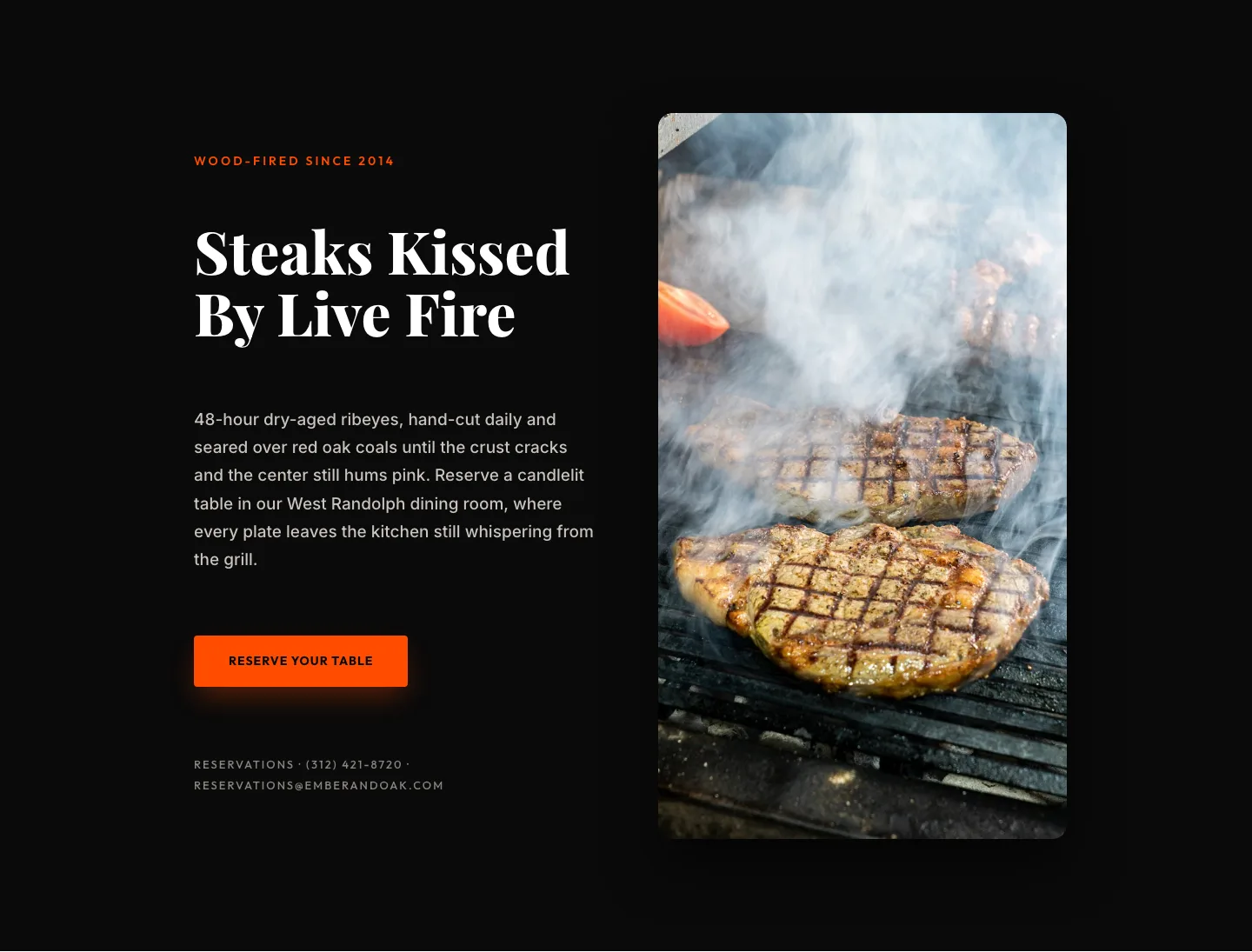
Wood-Fired Steakhouse Hero Layout for Divi 5: Bold Restaurant Template
hero · restaurant · bold
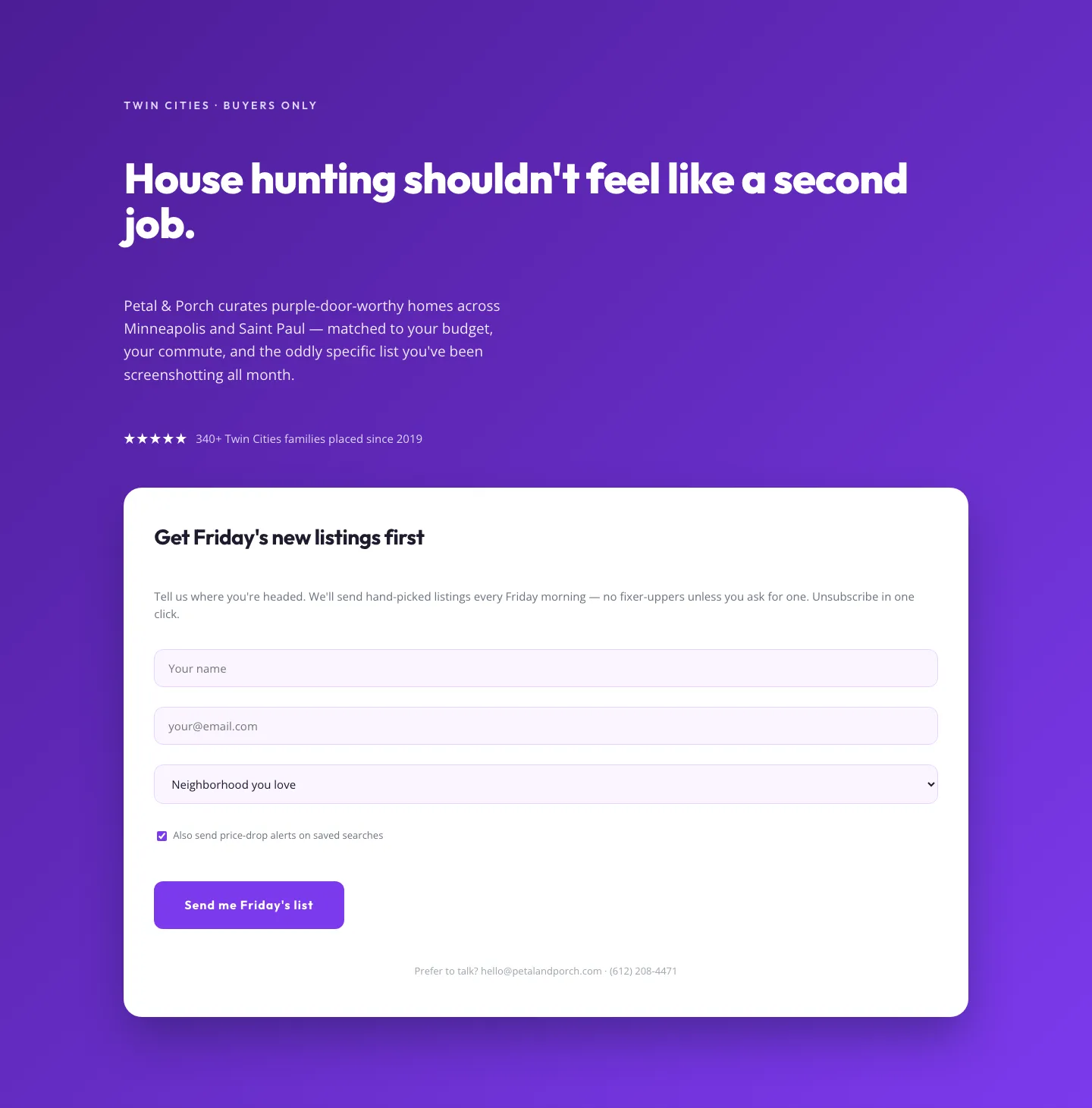
Playful Real Estate Hero with Weekly Listings Signup: Divi 5 Layout
hero · real_estate · playful
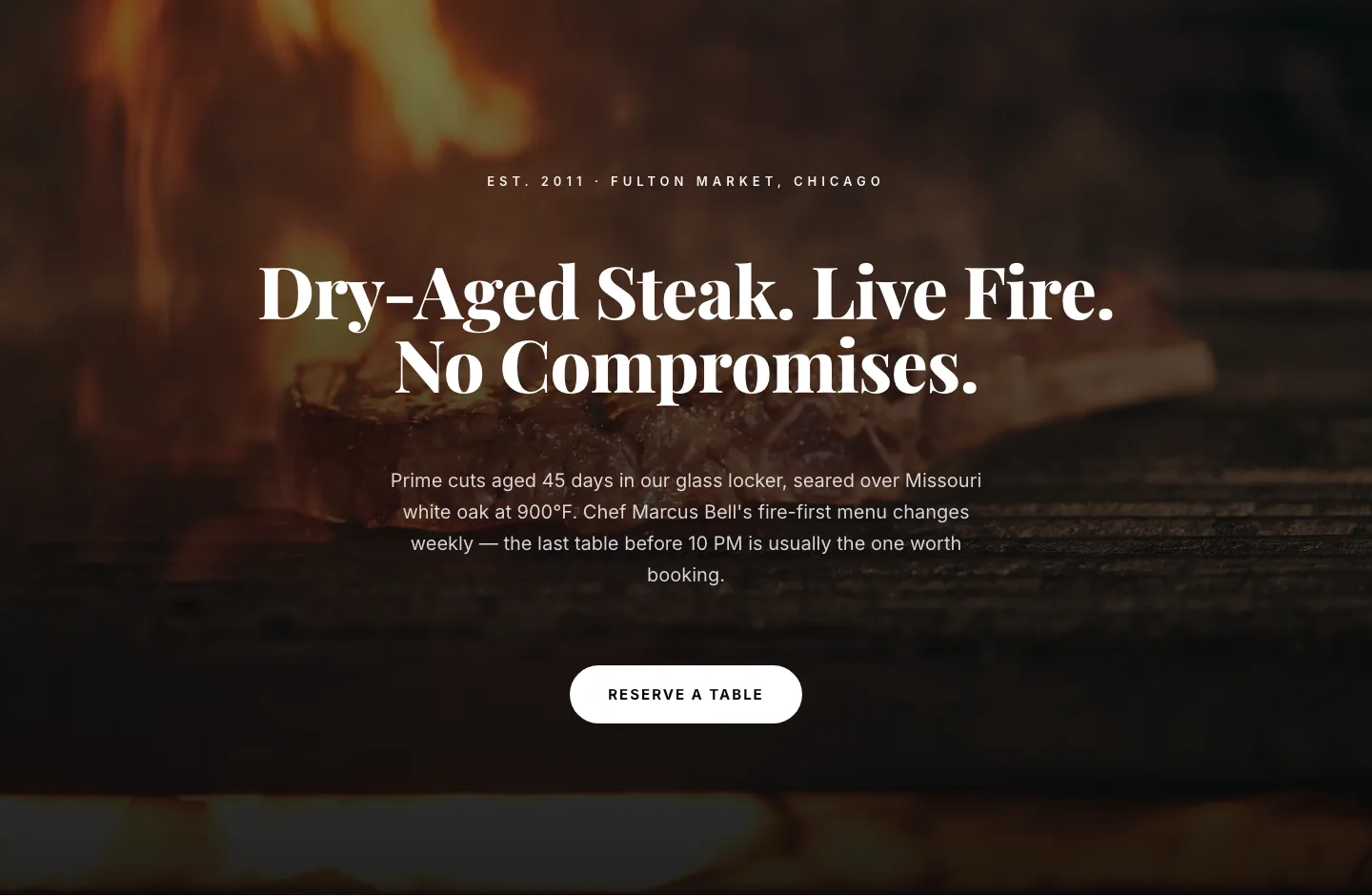
Bold Steakhouse Hero Layout for Divi 5: Fire & Dry-Aged
hero · restaurant · bold
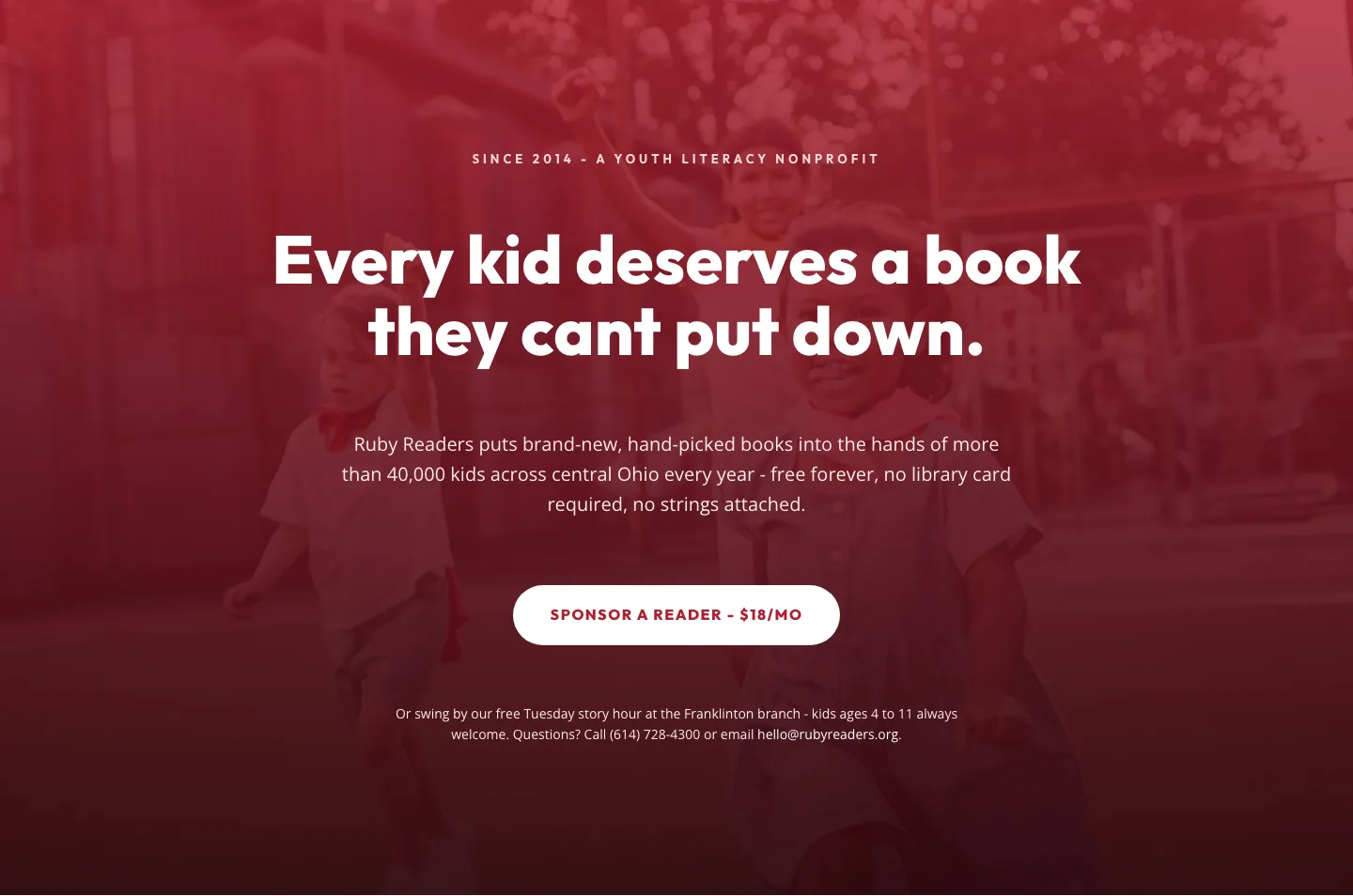
Ruby Readers Nonprofit Hero: Playful Divi 5 Layout
hero · nonprofit · playful