
Bold Ecommerce Hero Layout for Divi 5: Product Launch Section
Convert shoppers with a bold, dark ecommerce hero for Divi 5. Two-column layout with product image, oversized headline, shipping banner, CTA button, and social proof.
Rate this element
Download this section, free
- Divi 5 JSON, imports in seconds
- Commercial license included
- No account needed
Click to view the full page
Overview
The section runs on a two-column row split 2_5 / 3_5 (roughly 40/60), capped at a 1240px max-width and centered with auto margins, sitting on a deep near-black background (#0F0F0F). Vertical padding steps down cleanly across breakpoints (120px desktop, 80px tablet, 64px phone) so the hero feels spacious on wide screens without eating half the fold on mobile. The narrower left column holds a portrait product photo with 24px rounded corners and a soft orange glow shadow (rgba(255,106,26,0.35)); the wider right column carries all the copy hierarchy.
Text stacks in a deliberate order. A small uppercase eyebrow in orange #FF6A1A at 13px with 3px letter-spacing (used here for a free-shipping promo) sits above an 800-weight Outfit display heading at 68px in pure white, pulled tight with -1px letter-spacing for that condensed poster look. Beneath it, an 18px Inter body paragraph in #C7C7C7 runs at 1.7 line-height so a full sentence or two reads comfortably against the dark canvas, followed by a pill-shaped orange CTA (999px radius, uppercase Outfit 700 at 15px) and finally a 14px trust line in dimmer #8A8A8A for social-proof numbers.
On phone, the row's flexDirection flips to column, so the image stacks above the copy block; the headline rescales from 68px → 48px on tablet → 38px on phone, and the section's side padding drops to 20px so the rounded image doesn't hit the screen edges. The palette does specific work: #0F0F0F is the whole canvas, #FF6A1A is used exactly three times (eyebrow, button fill, image glow) so the orange never feels wallpapered, and the two greys (#C7C7C7 body and #8A8A8A trust line) let those two paragraphs sit at clearly different priorities without competing with the headline for attention. A 700ms slide-in-from-left animation is attached to the image module.
What’s inside
- Two-column row (2_5 / 3_5) capped at 1240px max-width, centered with auto margins, wrapping to a stacked column layout on phone
- One Image module with 24px rounded corners, an orange preset box shadow, and a 700ms slide-in-from-left animation baked in
- Two Heading modules: a 13px uppercase Outfit eyebrow (used here as a free-shipping bar) and a 68px Outfit-800 display headline in white
- A Text module for the brand-story paragraph in Inter 18px `#C7C7C7` at 1.7 line-height, sized to read easily against the near-black background
- A pill Button module with 999px radius, uppercase Outfit label, and hover-only shadow + background colour swaps, wired to `/shop` out of the box
- A second Text module for a compact trust line (customer count, star rating, ship-from location) at 14px in dimmed `#8A8A8A`
- Fully typed responsive step-down: headline 68 → 48 → 38px, section padding 120 → 80 → 64px, side padding 6vw → 32px → 20px
- 100% native Divi 5 modules (Section, Row, Column, Image, Heading, Text, Button): no third-party plugins, no child theme required
Who it’s for
This hero fits ecommerce brands that lead with a single flagship product and a short story: apparel and workwear labels (denim, canvas, boots, outerwear), leather goods and EDC gear, hardware and tools, coffee roasters, small-batch spirits, skincare with a manifesto, and DTC startups launching one hero SKU. The near-black canvas and heavy display type read as premium and "made to last," so it suits brands with a heritage or craftsmanship angle better than pastel wellness, kids', or lifestyle categories that lean pastel. It also works as a campaign or product-launch hero on a Divi-built storefront where you need exactly one photo, one big claim, one primary CTA, and one trust bar. Not a carousel and not a full landing composition.
Customization tips
Repalette in three swaps: change #0F0F0F to your brand's darkest neutral, replace #FF6A1A in the three places it appears (eyebrow heading colour, button background, and image box-shadow tint), and pick a slightly lighter grey than #C7C7C7 if your body copy feels muted on your monitor. Keep the headline under about 40 characters, the 68px Outfit-800 line was tuned for two short lines and wraps ugly past that. The eyebrow tolerates around 32 characters before the 3px letter-spacing pushes it onto two rows. Point the button link at your real collection URL (it currently reads /shop) and rewrite the trust line with your own customer count, rating, and shipping origin. Don't leave the placeholder numbers live. For the image, use a portrait crop around 3:4 or 4:5 that gives the subject room; the 24px radius plus the orange glow shadow look best on clean-background product photography rather than busy lifestyle scenes.
How to install this layout
- Download the layout JSON file from this page.
- Open the target page in the Divi 5 builder.
- Open the portability panel (up/down arrows icon) and choose the Import tab.
- Upload the JSON. Tick “replace existing content” only for full-page imports.
- Check the page at desktop and mobile widths, then swap in your copy and images.
Full walkthrough with troubleshooting: How to Import a Divi 5 Layout.
Questions about Bold Ecommerce Hero Layout for Divi 5: Product Launch Section
What does the hero look like on mobile?
The row's `flexDirection` switches from `row` to `column` on phone, so the product image stacks above the text block. The display headline drops from 68px to 38px, section padding tightens to 64px top/bottom and 20px sides, and the pill button keeps its full shape and label size.
Which Divi modules make up this section?
Native Divi 5 only: Section, Row (with two Columns), Image, two Headings (the small eyebrow and the display headline), two Text modules (the brand-story paragraph and the trust line), and a Button. No third-party modules, no custom code, no child-theme dependencies.
Do I have to keep the orange accent colour?
No. `#FF6A1A` appears in exactly three spots: the eyebrow heading, the button background, and the image box shadow. Swap all three to your brand accent (and update the button's darker `#C74A00` hover state to match) and the hero re-skins in about two minutes.
What kind of image should I use in the left column?
A portrait crop around 3:4 or 4:5 of a single product, model, or hero shot. The image module has a 24px radius and a soft orange glow, so clean-background product photography or simple studio shots work better than dense lifestyle scenes with busy edges that fight the shadow.
What should I edit before publishing this?
Four things: the button link (currently `/shop`), the trust-line numbers (42,000+ customers / 4.9★ / Portland, OR are placeholders), the shipping-promo eyebrow text, and the Pexels image URL. Replace it with a self-hosted upload. After that, retune the headline if your product name pushes past about 40 characters.
Which Divi version does this layout need?
Divi 5. The layout is generated natively for Divi 5 and validated against its real module structure before publication, so it imports clean into the current builder.
Can I use this layout on client websites?
Yes. Every download includes a commercial license covering unlimited sites you own or build for clients. Only reselling or redistributing the layout file itself is prohibited.
More hero sections
Browse all hero sections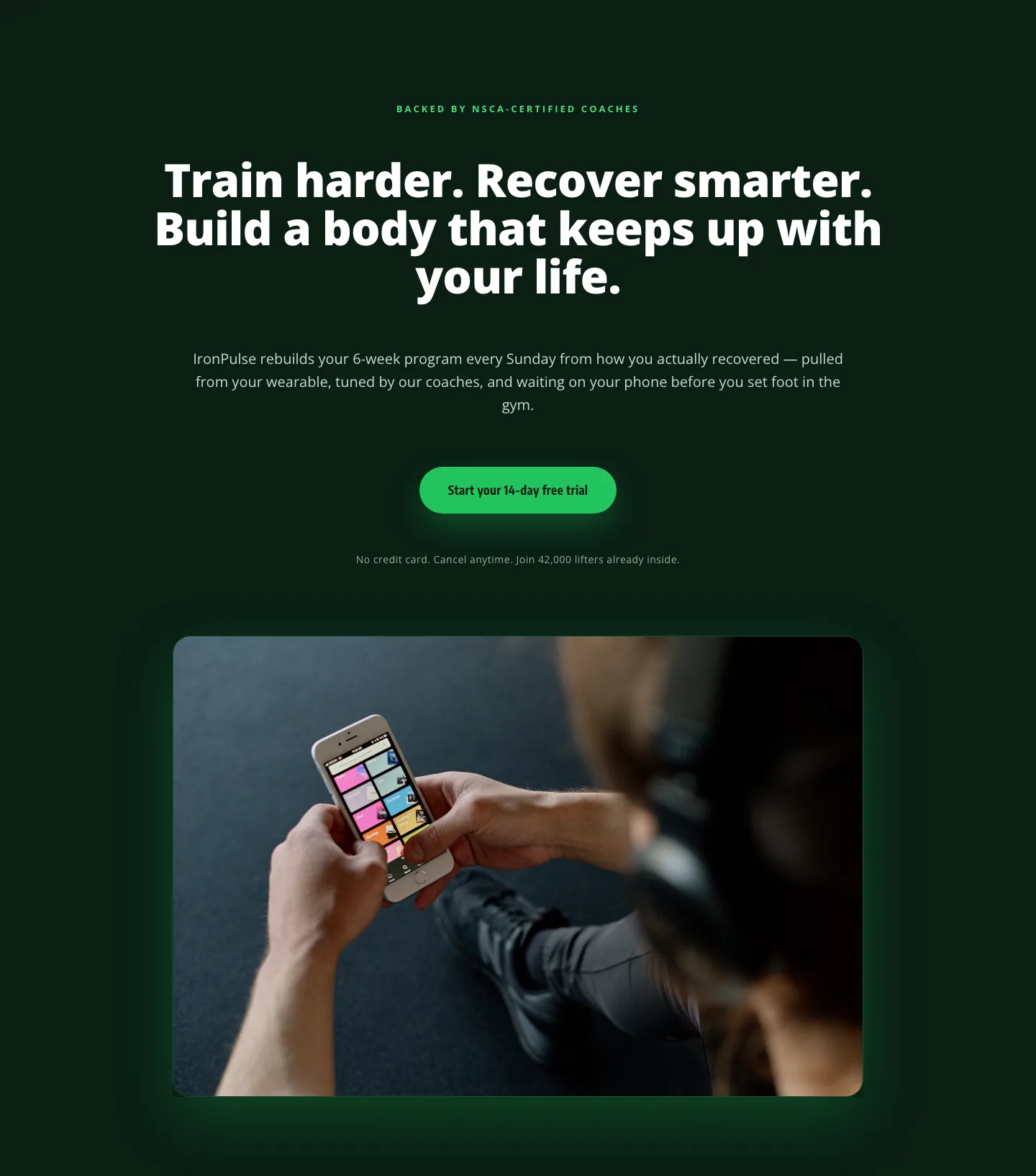
Bold Fitness App Hero Layout for Divi 5: IronPulse Adaptive Training
hero · fitness · bold
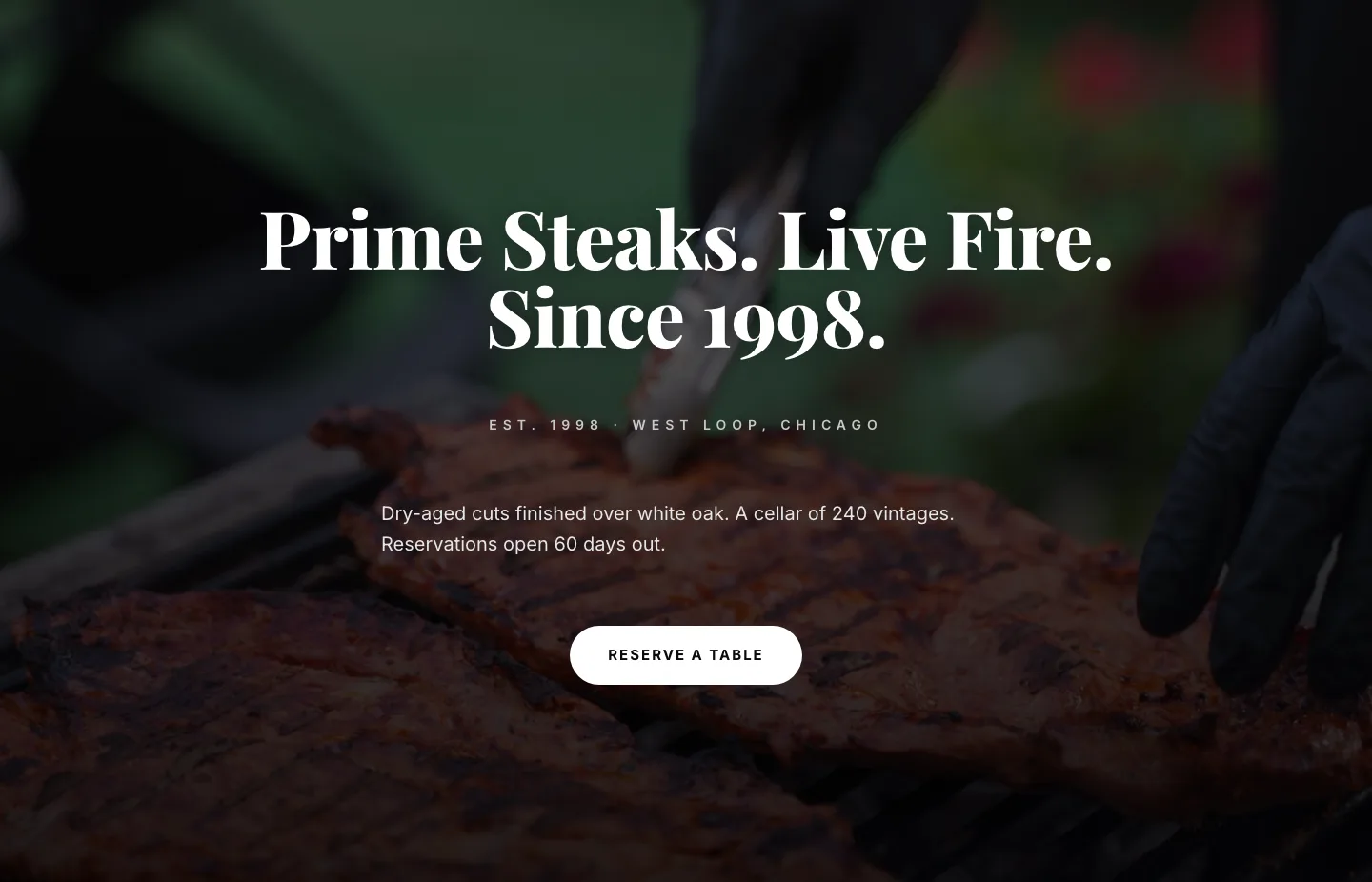
Prime Steaks Hero Section: Bold Monochrome Restaurant Layout for Divi 5
hero · restaurant · bold
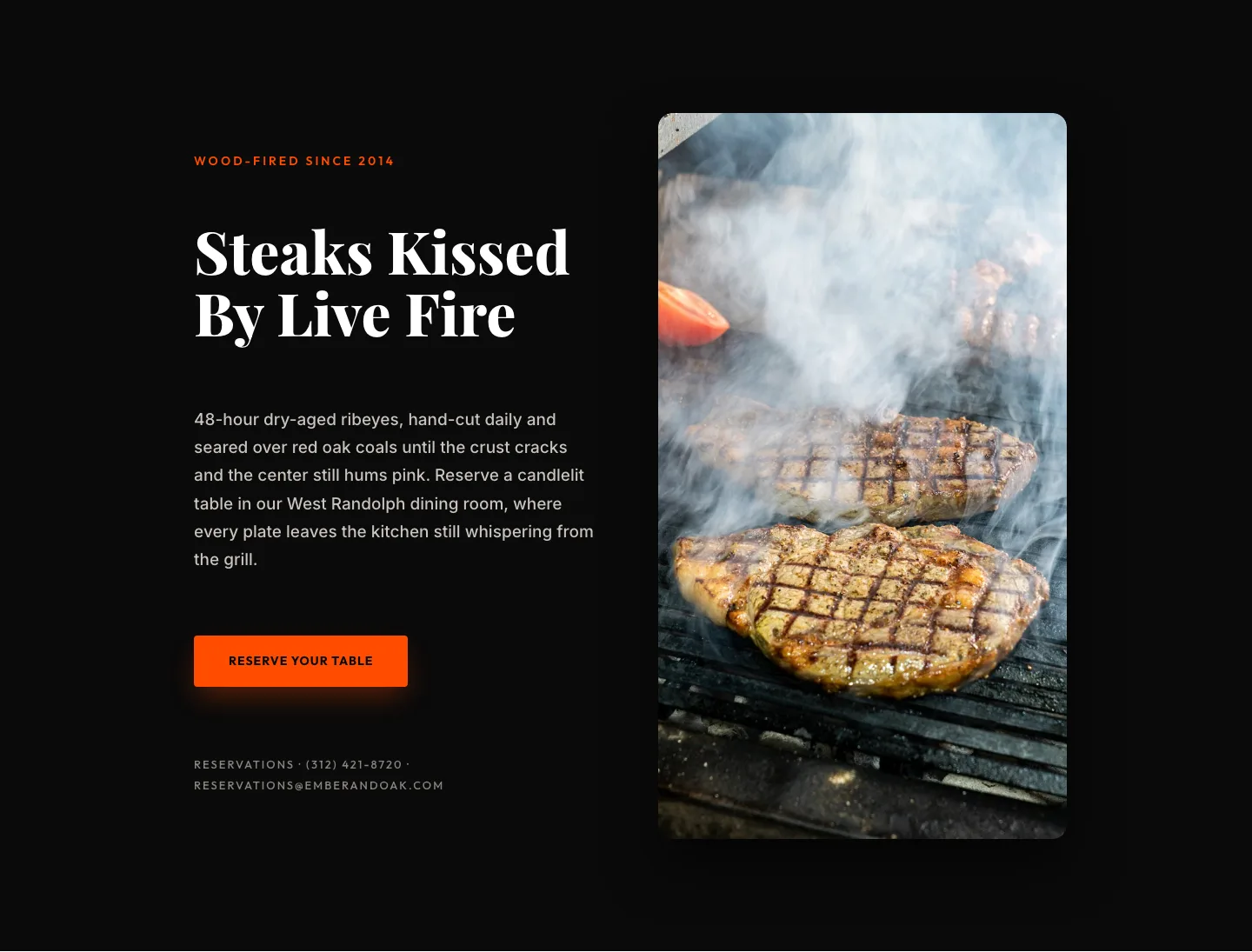
Wood-Fired Steakhouse Hero Layout for Divi 5: Bold Restaurant Template
hero · restaurant · bold
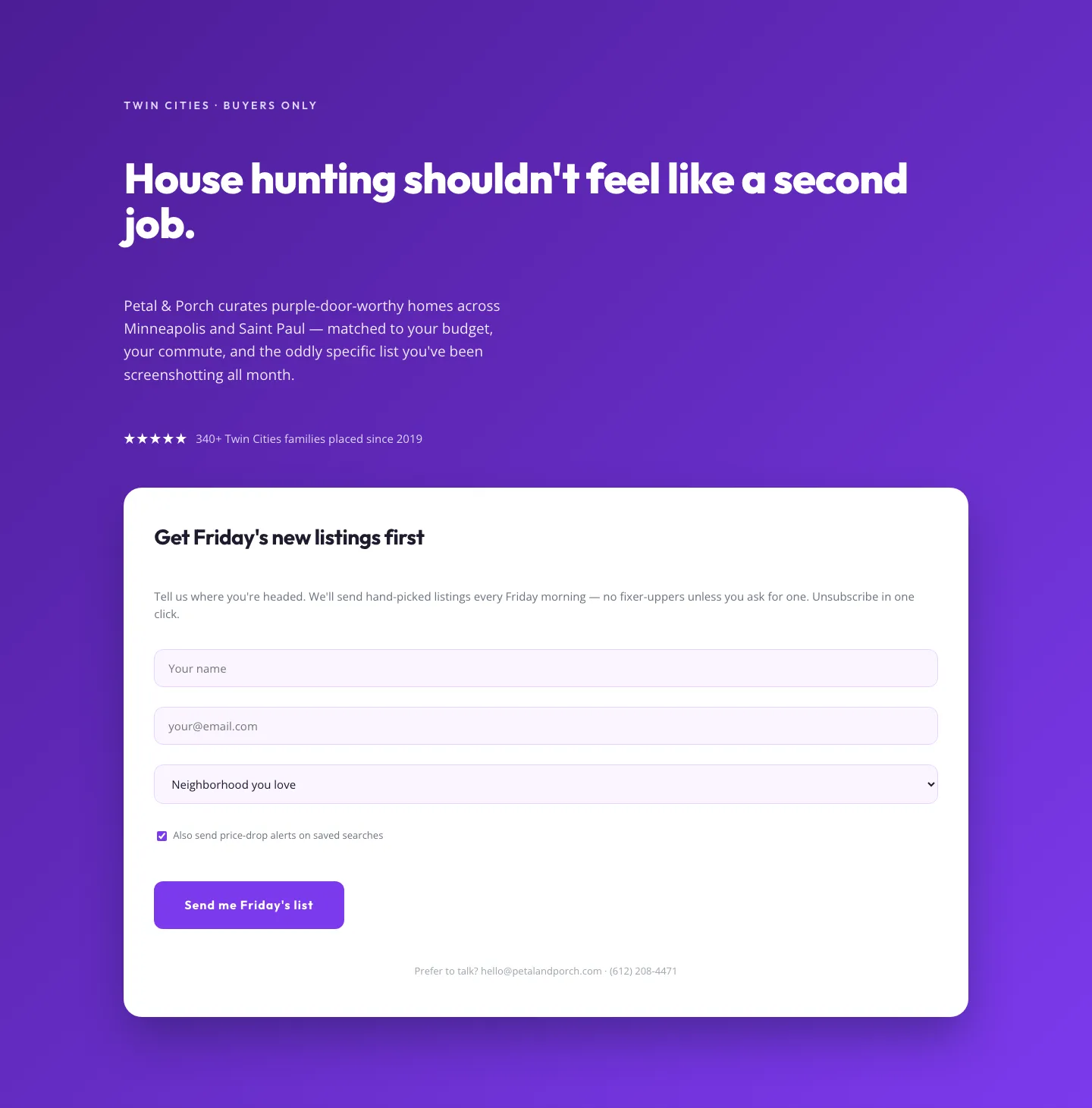
Playful Real Estate Hero with Weekly Listings Signup: Divi 5 Layout
hero · real_estate · playful
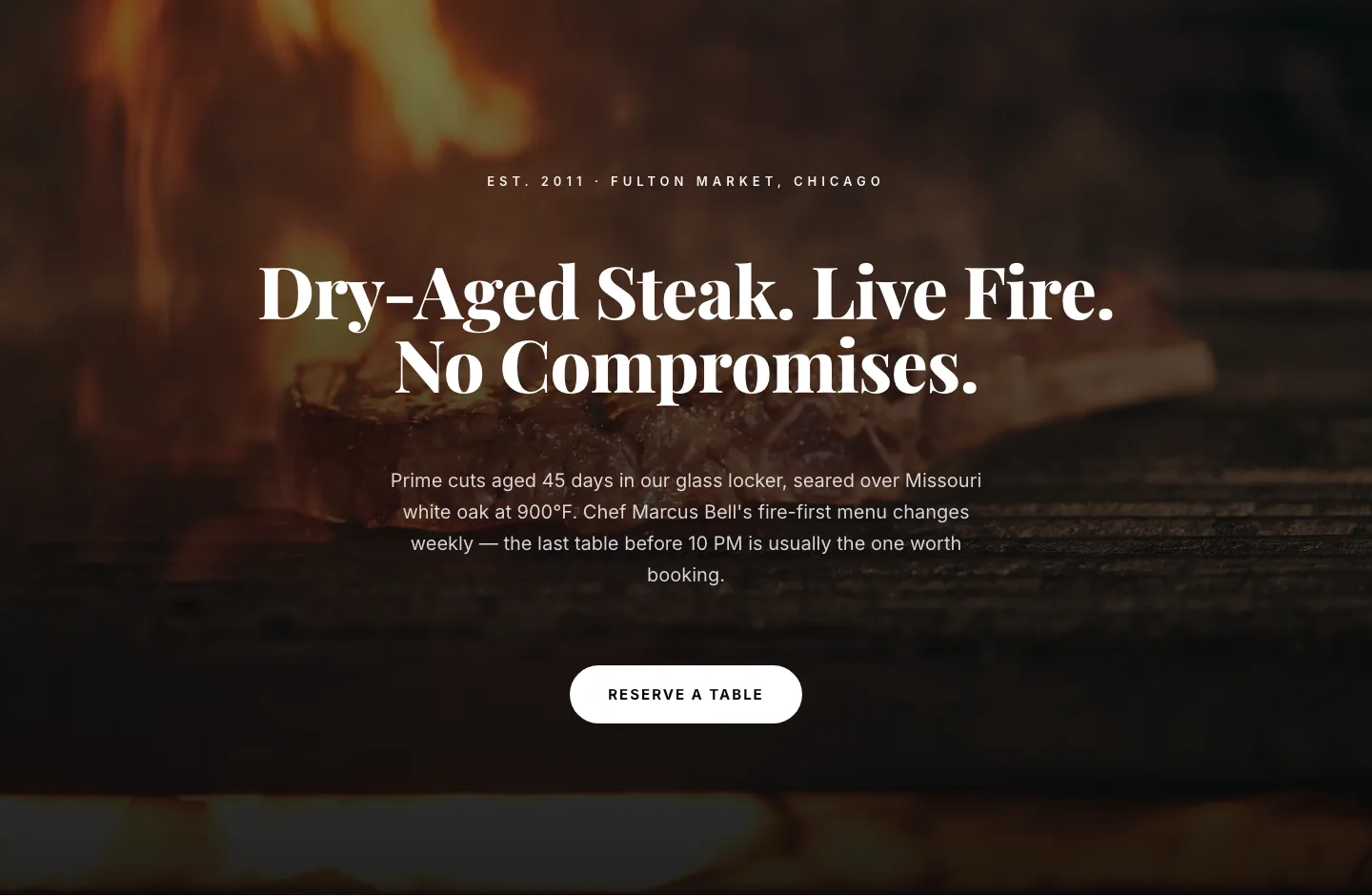
Bold Steakhouse Hero Layout for Divi 5: Fire & Dry-Aged
hero · restaurant · bold
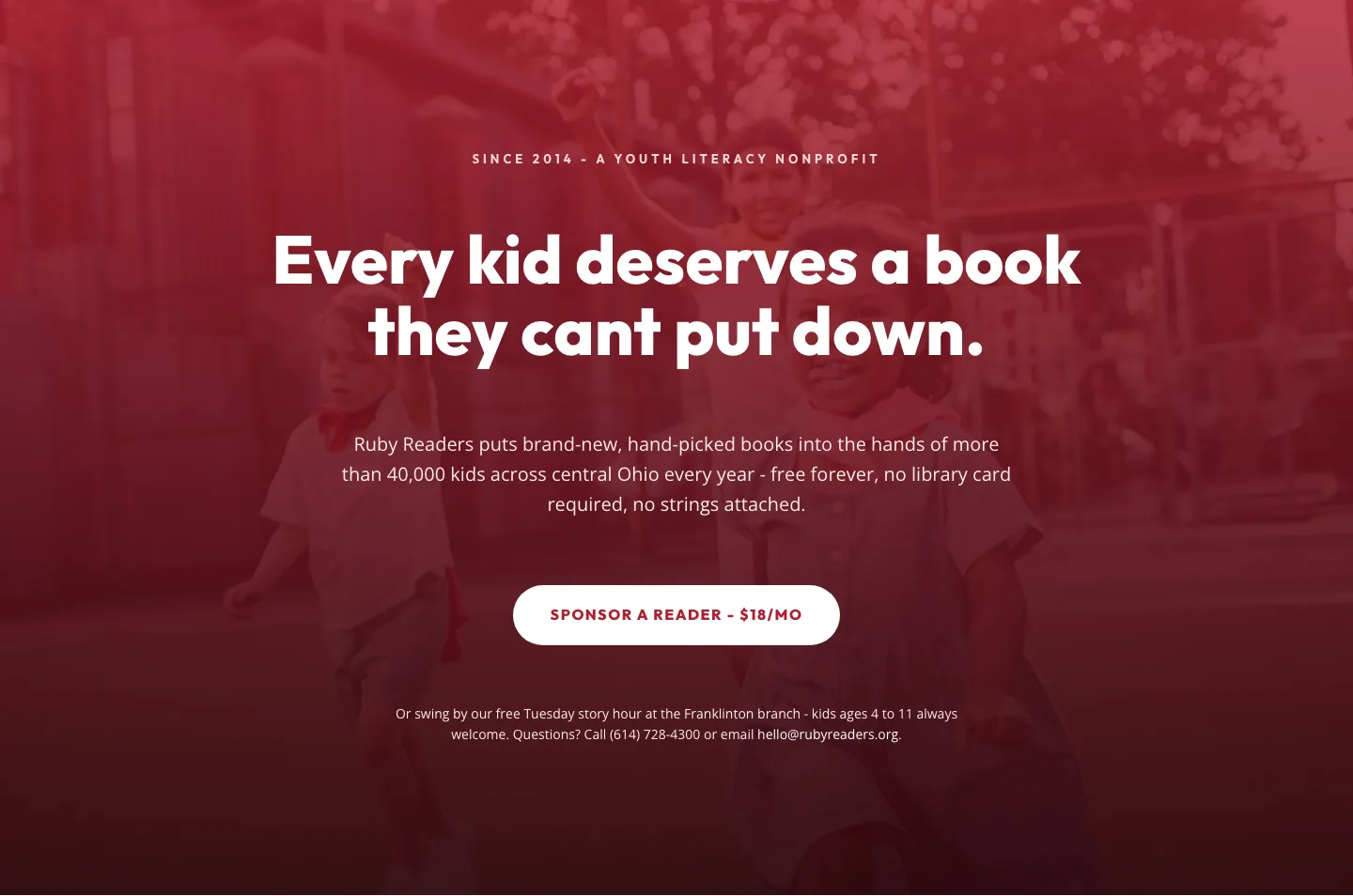
Ruby Readers Nonprofit Hero: Playful Divi 5 Layout
hero · nonprofit · playful