
Bold Steakhouse Hero Section for Divi 5: Dark Monochrome Restaurant Layout
Dramatic full-bleed hero for steakhouses and chef-driven restaurants. Monochrome Divi 5 layout with uppercase display type, image overlay, and reservation CTA.
Rate this element
Download this section, free
- Divi 5 JSON, imports in seconds
- Commercial license included
- No account needed
Click to view the full page
Overview
This hero section leads with a single, uncompromising statement: a stacked title lockup on a dark, image-driven backdrop that lets the room's fire and steel do the talking. The eyebrow line ("Wood-Fired Steakhouse") sits in 14px uppercase at 6px letter spacing in a muted #BFBFBF grey, so it reads as a category label rather than a competing headline. Beneath it, "Fire. Steel. Flavor." runs at a fluid 6vw on desktop, jumping to 9vw on tablet and 11vw on phone. A weight-900 uppercase display slab with a preset text shadow that keeps it legible over the photo. The lockup is capped at 900px so the display type never sprawls on ultra-wide monitors.
The background is a full-bleed food photograph with a two-stop dark gradient overlay (rgba(10,10,10,0.65) → rgba(0,0,0,0.9)) sitting on top of a #0a0a0a fallback. That overlay is the whole trick: it lets you swap in almost any warm-toned kitchen or steak image and still keep white type readable. Section padding is set in viewport units (14vw top and bottom on desktop, doubling to 28vw on phone) so the hero always holds the same visual share of the viewport instead of collapsing to a thin strip on small screens.
Below the paragraph copy (centered, capped at 640px, 20px #E5E5E5 at 1.6em line-height) sits a single sharp-cornered CTA. A white-filled button with a 2px white border and a heavy 3px-tracked uppercase label. On hover it inverts to a dark fill with white type, a monochrome interaction that keeps the composition disciplined. The row uses a single 4_4 column with a centered flex layout, and switches to flex-direction column on phone for a clean stacked order. Everything is built from native Divi 5 Section, Row, Column, Heading, Text, and Button modules. No third-party dependencies.
What’s inside
- Full-bleed photographic background with a two-stop dark gradient overlay (0.65 → 0.9 opacity) sitting on a #0a0a0a fallback color, so any warm-toned image stays readable under white type
- Fluid display headline that scales from 6vw on desktop to 9vw on tablet to 11vw on phone, at weight 900 with a preset text shadow for legibility over imagery
- Uppercase eyebrow heading at 14px with 6px letter spacing acting as a category label above the main lockup
- Centered paragraph capped at 640px max-width, set at 20px with 1.6em line-height in #E5E5E5 for comfortable reading on the dark backdrop
- Sharp-cornered CTA button (0px radius) with a 2px white border, 15px uppercase label at 3px letter spacing, and a full monochrome hover inversion (white → dark)
- Viewport-unit section padding (14vw top and bottom on desktop, 28vw on phone) so the hero holds its visual weight across screen sizes
- Single centered column that switches to a stacked flex-column order on phone for a clean mobile layout
- Built entirely from native Divi 5 Section, Row, Column, Heading, Text, and Button modules
Who it’s for
Steakhouses, chophouses, and wood-fired grill rooms are the obvious fit: the dark, cinematic mood was designed for exactly that atmosphere. The structure also works for any restaurant that leans on atmosphere over ingredient lists: whiskey bars, ramen counters, chef's tasting rooms, speakeasies, cocktail lounges, and cigar clubs. Because the section is really a single centered lockup over one hero image, it translates cleanly to tattoo studios, barber shops, boxing gyms, motorcycle brands, and premium hospitality booking flows built around a single reservation CTA. If your brand voice is short, confident, and monochrome, this hero will slot in with almost no restructuring.
Customization tips
To repalette, edit three things: the section background color (#0a0a0a), the two gradient stops on the overlay, and the button's background and border colors. Everything else cascades from those. For a warmer brand, swap the gradient to a burgundy or espresso tint at the same 0.65 → 0.9 opacities so type stays readable. Keep the main headline to three to five short words, the 6vw size assumes something punchy like "Fire. Steel. Flavor." and anything longer will wrap awkwardly on tablet. The eyebrow should stay under about 30 characters. Body copy is safe up to roughly 240 characters before it stretches past the 640px cap. Use a landscape background image of at least 1920×1080, with the subject slightly off-center so the overlay-plus-headline stack doesn't land on the focal point. Button labels work best at three to four words; longer labels break the tight uppercase tracking.
How to install this layout
- Download the layout JSON file from this page.
- Open the target page in the Divi 5 builder.
- Open the portability panel (up/down arrows icon) and choose the Import tab.
- Upload the JSON. Tick “replace existing content” only for full-page imports.
- Check the page at desktop and mobile widths, then swap in your copy and images.
Full walkthrough with troubleshooting: How to Import a Divi 5 Layout.
Questions about Bold Steakhouse Hero Section for Divi 5: Dark Monochrome Restaurant Layout
Is the hero fully responsive on tablet and phone?
Yes. The display headline scales from 6vw on desktop to 9vw on tablet and 11vw on phone, section padding doubles from 14vw to 28vw on phone, and the row switches to a stacked flex-column order on mobile so the hero holds its share of the viewport instead of collapsing.
Which Divi 5 modules make up this section?
One Section, one Row, one Column, two Heading modules (the eyebrow and the main display headline), a Text module for the paragraph, and a Button module. All native Divi 5: nothing custom, no third-party plugins.
Do I have to use a background photograph, or can I run it as a solid-color hero?
The section has a #0a0a0a color fallback beneath the image, so you can remove the image URL and keep just the gradient overlay for a pure-dark hero. The type is set for a dark surface, so it still reads well without a photo.
What image size and crop works best for the background?
A landscape photo at 1920×1080 or larger, with the subject slightly off-center. The image uses cover / center positioning, so tightly cropped subjects can get cut on portrait viewports. Leaving negative space around the focal point keeps the composition safe.
What should I edit first when I drop this into a build?
The three lines of copy (eyebrow, headline, and CTA text) carry the entire hero, so start there. After that, swap the background image and repoint the button link. You can ship the section with just those changes.
Which Divi version does this layout need?
Divi 5. The layout is generated natively for Divi 5 and validated against its real module structure before publication, so it imports clean into the current builder.
Can I use this layout on client websites?
Yes. Every download includes a commercial license covering unlimited sites you own or build for clients. Only reselling or redistributing the layout file itself is prohibited.
More hero sections
Browse all hero sections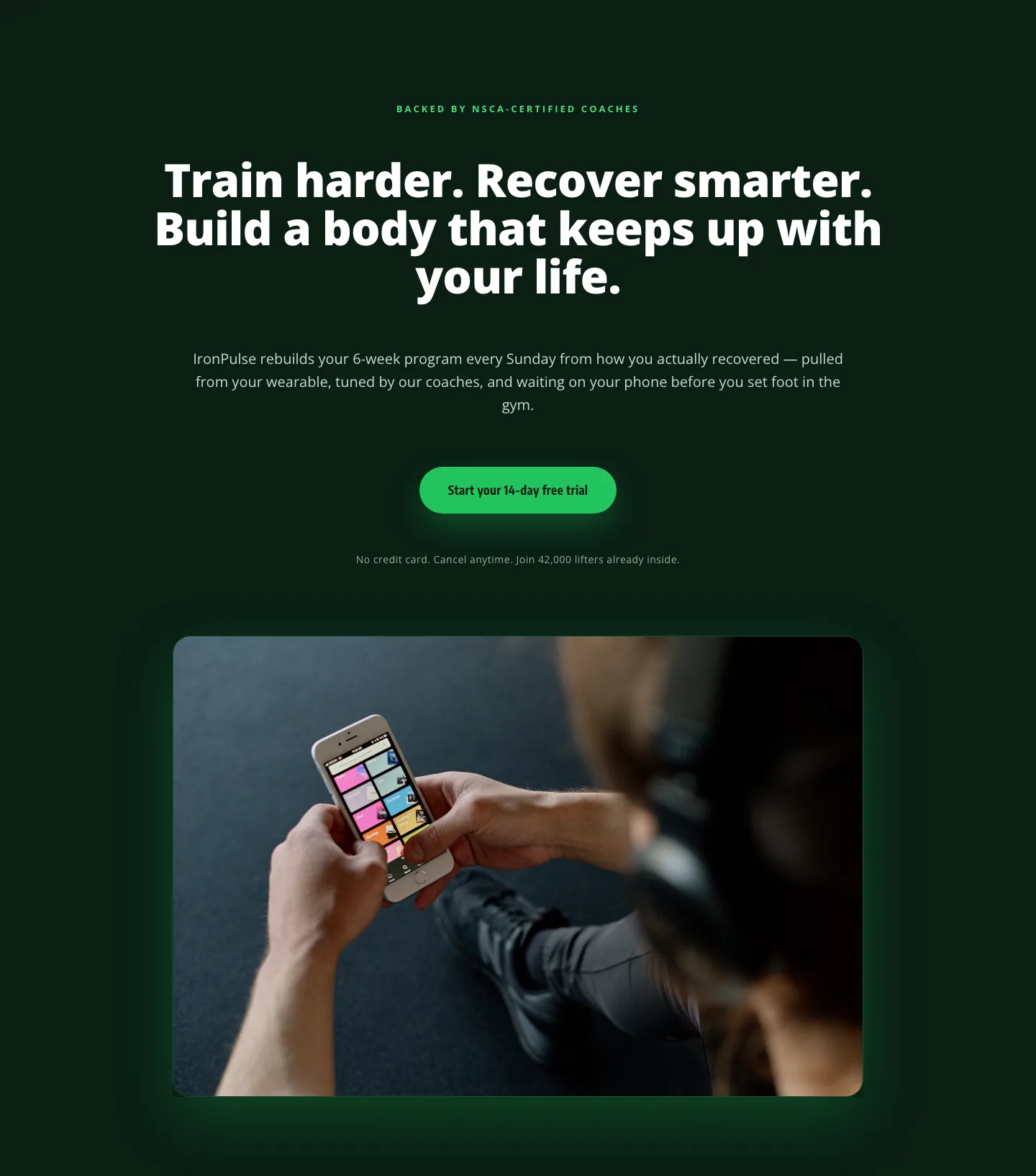
Bold Fitness App Hero Layout for Divi 5: IronPulse Adaptive Training
hero · fitness · bold
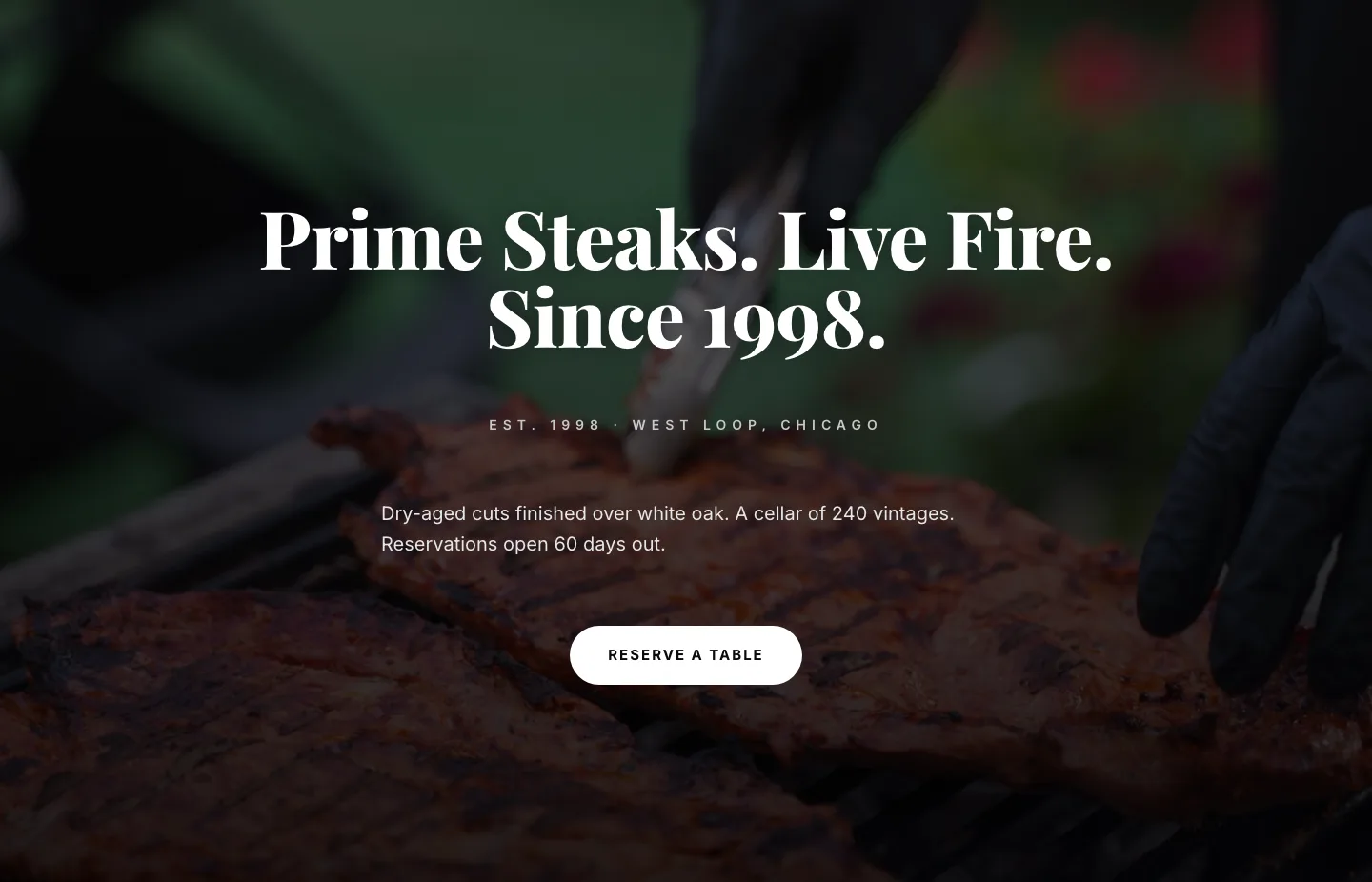
Prime Steaks Hero Section: Bold Monochrome Restaurant Layout for Divi 5
hero · restaurant · bold
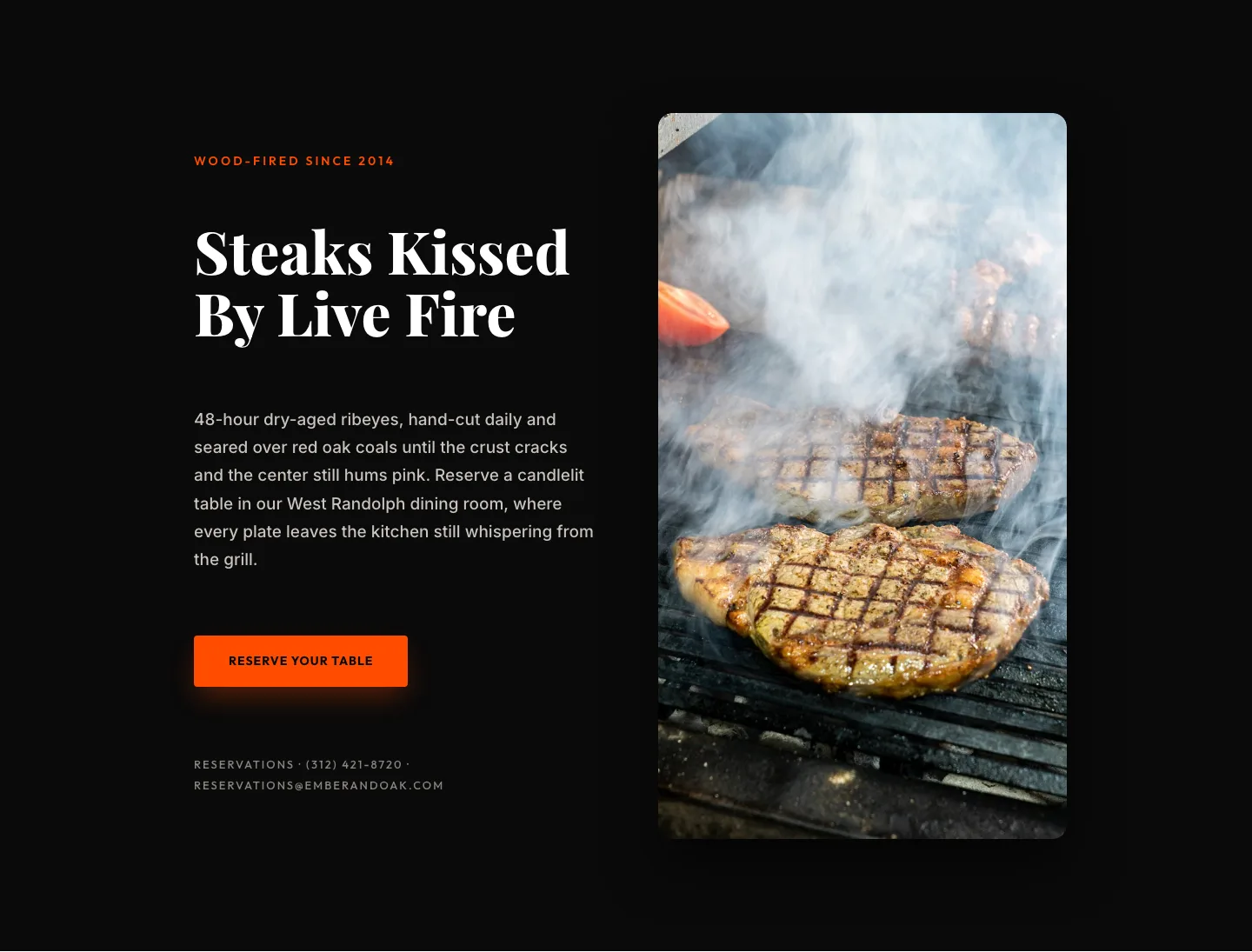
Wood-Fired Steakhouse Hero Layout for Divi 5: Bold Restaurant Template
hero · restaurant · bold
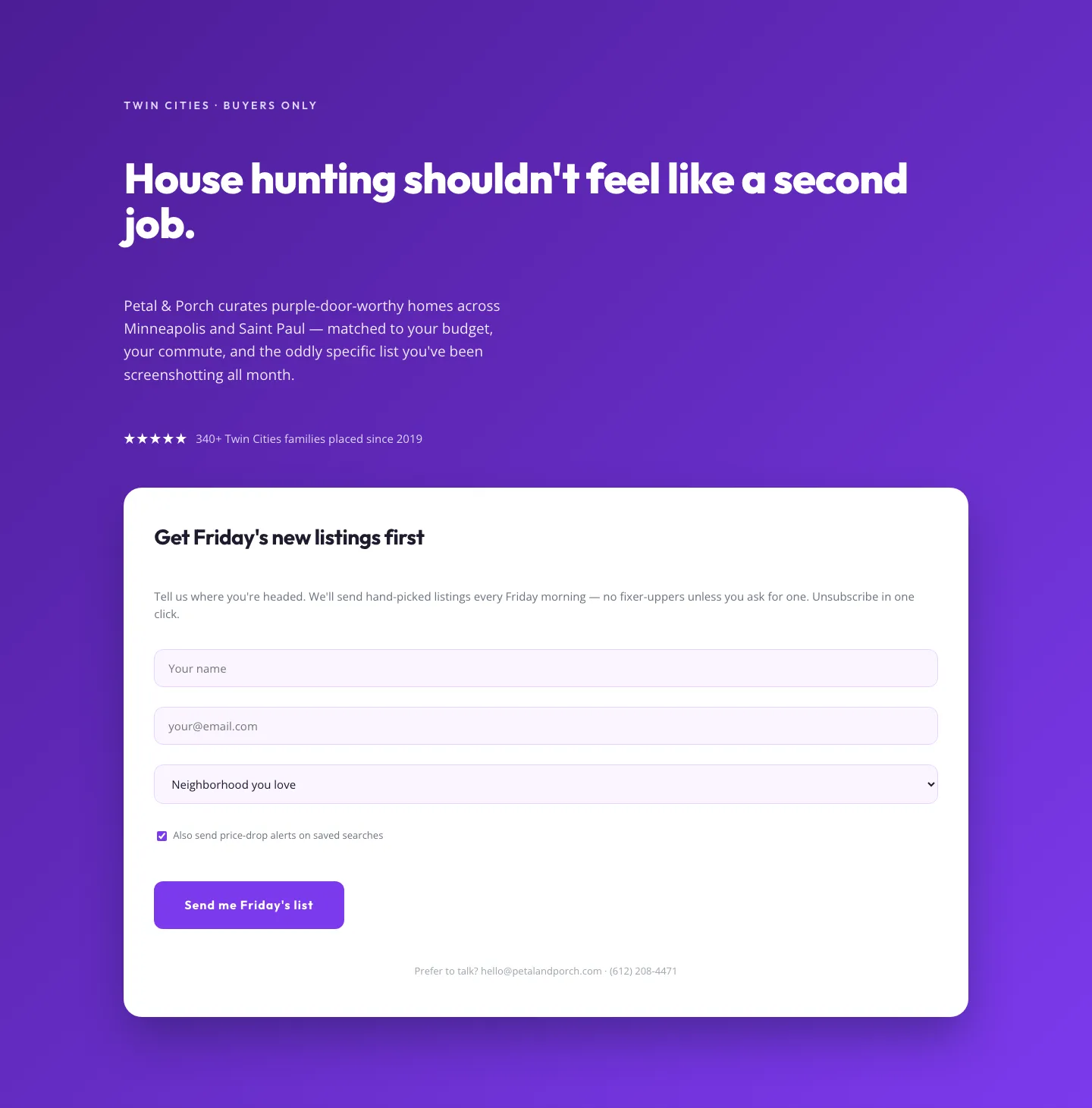
Playful Real Estate Hero with Weekly Listings Signup: Divi 5 Layout
hero · real_estate · playful
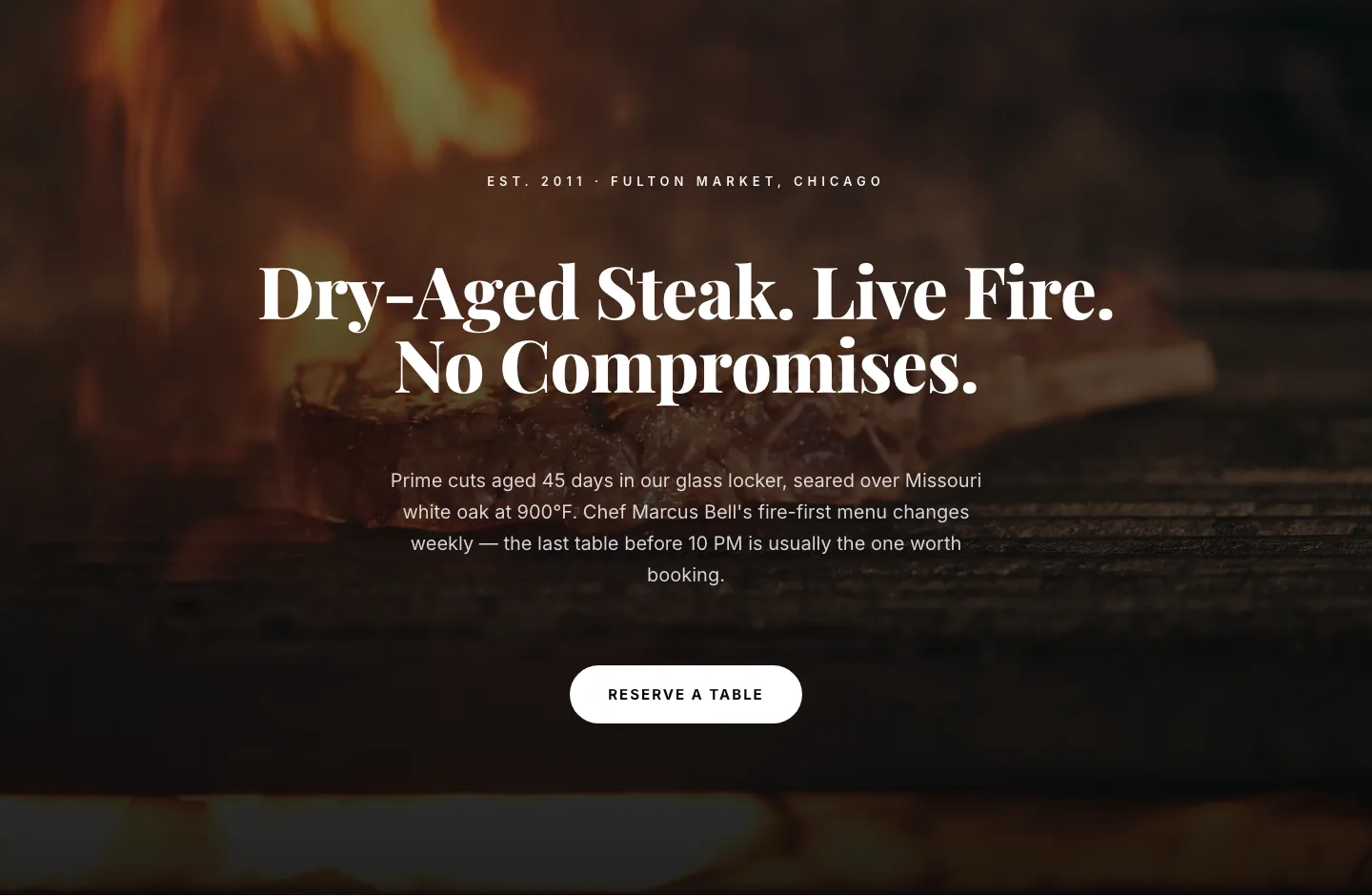
Bold Steakhouse Hero Layout for Divi 5: Fire & Dry-Aged
hero · restaurant · bold
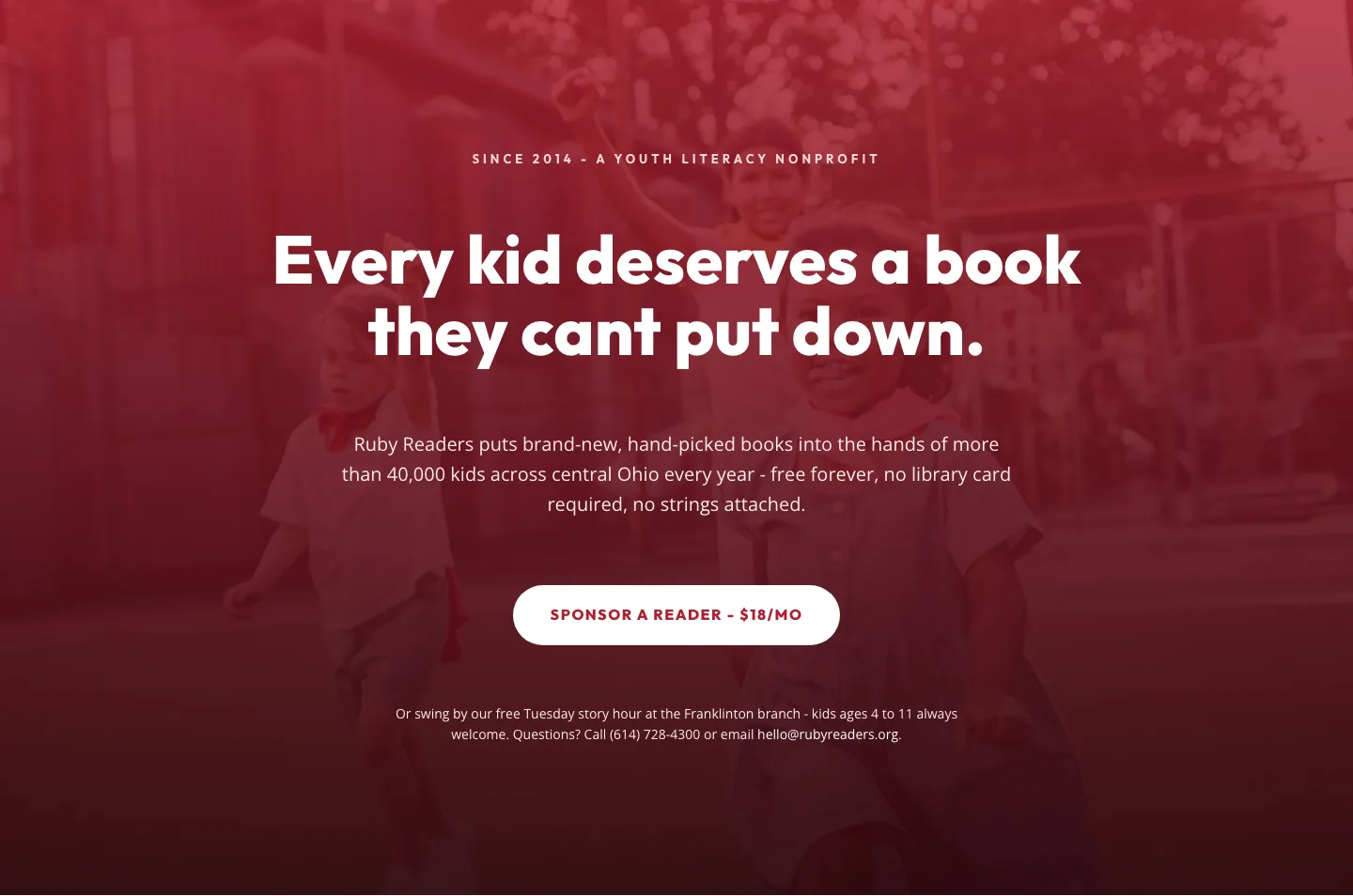
Ruby Readers Nonprofit Hero: Playful Divi 5 Layout
hero · nonprofit · playful