
Corporate Real Estate Hero Layout for Divi 5: Meridian Property Partners
Institutional-grade Divi 5 hero section for commercial real estate advisors, brokerages, and REITs. Dark corporate palette, gold accents, transaction-volume stat, and portfolio-review CTA.
Rate this element
Download this section, free
- Divi 5 JSON, imports in seconds
- Commercial license included
- No account needed
Click to view the full page
Overview
The section runs on a two-column split: a 3/5 content column paired with a 2/5 image column, both aligned on a shared vertical center with a 56px column gap. The background layers a deep navy (#0b1a2b) beneath a 120° gradient that fades from 85% to 55% opacity over a Pexels architectural photograph, so the type stays fully legible without flattening the imagery behind it. Vertical padding steps down from 140px on desktop to 100px on tablet and 80px on phone, giving the hero the airy proportions expected on an institutional-grade site while still landing inside the first viewport on smaller screens.
Hierarchy inside the left column is deliberate and top-loaded. A gold (#c9a24a) eyebrow at 14px with 4px letter-spacing anchors the brand era ("Established 1998"), then a 64px Inter headline with -1px tracking carries the positioning line, and an 18px paragraph in #d6dde6 sits beneath at 1.7em line height so the four-sentence value prop still reads comfortably. Under the paragraph, a solid gold CTA button with a soft 28px shadow at rgba(201,162,74,0.35) provides the primary action, followed by a bordered stat block ("$2.4B / Annual Transaction Volume") that uses a top hairline in translucent gold as a subtle credential shelf.
The right column carries a portrait-oriented image module with 12px rounded corners and a deep 60px drop shadow (capped at 520px max-width and centered) with an uppercase, tracked caption underneath naming anchor clients. On phones, the flex row collapses to a single column (flexDirection: column), both columns stretch to full width, the headline scales down to 48px on tablet then 36px on phone, and column padding tightens so nothing feels cramped when the image drops below the copy.
What’s inside
- Two-column split (3/5 content + 2/5 image) built on a flex row that reflows to a single column on phone
- Layered background: navy base color + 120° gradient overlay (0.85 → 0.55 opacity) + full-bleed Pexels image
- Four-part copy stack in the left column: gold eyebrow → 64px H1 → 18px body paragraph → gold CTA button
- Bordered stat block ("$2.4B / Annual Transaction Volume") with a translucent-gold top hairline as a credential shelf
- Portrait image module with 12px rounded corners, preset-3 drop shadow, and a 520px max-width
- Uppercase, tracked trust caption underneath the image for named-client social proof
- Fully responsive typography (H1 at 64px / 48px / 36px) and section padding (140px / 100px / 80px)
- Built entirely from native Divi 5 modules (Section, Row, Column, Heading, Text, Button, Image) no third-party dependencies
Who it’s for
Commercial real estate brokerages, tenant-representation firms, capital markets advisors, and investment sales teams that need a hero conveying institutional weight rather than curb appeal. It also fits property management platforms, REIT investor-relations pages, private equity real estate arms, and boutique advisory shops pitching Fortune-tier clients. The navy-and-gold palette, credential shelf, and named-client caption carry the same tone a corporate law firm or M&A boutique would use, so the structure translates cleanly to legal, financial services, wealth management, and B2B consulting sites that want a serious, evidence-led opening instead of a lifestyle shot. It pairs well with a deal-track-record grid, sector coverage list, or senior team bios below.
Customization tips
Swap the two Pexels URLs (the background architectural photo (940×650) and the portrait image (1200×1400, roughly 5:6)) for your own; keep the portrait ratio near 5:6 or 3:4 so the 520px column still frames cleanly. To move off navy/gold, change the two accent hex values (#c9a24a for the eyebrow, button, and stat border, #0b1a2b for the section background and button text). The rest of the palette keys off those. The H1 is tuned for roughly 55–65 characters; longer copy will push the row taller and visually shrink the image column. Keep the eyebrow to two or three words so the 4px letter-spacing reads cleanly, and hold the body paragraph to three or four sentences before it competes with the stat block for attention. For a lighter feel, dial the gradient stops from 85%/55% down to 65%/35% to let more of the background image show through.
How to install this layout
- Download the layout JSON file from this page.
- Open the target page in the Divi 5 builder.
- Open the portability panel (up/down arrows icon) and choose the Import tab.
- Upload the JSON. Tick “replace existing content” only for full-page imports.
- Check the page at desktop and mobile widths, then swap in your copy and images.
Full walkthrough with troubleshooting: How to Import a Divi 5 Layout.
Questions about Corporate Real Estate Hero Layout for Divi 5: Meridian Property Partners
How does this hero behave on mobile?
The row's flex direction switches to `column` on phone, both columns expand to full width, the H1 scales from 64px down to 48px on tablet and 36px on phone, and section padding drops from 140px to 80px top and bottom so the section still lands in the first viewport.
Which Divi 5 modules make up the layout?
One Section, one Row with a 3/5 + 2/5 column split, then Heading (eyebrow), Heading (H1), Text (body paragraph), Button, and Text (stat block) in the left column, plus Image and Text (client caption) in the right column. All native Divi 5 blocks, no third-party plugins required.
Where do the images come from?
Both are Pexels stock photos referenced by URL, an architectural shot for the section background and a portrait-format image for the right column. Replace both with your own building, team, or project photography before publishing so the hero reflects your actual firm.
What should I edit first?
The two headlines and the stat block. The eyebrow ("Established 1998"), H1 ("Institutional-Grade Commercial Real Estate Advisory"), and stat ("$2.4B / Annual Transaction Volume") are the credibility anchors: swap in your firm's founding year, positioning line, and headline metric before touching styling.
Can I remove the stat block or the client caption?
Yes, both are standalone modules. Delete the "$2.4B" Text block if you don't want a numeric anchor, or the "Trusted by…" caption if you can't name clients yet. The rest of the layout stays balanced because the image column is centered independently.
How dark is the background image at default settings?
The gradient overlays a `rgba(11,26,43,0.85)` to `rgba(11,26,43,0.55)` fade at 120° over the image, so the top-left sits near solid navy while the bottom-right lets roughly 45% of the photo through. Dial the stop opacities down if you want more of the underlying image to read.
Which Divi version does this layout need?
Divi 5. The layout is generated natively for Divi 5 and validated against its real module structure before publication, so it imports clean into the current builder.
Can I use this layout on client websites?
Yes. Every download includes a commercial license covering unlimited sites you own or build for clients. Only reselling or redistributing the layout file itself is prohibited.
More hero sections
Browse all hero sections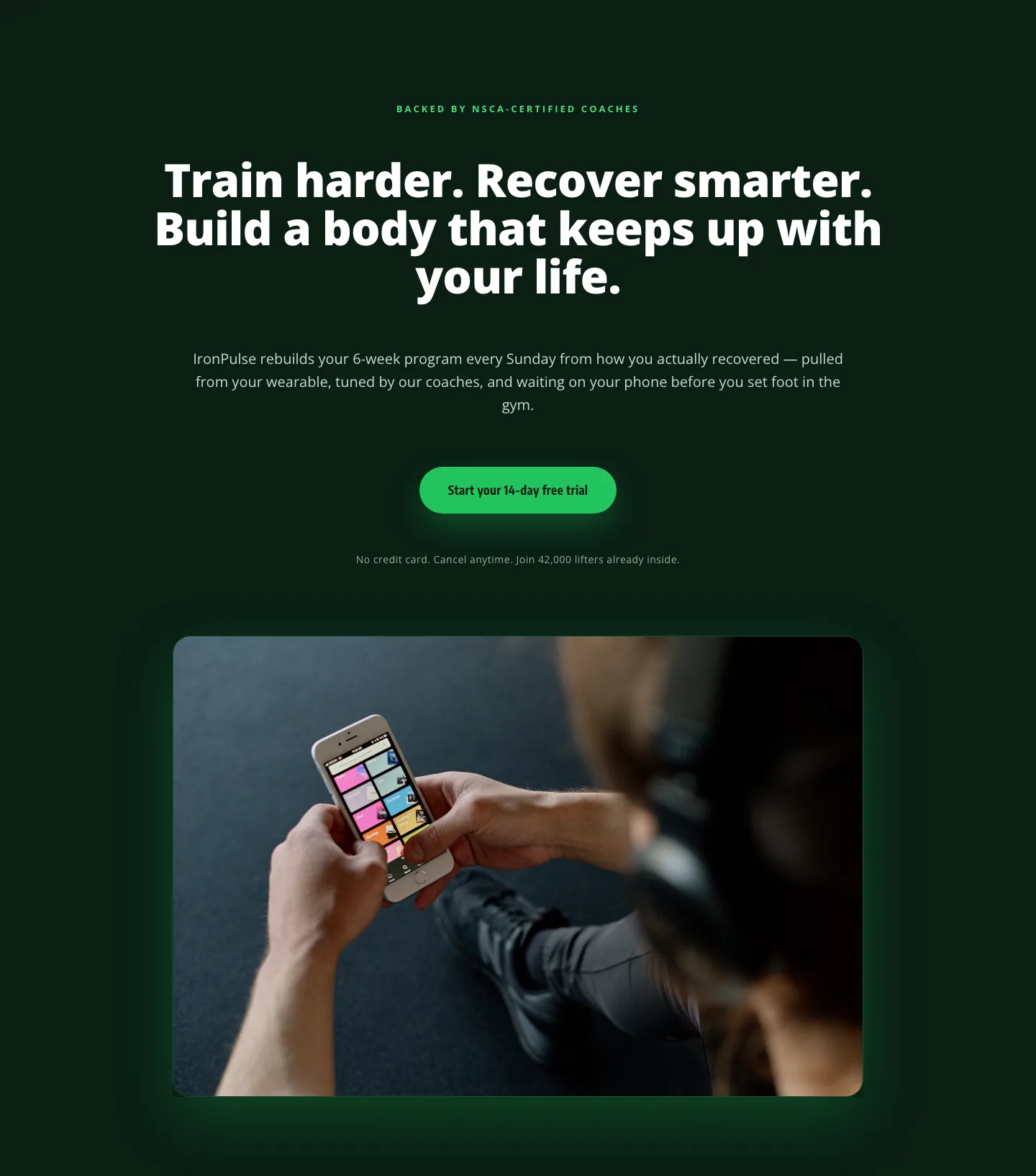
Bold Fitness App Hero Layout for Divi 5: IronPulse Adaptive Training
hero · fitness · bold
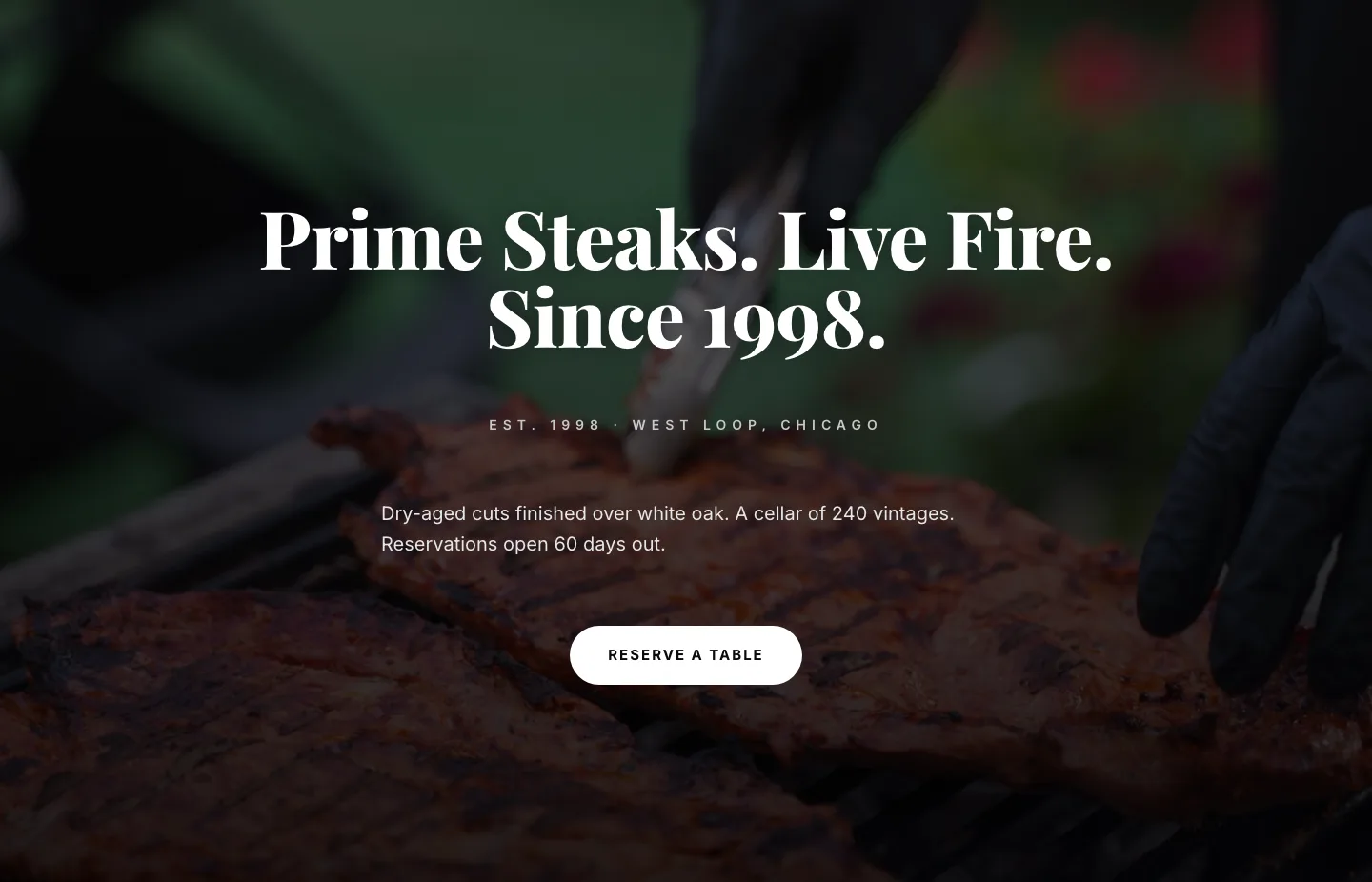
Prime Steaks Hero Section: Bold Monochrome Restaurant Layout for Divi 5
hero · restaurant · bold
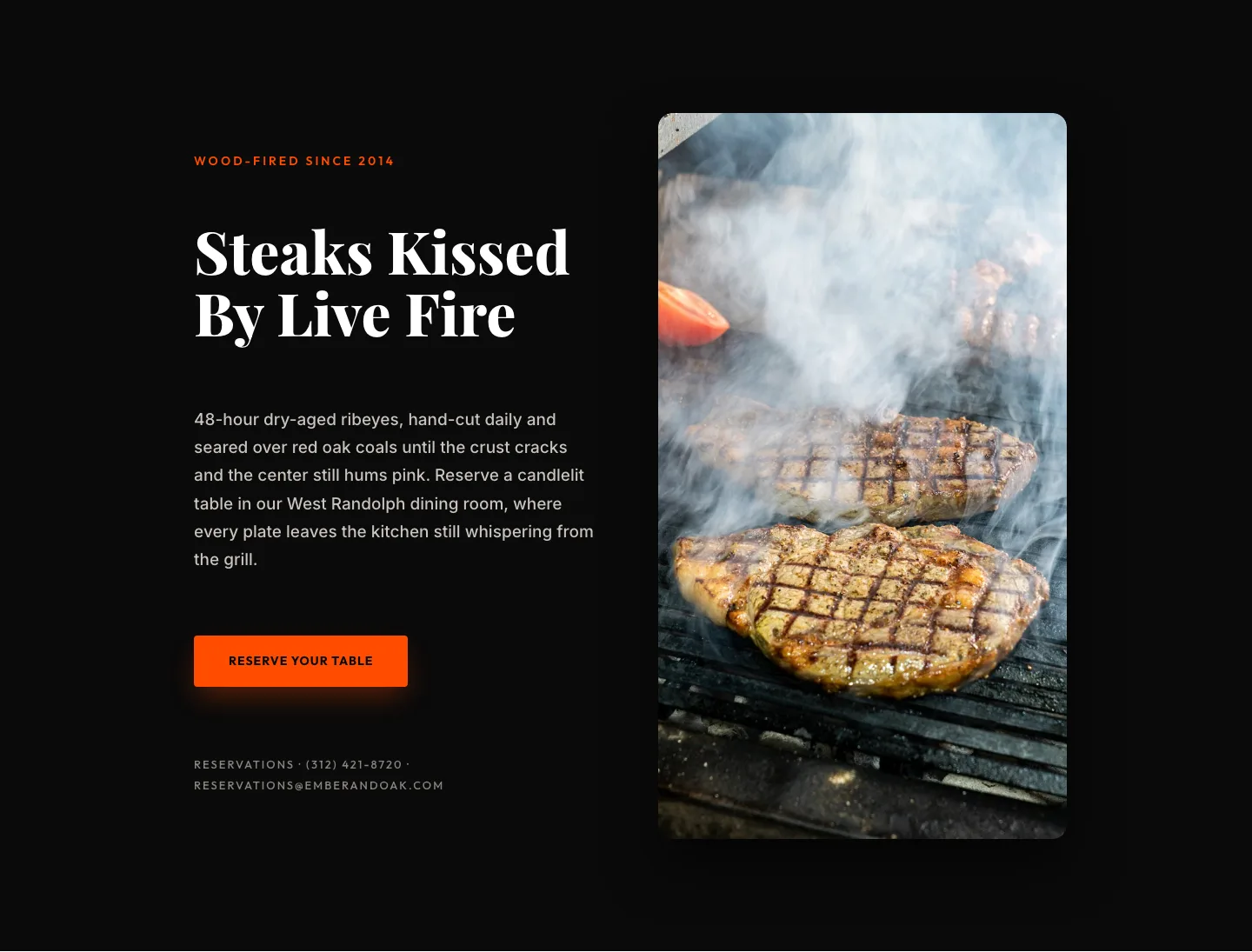
Wood-Fired Steakhouse Hero Layout for Divi 5: Bold Restaurant Template
hero · restaurant · bold
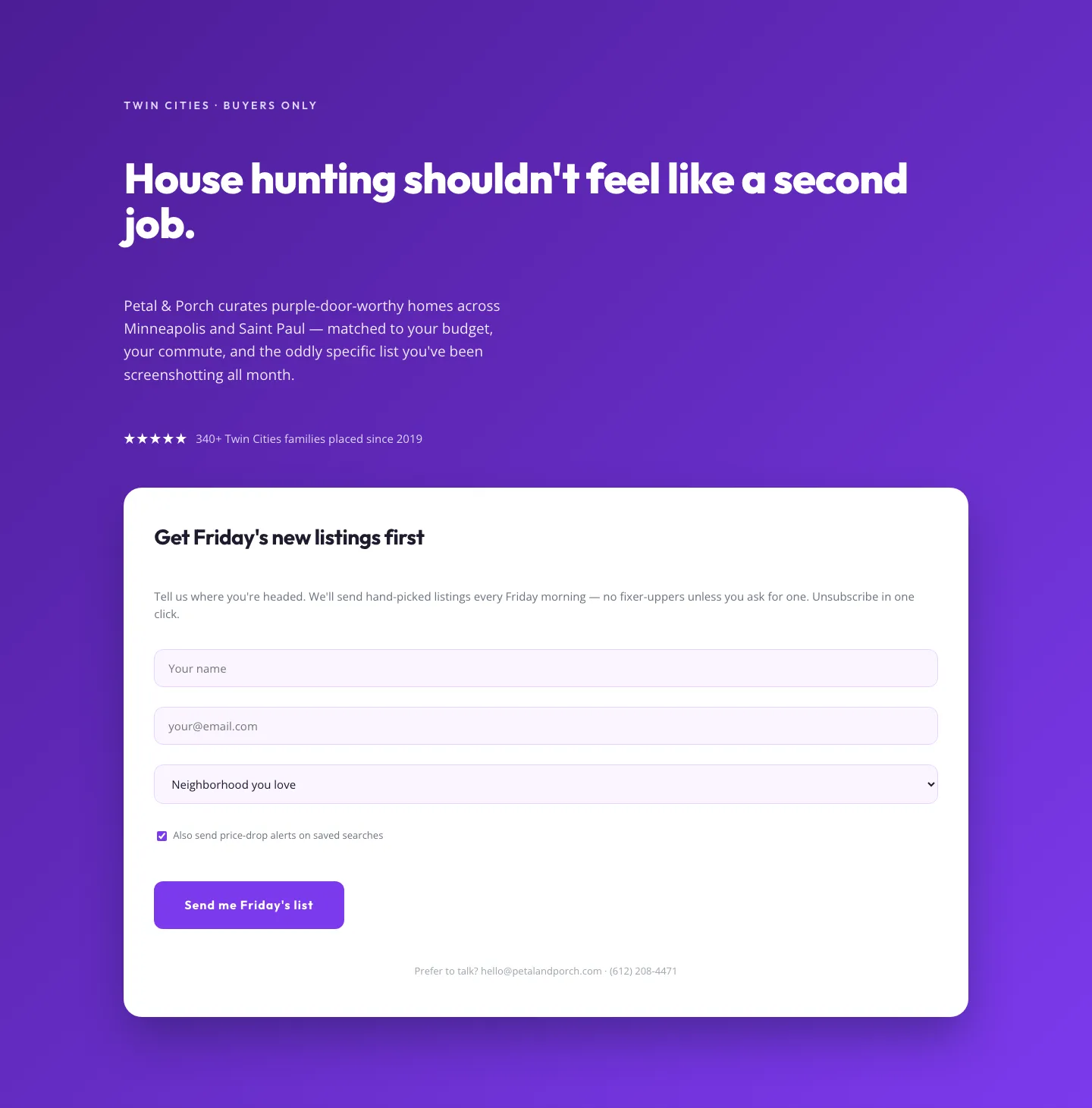
Playful Real Estate Hero with Weekly Listings Signup: Divi 5 Layout
hero · real_estate · playful
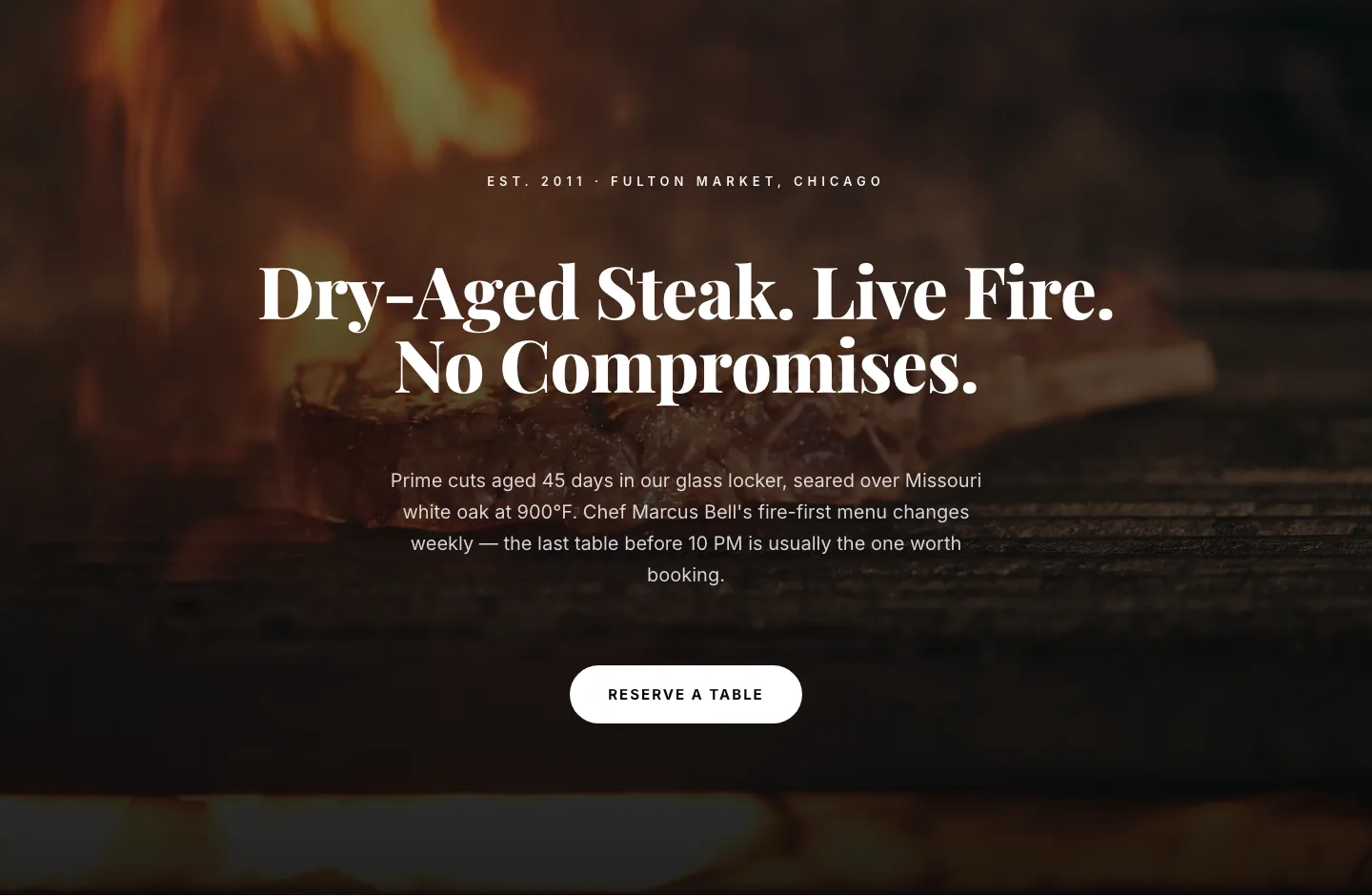
Bold Steakhouse Hero Layout for Divi 5: Fire & Dry-Aged
hero · restaurant · bold
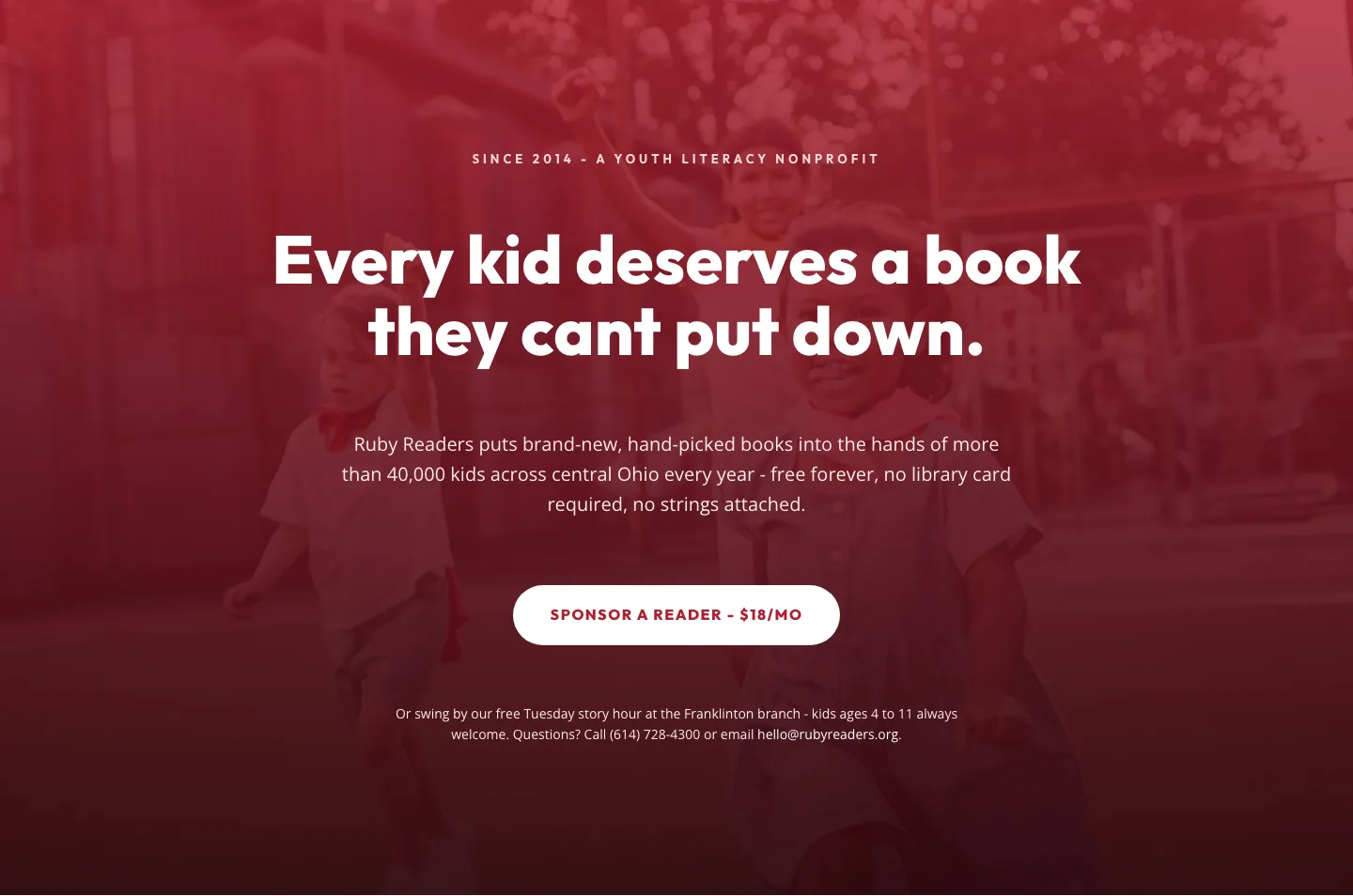
Ruby Readers Nonprofit Hero: Playful Divi 5 Layout
hero · nonprofit · playful