
Elegant Coaching Hero Section: Divi 5 Layout with Clarity Call CTA
Refined split-layout hero for coaches: serif headline, warm bronze CTA, credential trust line, and portrait image. Validated Divi 5 JSON, ready to import.
Rate this element
Download this section, free
- Divi 5 JSON, imports in seconds
- Commercial license included
- No account needed
Click to view the full page
Overview
Built on a 3_5 / 2_5 two-column row (60/40 split) capped at a 1200px max-width, this hero pairs a quiet, editorial left-column pitch with a tall portrait image on the right. The section sits on a warm cream background (#FAF6F0) with 120px of vertical breathing room on desktop, tapering to 80px on tablet and 64px on phone: enough negative space to make the copy feel considered, not shouted.
Type hierarchy carries the elegance. An uppercase bronze eyebrow (#A87C4F, 2.4px tracking) tags the practitioner and credential, then a Playfair Display serif headline (62px desktop → 44px tablet → 36px phone, tight -0.5px letter-spacing, 1.12 line-height) delivers the promise. Beneath it, a 19px paragraph in warm taupe (#6B6259) on a 540px measure keeps the pitch scannable, followed by a pill-shaped CTA: 50px radius, bronze fill with a deeper hover, and a soft warm shadow that lifts the button off the cream.
The right column is a single portrait-oriented image with a 28px border radius and a large, low-opacity espresso shadow (30px offset, 70px blur), so it feels lit rather than clipped-in. On phone the row switches to flexDirection: column, stacking copy above the image; the left column also drops its 56px desktop right-padding and adds a 32px phone bottom gap so nothing collides. The trust line under the button ("30 minutes, no obligation · 200+ clients coached · ICF-certified (PCC)") does the credibility work most coaching heroes leave to a logo bar.
What’s inside
- Two-column `3_5 / 2_5` row (max-width 1200px, centered via auto margins) that reflows to a single column on phone
- Six native Divi 5 modules only: Section, Row, two Columns, three Text modules, one Heading, one Button, one Image. No third-party dependencies
- Editorial type system: uppercase tracked eyebrow, Playfair Display serif headline with tablet/phone size overrides (62 → 44 → 36px), and a 540px-capped body paragraph
- Pill CTA (50px radius) with a warm bronze background, deeper bronze hover, and a preset1 box-shadow that intensifies on hover
- Micro-trust line directly under the button (session length, client count, and credential) instead of a separate logo strip
- Portrait image (900×1120) with a 28px rounded corner and a soft dark drop-shadow tuned to sit on the cream background
- Responsive spacing baked into the section (120/80/64px vertical padding) and the left column (56px right-pad desktop → 32px bottom-pad phone) so the stack breathes at every width
Who it’s for
Built for solo coaches and boutique practices where authority reads better than urgency: executive coaches, life coaches, career and leadership coaches, therapists and counselors, and credentialed practitioners (ICF, PCC, MCC, BACP) who lead with a discovery call. The elegant palette and serif headline also translate cleanly to adjacent premium-service niches: women-focused mentorship, wellness and nutrition consultants, brand strategists, financial advisors, and lawyers running personal-brand sites. If your marketing depends on a portrait, a promise, and one honest call-to-action rather than a feature list, this hero is the shape you want at the top of the page.
Customization tips
Swap the palette at the preset level: the accent #A87C4F drives the eyebrow, the button, and the button hover (#8C6239). Change those three and the whole section reskins. The background (#FAF6F0), body text (#6B6259), and muted trust line (#8A8078) form a warm neutral triad you can shift to cool grays without touching type sizes. Copy limits: keep the headline to about six words so the 62px Playfair size still fits on a single laptop line, and hold the body paragraph under ~50 words so the 540px measure doesn't push the CTA below the fold. For the portrait, use a real 3:4 image around 900×1120 (or larger, same ratio), the 28px radius and drop-shadow are tuned for portrait aspect, so a landscape swap will look off-balance against the text column. If you don't need the trust line, delete the third Text module; the button's 22px top margin lives on the trust line, not the button, so hierarchy stays intact.
How to install this layout
- Download the layout JSON file from this page.
- Open the target page in the Divi 5 builder.
- Open the portability panel (up/down arrows icon) and choose the Import tab.
- Upload the JSON. Tick “replace existing content” only for full-page imports.
- Check the page at desktop and mobile widths, then swap in your copy and images.
Full walkthrough with troubleshooting: How to Import a Divi 5 Layout.
Questions about Elegant Coaching Hero Section: Divi 5 Layout with Clarity Call CTA
How does the layout behave on mobile?
The row switches to `flexDirection: column` on phone, so the copy column stacks above the image. Section padding drops from 120px to 64px vertical, the left column loses its 56px desktop right-padding, and a 32px bottom gap is added under the copy so it doesn't touch the image. The headline also scales from 62px desktop to 44px tablet to 36px phone.
Which Divi modules does it use?
Only stock Divi 5 modules: one Section, one Row, two Columns, three Text modules (eyebrow, body, trust line), one Heading, one Button, and one Image. No plugins, no code modules, no custom CSS blocks.
What should I edit first after importing?
Replace the portrait image (right column) with your own headshot at roughly 3:4 aspect, then rewrite the eyebrow to your name and credential, the Heading, and the body paragraph. Update the Button label and link it to your booking tool. Finally, edit or delete the trust line under the button.
The imported image is a stock photo, can I swap it for a headshot?
Yes, and you should. The image module is set to 900×1120 with a 28px border radius and a soft drop-shadow. Any portrait-oriented photo (3:4 or 4:5) at 1000px+ on the long edge will pick up the same treatment cleanly.
Can I move the image to the left and the copy to the right?
Yes: flip the column structure from `3_5,2_5` to `2_5,3_5` and drag the columns to reorder. Move the 56px right-padding from the copy column to what becomes the new right column so the text gets breathing room on whichever side it lands.
The CTA is a single button, where do I add a secondary action?
Duplicate the Button module, place it beside the primary in the same column, and give the second one a transparent background with the bronze `#A87C4F` as its border/text color to keep it visually subordinate. Keep the 50px radius on both so they read as a pair.
Which Divi version does this layout need?
Divi 5. The layout is generated natively for Divi 5 and validated against its real module structure before publication, so it imports clean into the current builder.
Can I use this layout on client websites?
Yes. Every download includes a commercial license covering unlimited sites you own or build for clients. Only reselling or redistributing the layout file itself is prohibited.
More hero sections
Browse all hero sections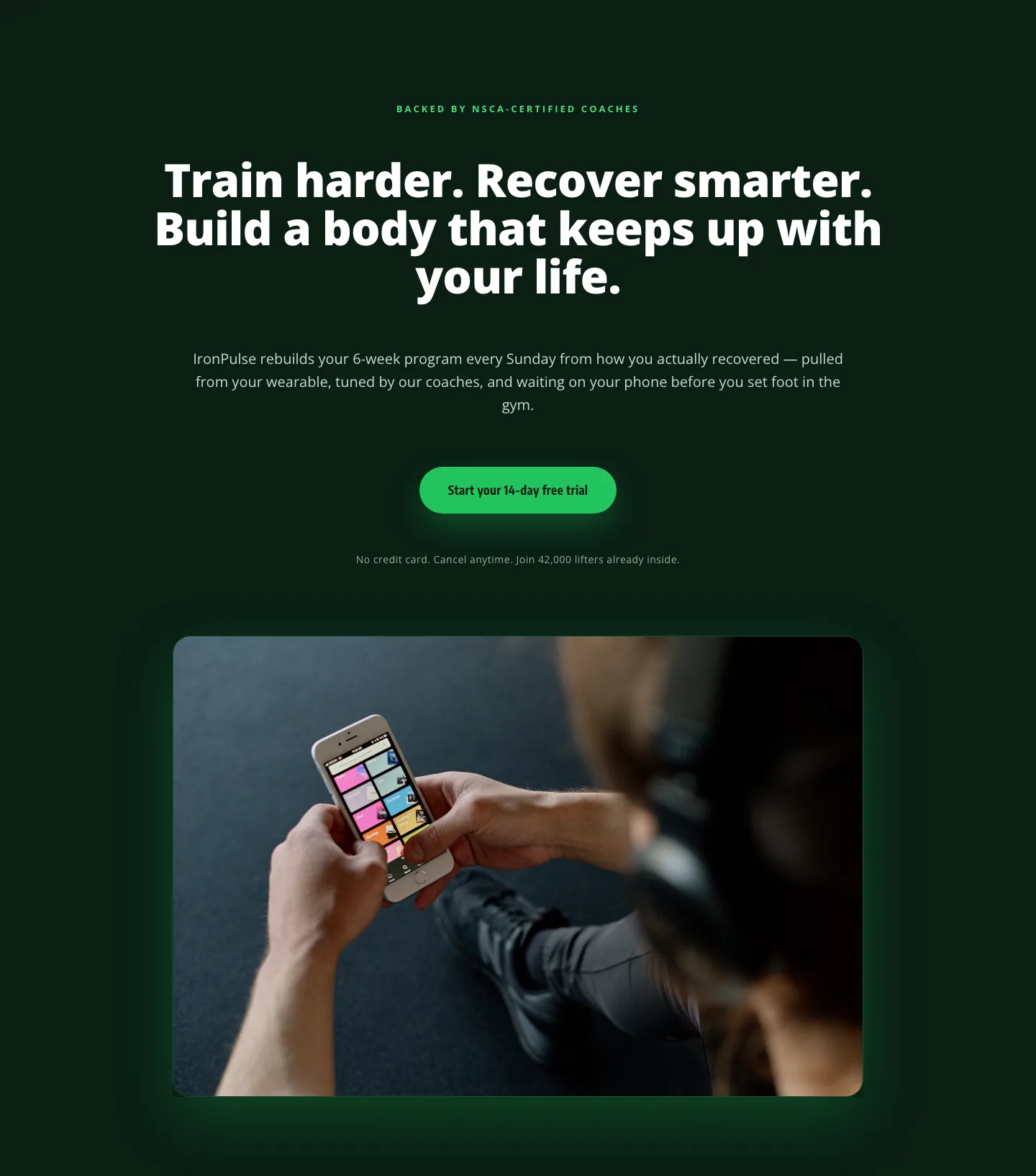
Bold Fitness App Hero Layout for Divi 5: IronPulse Adaptive Training
hero · fitness · bold
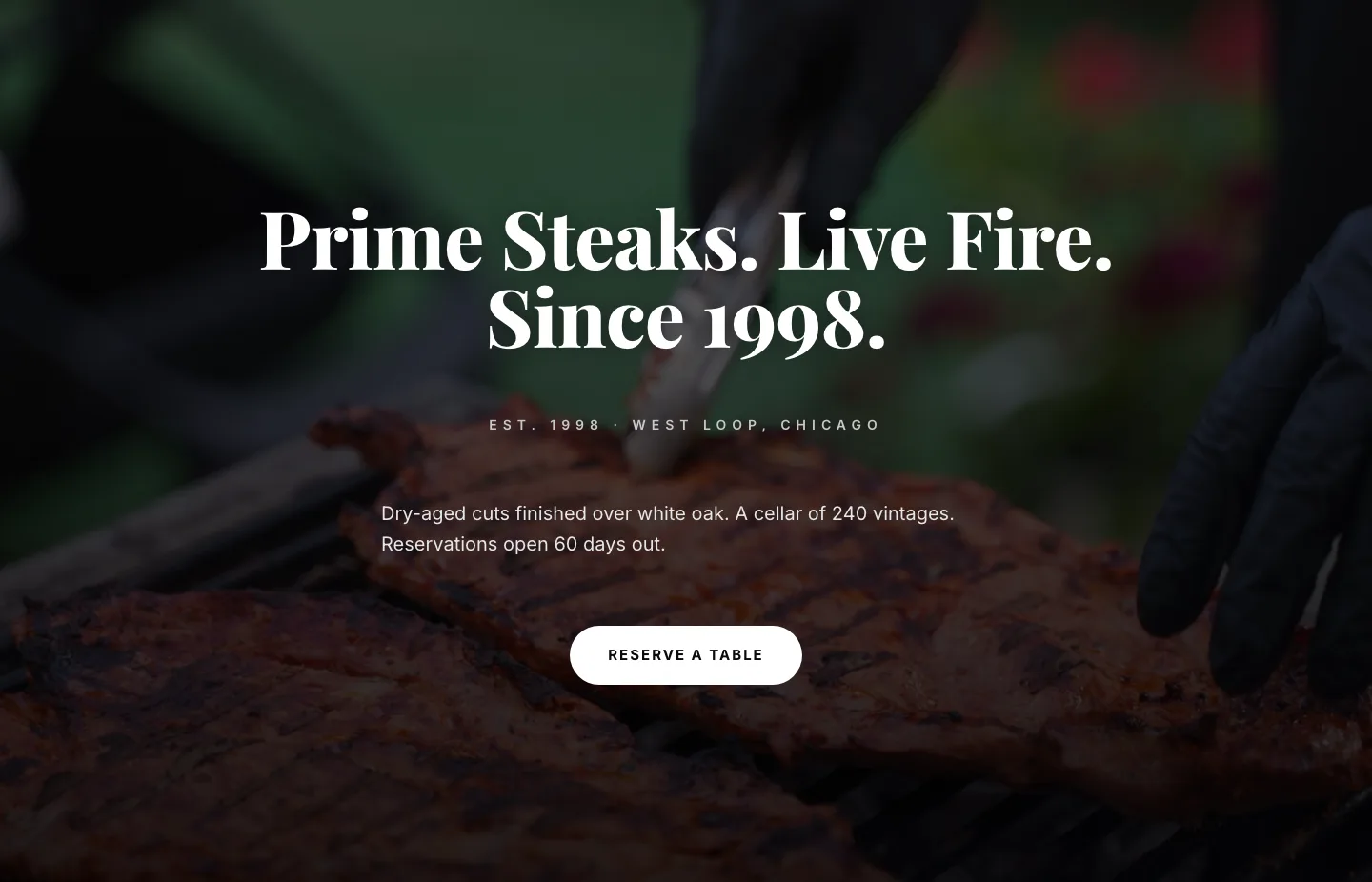
Prime Steaks Hero Section: Bold Monochrome Restaurant Layout for Divi 5
hero · restaurant · bold
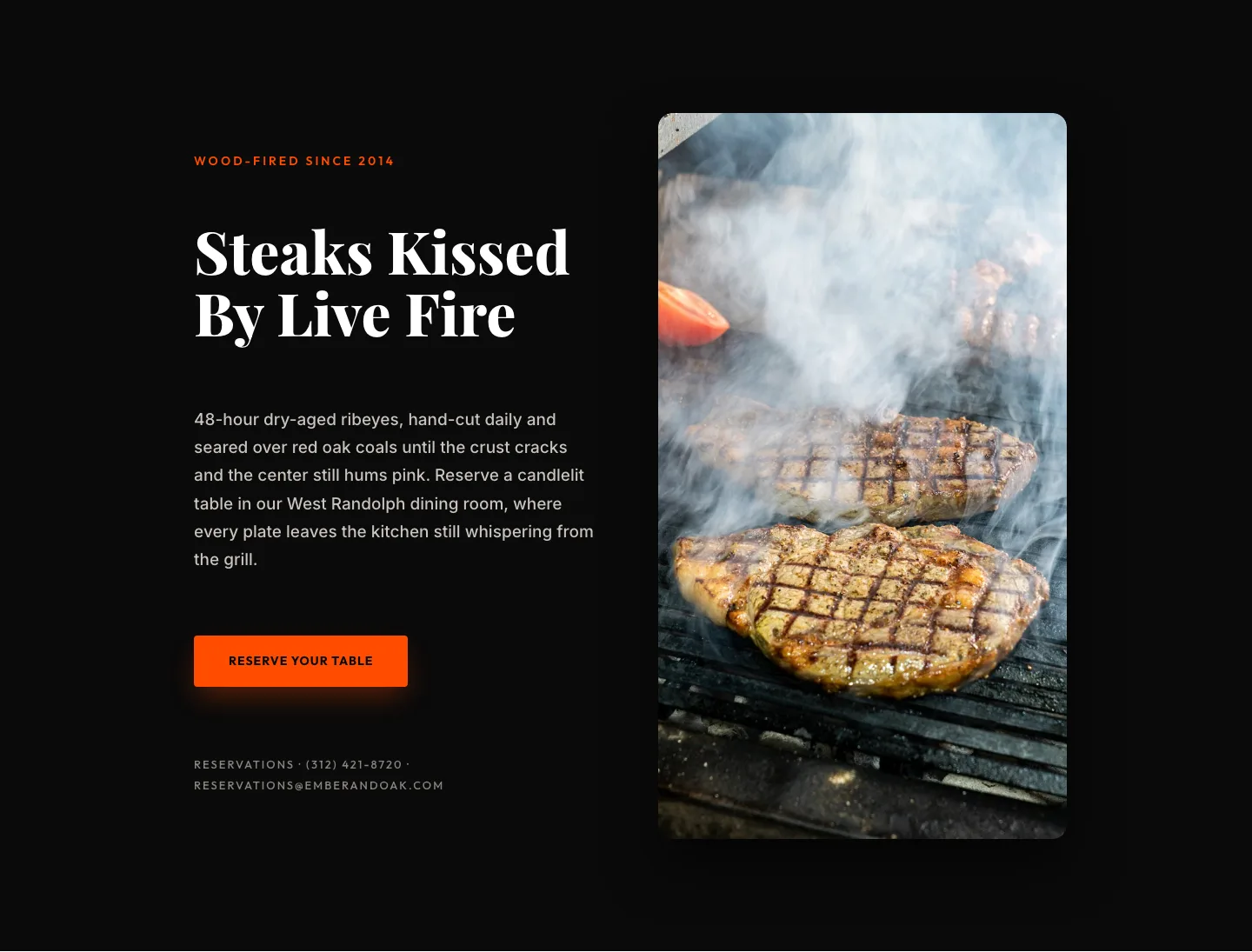
Wood-Fired Steakhouse Hero Layout for Divi 5: Bold Restaurant Template
hero · restaurant · bold
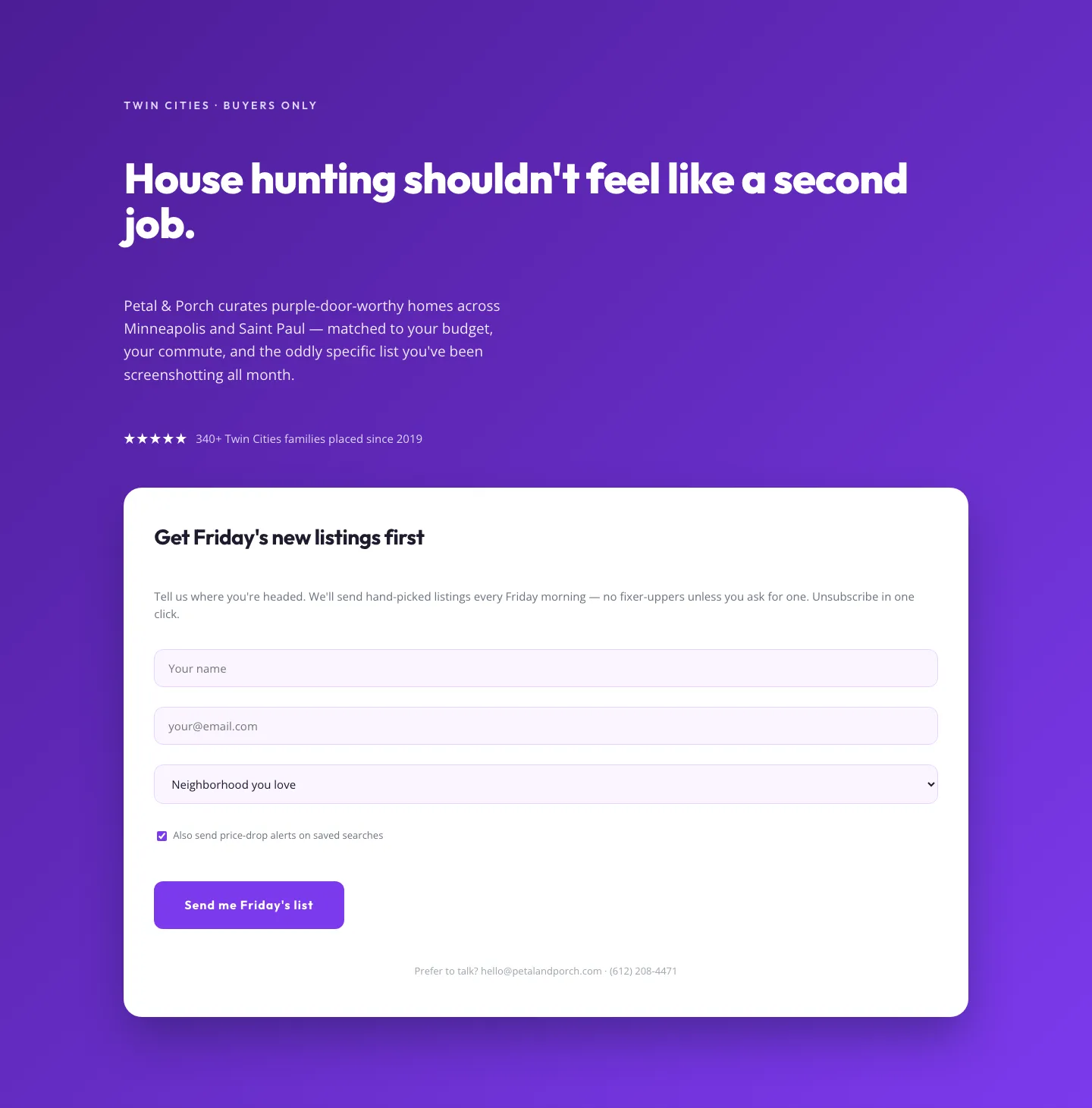
Playful Real Estate Hero with Weekly Listings Signup: Divi 5 Layout
hero · real_estate · playful
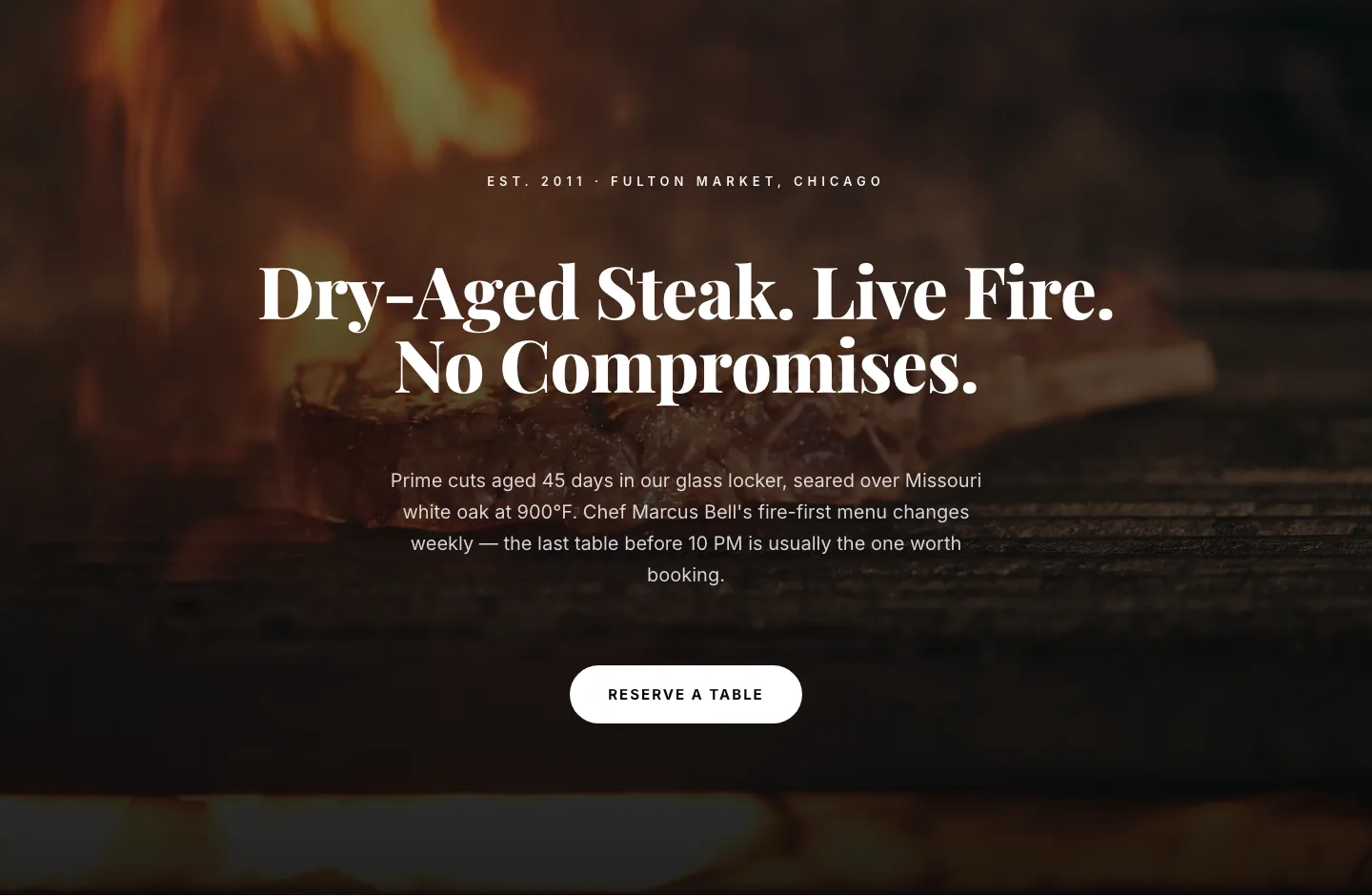
Bold Steakhouse Hero Layout for Divi 5: Fire & Dry-Aged
hero · restaurant · bold
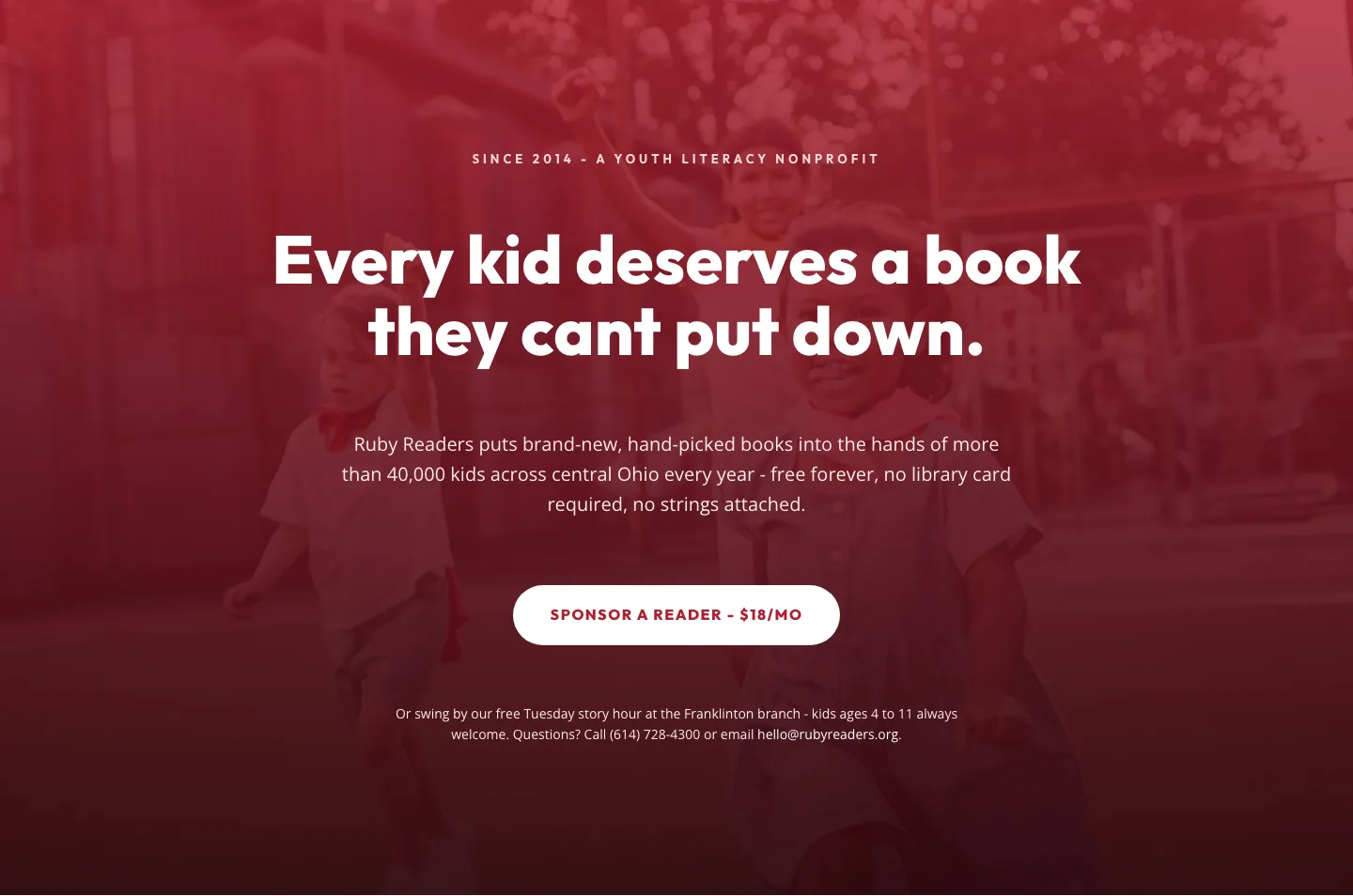
Ruby Readers Nonprofit Hero: Playful Divi 5 Layout
hero · nonprofit · playful