
Ironforge Athletics Features Section: Bold Fitness Divi 5 Layout
Bold dark features section for fitness studios and strength gyms. Four benefit cards with icons, headline, subhead, and CTA: Divi 5 JSON, ready to import.
Rate this element
Download this section, free
- Divi 5 JSON, imports in seconds
- Commercial license included
- No account needed
Click to view the full page
Overview
The Ironforge features block opens with a compact, centered intro: an uppercase orange eyebrow (#ff4d00, 4px letter-spacing), an 800-weight Outfit H2 that scales from 56px on desktop to 40px on tablet and 32px on phone, and a soft-grey supporting paragraph capped at 720px so the line length stays comfortable. The whole section sits on a near-black canvas (#0a0a0a) with 120px of vertical breathing room, dropping to 80px on tablet and 64px on phone so the rhythm never feels overstretched on small screens.
Beneath the intro, four benefit cards live in a 2×2 grid built from two rows of 1/2 + 1/2 columns with a 32px column and row gap. Each card is a #141414 tile with a 20px radius, a 1px hairline border in rgba(255,255,255,0.08), and a preset2 drop shadow that shifts to an orange-tinted glow (rgba(255,77,0,0.18)) on hover: a small but deliberate signal that this is a bold, high-energy brand. Inside every card sits a left-aligned 42px Font Awesome icon in the accent orange, a 24px white Outfit H3, and a 16px body block at 1.7em leading in warm mid-grey (#b8b8b8) so long benefit copy stays legible against the dark background.
The section closes with a centered pill CTA (999px radius) in the accent orange with a near-black label, uppercase 1px-tracked type, and a heavy orange drop shadow that reads as motion rather than decoration. On phones every row flips to flexDirection: column, so the 2×2 grid unstacks into a single vertical list, the CTA stays center-aligned, and nothing spills sideways.
What’s inside
- Centered intro block: uppercase orange eyebrow (Divi Text), 800-weight Outfit H2 (Divi Heading, 56/40/32px), and a supporting paragraph capped at 720px
- 2×2 benefit grid built from two Divi Rows of 1/2 + 1/2 columns with a 32px column and row gap, wrapping to a single column on phone
- Four dark card tiles (#141414, 20px radius, 1px rgba(255,255,255,0.08) border) with a preset2 shadow and orange-glow hover state
- Each card packages a 42px Font Awesome icon module, a 24px Divi Heading (H3, white Outfit), and a 16px 1.7em-leading Divi Text body in mid-grey
- Pill CTA (Divi Button, 999px radius) in accent orange with uppercase 1px-tracked label and a heavy orange drop shadow
- Fully tuned breakpoints: 120/80/64px vertical padding and typographic scale across desktop, tablet, and phone
- Native Divi 5 only: Section, Row, Column, Text, Heading, Icon, Button. No custom code, no third-party plugins
- No image modules to prep: the visual language is carried by icons, type, and the orange/near-black palette
Who it’s for
Fitness businesses that want to look serious, not stock: powerlifting and strength-and-conditioning gyms, CrossFit-style boxes, small-group personal-training studios, hybrid coaching brands with an app tie-in, and athletic performance centers. The dark palette and orange accent read confident and disciplined without tipping into cliché, so it also fits combat-sports gyms (MMA, boxing, BJJ), specialty barbell clubs, and hybrid athlete programs. Because each card is a benefit-plus-short-explanation slot, the same structure translates cleanly to physical therapy, sports rehab, athletic recovery studios, and coach-education businesses that need to communicate a clear program of services instead of a class menu. If your brand voice is "we do the work," it fits without a rewrite.
Customization tips
The palette lives in five color pickers: the Section background (#0a0a0a), each of the four Column tiles (#141414), the hairline border (rgba(255,255,255,0.08)), and the accent (#ff4d00) which repeats on the eyebrow, four icons, button background, and both shadows. Swap the accent to your brand color in those five spots and the whole vibe changes without touching structure. Card headlines are tuned for 3–6 words; the body copy underneath sits comfortably at 30–55 words before a card grows taller than its neighbors and breaks the grid. Icons are Font Awesome, click any icon module and pick a new one from the built-in library; keep the 42px size and orange color so the four cards read as a set. There are no image modules in this section, so you don't need to prep photos. If you want a lighter theme, invert to a #fafafa section with #ffffff cards and switch the H3 color to #0a0a0a. The rest can stay put.
How to install this layout
- Download the layout JSON file from this page.
- Open the target page in the Divi 5 builder.
- Open the portability panel (up/down arrows icon) and choose the Import tab.
- Upload the JSON. Tick “replace existing content” only for full-page imports.
- Check the page at desktop and mobile widths, then swap in your copy and images.
Full walkthrough with troubleshooting: How to Import a Divi 5 Layout.
Questions about Ironforge Athletics Features Section: Bold Fitness Divi 5 Layout
Is this a full page or a single section?
A single Divi Section with four rows: an intro, two rows of feature cards, and a centered CTA row. Drop it onto any page and it slots in without disturbing your existing header or footer.
What Divi 5 modules does it use?
Native modules only: Section, Row, Column, Text, Heading, Icon (Font Awesome), and Button. No custom code, no shortcodes, no third-party plugins to keep in sync.
How does it behave on mobile?
The 2×2 card grid collapses to a single vertical stack on phones via flexDirection: column. Section padding drops from 120px to 64px, the H2 scales from 56px to 32px, and the CTA stays center-aligned.
Can I change the number of cards?
Yes. The grid is two Rows of 1/2 + 1/2 columns. Delete a column to run three cards, or duplicate a row and adjust the column structure to run six. Card styling lives on the column, so copying a column preserves the border, shadow, and hover state.
Are there any images to swap?
No: the section leans on Font Awesome icons instead of photography, so it loads fast and you don't need to source four hero images. Just pick icons that match your services from Divi's built-in Font Awesome picker.
What should I edit first?
Rewrite the eyebrow, the H2, and the four card headlines in your brand's voice. Once the copy fits, drop your accent color into the five orange spots (eyebrow, four icons, button background, button shadow) and the section is on-brand.
Which Divi version does this layout need?
Divi 5. The layout is generated natively for Divi 5 and validated against its real module structure before publication, so it imports clean into the current builder.
Can I use this layout on client websites?
Yes. Every download includes a commercial license covering unlimited sites you own or build for clients. Only reselling or redistributing the layout file itself is prohibited.
More feature grids
Browse all feature grids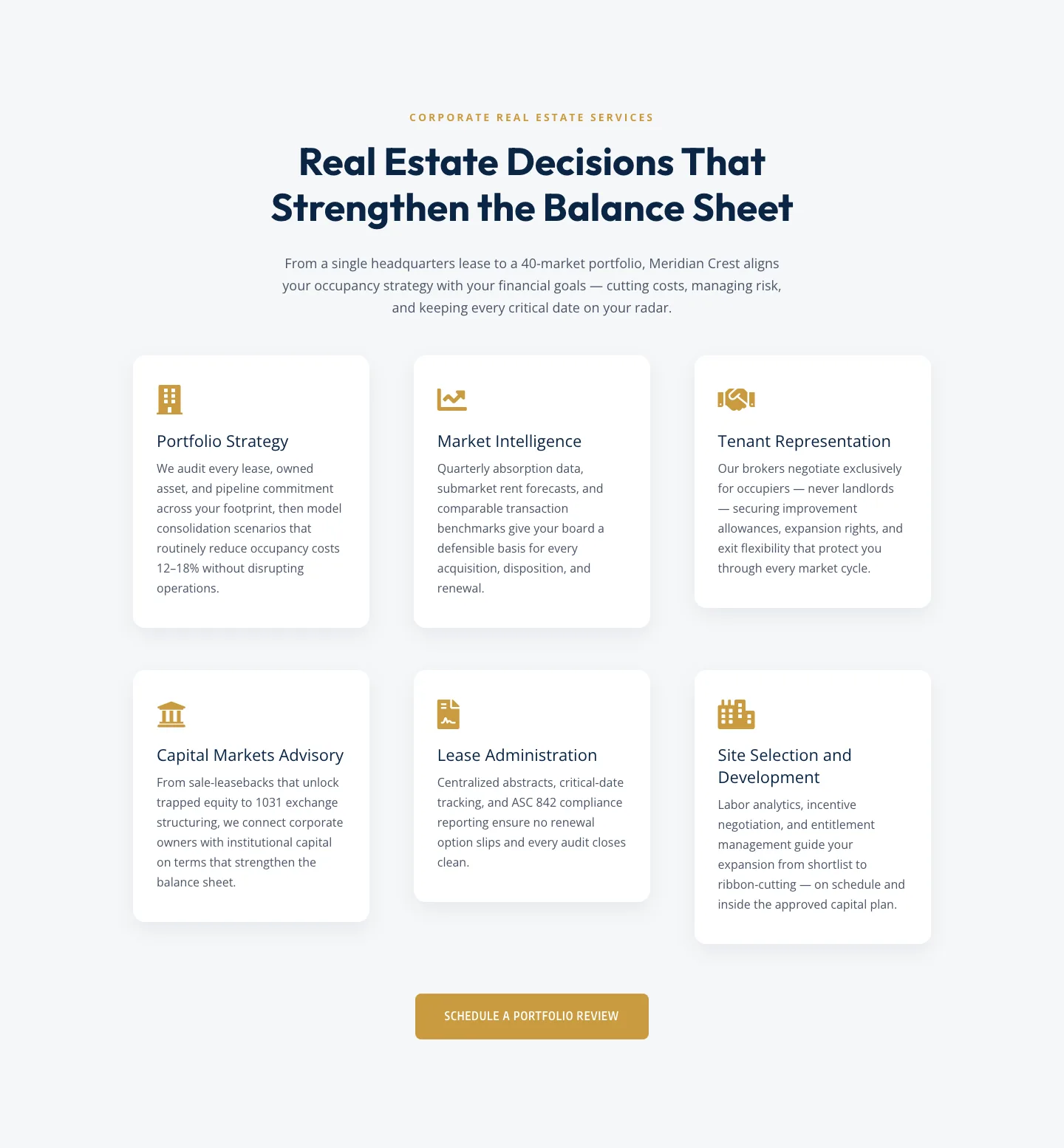
Corporate Real Estate Features Section: Six-Pillar Service Grid for Divi 5
features · real_estate · corporate
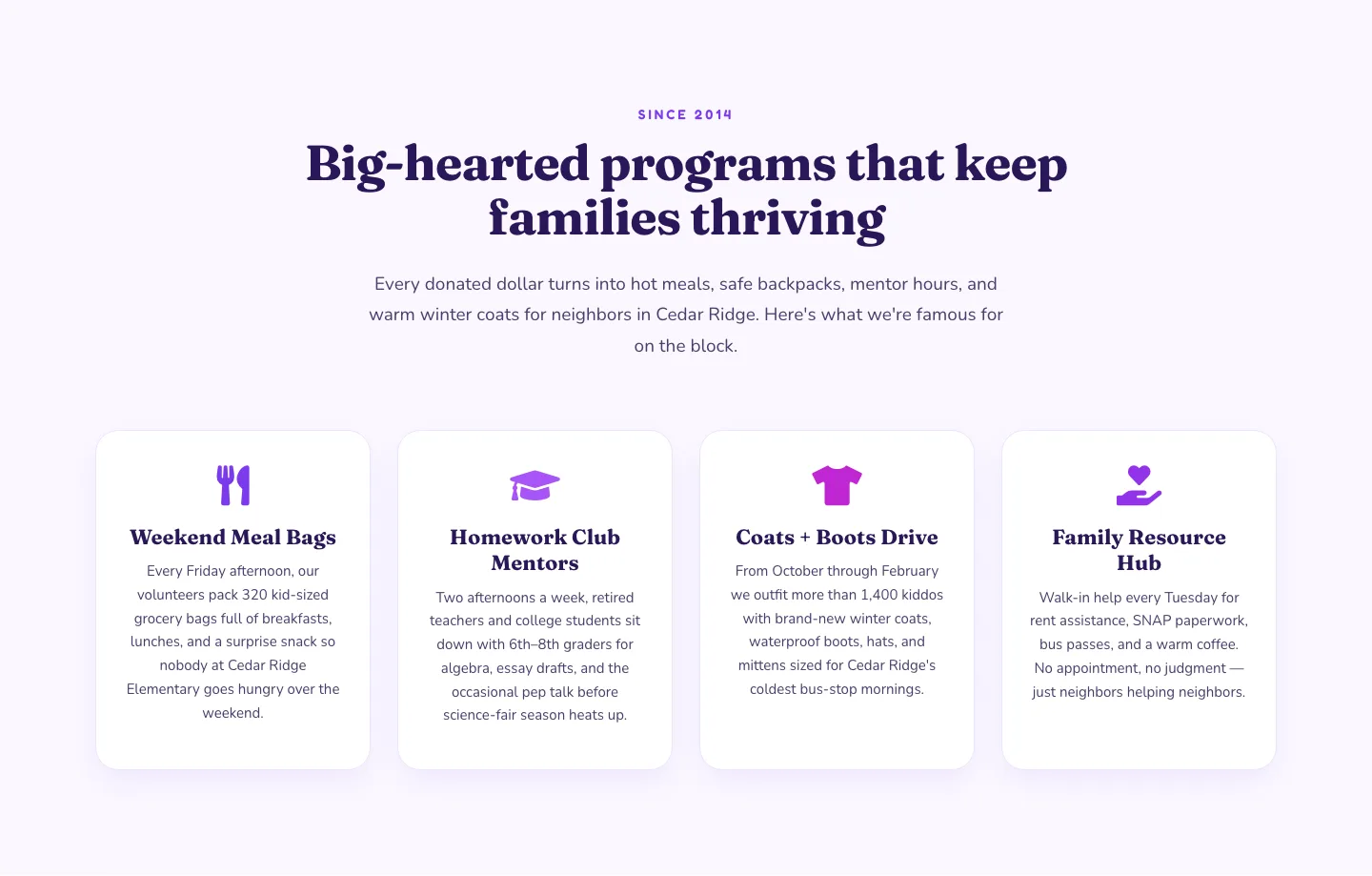
Playful Nonprofit Features Section: Four-Column Icon Cards for Divi 5
features · nonprofit · playful
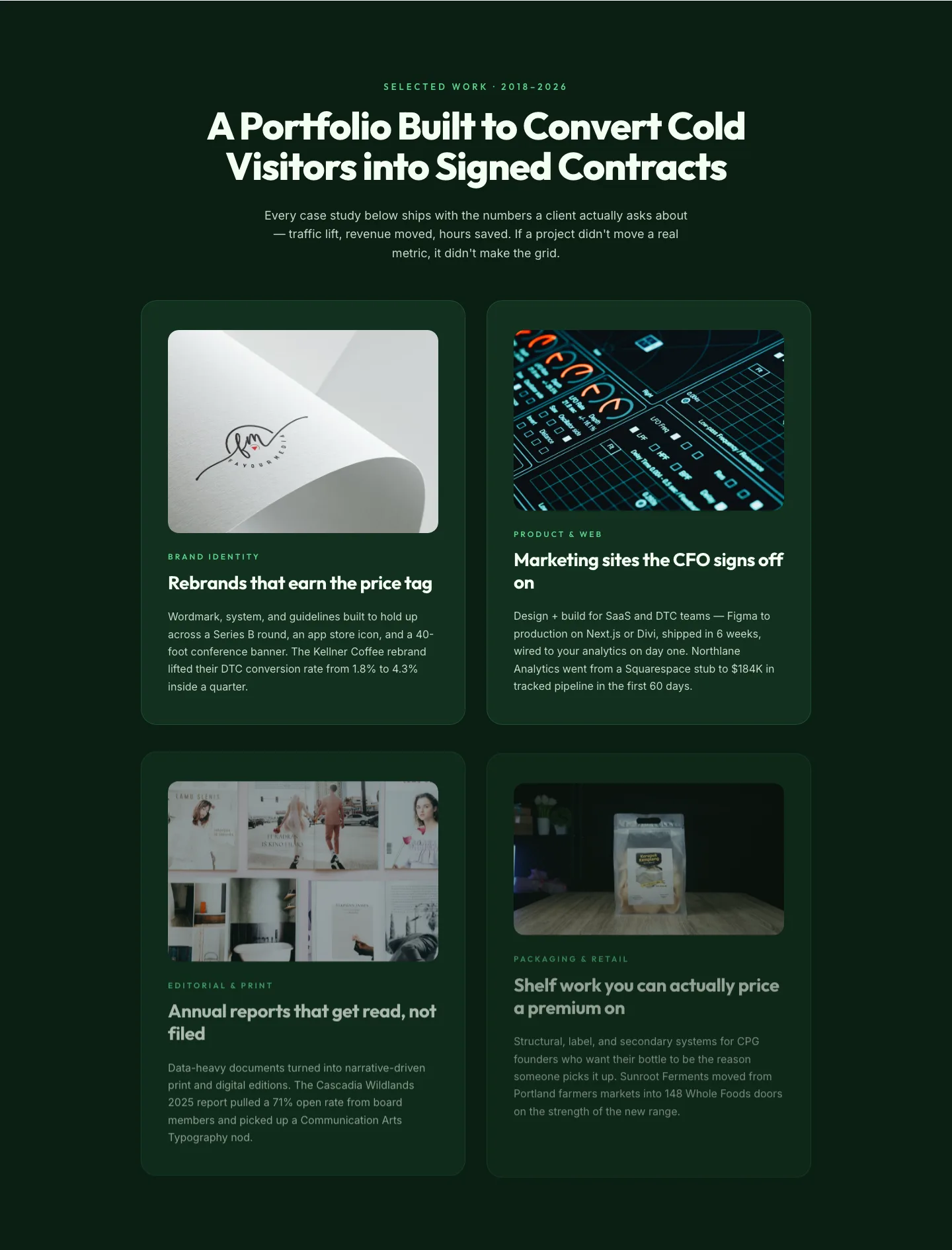
Bold Portfolio Features Grid: Divi 5 Case Study Layout
features · portfolio · bold
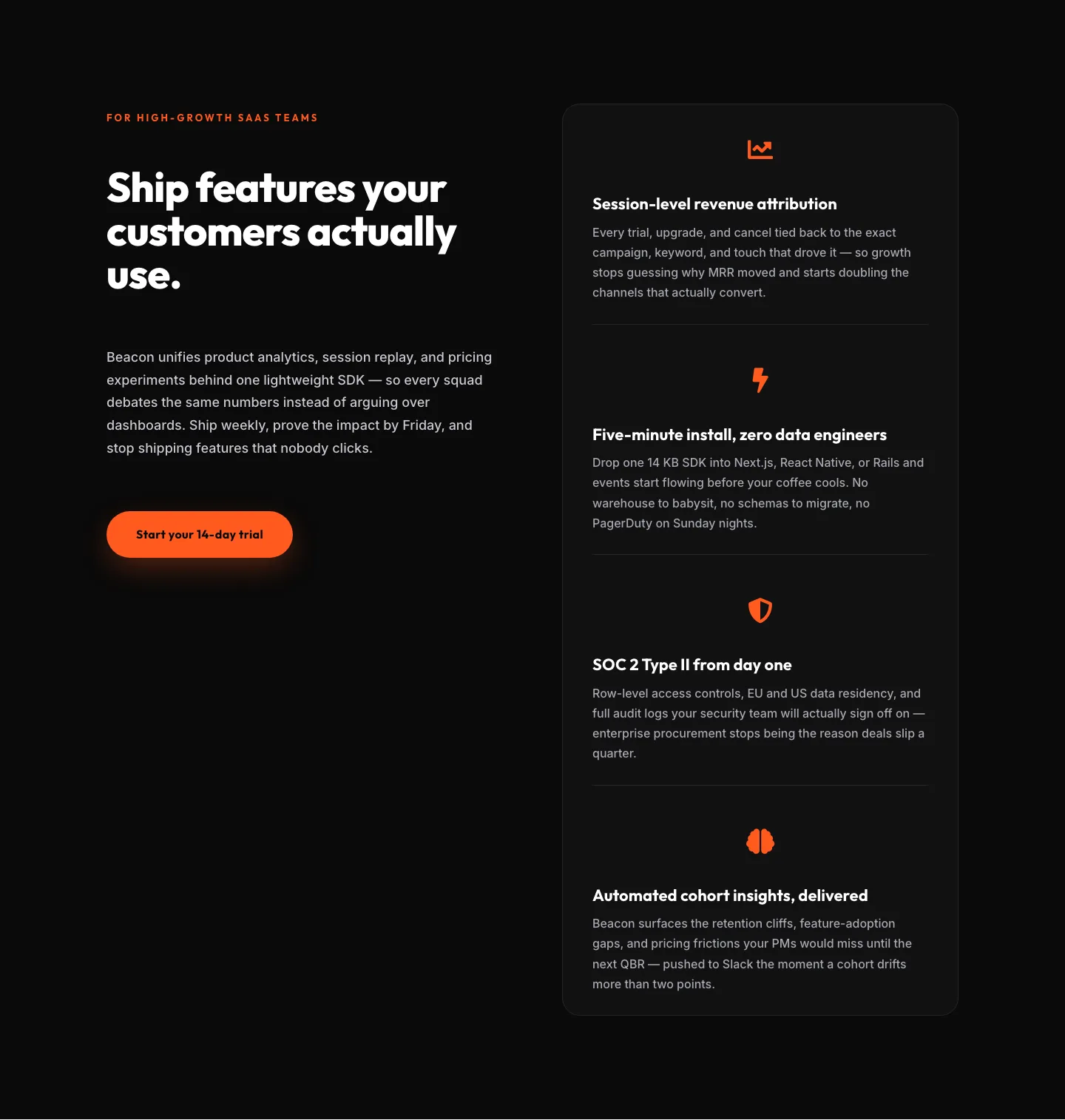
SaaS Features Section: Ship Features Customers Actually Use | Divi 5 Bold Layout
features · saas · bold
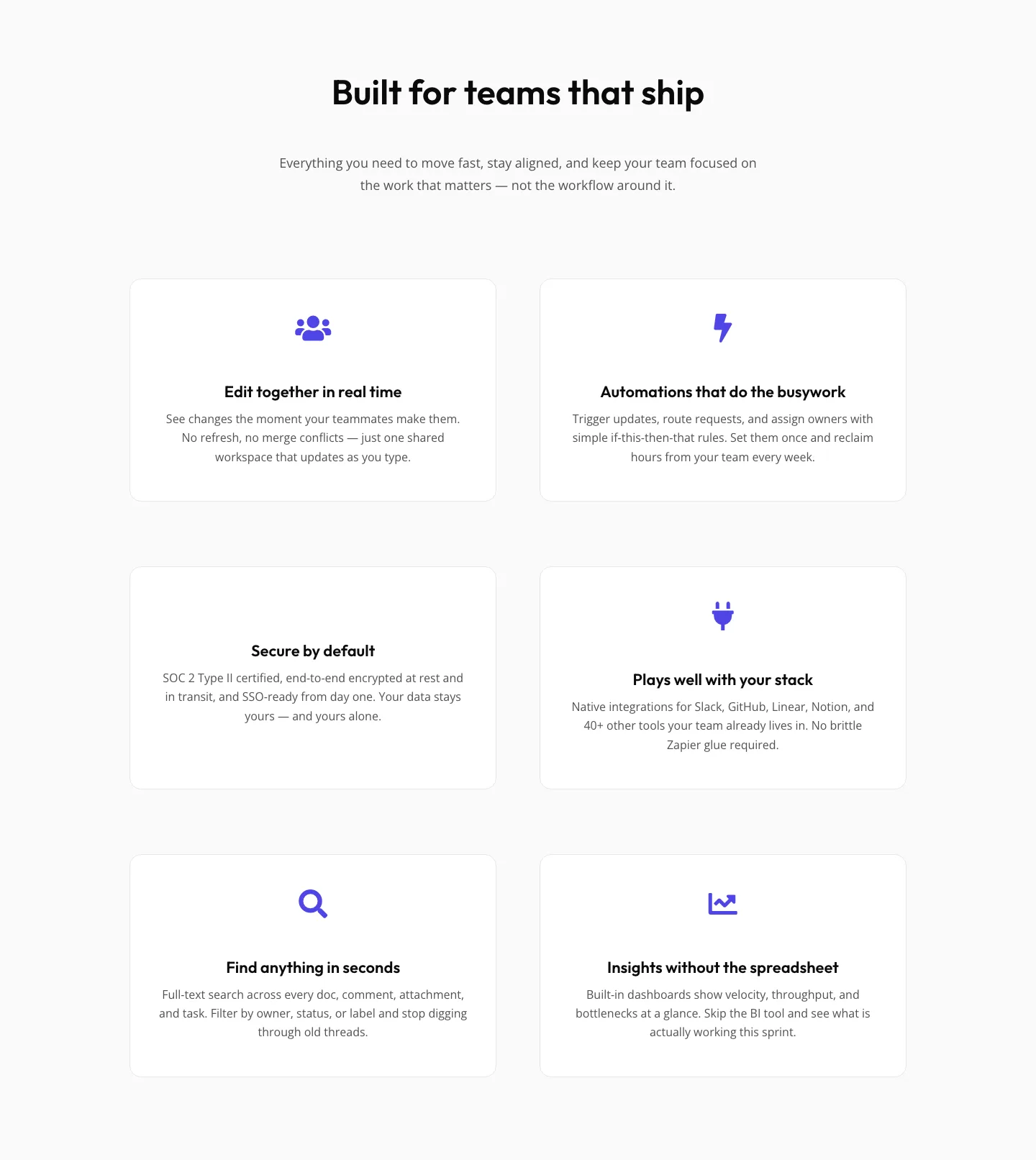
SaaS Features Section: Minimal Divi 5 Layout for Product Teams
features · saas · minimal
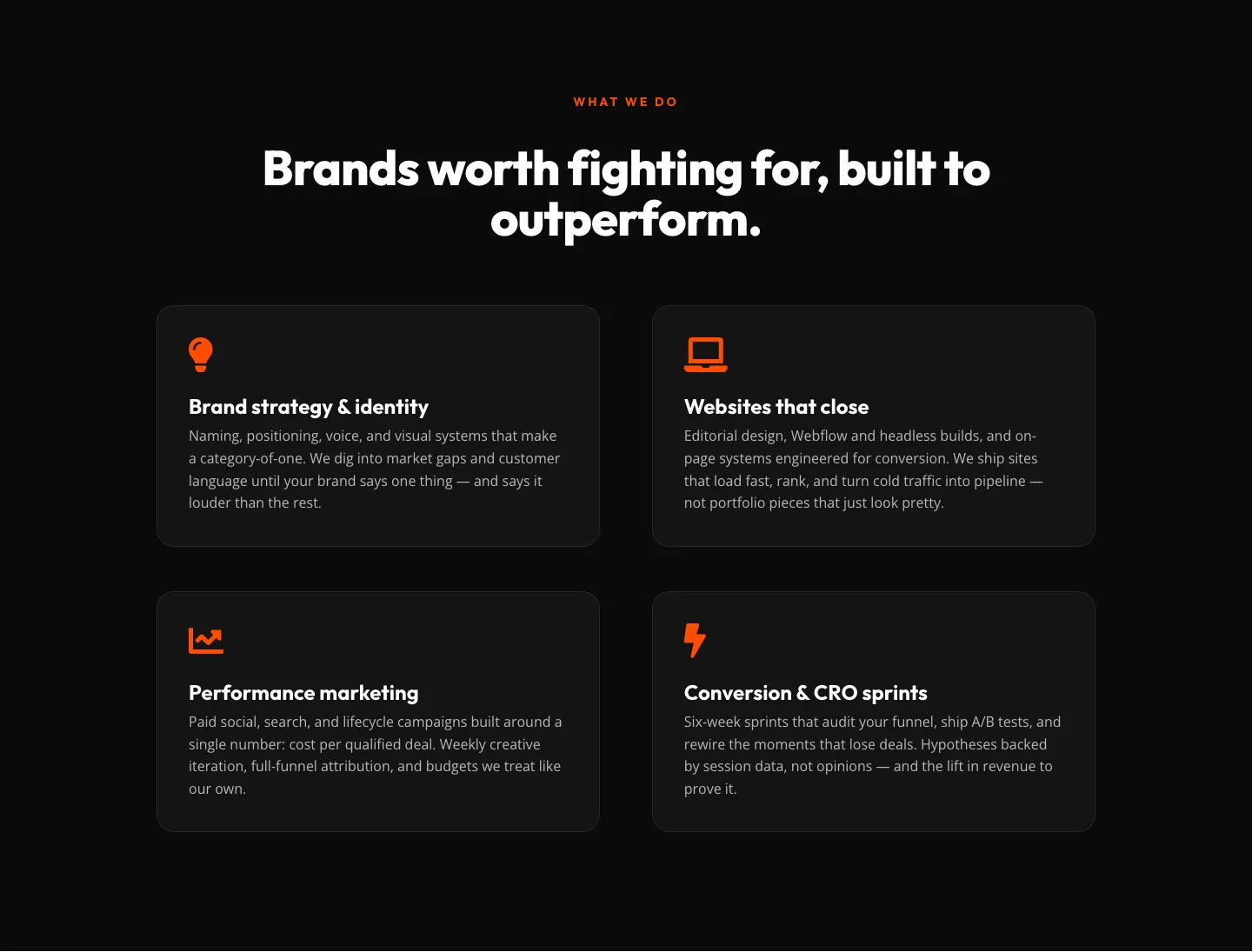
Bold Agency Features Section: Divi 5 Services Grid Layout
features · agency · bold