
Kiln & Clay — Minimal Pottery_studio Classes Page for Divi 5
A minimal Divi 5 full-page layout for pottery studios and clay class businesses. Features class comparison table, step-by-step course walkthrough, FAQ accordion, and private group booking form.
Rate this element
Download this section, free
- Divi 5 JSON, imports in seconds
- Commercial license included
- No account needed
This page ships inside Kiln & Clay: Pottery Studio Theme (6 Pages), 6 coherent pages that share one brand.
Click to view the full page
Overview
The page opens with a full-bleed hero that layers a Pexels pottery photograph under a consistent 70% dark overlay (#241d17), ensuring the cream H1 (#f7f0e3) holds contrast regardless of the image content beneath. The H1 is set in DM Serif Display at 56px with -1px tracking, stepping down to 42px on tablet and 32px on phone directly inside the module. Breadcrumb and supporting line use Work Sans 600 at 13px with 1px letter-spacing in uppercase, a pairing that reappears as the eyebrow label on every section below, giving the page a consistent rhythmic voice. Section padding scales in three explicit steps: 120px desktop, 88px tablet, 64px phone in the hero, and 96px/64px/44px through the content sections, so vertical breathing room compresses gracefully rather than collapsing.
The comparison table is built entirely from native Group and Text modules arranged in a CSS grid with gridColumnCount: 4 and 1px column and row gaps against a #d6c7b0 background. The gaps themselves act as borders; no CSS overrides are needed. Each cell carries its own background, so the middle column uses #faf5ec to read as highlighted without adding a badge or extra border. Feature rows mix Icon modules (a FontAwesome checkmark at 16px, centered) with short Text cells, giving the table a clean editorial quality. A square-cornered button styled in near-black (#2b2622) with a 2px terracotta-orange border (#a8481f) closes the section and that same button treatment repeats across all three CTAs on the page.
The course-steps section uses the same grid approach (4-column desktop, 2-column tablet, 1-column phone) with numbered pill circles in burnt orange and a Divider module as a horizontal connector line. The Divider carries a disabledOn: phone flag, so the connector disappears on narrow screens and each step reads as a standalone card. The FAQ section pairs a Divi Accordion module against a 4:5 portrait image column, using a split row that stacks on phone. The accordion uses bottom-border-only styling (0px on all other sides) for a minimal editorial look, with DM Serif Display at 20px for item titles.
The final section shifts background to #faf5ec to signal a different CTA register, a private-group enquiry. A native Divi Contact Form sits inside a bordered card (#efe6d8 fill, 2px solid #2b2622 border, square corners) with Name and Email fields and a submit button matching the rest of the page. All column structures flip to flexDirection: column on phone via explicit breakpoint settings, and every heading carries its own responsive font size at all three breakpoints, so nothing requires post-import CSS work.
What’s inside
- Full-bleed hero section with background image, 70% dark gradient overlay, and three-step responsive padding (120px / 88px / 64px) built into the section module
- 4-column comparison grid using native Group and Text modules with CSS grid gaps as cell borders, no custom CSS required, supporting three pricing tiers across six feature rows
- FontAwesome checkmark Icon modules and Text modules mixed within comparison cells for a clean feature matrix
- Terracotta-orange accent (#a8481f) applied consistently to numbered step circles, all button borders, and contact form submit hover states
- 4-step course process grid (4-column desktop, 2-column tablet, 1-column phone) with numbered pill circles and Divider connector lines that auto-hide on phone
- Accordion FAQ module with bottom-border-only styling and DM Serif Display headings, paired with a 4:5 portrait image in a two-column split row
- Native Divi Contact Form inside a bordered enquiry card for private group bookings, with Name and Email fields and a styled submit button
- DM Serif Display and Work Sans type pairing with explicit responsive sizes at three breakpoints baked into every heading and body text module
Who it’s for
This layout fits pottery studios, ceramics schools, and craft workshop spaces that offer both short drop-in sessions and multi-week programmes. The pricing comparison table handles tiered enrolment clearly, the accordion addresses the questions prospective students always ask, and the contact form closes private hire enquiries without sending visitors to a separate page. It also transfers cleanly to any hands-on workshop business where small group sizes are a selling point and private bookings are a meaningful revenue stream: glassblowing, printmaking, natural dyeing, floral design, or sourdough baking.
Customization tips
The palette reduces to three values: #efe6d8 (linen base used on section backgrounds and button hover fills), #2b2622 (near-black used for text, button fills, and borders), and #a8481f (terracotta accent on numbered circles, button borders, and contact form submit border). Updating all three at the module level recolours the entire page. The comparison table comfortably holds five or six feature rows; adding a seventh crowds the cells on phone, so trimming a row is easier than restructuring. Hero headline copy works best at one line on desktop (up to around 28 characters) since two lines push the supporting text below the fold on some tablet sizes. The 4:5 portrait image in the FAQ section expects a vertically composed photo; the objectFit: cover setting is already in place, so landscape images will center-crop. Step descriptions in the process section can run to two sentences without breaking mobile, since the Divider connector is already hidden on phone.
How to install this layout
- Download the layout JSON file from this page.
- Open the target page in the Divi 5 builder.
- Open the portability panel (up/down arrows icon) and choose the Import tab.
- Upload the JSON. Tick “replace existing content” only for full-page imports.
- Check the page at desktop and mobile widths, then swap in your copy and images.
Full walkthrough with troubleshooting: How to Import a Divi 5 Layout.
Questions about Kiln & Clay — Minimal Pottery_studio Classes Page for Divi 5
Does the comparison table collapse to a single column on phone?
No. The grid is set to `gridColumnCount: 4` with no phone override, so all four columns remain side by side on narrow screens. The per-cell padding reduces to 14px vertical and 6px horizontal on phone to maintain readability. If your tier labels are longer than one or two words, test on a 375px viewport and shorten the labels first.
What fonts does the layout use and do I need to install them?
DM Serif Display for all headings and accordion item titles, Work Sans for body text, eyebrow labels, and buttons. Both are Google Fonts. Divi 5 loads them automatically when they appear in module typography settings, so no manual enqueue or plugin is required.
How do I change the terracotta accent colour throughout the page?
The accent (#a8481f) appears in four places: the background of the numbered step circles, the border colour on both standalone CTA buttons, and the contact form submit button border. Each is set at the individual module level. There is no global variable; updating all four takes a couple of minutes in the Visual Builder.
The hero uses an external Pexels image URL. Do I need to replace it?
Yes, before the page goes live. The Pexels URL is a placeholder that previews correctly but Pexels images are not licensed for redistribution in commercial templates. Replace it with your own studio photography in the Section background image settings. The gradient overlay is already configured, so any well-exposed horizontal photo will keep the headline readable.
Does the Divi Contact Form module actually send enquiries to my inbox?
Yes. The native Divi contact form sends to the WordPress admin email address by default. You can override the recipient in the Contact Form module settings after import. No additional plugin is needed, though a dedicated email delivery plugin such as WP Mail SMTP is recommended for reliable delivery on most hosts.
The Divider connector lines between the course steps disappear on phone. Is that intentional?
Yes. Each Divider module carries a `disabledOn: phone` flag in the layout JSON, so the horizontal connectors are hidden on narrow screens. The numbered circles and step text remain fully visible; the connectors would overlap awkwardly in a single-column stack, so removing them on phone is the deliberate design decision.
Which Divi version does this layout need?
Divi 5. The layout is generated natively for Divi 5 and validated against its real module structure before publication, so it imports clean into the current builder.
Can I use this layout on client websites?
Yes. Every download includes a commercial license covering unlimited sites you own or build for clients. Only reselling or redistributing the layout file itself is prohibited.
Included in these packs
More full landing pages
Browse all full landing pages
Kiln & Clay — Minimal Pottery_studio Visit Page for Divi 5
full_landing · pottery_studio · minimal

Kiln & Clay — Minimal Pottery_studio Our Story Page for Divi 5
full_landing · pottery_studio · minimal

Kiln & Clay — Minimal Pottery_studio Studio Membership Page for Divi 5
full_landing · pottery_studio · minimal

Kiln & Clay — Minimal Pottery_studio The Shop Page for Divi 5
full_landing · pottery_studio · minimal

Kiln & Clay — Minimal Pottery_studio Home Page for Divi 5
full_landing · pottery_studio · minimal
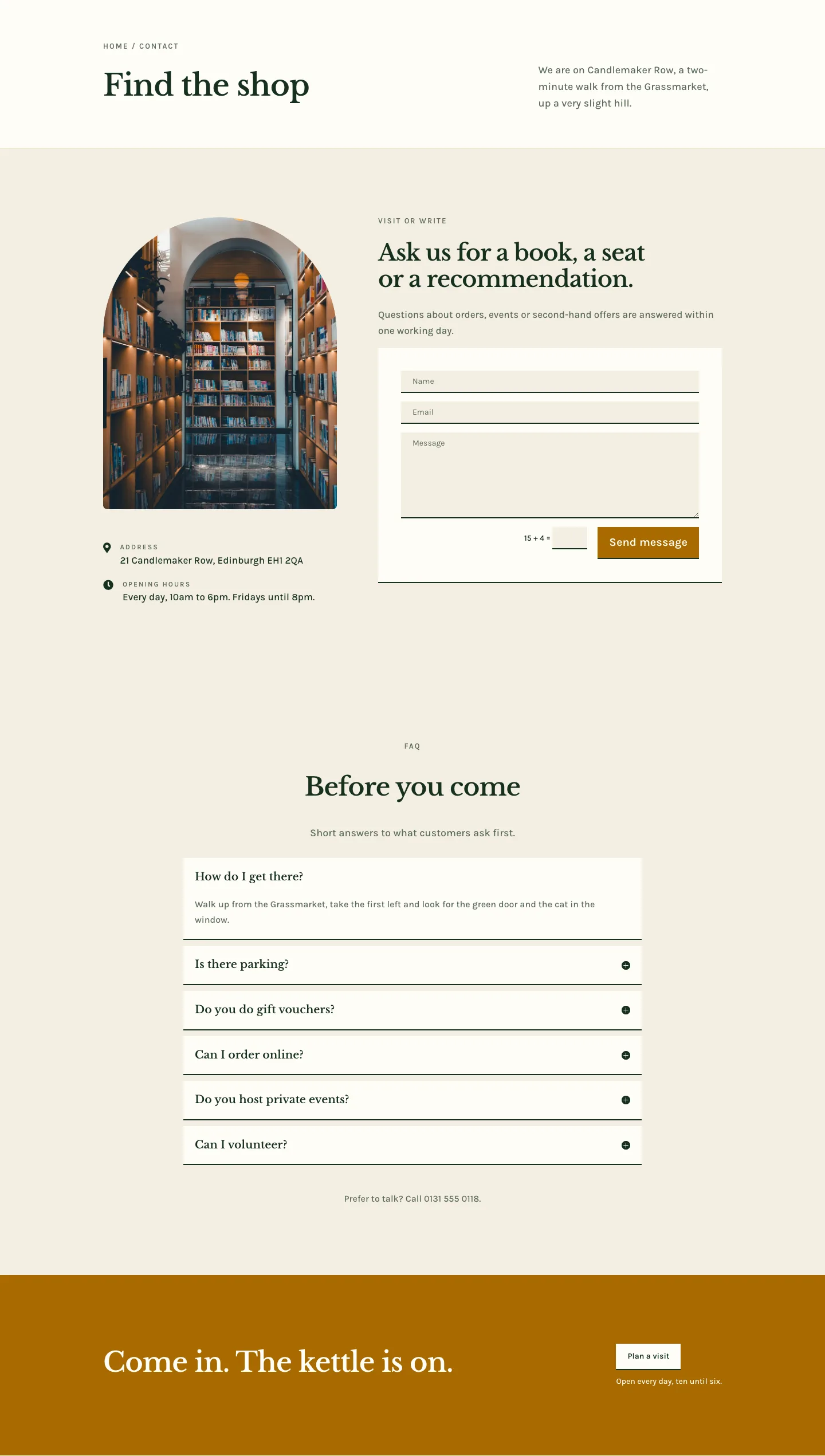
Folio & Fable — Elegant Bookshop Contact Page for Divi 5
full_landing · bookshop · elegant