
Kiln & Clay — Minimal Pottery_studio Studio Membership Page for Divi 5
Join Kiln & Clay Studio. Choose weekend, open studio or resident membership — wheel time, kiln firings and shelf space from $110/month.
Rate this element
Download this section, free
- Divi 5 JSON, imports in seconds
- Commercial license included
- No account needed
This page ships inside Kiln & Clay: Pottery Studio Theme (6 Pages), 6 coherent pages that share one brand.
Click to view the full page
Overview
Kiln & Clay Studio Membership is a four-section full-landing layout built entirely in warm earth tones: a parchment #faf5ec header, two sand #efe6d8 content sections, and a closing call-to-action burned in terracotta #a8481f. The palette is not decorative — it mirrors the materials of the craft, so the page feels native to the studio world before a visitor reads a word.
The opening section uses an asymmetric two-column row (16/24 + 8/24 flex split) to separate the page identity from the lead line. The H1 — set in DM Serif Display at 52px with −1px tracking — carries the authority of a printed studio notice, while the Work Sans body text at 18px and 1.6em line height keeps the right column airy. Both columns collapse to full-width on mobile, with the heading scaling from 52px down to 32px and section padding stepping from 72px to 40px without any abrupt jumps.
The membership pricing section is the structural centerpiece: a centered H2 at 44px introduces three equal-width tier cards arranged in a 1/3 + 1/3 + 1/3 row with 24px column gaps. The middle card flips to a solid terracotta fill and carries a pill badge reading "Most popular" — the only visual accent that breaks the neutral grid. Each card is built from Divi Group modules stacking a tier name, a price displayed in DM Serif Display at 44px, a divider, and three Icon + Text feature rows, then a squared-border button that inverts on hover. On tablet the columns wrap to two per row; on phone they stack vertically.
The team section beneath it runs a header row (14/24 + 10/24 split, aligned to flex-end) above a four-column portrait grid. Each portrait uses a 1:1 aspect ratio enforced via the image module's objectFit: cover, with a 3px top border and a name in DM Serif Display below. The layout closes with a full-width terracotta CTA band using a horizontal flex group that pushes the heading and button to opposite ends of the row, collapsing to a stacked column on phones.
What’s inside
- Three-tier membership pricing cards (Weekend / Open Studio / Resident) with per-card feature lists built from Divi Icon + Text module rows
- Highlighted "Most popular" tier using a solid terracotta column background (#a8481f) with contrasting white text and a pill badge group
- Squared ghost buttons with fill-invert hover states — each tier gets its own color-matched border and hover fill
- Asymmetric two-column hero row (16/24 + 8/24 flex split) with an H1 in DM Serif Display and a breadcrumb navigation text module
- Four-column team grid with 1:1 aspect-ratio portrait images (object-fit cover), 3px top-border nameplates, and uppercase role labels
- Full-width terracotta CTA band with a space-between flex layout that places the headline and action button on opposite ends
- Three-breakpoint responsive padding steps on every section (desktop 96px / tablet 64px / phone 44px) and font sizes that scale without media-query gaps
Who it’s for
This layout is a natural fit for independent pottery studios, ceramics co-ops, and craft workshop spaces that sell tiered memberships or studio time. It also works well for other maker spaces — glassblowing, blacksmithing, printmaking, or woodworking studios — where the goal is communicating access levels and community rather than a single product price. The team section makes it equally useful for any small creative business that wants to put founders and instructors front and center before asking a visitor to commit.
Customization tips
The three-tier palette is the first thing to adjust. The neutral cards use #faf5ec for the background and #2b2622 for borders — swap both to your brand's light and dark values. The accent card background (#a8481f) and the CTA section background share the same terracotta; change one hex in both places to keep them in sync. DM Serif Display and Work Sans load from Google Fonts; both can be swapped in Divi's global font settings without touching individual modules.
For copy length: the tier description line under each card name is a single short sentence — keep it under 8 words or the price group loses its vertical rhythm. Feature list items are best kept to 4–6 words each. Portrait images should be square or cropped to 1:1 before upload; the module enforces the ratio with object-fit cover but a horizontal source photo will crop heavily. Plan for 3–5 team members — fewer than three leaves the grid unbalanced; more than four requires adding a second row.
How to install this layout
- Download the layout JSON file from this page.
- Open the target page in the Divi 5 builder.
- Open the portability panel (up/down arrows icon) and choose the Import tab.
- Upload the JSON. Tick “replace existing content” only for full-page imports.
- Check the page at desktop and mobile widths, then swap in your copy and images.
Full walkthrough with troubleshooting: How to Import a Divi 5 Layout.
Questions about Kiln & Clay — Minimal Pottery_studio Studio Membership Page for Divi 5
How does the three-column pricing grid behave on mobile?
The row is set to `flexWrap: wrap` on tablet and `flexDirection: column` on phone, so the three tier cards stack vertically in the order Weekend, Open Studio, Resident. Each card takes full width at all breakpoints below desktop.
Which Divi 5 modules make up the feature lists inside the pricing cards?
Each feature row is a Divi Group module set to `flexDirection: row` containing one Divi Icon module (Font Awesome checkmark, 15px) and one Divi Text module. There is no custom code — the layout is entirely native Divi 5 modules.
Can I add a fourth pricing tier without breaking the layout?
You can, but the row is set to `equal-columns_3` with `flexWrap: nowrap` on desktop. Adding a fourth column will require changing the column structure to `1_4,1_4,1_4,1_4` and switching `flexColumnStructure` to `equal-columns_4` — otherwise the fourth card overflows.
The team section shows four portraits. What aspect ratio should my photos be?
The image module enforces a 1:1 aspect ratio via `objectFit: cover`, so square crops work best. If your source photos are wider, the module will center-crop them — verify the focal point is centered before uploading.
What is the easiest thing to change first when adapting this to a different studio?
Start with the terracotta accent color (`#a8481f`). It appears on the featured pricing card background, the CTA section background, and several button borders. Updating it in those three places gives the page an entirely new character while leaving the typographic system intact.
Which Divi version does this layout need?
Divi 5. The layout is generated natively for Divi 5 and validated against its real module structure before publication, so it imports clean into the current builder.
Can I use this layout on client websites?
Yes. Every download includes a commercial license covering unlimited sites you own or build for clients. Only reselling or redistributing the layout file itself is prohibited.
Included in these packs
More full landing pages
Browse all full landing pages
Kiln & Clay — Minimal Pottery_studio Visit Page for Divi 5
full_landing · pottery_studio · minimal

Kiln & Clay — Minimal Pottery_studio Our Story Page for Divi 5
full_landing · pottery_studio · minimal

Kiln & Clay — Minimal Pottery_studio The Shop Page for Divi 5
full_landing · pottery_studio · minimal

Kiln & Clay — Minimal Pottery_studio Classes Page for Divi 5
full_landing · pottery_studio · minimal

Kiln & Clay — Minimal Pottery_studio Home Page for Divi 5
full_landing · pottery_studio · minimal
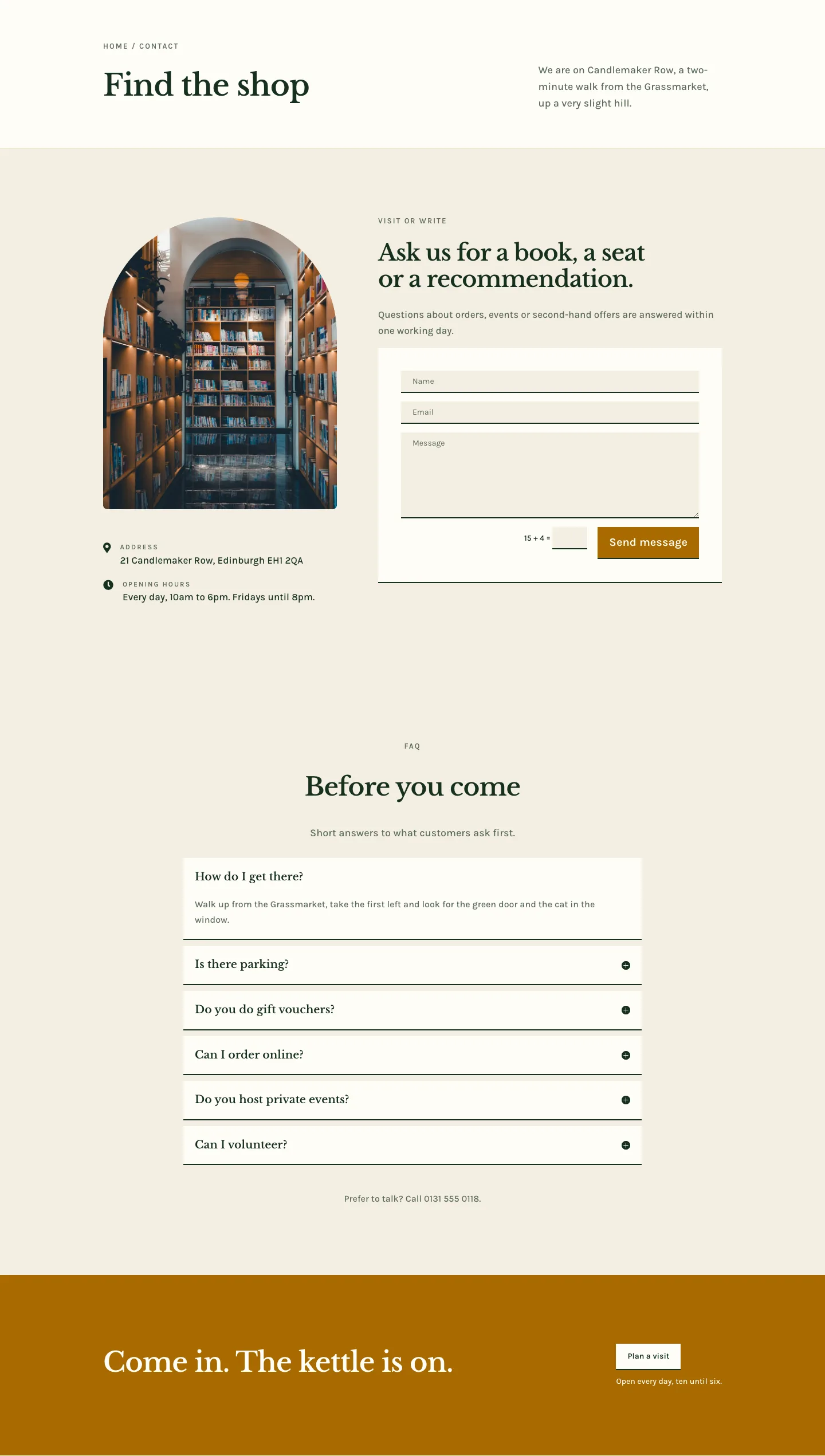
Folio & Fable — Elegant Bookshop Contact Page for Divi 5
full_landing · bookshop · elegant