
Kiln & Clay — Minimal Pottery_studio The Shop Page for Divi 5
A minimal pottery studio shop page for Divi 5. Features a product grid with pricing, care and delivery checklist, and FAQ accordion — warm earth tones, DM Serif Display headers.
Rate this element
Download this section, free
- Divi 5 JSON, imports in seconds
- Commercial license included
- No account needed
This page ships inside Kiln & Clay: Pottery Studio Theme (6 Pages), 6 coherent pages that share one brand.
Click to view the full page
Overview
The layout opens on a full-width dark hero section — espresso #2b2622 — with generous vertical padding (112px top, 168px bottom on desktop) that gives the type room to land. A small all-caps Work Sans label sits above a 60px DM Serif Display h1, the two typefaces splitting the brand work cleanly: the label grounds the page in commerce, the display headline gives it warmth. A 72px centered divider rule and a 640px-wide constrained body paragraph complete the hero before a CSS curve divider (100px tall, tapering to 44px on phones) rolls the palette into warm linen #efe6d8 below.
The product grid section is where the layout does its real work. A flex row positions the section header on the left — uppercase label stacked above a 44px DM Serif Display h2 — and a square-bordered ghost button anchored to the baseline on the right. Below this, five product cards are arranged in a CSS grid: the first card spans both columns at a 2:1 wide aspect ratio, functioning as a featured hero product, while the remaining four fill a 2-column, 4:3 grid beneath it. Each card follows the same pattern: a cover-fitted image, a DM Serif Display product name, and a 2px-bordered price badge in uppercase Work Sans at 12px. The no-radius borders throughout — on the button, the price badges, and the images — are a deliberate choice that reads as studio precision rather than softness.
The third section switches to #faf5ec, a slightly cooler off-white, for a care-and-delivery breakdown. A narrow left column (weighted roughly one-third) carries the heading and a short subline; the wider right column holds an 8-item, 2-column icon-text grid. Each row pairs an 18px FontAwesome checkmark with a single short line of Work Sans at 17px. The rhythm is tight and scannable: equal top and bottom padding on each row, no visual noise between items.
The page closes with an accordion FAQ on the linen background. The toggle container opens with a 3px top border rule; each toggle item is separated by a 2px bottom border with no rounding anywhere. DM Serif Display at 28px carries the questions; answers sit in Work Sans at 17px and warm mid-brown #6a5d51. The first toggle is open by default, so visitors land on an immediate answer rather than a collapsed list.
What’s inside
- Dark espresso hero section with 60px DM Serif Display h1, centered 72px divider rule, and CSS curve section divider scaling from 100px to 44px on phones
- 2-column CSS product grid: one full-width 2:1 featured card plus four 4:3 product cards, each with cover-fitted image, DM Serif Display name, and 2px-bordered price badge
- Square-bordered ghost button with hover fill transition (transparent to espresso, label flips to linen)
- Care-and-delivery section with 8-item 2-column FontAwesome checkmark grid (fa-check, 18px) inside an asymmetric 1/3 + 2/3 column split
- Accordion FAQ using native Divi Toggle modules: 5 questions, first open by default, 3px top border on container, 2px bottom border separators, zero border radius
- Three-stop palette system: espresso `#2b2622`, warm linen `#efe6d8`, off-white `#faf5ec` — each assigned to its own section background
- Fluid heading scale across all three breakpoints (h1: 60/46/34px; h2: 44/36/30px; h3: 22/20/19px; toggle titles: 28/24/20px)
- Fully responsive product grid: 2-column collapses to single-column on phones, hero spanning card becomes full-width first item
Who it’s for
This layout fits pottery studios, ceramic artists, and craft-goods shops selling a focused, curated range of handmade pieces. It works for a solo maker with five signature items as well as a small collective sharing a storefront. The tone and structure transfer cleanly to any artisan product category where tactile quality and honest pricing are the main sales argument: glassblowers, woodturners, small-batch textile makers, independent candle brands, or any maker business that wants a shop page with editorial weight rather than a generic grid.
Customization tips
The three-section palette is set at the section level, so recoloring is straightforward: update the background on each section, the curve divider color to match the section below it, and the ghost button and price badge borders (all use the same dark value). Swapping espresso / linen / off-white for deep forest / cream / warm white or slate / pale blush / white takes about five minutes and produces an entirely different mood.
For the product grid, the hero card expects a 2:1 landscape crop (1600x800px works well for tabletop or overhead shots). The four smaller cards use 4:3 (1200x900px suits tighter product photography on a plain background). Stay close to these ratios because the images use object-fit: cover with locked dimensions. Keep price badge text to one line ("Set of four · $96" is the model). Two lines will push the badge and product name apart. The FAQ accordion holds five questions comfortably; add a sixth without any layout change, but keep each answer to two or three sentences to preserve the scan rhythm.
How to install this layout
- Download the layout JSON file from this page.
- Open the target page in the Divi 5 builder.
- Open the portability panel (up/down arrows icon) and choose the Import tab.
- Upload the JSON. Tick “replace existing content” only for full-page imports.
- Check the page at desktop and mobile widths, then swap in your copy and images.
Full walkthrough with troubleshooting: How to Import a Divi 5 Layout.
Questions about Kiln & Clay — Minimal Pottery_studio The Shop Page for Divi 5
How does the product grid reflow on mobile?
The 2-column CSS grid collapses to a single column. The wide 2:1 hero card, which spans both columns on desktop, becomes a full-width first item on phones. The four 4:3 cards stack below it one per row. Column and row gaps reduce via the phone-breakpoint values set directly in the grid group module.
What modules make up the product cards?
Each card is a divi/group containing a divi/image (cover-fitted, locked aspect ratio), a divi/heading for the product name (h3, DM Serif Display, 22px), and a nested divi/group acting as the price badge: a divi/text module inside a 2px-bordered wrapper with 4px top/bottom and 10px left/right padding, no border radius.
What image aspect ratios should I use for the product cards?
The featured hero card uses a 2:1 ratio (e.g., 1600x800px). The four smaller cards use 4:3 (e.g., 1200x900px). Staying close to these ratios prevents the cover-fit crop from removing too much of your subject. Tabletop overhead shots work well for the wide card; tighter product-on-background shots suit the 4:3 slots.
Can I add or remove product cards from the grid?
Yes. The grid is a divi/group set to 2 columns with 32px column gap and 40px row gap. Duplicate any of the four 4:3 card groups and they slot into the next grid cell automatically. Keep the full-column-spanning hero card at position one; moving it will break the asymmetric layout.
How do I edit the curve divider between the hero and the product section?
The divider is the bottom advanced divider on the first section, set to style 'curve' at 100px desktop / 70px tablet / 44px phone. You can change the height to flatten it or switch the style to 'slant' or 'wave' using Divi's built-in divider options. The color is set to `#efe6d8` to match the section below; if you change the product section background, update the divider color to match.
What is the first thing I should replace before going live?
The product images and price text. Each card image has a Pexels placeholder; swap in your own photography at the correct aspect ratio first. Then update the h3 product names and the price badge text. After that, update the hero h1 and body copy, and finally the FAQ answers to reflect your actual policies.
Which Divi version does this layout need?
Divi 5. The layout is generated natively for Divi 5 and validated against its real module structure before publication, so it imports clean into the current builder.
Can I use this layout on client websites?
Yes. Every download includes a commercial license covering unlimited sites you own or build for clients. Only reselling or redistributing the layout file itself is prohibited.
Included in these packs
More full landing pages
Browse all full landing pages
Kiln & Clay — Minimal Pottery_studio Visit Page for Divi 5
full_landing · pottery_studio · minimal

Kiln & Clay — Minimal Pottery_studio Our Story Page for Divi 5
full_landing · pottery_studio · minimal

Kiln & Clay — Minimal Pottery_studio Studio Membership Page for Divi 5
full_landing · pottery_studio · minimal

Kiln & Clay — Minimal Pottery_studio Classes Page for Divi 5
full_landing · pottery_studio · minimal

Kiln & Clay — Minimal Pottery_studio Home Page for Divi 5
full_landing · pottery_studio · minimal
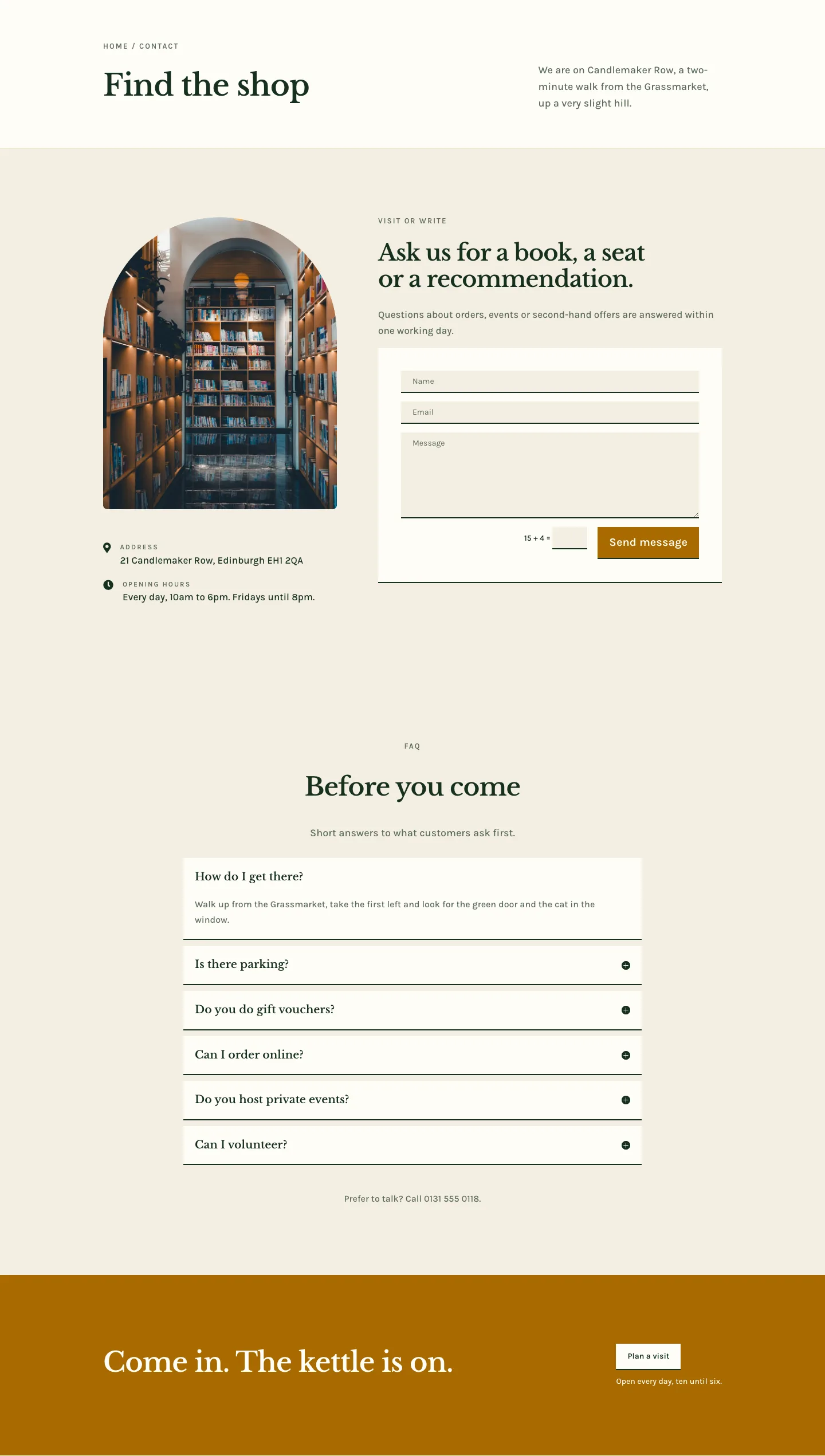
Folio & Fable — Elegant Bookshop Contact Page for Divi 5
full_landing · bookshop · elegant