
Midnight Run Drop 014: Bold Ecommerce Product Hero
High-impact Divi 5 hero for limited-drop ecommerce brands. Bold dark layout with neon CTA, scarcity counter, and product showcase image.
Rate this element
Download this section, free
- Divi 5 JSON, imports in seconds
- Commercial license included
- No account needed
Click to view the full page
Overview
The section runs on a single asymmetric row (a 3/5 copy column paired with a 2/5 image column) held together by a pitch-black canvas (#0a0a0a) and viewport-relative padding (8vw on all sides) that lets the hero breathe at any screen width. The left column carries a three-tier text hierarchy: an orange (#ff4d00) uppercase eyebrow with 4px tracking that reads like a shelf tag, a display headline in Outfit 800 sized in viewport units (5.4vw) so the type scales with the browser, and a 19px body paragraph capped at 520px so the line length stays readable beside the product photo.
Contrast does the heavy lifting. Pure white headline over near-black, orange used as the single accent: pulled through the eyebrow, the CTA fill, and the glow behind the image (preset4 box shadow, 80px blur, rgba(255,77,0,0.35)). The button is deliberately sharp (0px border radius) with black type on orange and an inverted white hover state, which reads as apparel drop rather than SaaS. A small uppercase meta line under the CTA carries scarcity ("487 / 500 remaining") plus shipping and returns copy, so the hero closes the objection loop before the fold ends.
On phones the section changes gears: padding collapses to 60px vertical / 24px horizontal, the vw-sized headline pins to 40px so it never overflows, and the left column drops its 40px side padding so the image lands flush under the copy. The row is nowrap on desktop but Divi's default stacking takes over below the breakpoint, so the product photo sits directly beneath the CTA. Pointed straight at the thumb.
What’s inside
- Asymmetric 3/5 + 2/5 row that stacks cleanly on mobile with nowrap enforced on desktop
- Two stacked Divi Heading modules, uppercase tracked eyebrow plus an oversized display headline sized at 5.4vw and capped at 40px on phone
- Divi Text module with a 520px max-width for a tight, readable pitch paragraph
- Divi Button module with sharp 0px corners and an orange → white hover color swap
- Second Divi Text module carrying scarcity ('487 / 500 remaining') plus shipping and returns copy in tracked uppercase
- Divi Image module with a 12px radius and a preset4 box shadow tinted with the brand orange for the product glow
- Pitch-black section (#0a0a0a) with viewport-unit padding (8vw all sides on desktop) so spacing scales with screen width
- Outfit type family throughout, with -1px tracking on the display and 4px tracking on the eyebrow
Who it’s for
Streetwear brands, sneaker labels, and any DTC apparel shop running numbered drops or limited runs. The scarcity meta line and sharp CTA are built for launch-day traffic: release announcements, waitlist pages, and 'back in stock' reveals where a single hero has to sell the story and route the click. It also transfers well to bold consumer-electronics releases (headphones, cameras, gaming peripherals), fragrance and beauty drops, small-batch coffee or spirits, and one-product Shopify-style stores where the identity leans night-mode and editorial rather than clean and pastel. Skip it for gentle wellness brands, luxury minimalism, or B2B SaaS. The orange accent and shouty typography will fight the tone.
Customization tips
The palette is a two-swap job: the black (#0a0a0a) and the orange (#ff4d00) appear on the section background, eyebrow, button fill, and the glow shadow behind the image, so changing those two hex values re-skins the entire hero. Keep the headline under about 40 characters or the 5.4vw sizing starts wrapping awkwardly on desktop; the eyebrow reads best at three to five words. The body paragraph is capped at 520px, so aim for two or three short sentences and let the line length hold the shape. For the product photo, swap the picsum placeholder for a 1200×1400 (roughly 6:7 portrait) shot with the subject centered, the box-shadow bloom expects some negative space around the product, and square or landscape crops will feel small inside the 2/5 column. If you drop the scarcity numbers, remove the whole meta Text module rather than leaving generic filler; the specificity is what sells it.
How to install this layout
- Download the layout JSON file from this page.
- Open the target page in the Divi 5 builder.
- Open the portability panel (up/down arrows icon) and choose the Import tab.
- Upload the JSON. Tick “replace existing content” only for full-page imports.
- Check the page at desktop and mobile widths, then swap in your copy and images.
Full walkthrough with troubleshooting: How to Import a Divi 5 Layout.
Questions about Midnight Run Drop 014: Bold Ecommerce Product Hero
How does the hero behave on phones?
Below Divi's phone breakpoint the two columns stack: copy on top, product image directly beneath the CTA. The 5.4vw headline pins to a fixed 40px and section padding drops from 8vw to 60px vertical / 24px horizontal so nothing overflows on narrow screens.
Which Divi modules is this built from?
Six native Divi 5 modules: two Heading modules (eyebrow + display), two Text modules (pitch paragraph + scarcity meta line), one Button, and one Image. No third-party modules and no custom code.
What image should I put in the right column?
A 1200×1400 (6:7 portrait) product shot with breathing room around the subject. The orange glow shadow bleeds around 80px past the frame, so an image that fills every pixel edge-to-edge will feel cramped inside the 12px rounded frame.
What should I edit first?
The three copy fields (eyebrow, headline, and pitch paragraph) plus the button label and price. After that, swap the two hex values (#0a0a0a background, #ff4d00 accent) if you are rebranding away from the streetwear palette.
Can I remove the scarcity line?
Yes, delete the second Text module entirely. Leaving generic filler like 'Free shipping · Easy returns' without the numbered stock count softens the urgency the hero is designed around, so either keep the specifics or drop the whole line.
Which Divi version does this layout need?
Divi 5. The layout is generated natively for Divi 5 and validated against its real module structure before publication, so it imports clean into the current builder.
Can I use this layout on client websites?
Yes. Every download includes a commercial license covering unlimited sites you own or build for clients. Only reselling or redistributing the layout file itself is prohibited.
More hero sections
Browse all hero sections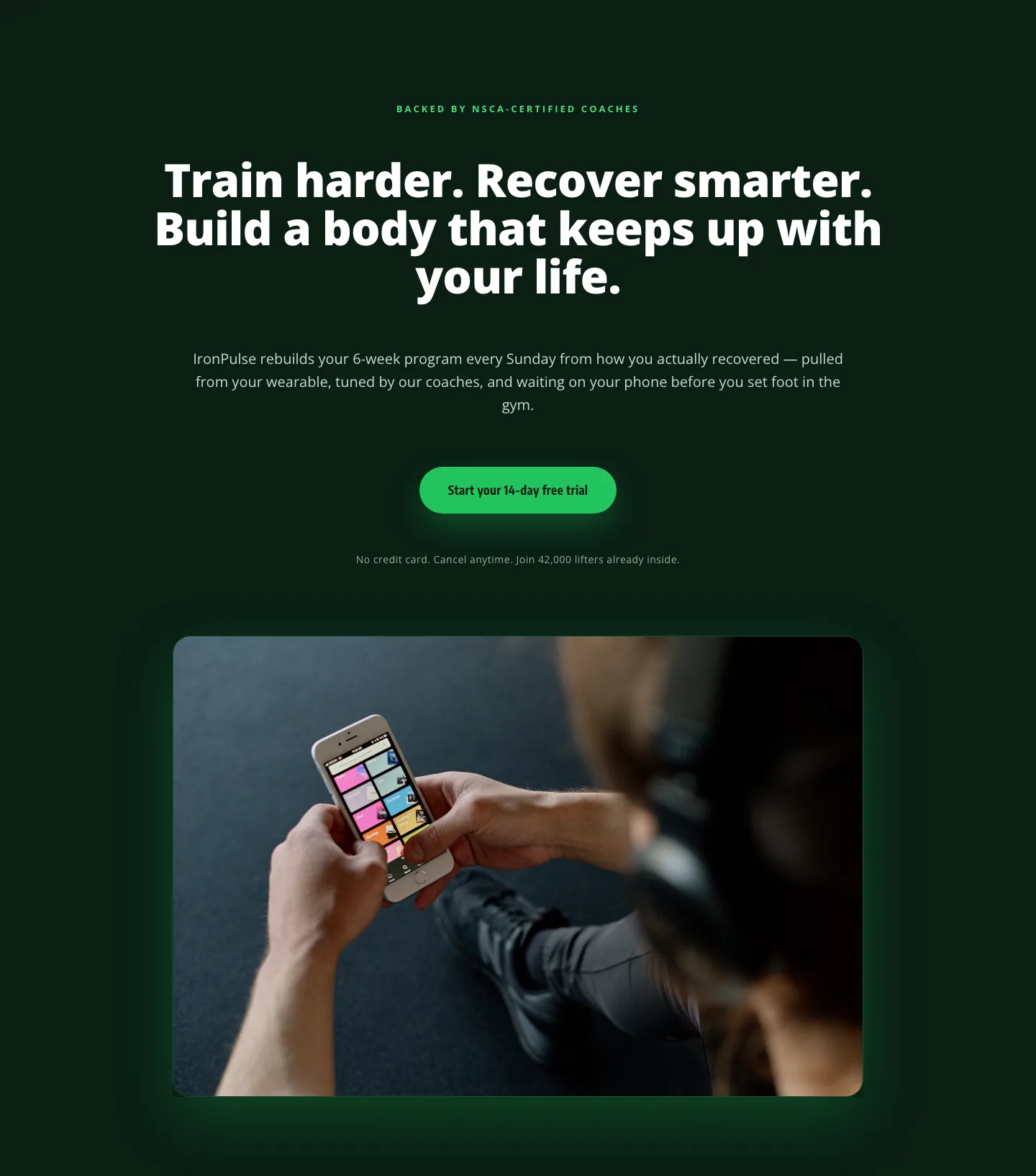
Bold Fitness App Hero Layout for Divi 5: IronPulse Adaptive Training
hero · fitness · bold
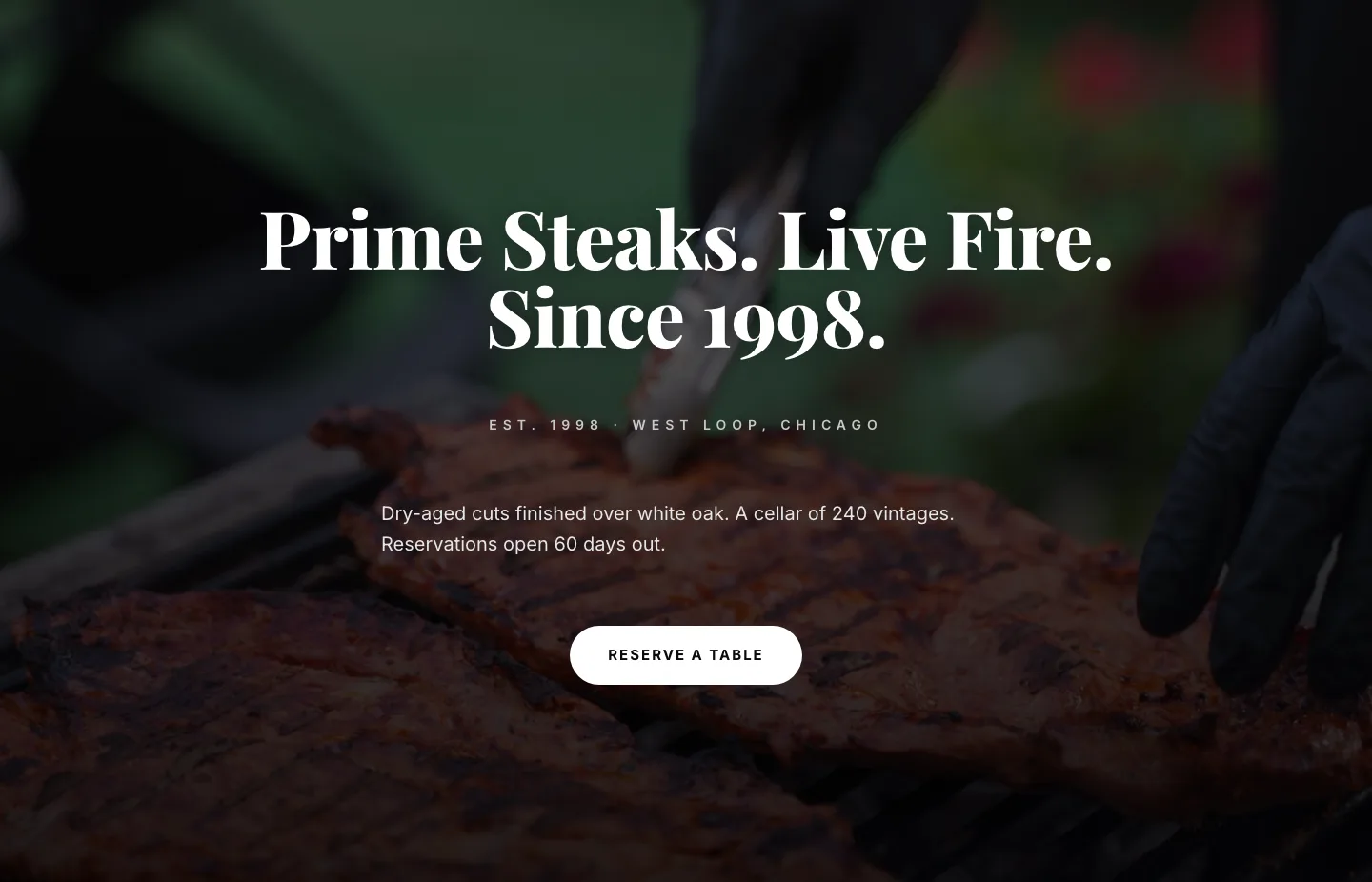
Prime Steaks Hero Section: Bold Monochrome Restaurant Layout for Divi 5
hero · restaurant · bold
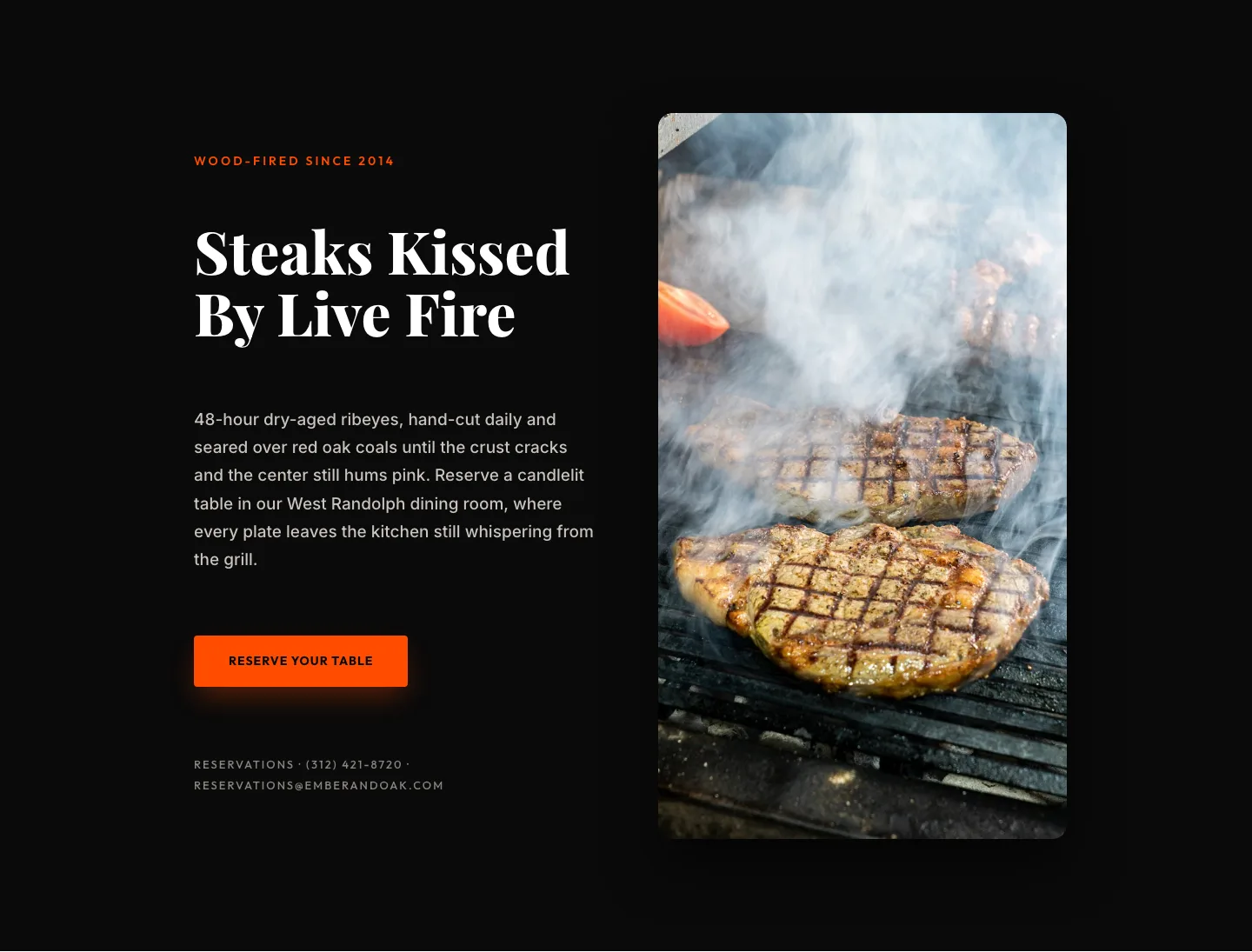
Wood-Fired Steakhouse Hero Layout for Divi 5: Bold Restaurant Template
hero · restaurant · bold
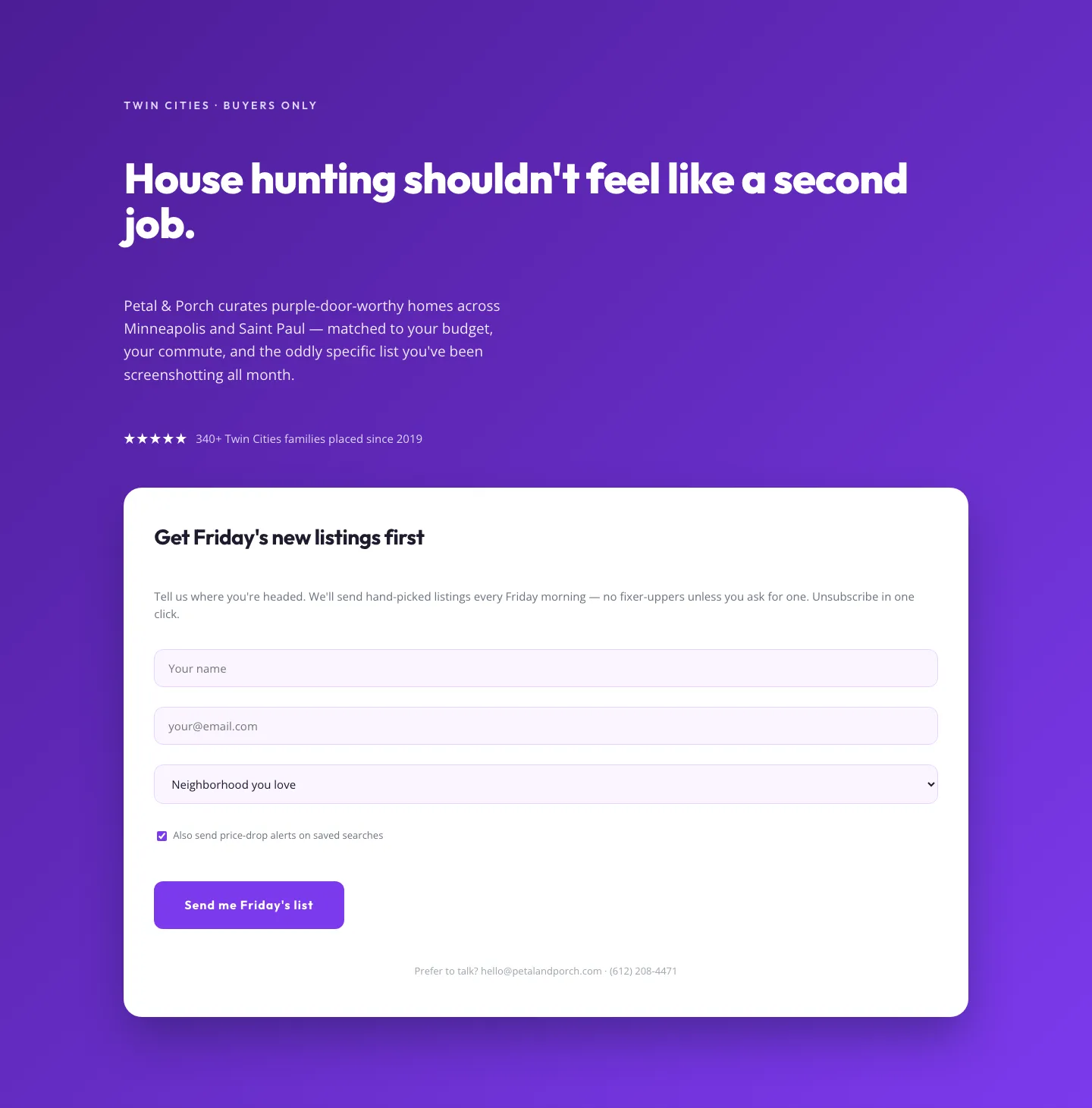
Playful Real Estate Hero with Weekly Listings Signup: Divi 5 Layout
hero · real_estate · playful
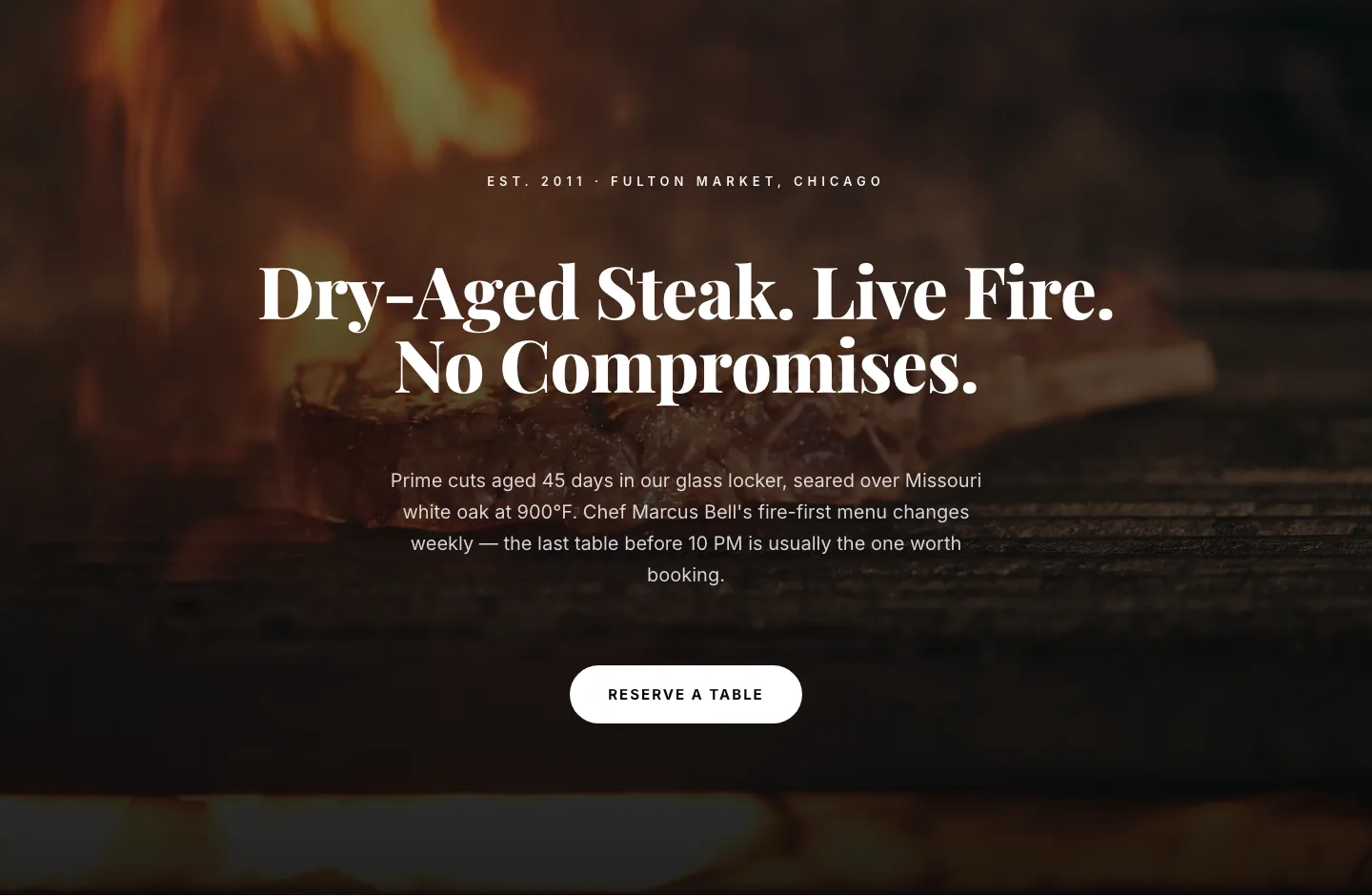
Bold Steakhouse Hero Layout for Divi 5: Fire & Dry-Aged
hero · restaurant · bold
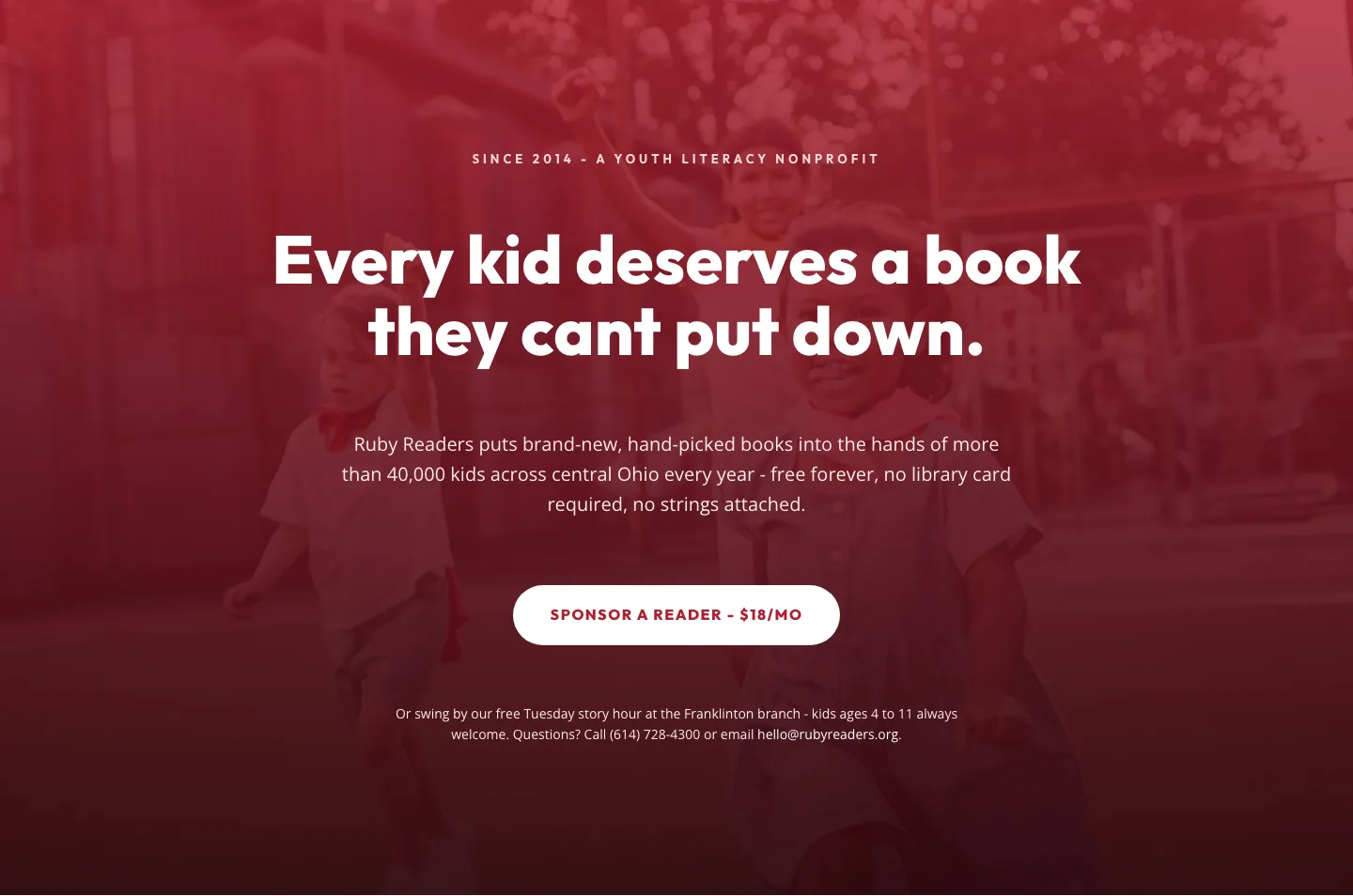
Ruby Readers Nonprofit Hero: Playful Divi 5 Layout
hero · nonprofit · playful