
Playful Agency Hero Layout for Divi 5: Brooklyn Branding Studio Style
Bold, playful Divi 5 hero section for creative agencies and branding studios. Two-column layout with rounded image, oversized headline, pill CTA, and social proof.
Rate this element
Download this section, free
- Divi 5 JSON, imports in seconds
- Commercial license included
- No account needed
Click to view the full page
Overview
A two-column hero built on a soft cornflower background (#EEF4FF) with 120px of vertical breathing room on desktop, tapering to 80px on tablet and 64px on phone. The row caps at 1200px and uses a 64px column gap so the image and copy read as siblings rather than a stacked pitch: until phone, where the row switches to flexDirection: column and stacks image over text without any manual reordering.
On the left, a Pexels studio photo sits in a 32px-rounded frame with a soft blue box shadow (rgba(37,99,235,0.25) at 60px blur) and a 700ms slide-in-from-left entrance. The playful gesture the layout is named for. On the right, an Outfit 800-weight headline runs at 56px with a tight 1.05 line height and -1px letter spacing, so a punchy line like "Brands built with a wink and a wireframe." holds its shape without wrapping awkwardly; tablet drops it to 44px and phone to 36px.
Beneath the headline, a 19px paragraph in #334E7A carries the studio bio, followed by a fully rounded (999px) pill CTA in #2563EB with a hover state of #1D4ED8 and a 32px blue-tinted shadow that reinforces the accent color. A small 14px trust line in #5B7AA8 sits under the button, the layout's answer to a logo bar without needing extra modules. Spacing is deliberate: 16px between H1 and body, 32px before the button, 8px before the trust line.
What’s inside
- Two-column Divi row (1_2 / 1_2) that collapses to a single stacked column on phone via `flexDirection: column`
- Divi Image module with 32px rounded corners, soft blue box-shadow, and a 700ms slide-left entrance animation
- Divi Heading module set in Outfit 800 at 56px desktop / 44px tablet / 36px phone with -1px letter spacing
- Divi Text module for the studio pitch at 19px, 1.6em line height
- Pill-shaped Divi Button (999px radius) in `#2563EB` with a `#1D4ED8` hover state and blue-tinted drop shadow
- Secondary Divi Text module for a lightweight trust line under the CTA
- Section-level responsive padding: 120px → 80px → 64px top/bottom across breakpoints
- 1200px max-width row with 64px column gap and 40px row gap for tidy alignment
Who it’s for
Made for small-to-mid creative studios (branding, identity, packaging, and web design shops) that want a hero which feels handmade without looking amateur. The tone ("a wink and a wireframe") and the studio-photo-plus-bio structure suit agencies with a visible team and a founder story to tell. It also translates well to adjacent service businesses: illustration studios, motion houses, product design consultancies, indie SaaS marketing pages, and boutique marketing agencies pitching founder-led clients. The trust line under the CTA is written for agencies with recognizable client logos, so it's a natural fit for shops six months or more into building a portfolio. Skip it if your brand voice is corporate-serious: the letter-spacing, pill button, and playful copy pattern lean warm and personal.
Customization tips
Start with the palette: the section background (#EEF4FF), the headline navy (#0B1E3F), the button blue (#2563EB / hover #1D4ED8), the body text (#334E7A), and the trust-line grey (#5B7AA8) form one accent system. Swap the button and its box-shadow color together so the glow keeps matching. Replace the Pexels image with a landscape studio or team photo around a 940×650 ratio so it fills the rounded frame without cropping tight faces. Keep the headline to a single line of roughly 40–48 characters, anything longer will wrap and lose the tight -1px letter-spacing rhythm. The bio paragraph is comfortable at 220–280 characters; the trust line stays punchy under about 140. If you don't have marquee client names, rewrite the trust line as a stat ("180+ brands shipped since 2014") rather than deleting the module.
How to install this layout
- Download the layout JSON file from this page.
- Open the target page in the Divi 5 builder.
- Open the portability panel (up/down arrows icon) and choose the Import tab.
- Upload the JSON. Tick “replace existing content” only for full-page imports.
- Check the page at desktop and mobile widths, then swap in your copy and images.
Full walkthrough with troubleshooting: How to Import a Divi 5 Layout.
Questions about Playful Agency Hero Layout for Divi 5: Brooklyn Branding Studio Style
How does the two-column layout behave on mobile?
The row is set to `flexDirection: column` at the phone breakpoint, so the image stacks on top of the headline, bio, button, and trust line automatically. Section padding also drops from 120px to 64px top/bottom on phone so the hero doesn't eat the whole screen.
What Divi modules does this hero actually use?
Five: one Image, one Heading, two Text modules (the bio paragraph and the trust line), and one Button. Everything sits inside a standard Divi section and a two-column row, no third-party modules or code modules required.
Do I have to keep the Pexels image?
No. Replace the Image module's source with your own photo. Aim for a roughly 940×650 landscape crop so it reads cleanly inside the 32px rounded frame and pairs well with the soft blue drop shadow underneath.
Where should I start editing?
Change the headline first (the studio name and tagline), then the bio paragraph, then the button text and its link, then the trust line. Palette swaps come last, do the button color and the image shadow color at the same time so the accent stays consistent.
Will the headline still fit if I make it longer?
It will wrap, but the 56px Outfit 800 setting with -1px letter spacing is tuned for a short, punchy line. Keep it to about 40–48 characters on desktop; if you need more, drop the desktop size to around 48px so two lines still feel balanced.
Can I remove the entrance animation?
Yes, the 700ms slide-from-left is on the Image module's animation settings. Set the animation style to `none` if you'd rather the hero load statically. Nothing else in the layout depends on it.
Which Divi version does this layout need?
Divi 5. The layout is generated natively for Divi 5 and validated against its real module structure before publication, so it imports clean into the current builder.
Can I use this layout on client websites?
Yes. Every download includes a commercial license covering unlimited sites you own or build for clients. Only reselling or redistributing the layout file itself is prohibited.
More hero sections
Browse all hero sections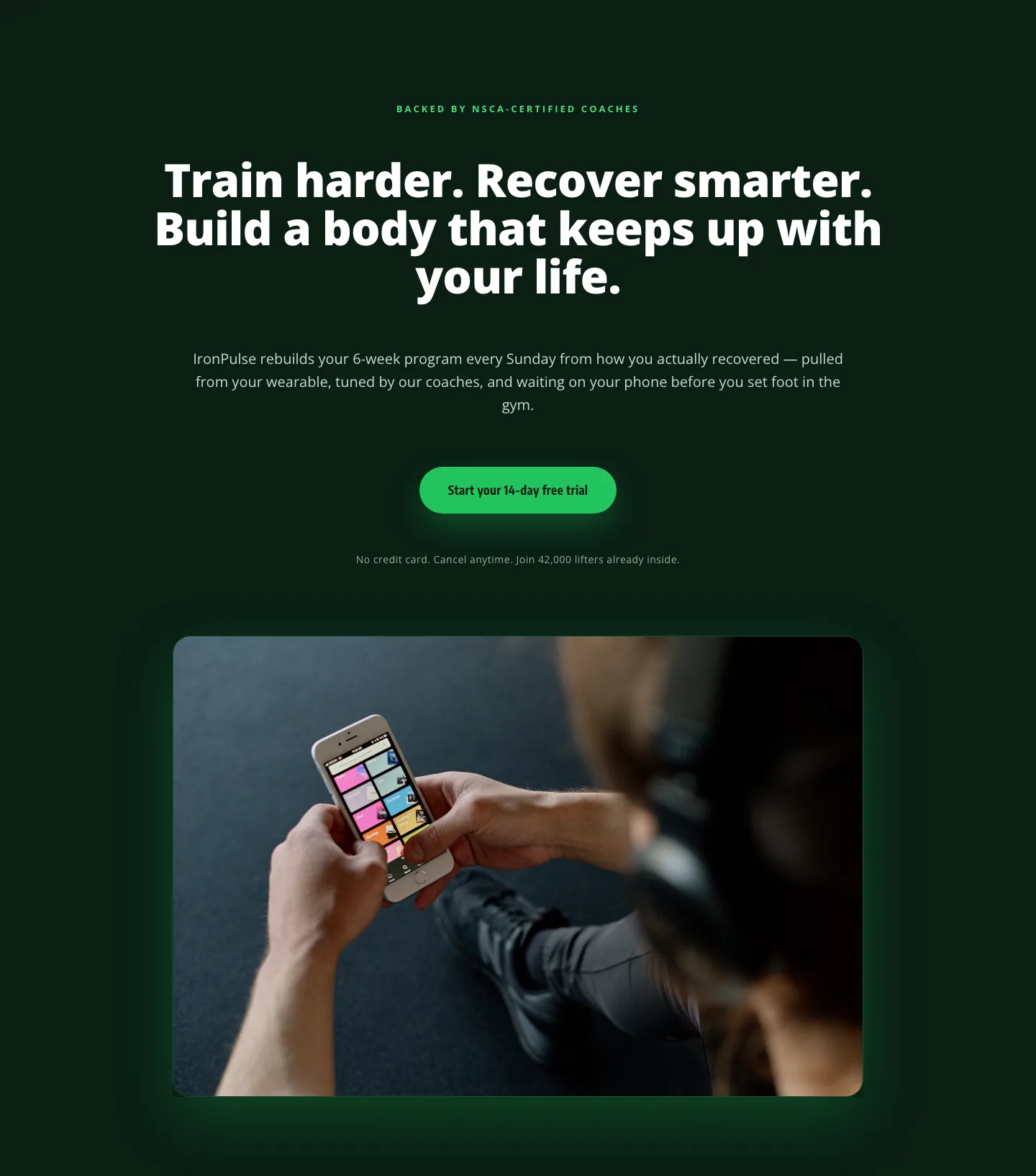
Bold Fitness App Hero Layout for Divi 5: IronPulse Adaptive Training
hero · fitness · bold
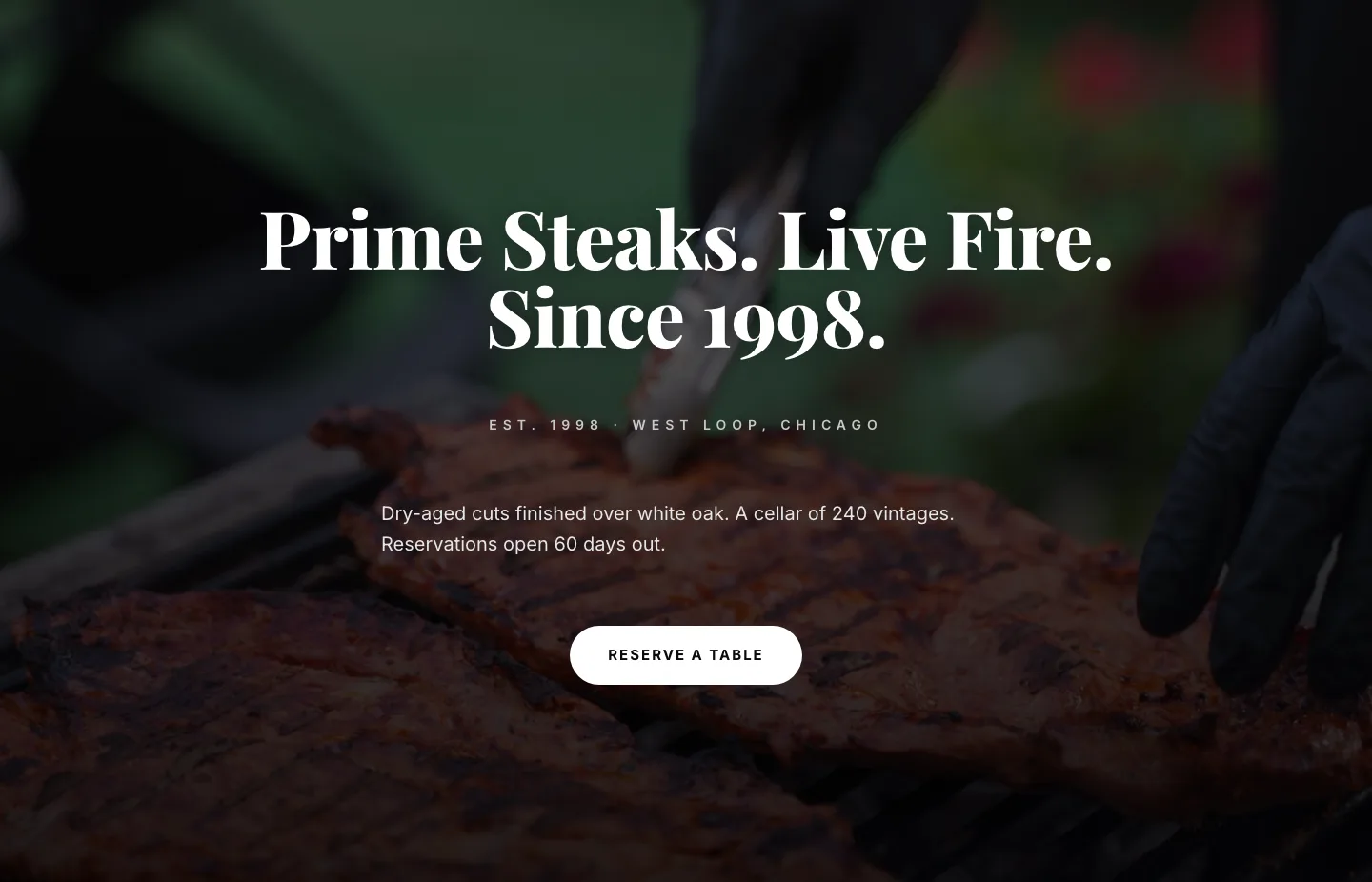
Prime Steaks Hero Section: Bold Monochrome Restaurant Layout for Divi 5
hero · restaurant · bold
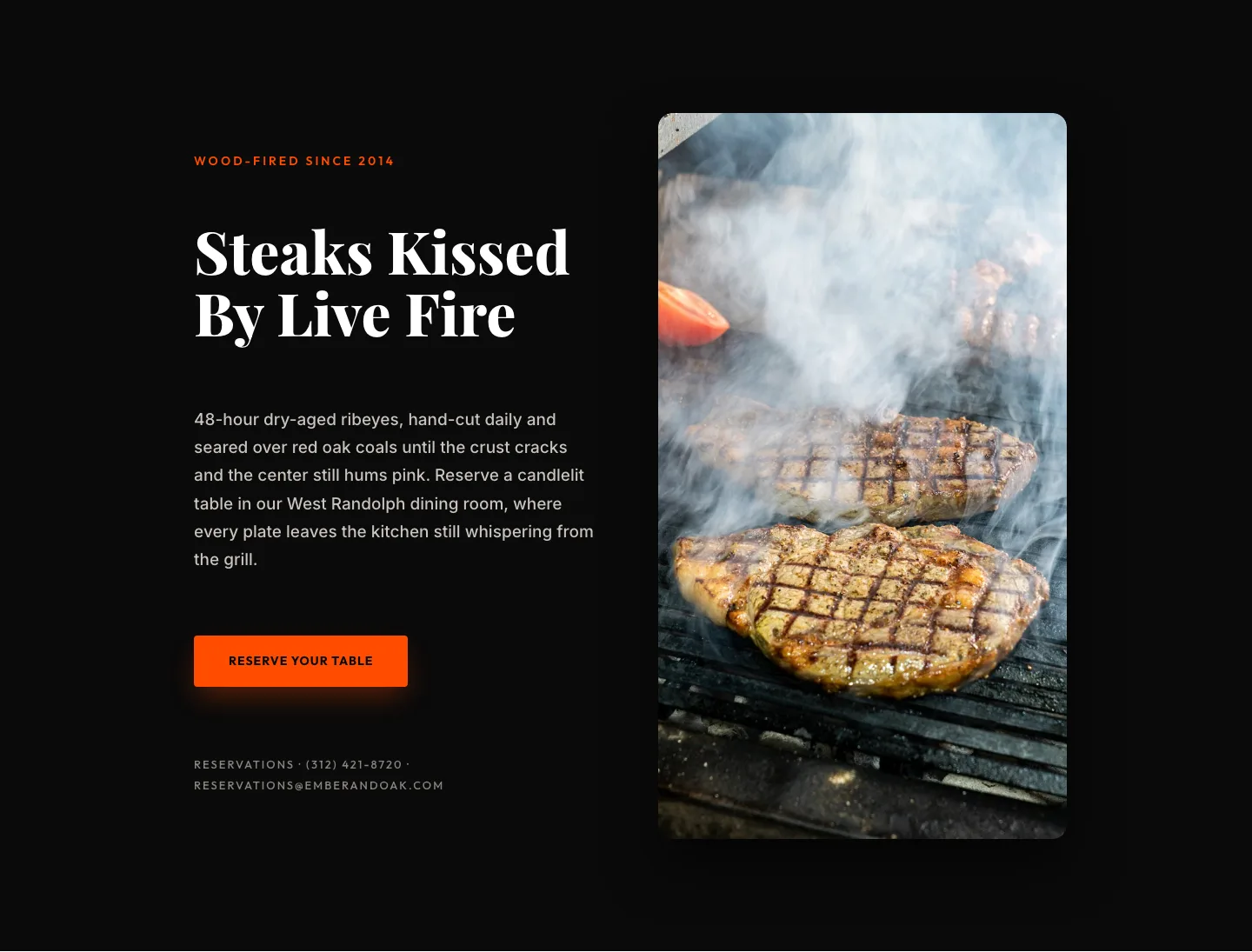
Wood-Fired Steakhouse Hero Layout for Divi 5: Bold Restaurant Template
hero · restaurant · bold
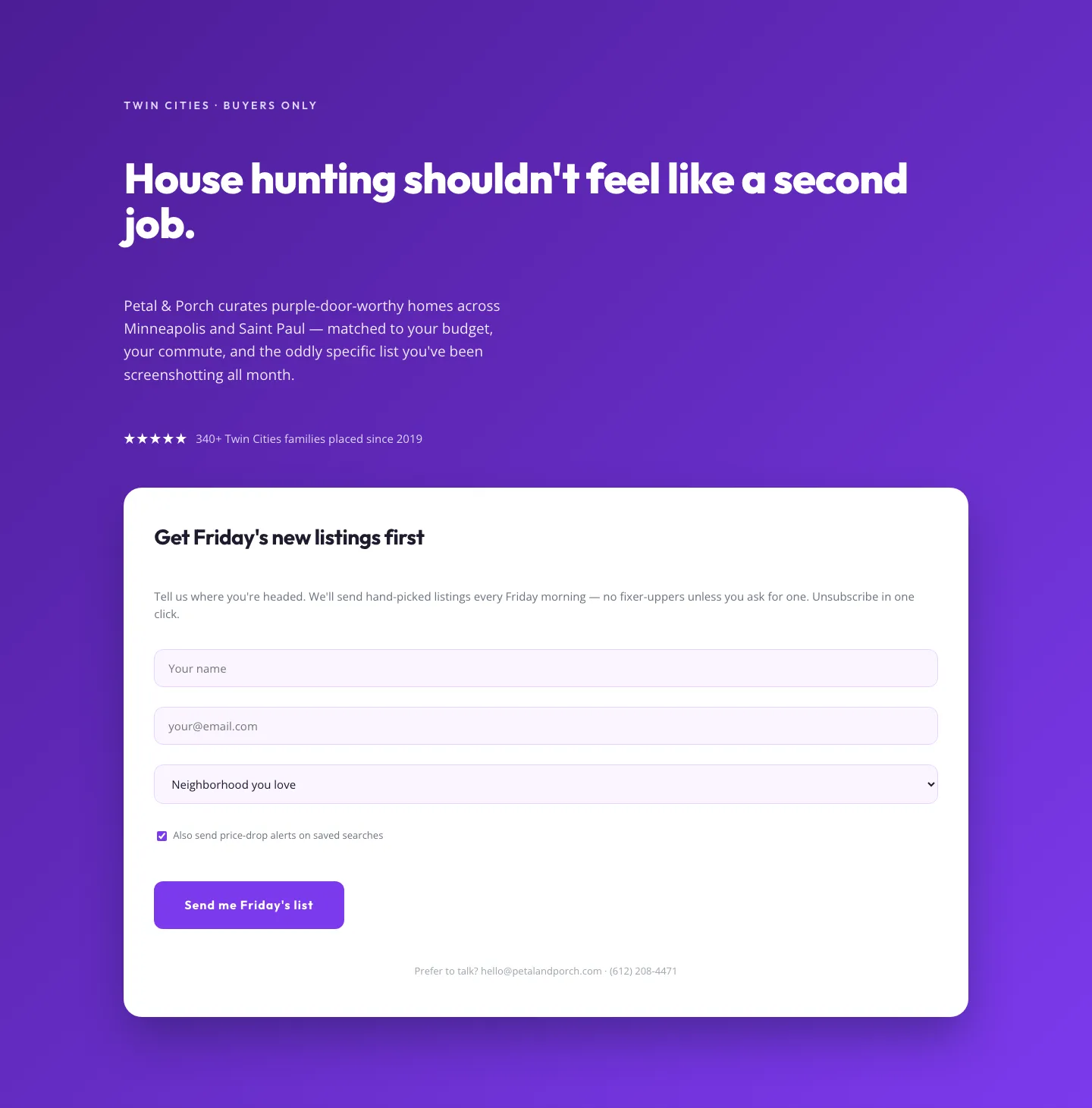
Playful Real Estate Hero with Weekly Listings Signup: Divi 5 Layout
hero · real_estate · playful
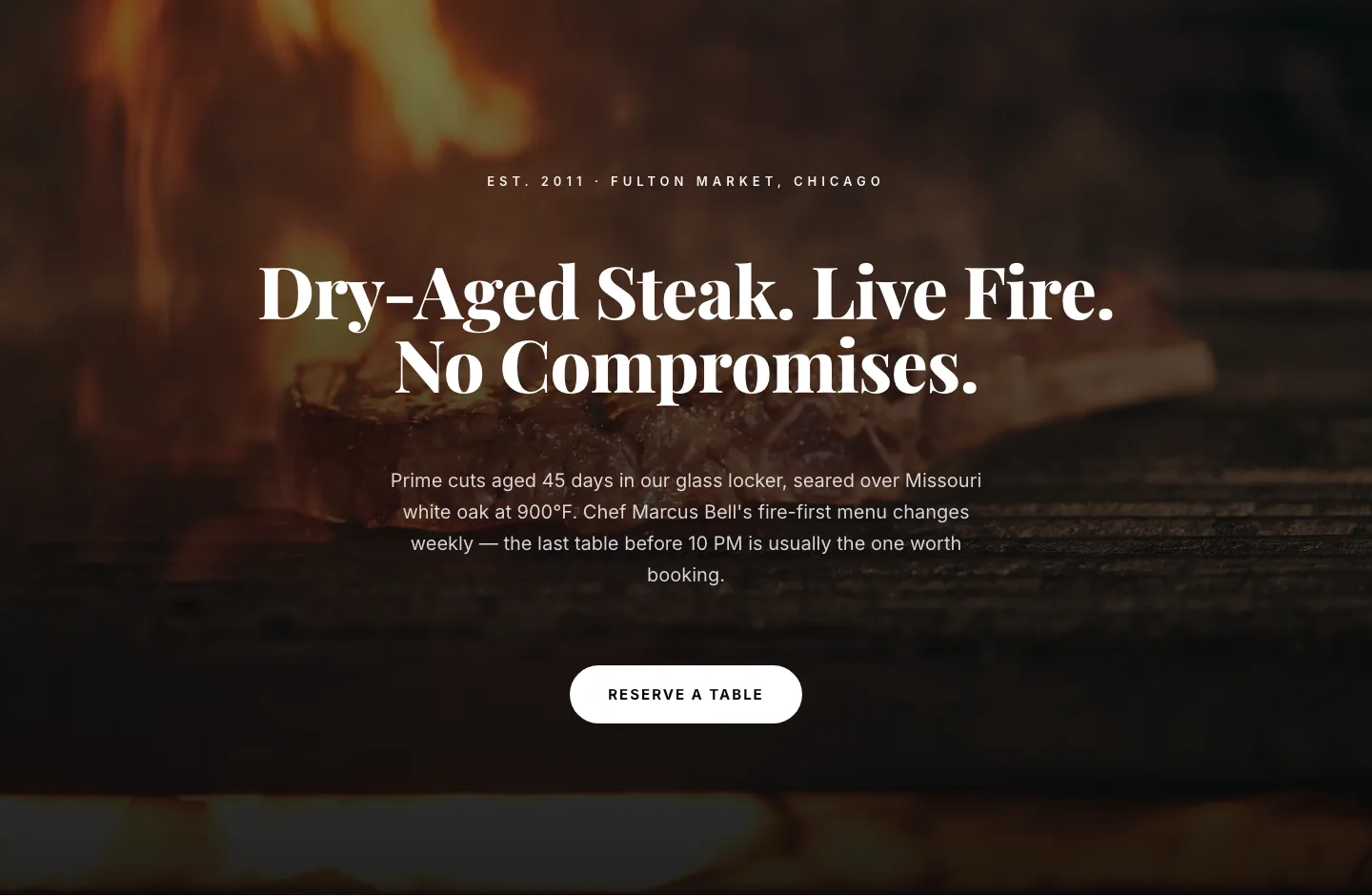
Bold Steakhouse Hero Layout for Divi 5: Fire & Dry-Aged
hero · restaurant · bold
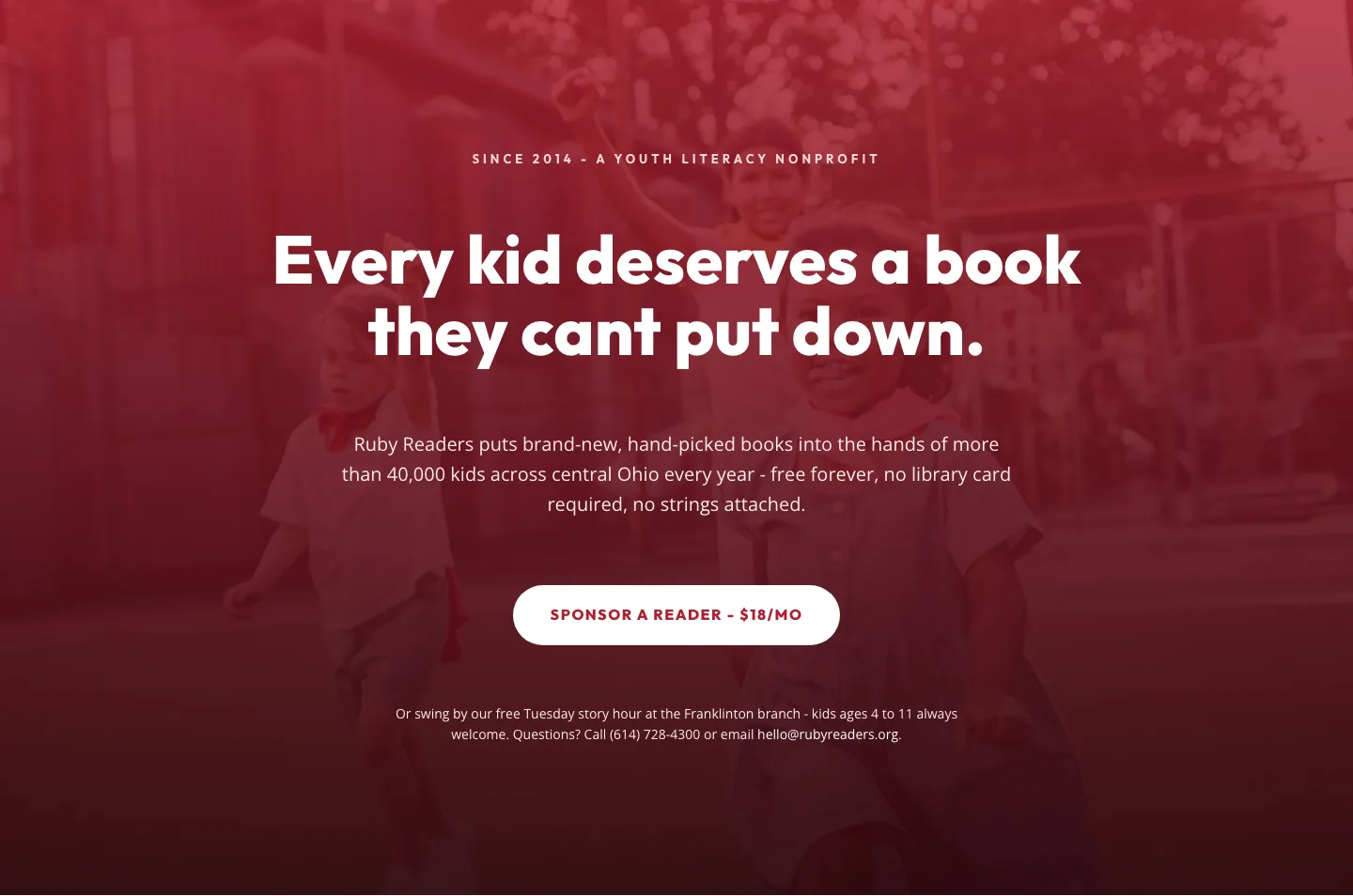
Ruby Readers Nonprofit Hero: Playful Divi 5 Layout
hero · nonprofit · playful