
Playful Nonprofit Hero Layout: Kindred Paws Rescue | Divi 5
Warm, playful Divi 5 hero section for animal rescue and nonprofit sites. Bold headline, foster/adopt CTA, and a heartfelt intro over a rich rescue-story background.
Rate this element
Download this section, free
- Divi 5 JSON, imports in seconds
- Commercial license included
- No account needed
Click to view the full page
Overview
The layout is a single full-bleed Divi 5 hero section built on a deep burgundy base (#7a0d15) with a top-down gradient overlay (semi-transparent at the top (~0.55 alpha) deepening to nearly opaque near the bottom (~0.75 alpha)) laid over a photographic cover background. That two-tone treatment does two jobs at once: it lets the imagery breathe at eye level, then pulls contrast down toward the call-to-action so the button reads cleanly even on busy rescue photography.
Content sits inside a single centered column capped at 880px and stacked in a strict vertical rhythm: a 14px uppercase eyebrow in warm peach (#ffd7b0) with wide 4px tracking, a display H1 sized 72px on desktop with a tight -1px letter-spacing and 1.05em leading, a 20px body paragraph in a soft off-white (#f8e6e6), and a pill-shaped button in warm orange (#ffb347). The palette ties everything back to the playful-but-serious nonprofit brief: the burgundy carries warmth and gravitas, the orange/peach accents give it energy without tipping saccharine.
Spacing is generous on desktop (180px top and bottom padding, 48px on the sides) then steps down to 120/32 on tablet and 96/20 on phone, so the hero stays roomy without eating every inch of a small screen. Type also scales in step: the H1 drops from 72 to 52 to 38, body copy from 20 to 17, keeping the vertical hierarchy intact rather than letting the headline shrink into the paragraph. On phone the row switches to a column flex direction, so the eyebrow, H1, body, and CTA remain centered end-to-end without any awkward mid-stack alignment jumps.
What’s inside
- Single Divi 5 section with a 100% linear-gradient overlay (0.55 → 0.75 alpha) sitting over a cover-position background image
- Centered row capped at 880px max-width with a single flex-column that stacks and center-aligns every child module
- Eyebrow micro-heading (14px, uppercase, 4px letter-spacing, weight 600) sized for a short 'since / by the numbers' line
- Display H1 heading with responsive sizing at 72 / 52 / 38 across desktop / tablet / phone, plus a preset2 text-shadow for depth on photo backgrounds
- 20/17px body text module with center orientation and 1.6em line-height for a comfortable single-paragraph mission statement
- Pill-shaped button (999px radius) with a warm orange fill, peach hover swap, and a soft preset3 drop shadow
- Fluid section padding (180 / 120 / 96 vertical, 48 / 32 / 20 horizontal) that keeps the hero breathable at every breakpoint
- Uses only stock Divi 5 modules (Section, Row, Column, Heading, Text, Button). No third-party plugins or child-theme dependencies
Who it’s for
Best fit for foster-based rescues, humane societies, shelters, and animal-welfare nonprofits that want a warm, story-first landing hero rather than a corporate slab. The tone (the 'Rescued Since [year]' eyebrow cue, the emotional headline, the 'Meet Adoptable Pups'-style single CTA) is tuned for cause-driven donor, foster, and volunteer funnels. It also travels well beyond animals: community food banks, youth mentoring programs, mutual-aid collectives, faith-based outreach, and grassroots campaigns can drop in their own hero photo, swap the copy, and keep the exact same warm palette and rhythm. The single-action structure makes it a strong top of a donate, foster, or volunteer landing page: anywhere a single next step needs to feel human, urgent, and inviting rather than clinical.
Customization tips
To rebrand the palette, treat #7a0d15 as the primary section background, #ffb347 as the CTA fill (hover #ffd7b0), and #ffd7b0 as the eyebrow accent. Swap those three globally and the whole hero shifts to another cause color without touching layout. Keep the H1 to about 6–8 words so the 1.05em leading and -1px tracking still land tightly on tablet; it starts to clip past ~50 characters on phone. The eyebrow is designed for 3–5 words max, uppercase with 4px tracking eats horizontal room quickly. Body copy fits comfortably at ~180–240 characters; longer and the 1.6em line-height starts pushing the button below the fold on smaller phones. Replace the placeholder Pexels image with a landscape 16:9 or 3:2 photo at least 1600px wide, darker or midtone shots work best under the gradient overlay, and portrait crops will look tight on desktop. The button label is short by design; keep it to 2–3 words so the pill stays balanced.
How to install this layout
- Download the layout JSON file from this page.
- Open the target page in the Divi 5 builder.
- Open the portability panel (up/down arrows icon) and choose the Import tab.
- Upload the JSON. Tick “replace existing content” only for full-page imports.
- Check the page at desktop and mobile widths, then swap in your copy and images.
Full walkthrough with troubleshooting: How to Import a Divi 5 Layout.
Questions about Playful Nonprofit Hero Layout: Kindred Paws Rescue | Divi 5
Is this hero fully responsive?
Yes. Section padding steps from 180px vertical on desktop down to 120px on tablet and 96px on phone; the H1 rescales 72 → 52 → 38, body copy drops from 20 to 17, and the row switches to a column flex direction on phone so the centered stack stays centered end-to-end.
Which Divi 5 modules does it actually use?
Four native modules stacked in one row and one column: a small Heading for the eyebrow, a large Heading for the H1, a Text module for the paragraph, and a Button. No code modules, icon libraries, or third-party plugins are involved.
The background image is a Pexels stock photo, do I have to keep it?
No. It's a placeholder. Swap it in the Section → Background settings for your own rescue or mission photo. The dark gradient overlay is what gives the copy its contrast, so almost any midtone or darker photo will work; already-washed-out shots may need the overlay opacity nudged up.
What should I edit first?
The three copy fields in order: the eyebrow ('Rescued Since 2014'), the H1 ('Every wag starts with a second chance.'), and the button label ('Meet Adoptable Pups'). Then replace the background image, and only then retint the burgundy and orange if they don't match your brand.
Can I add a secondary CTA next to the button?
Yes. The cleanest options are duplicating the Button module and wrapping both in an inline row, or adding a plain text link right beneath the button (e.g. 'or foster a friend →'). Either keeps the centered composition intact without breaking the vertical rhythm.
Which Divi version does this layout need?
Divi 5. The layout is generated natively for Divi 5 and validated against its real module structure before publication, so it imports clean into the current builder.
Can I use this layout on client websites?
Yes. Every download includes a commercial license covering unlimited sites you own or build for clients. Only reselling or redistributing the layout file itself is prohibited.
More hero sections
Browse all hero sections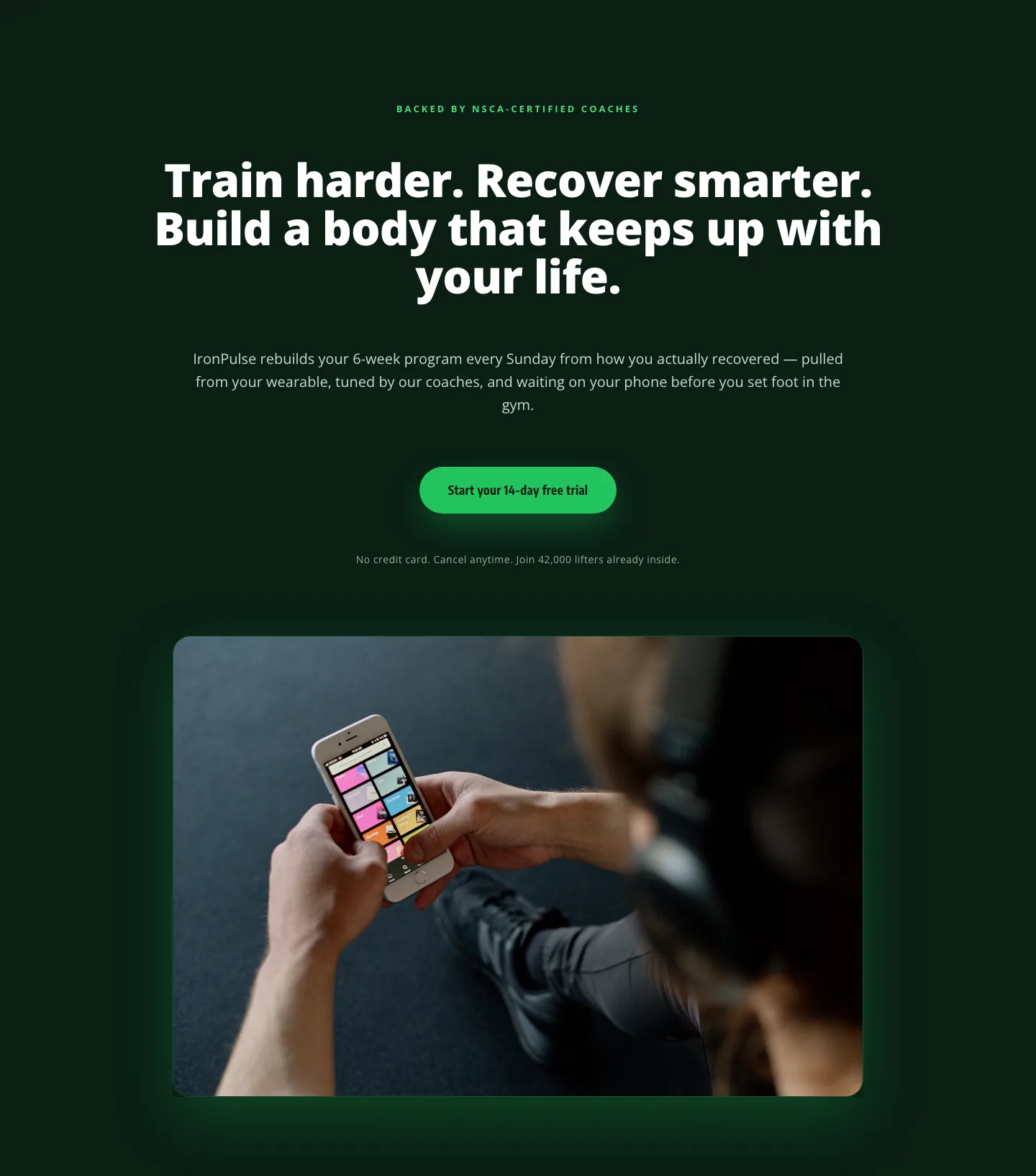
Bold Fitness App Hero Layout for Divi 5: IronPulse Adaptive Training
hero · fitness · bold
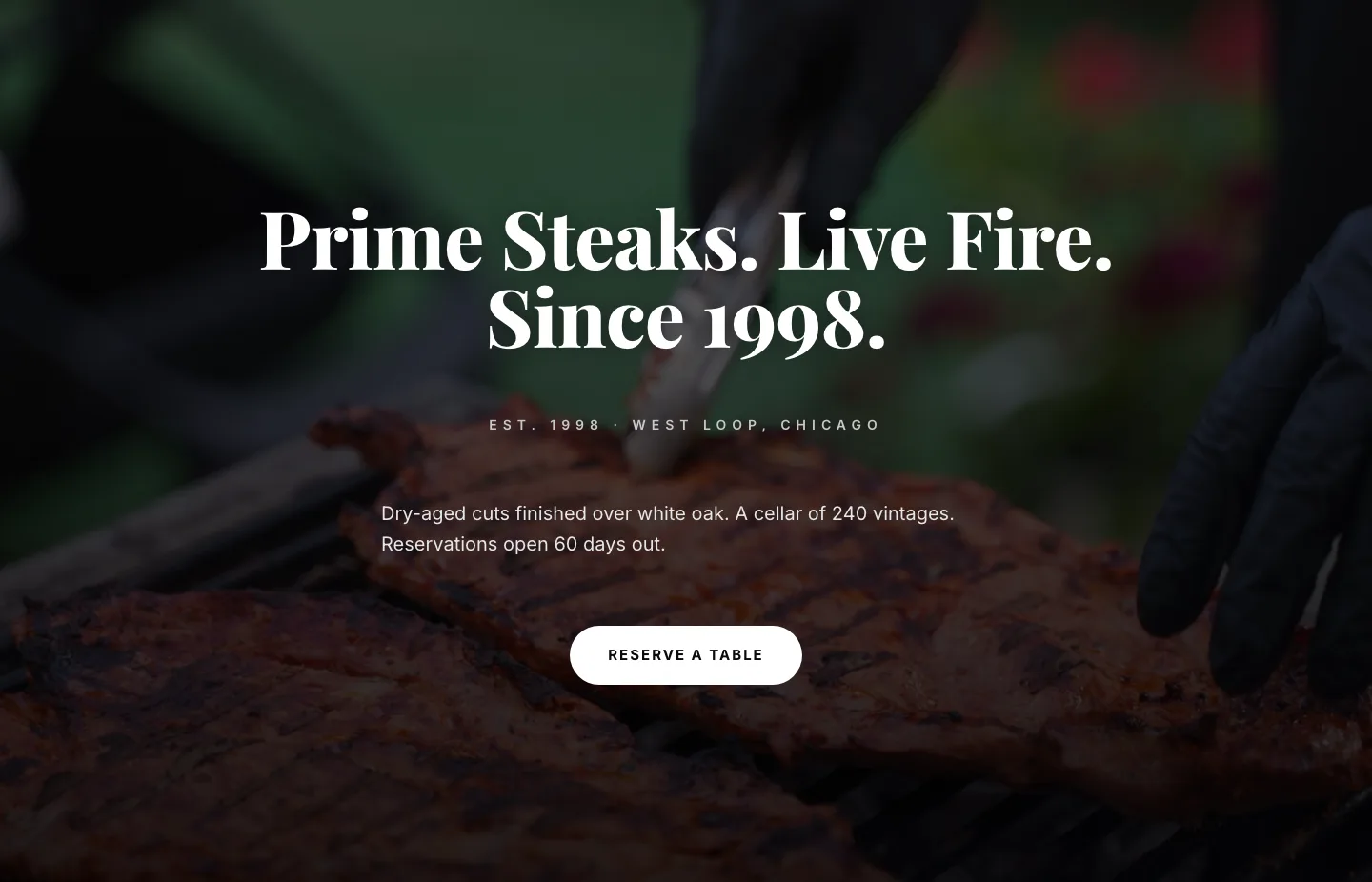
Prime Steaks Hero Section: Bold Monochrome Restaurant Layout for Divi 5
hero · restaurant · bold
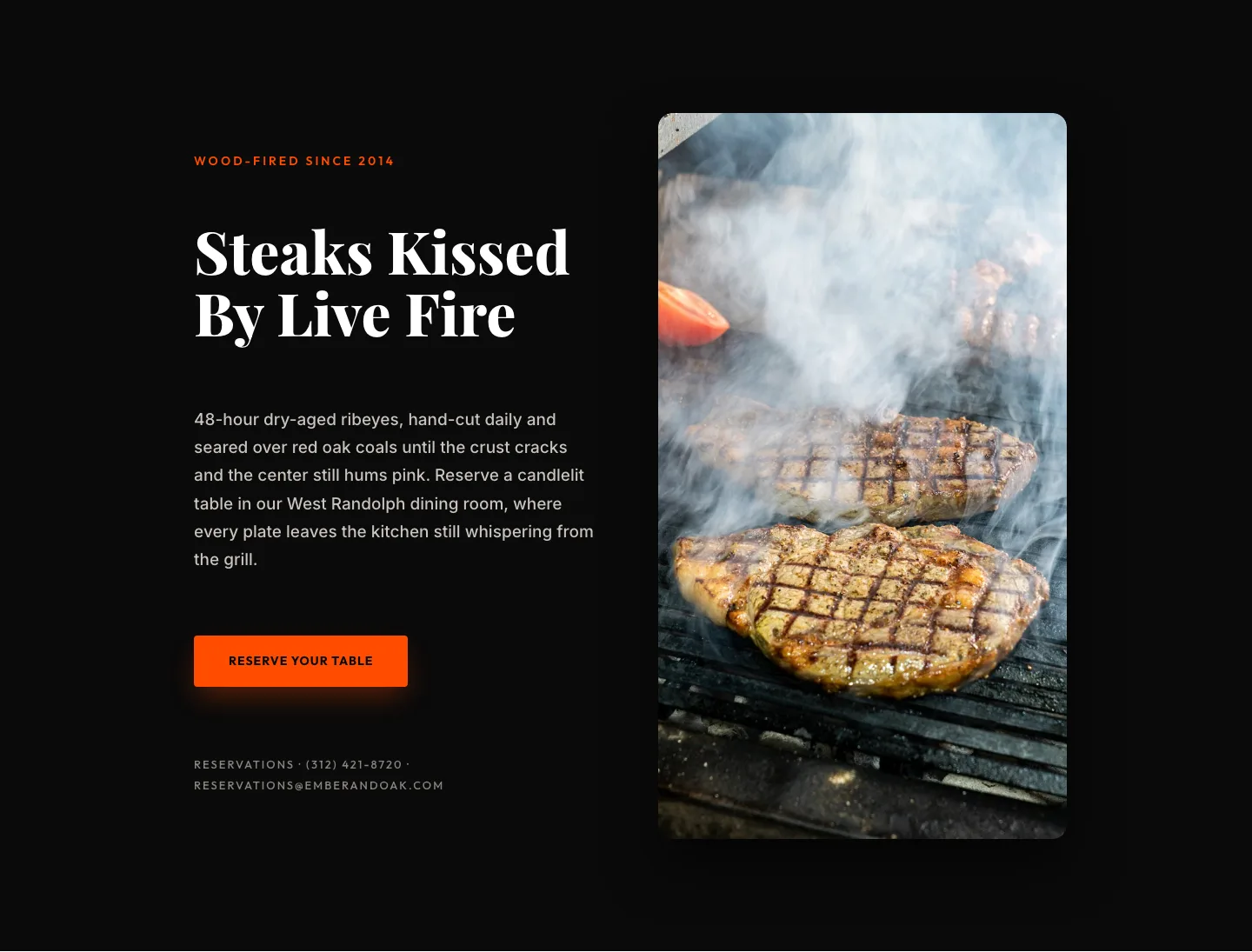
Wood-Fired Steakhouse Hero Layout for Divi 5: Bold Restaurant Template
hero · restaurant · bold
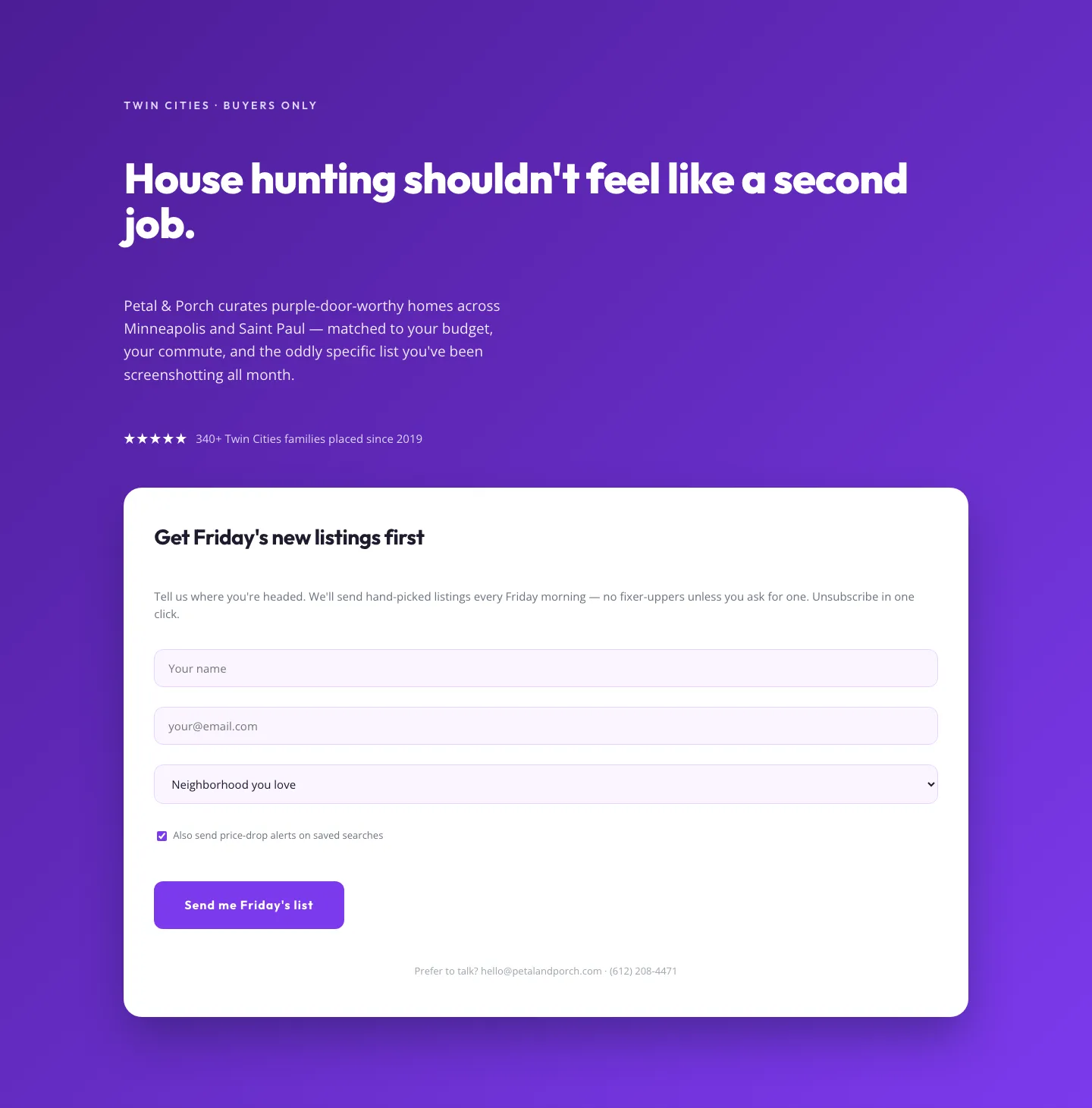
Playful Real Estate Hero with Weekly Listings Signup: Divi 5 Layout
hero · real_estate · playful
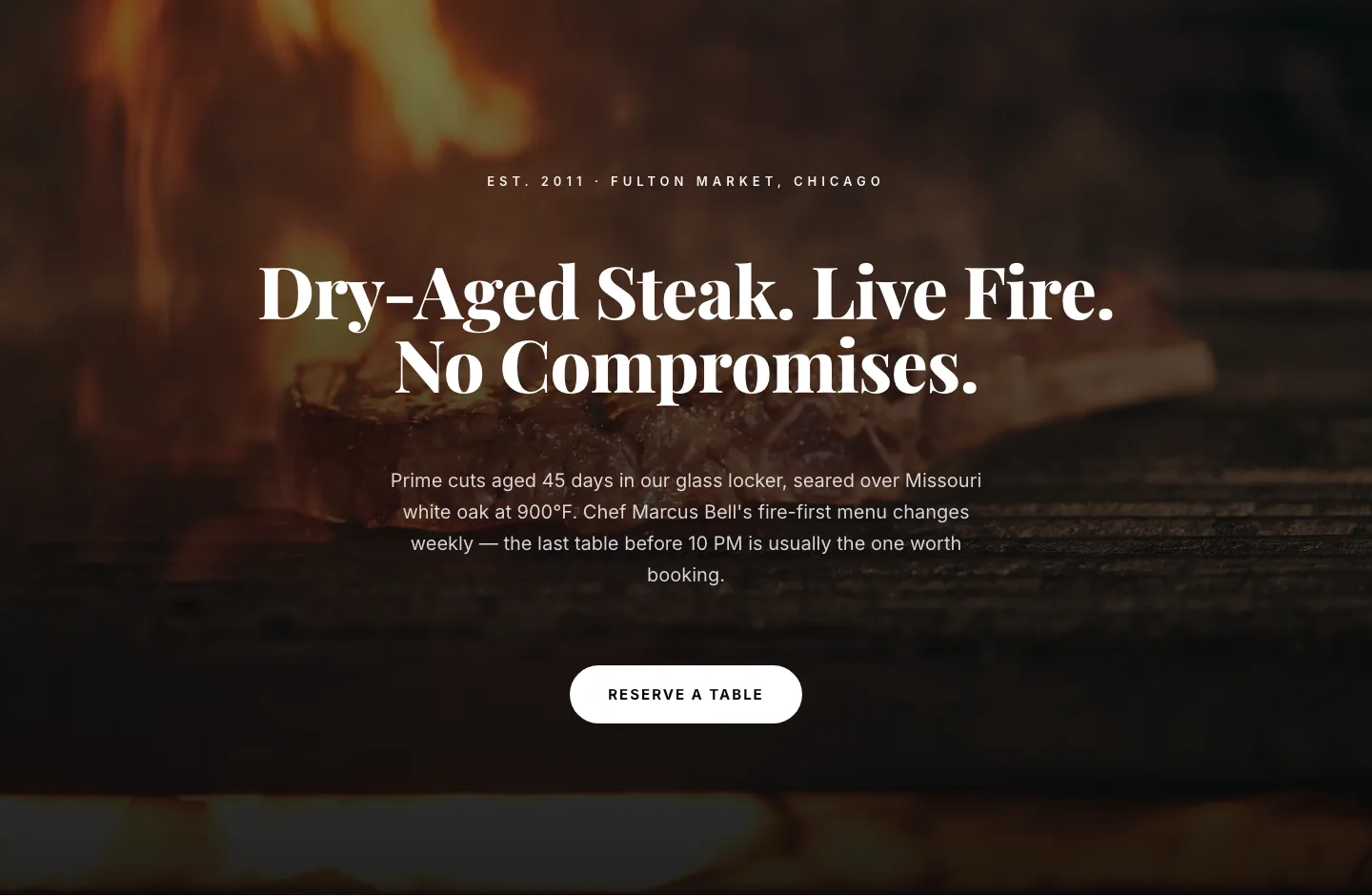
Bold Steakhouse Hero Layout for Divi 5: Fire & Dry-Aged
hero · restaurant · bold
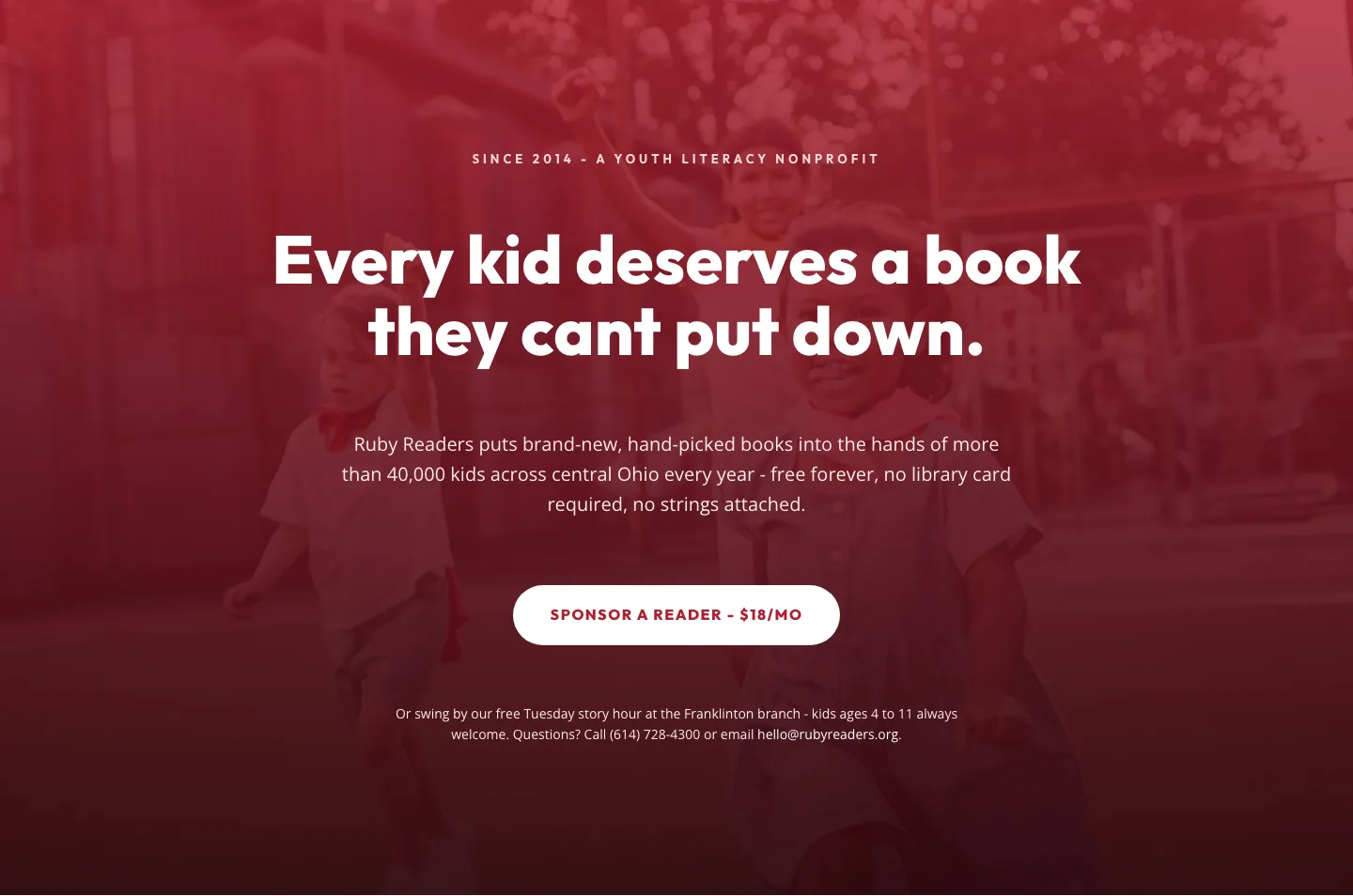
Ruby Readers Nonprofit Hero: Playful Divi 5 Layout
hero · nonprofit · playful