
Minimal SaaS Feature Cards Layout for Divi 5
A clean, minimal Divi 5 feature cards layout for SaaS sites. Four icon-led cards highlight shipping speed, product metrics, SOC 2 security, and team collaboration.
Variations
Rate this element
Download this section, free
- Divi 5 JSON, imports in seconds
- Commercial license included
- No account needed
Click to view the full page
Overview
This layout opens with a centered header row: an Inter H2 sized 40px on desktop that scales to 32px on tablet and 28px on phone, paired with a 600px-wide supporting sentence in slate (#475569). The whole section sits on a soft #FAFAFA canvas with 110px of vertical padding, so the eyebrow copy has room to breathe before the grid begins.
Below the header, four feature blurbs form a 2×2 grid built from two rows of 1/2 + 1/2 columns with a 28px column gap and 28px of margin between rows. Each card is a self-contained white surface with a 20px corner radius, a hairline 1px border in rgba(15,23,42,0.06), and a preset3 box shadow that stays subtle at rest and deepens on hover. When the whole card lifts six pixels along the Y axis. The 36px padding on all sides keeps the icon, title, and body copy well clear of the edge.
Every card starts with a 32px indigo (#4F46E5) icon (three FontAwesome glyphs and one native Divi icon) anchored to the left, followed by a title and a short paragraph of Inter 15px body copy at a 1.65em line height. The palette is deliberately narrow: near-black headings (#0F172A), muted slate body, and a single accent color that carries the whole eye path across the grid. On phones the column flex direction switches to column so the four cards stack, and tablet uses flex-wrap so cards drop into two full-width blocks without losing padding.
What’s inside
- Section wrapper with a #FAFAFA background and 110px top and bottom padding
- Centered Inter H2 headline (40px / 32px / 28px responsive sizing) plus a 600px-max-width intro paragraph
- Two rows of two Divi Blurb modules, four feature cards in a balanced 2×2 grid
- White cards with a 20px radius, 1px hairline border, and preset3 box shadow that deepens on hover
- 6px Y-axis hover-lift transform applied to every card
- 32px icon slot per card (three FontAwesome plus one native Divi icon) tinted with a single indigo accent
- 28px column gap and 28px row margin for consistent grid rhythm
- Native mobile stacking (flex-direction column on phone, flex-wrap on tablet) with no custom CSS
Who it’s for
Small and mid-market SaaS marketing pages: the copy slots are sized for developer tooling, PLG platforms, and B2B products where each card sells one differentiator instead of a feature dump. It slots naturally into a homepage below the hero, a dedicated features overview page, or a pricing page as a 'what you get' anchor before the plans table. It also holds up on cloud infrastructure, internal dev tools, MSP, and technical services sites that need a calm, credible grid rather than a splashy illustration wall. If your product story compresses cleanly into four claims of two sentences each, this is the shape to reach for.
Customization tips
Swap the indigo accent (#4F46E5) once at the color-picker level and every icon updates in one pass. It's the only chromatic value in the section, so a single change carries the whole palette. For a dark variant, invert the #FAFAFA section background to #0F172A and lift the card fills to #111827 while keeping the border tone; the shadow becomes optional at that point. Card titles read best at four to seven words, and body paragraphs stay tight if you keep each between 22 and 32 words so nothing bleeds past two lines on desktop. There are no photos to source: icons come from the FontAwesome and Divi icon libraries, so pick replacements from the built-in picker rather than uploading SVGs. Need six cards? Duplicate the second row and rebalance the grid, the styling holds up as 1/3 + 1/3 + 1/3 without touching the card decoration.
How to install this layout
- Download the layout JSON file from this page.
- Open the target page in the Divi 5 builder.
- Open the portability panel (up/down arrows icon) and choose the Import tab.
- Upload the JSON. Tick “replace existing content” only for full-page imports.
- Check the page at desktop and mobile widths, then swap in your copy and images.
Full walkthrough with troubleshooting: How to Import a Divi 5 Layout.
Questions about Minimal SaaS Feature Cards Layout for Divi 5
How many feature cards does this include?
Four: arranged as two rows of two on desktop and tablet, then stacked into a single column on phones.
Are the icons images or an icon font?
They're vector icons from the FontAwesome and Divi icon sets, sized at 32px and tinted with a single accent color. Swap any of them from Divi's built-in icon picker without touching the layout structure.
What should I edit first after importing?
Start with the H2 headline and its supporting sentence at the top, they set the frame for what the four cards deliver. Then rewrite each card title into a short verb-plus-outcome phrase before touching the body copy.
What breaks if I add a fifth card?
The 2×2 grid balances best at four or six items. A fifth card leaves one full-width row that looks stranded; either keep it at four or extend to six with a matching third row.
Does the hover lift work on touch devices?
The 6px Y translate only fires on hover, so it's inert on phones and tablets: the cards stay flat, which is the intended behavior.
Can I use this without changing the fonts?
Yes. Everything is set in Inter with weights, sizes, and letter-spacing defined inline, so it renders consistently even before you touch your theme's global typography.
Which Divi version does this layout need?
Divi 5. The layout is generated natively for Divi 5 and validated against its real module structure before publication, so it imports clean into the current builder.
Can I use this layout on client websites?
Yes. Every download includes a commercial license covering unlimited sites you own or build for clients. Only reselling or redistributing the layout file itself is prohibited.
More cards
Browse all cards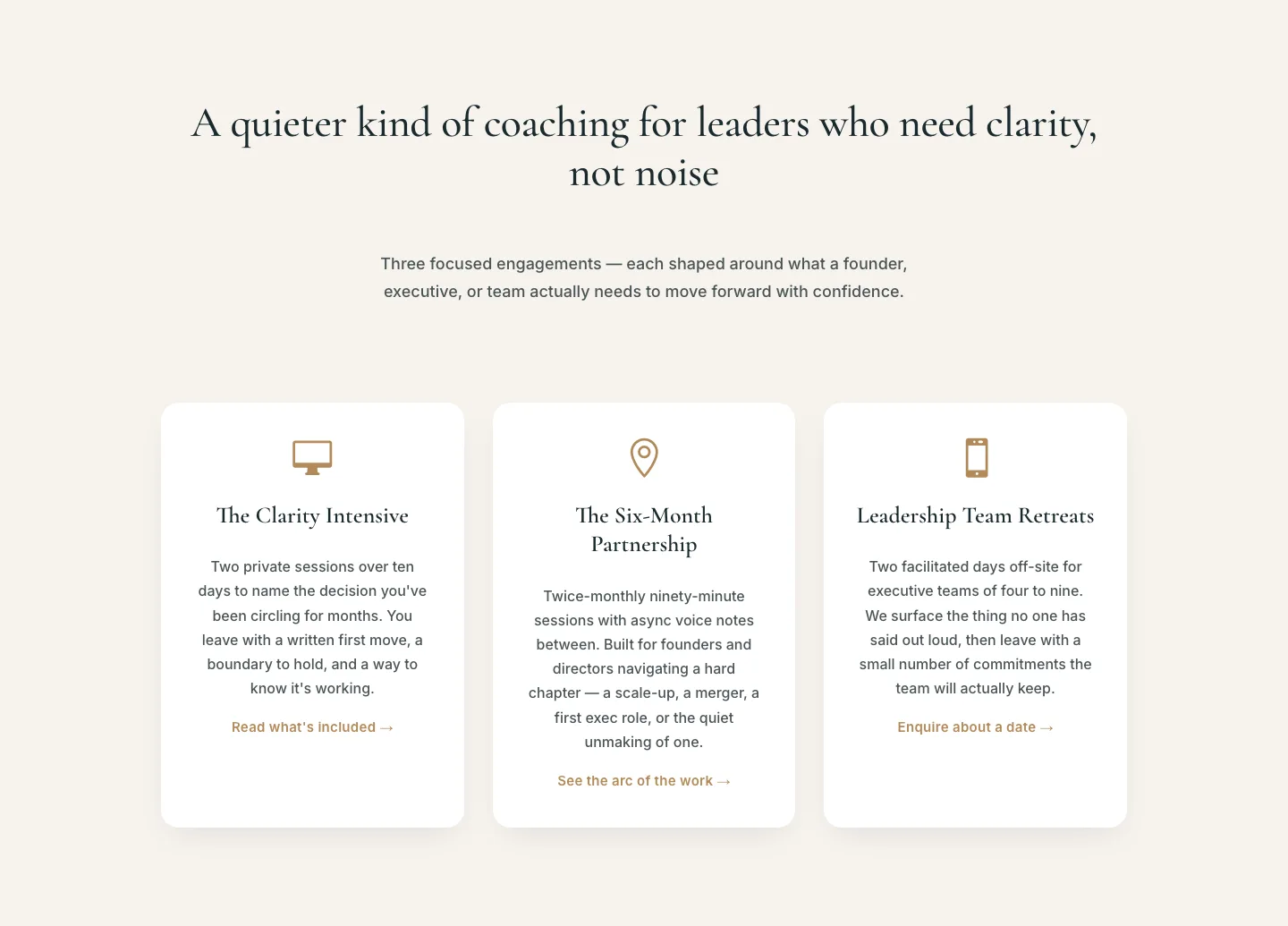
Elegant Coaching Services Cards: Divi 5 Layout
cards · coaching · elegant
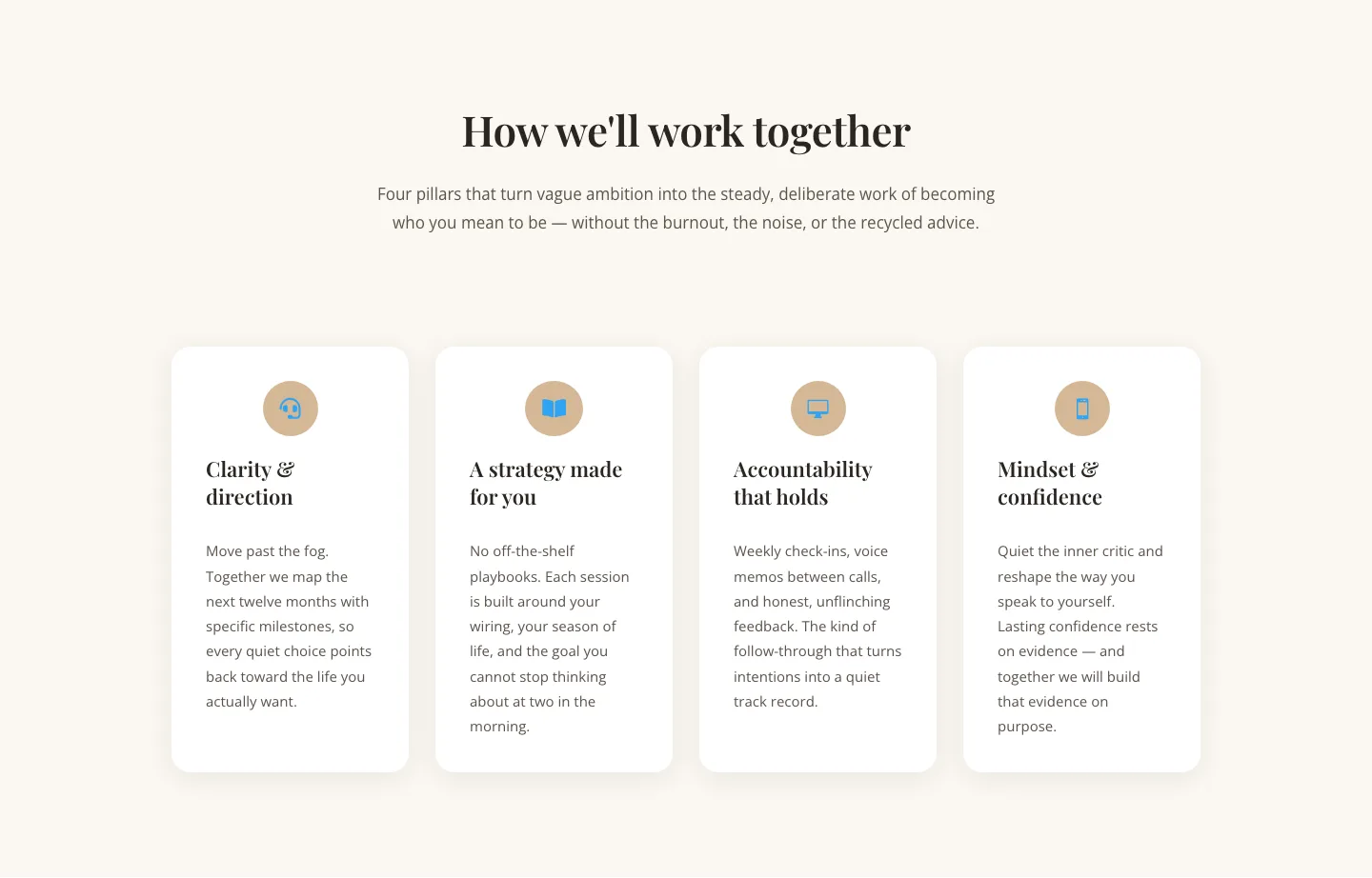
Elegant Coaching Cards Layout for Divi 5: Four-Pillar Framework
cards · coaching · elegant
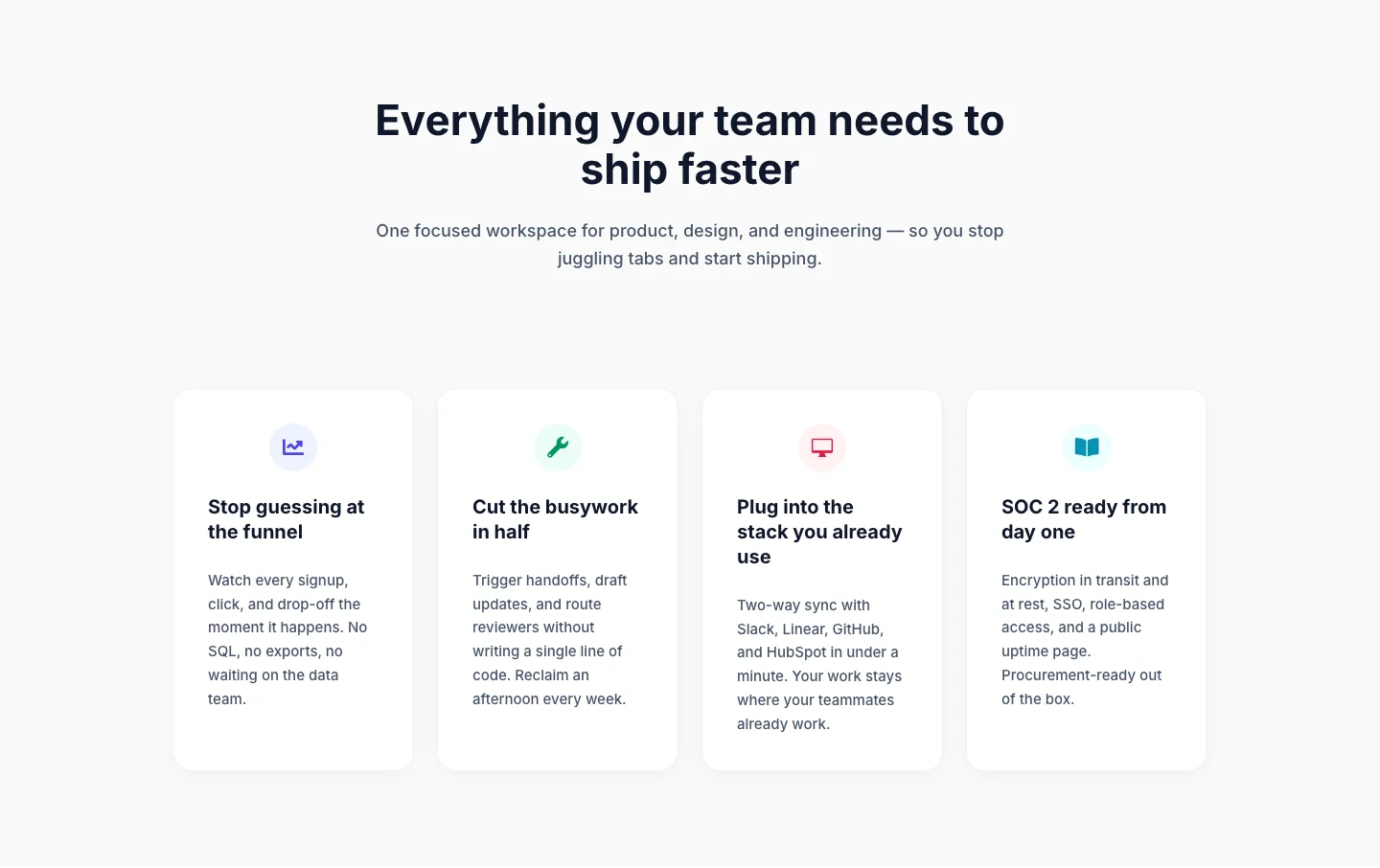
Minimal SaaS Feature Cards Layout: 4-Column Divi 5 Section
cards · saas · minimal
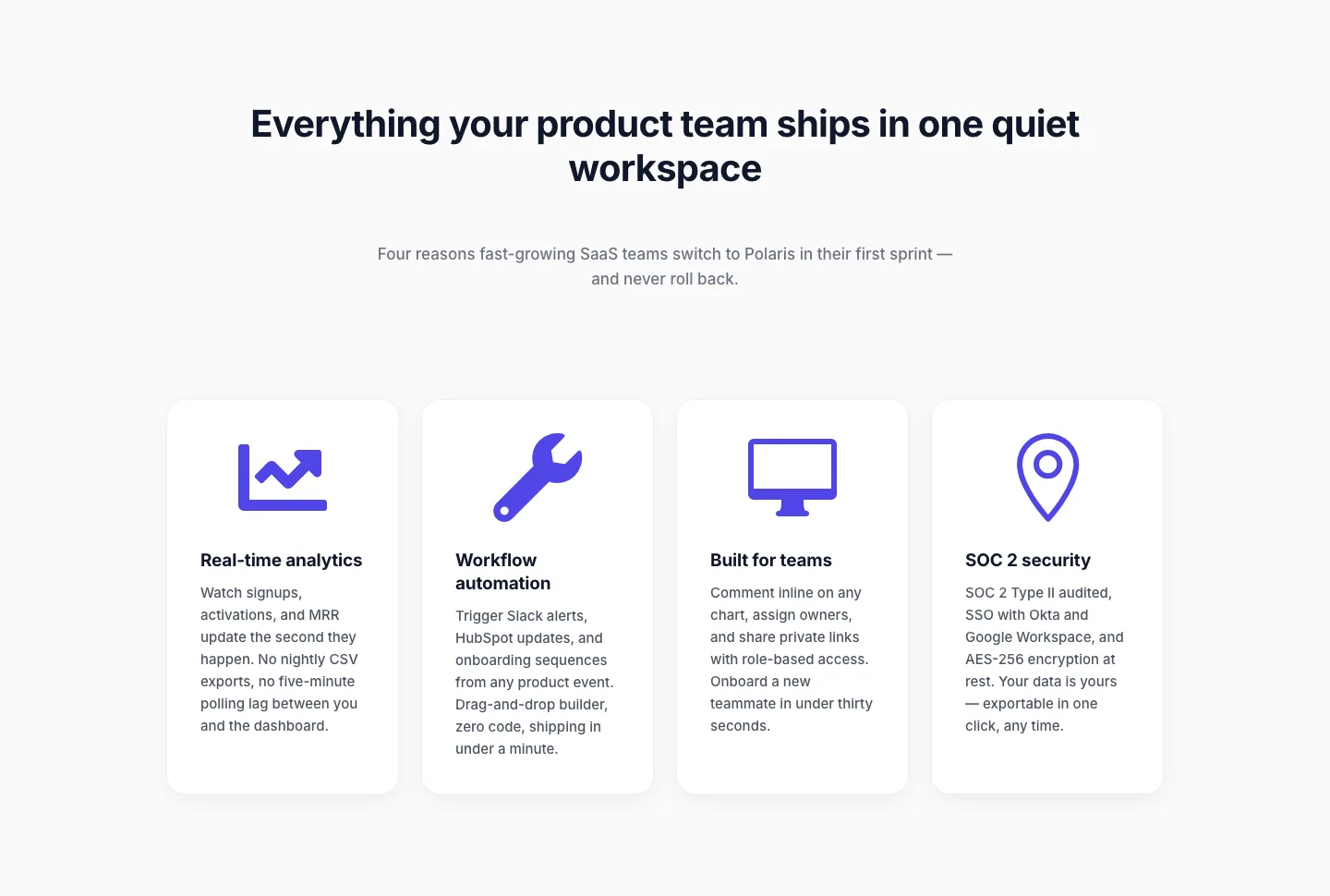
Minimal SaaS Feature Cards Layout for Divi 5
cards · saas · minimal
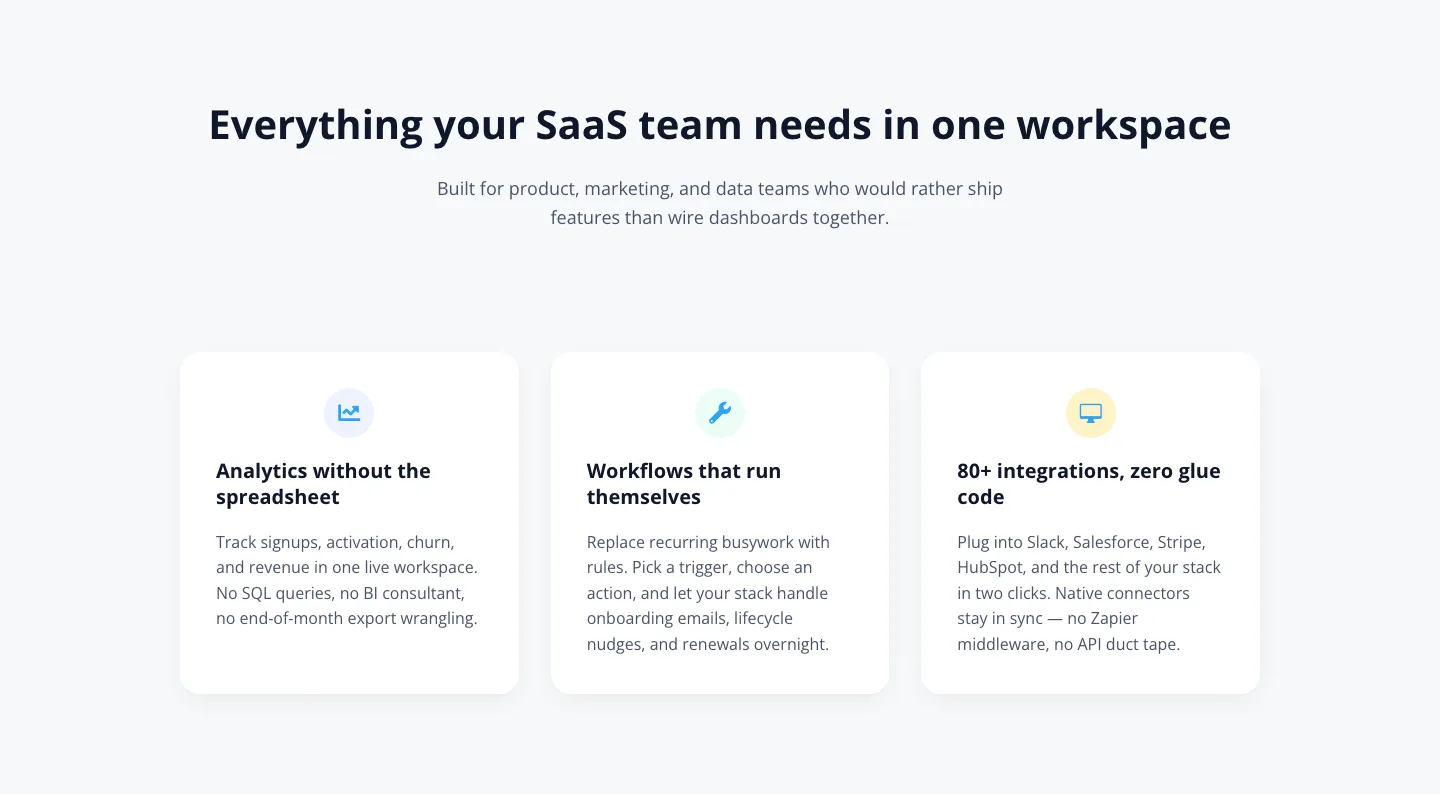
Minimal SaaS Features Cards Layout for Divi 5
cards · saas · minimal
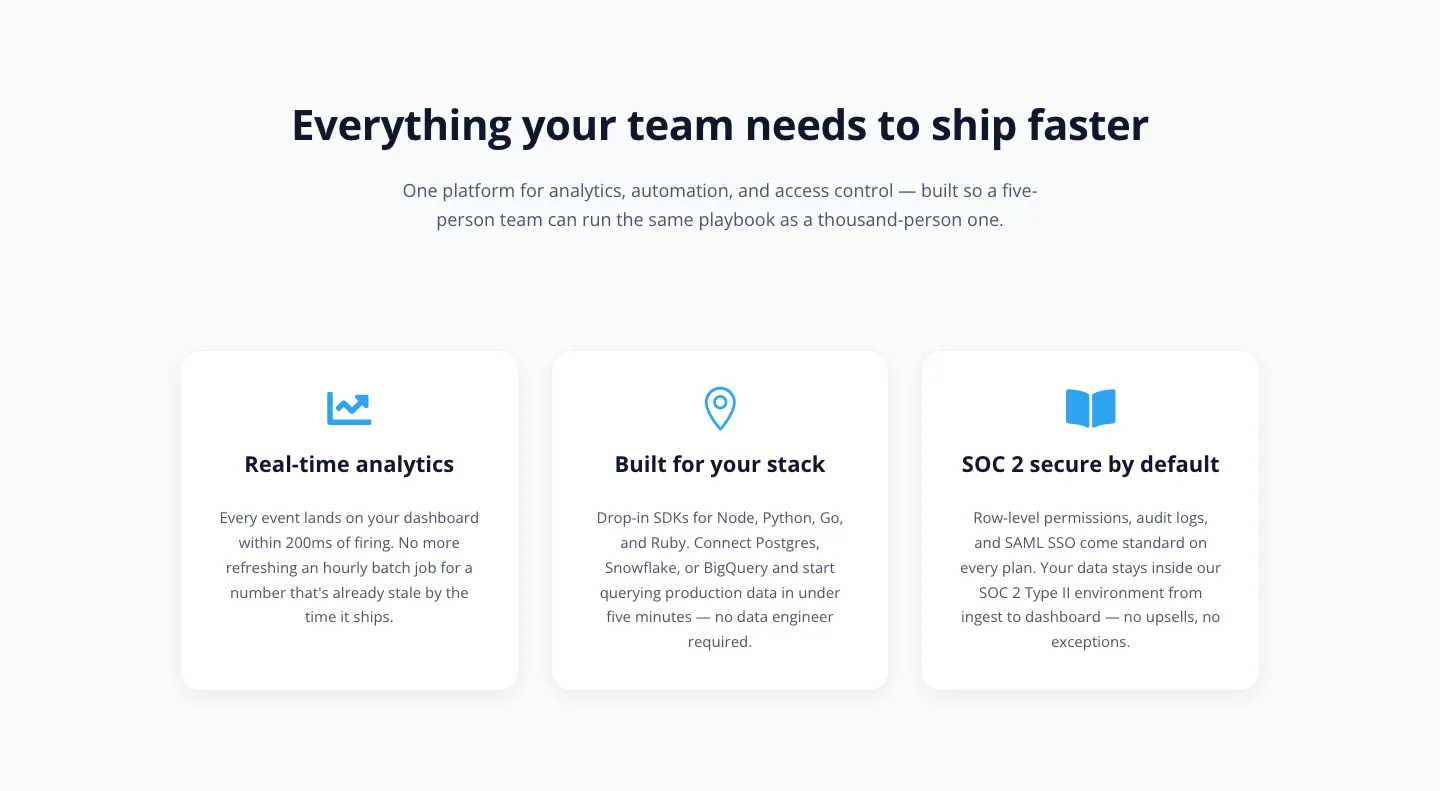
Minimal SaaS 3-Up Feature Cards Layout for Divi 5
cards · saas · minimal