
SaaS Divi 5 Layouts
SaaS layouts have a specific job: turn skeptical evaluators into signups without burying the value under stock imagery or vague promises. The best ones lead with a crisp product claim, prove it with a screenshot or feature grid, then remove friction on pricing and trust. Every layout here is validated against Divi 5 structure before publication and ships as a free email-gated download under a commercial license.
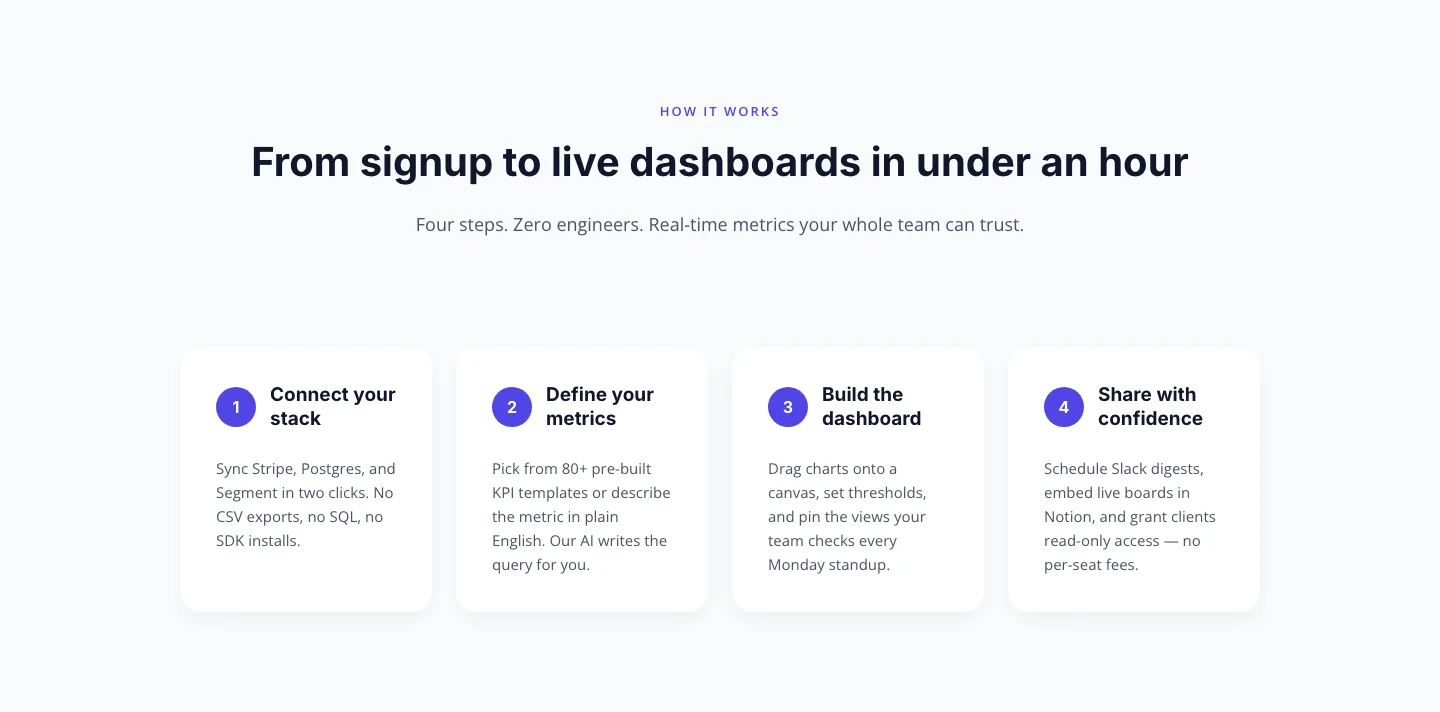
Minimal SaaS How-It-Works Cards: 4 Numbered Steps | Divi 5 Layout
cards · saas · minimal
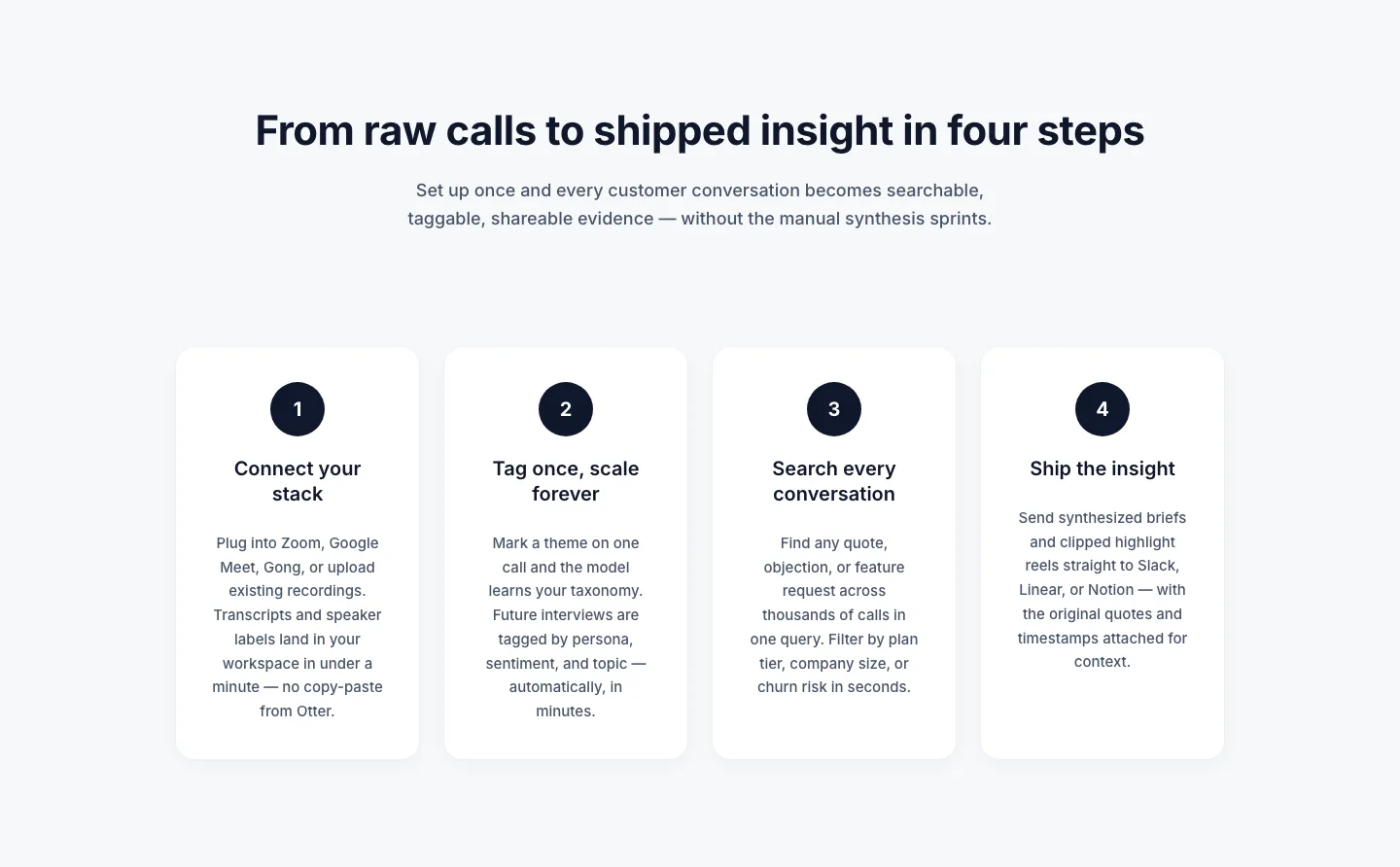
Four-Step How It Works Cards: Minimal SaaS Divi 5 Layout
cards · saas · minimal
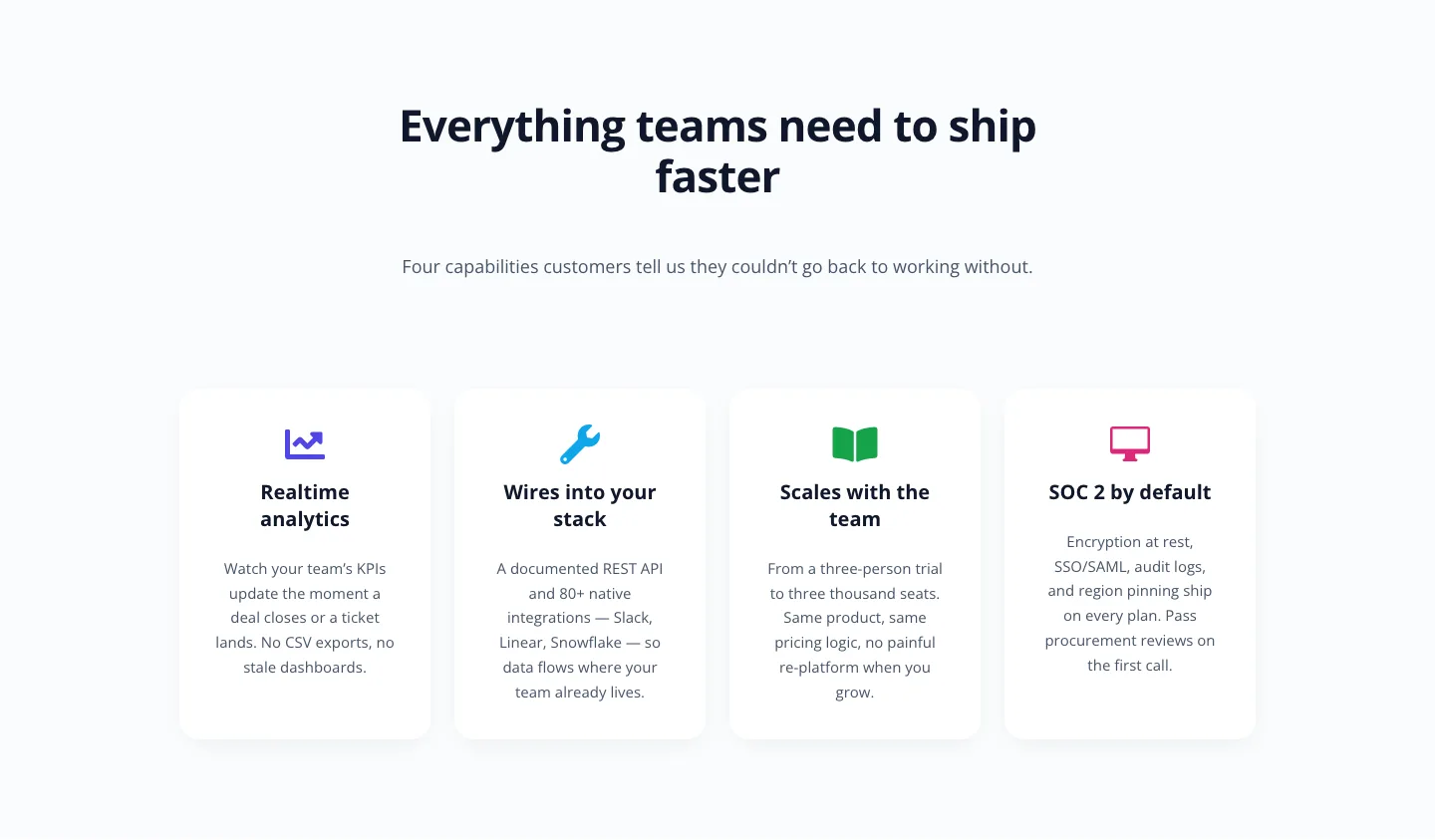
Cards: Minimal SaaS
cards · saas · minimal
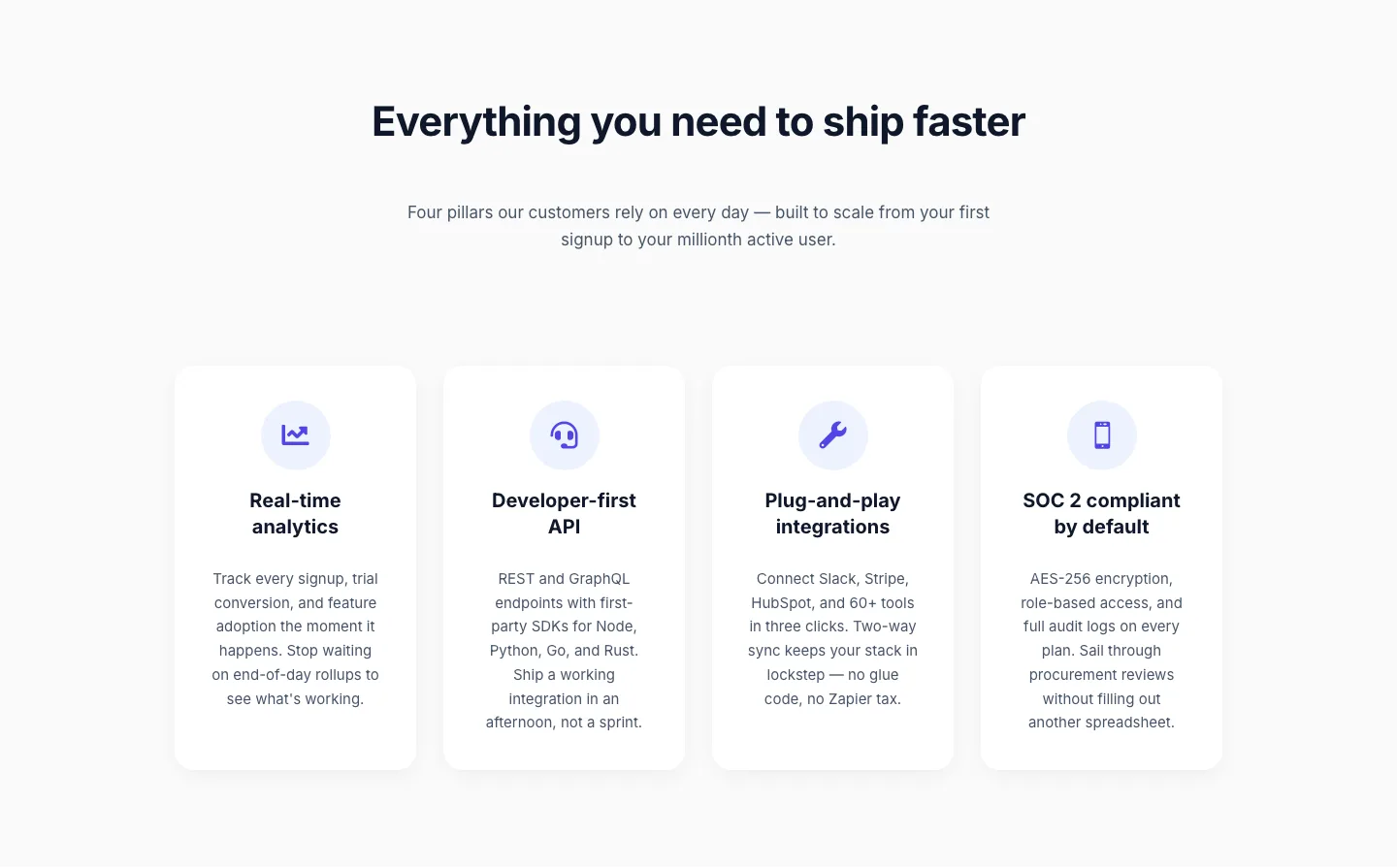
SaaS Feature Highlights: 4-Card Grid Layout for Divi 5
cards · saas · minimal
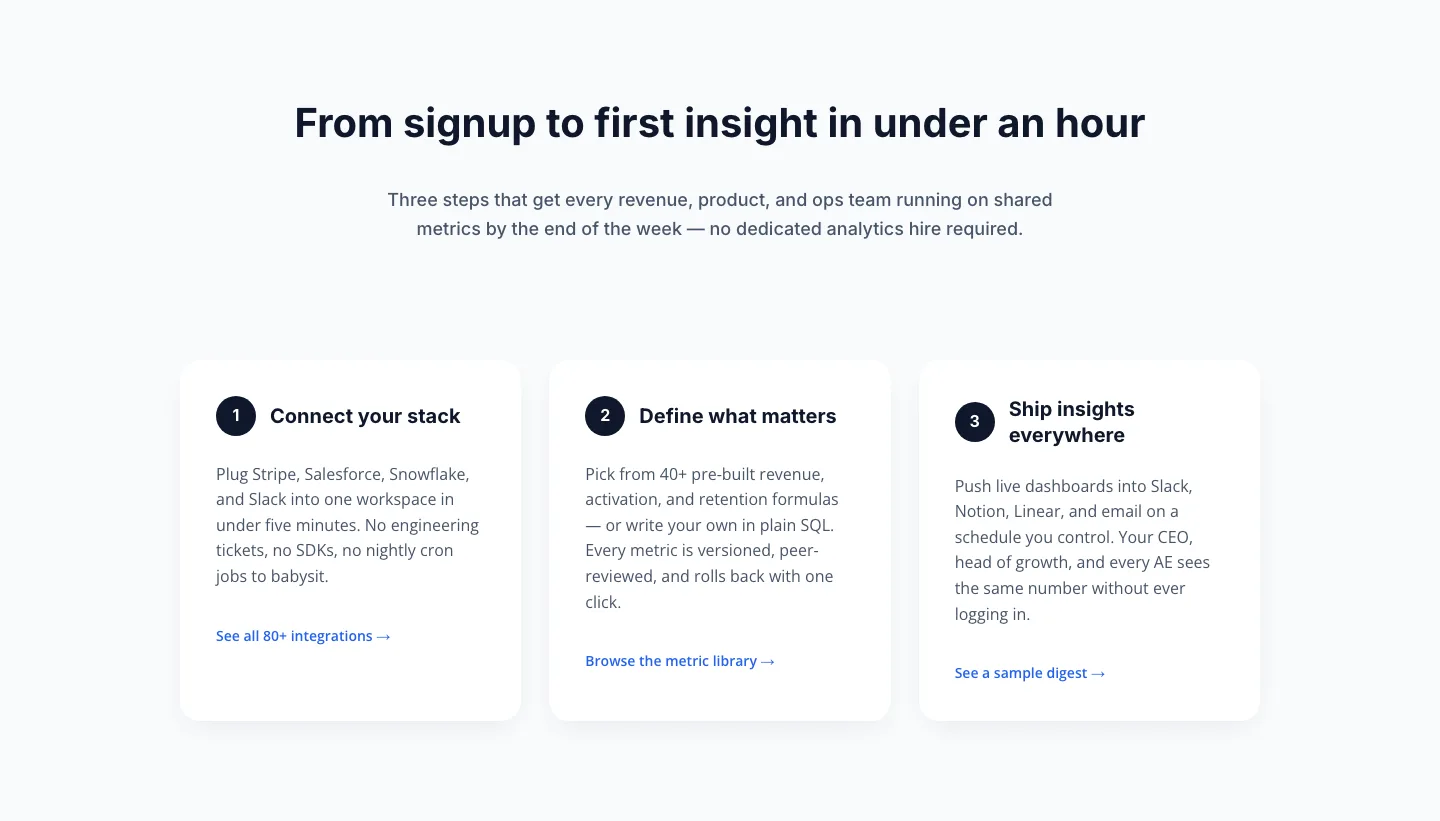
Three-Step How It Works Cards for SaaS Onboarding
cards · saas · minimal
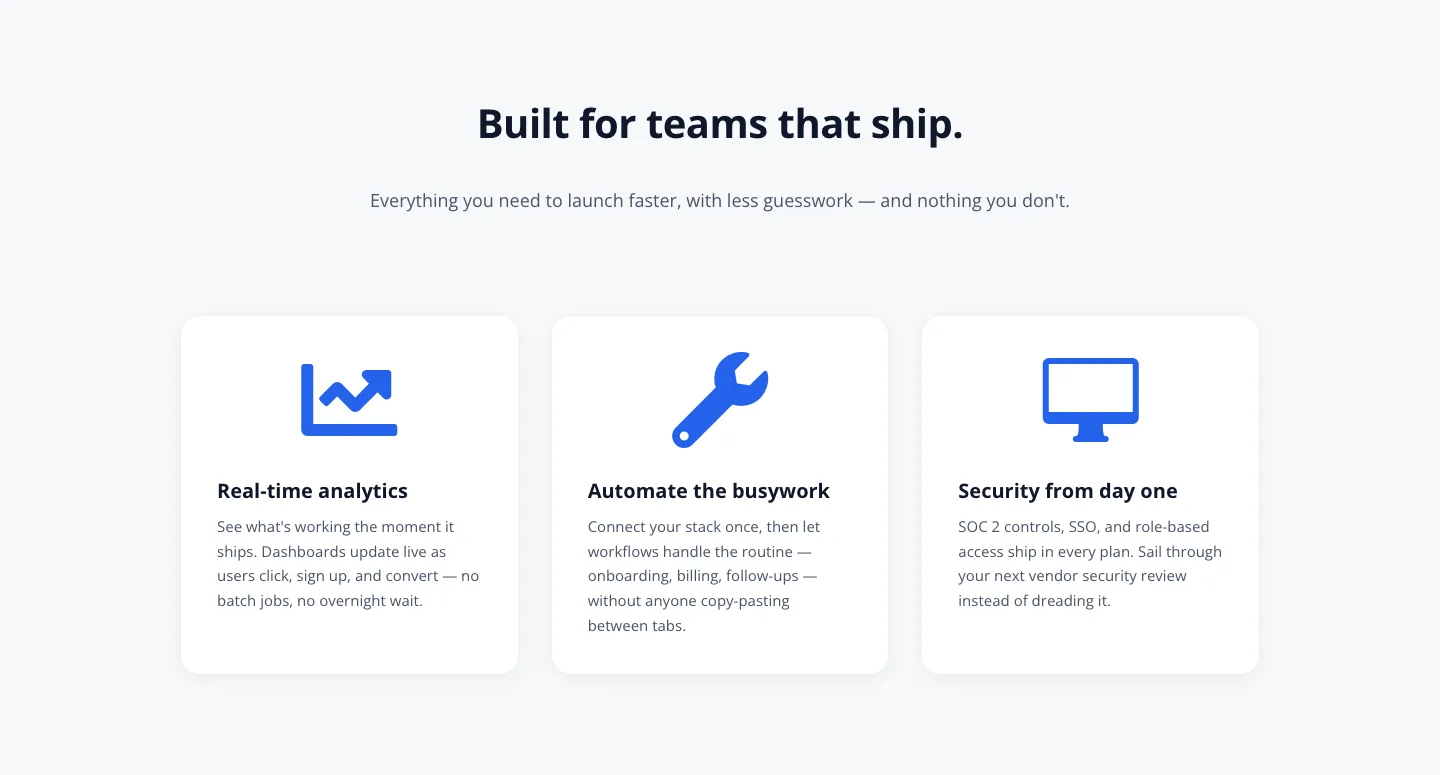
SaaS Feature Cards: Minimal 3-Column Divi 5 Layout
cards · saas · minimal
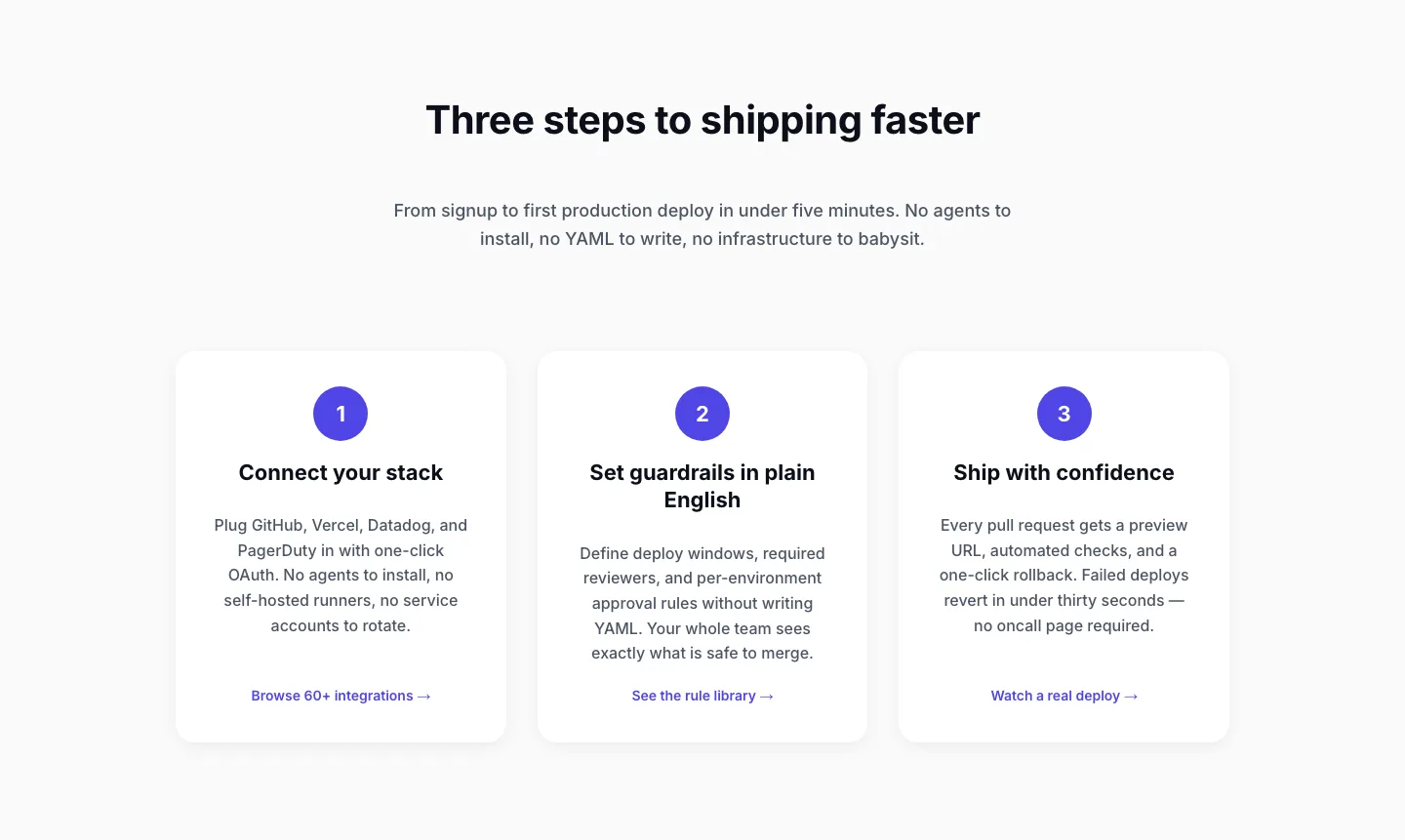
Three-Step SaaS Onboarding Cards: Minimal Divi 5 Layout
cards · saas · minimal
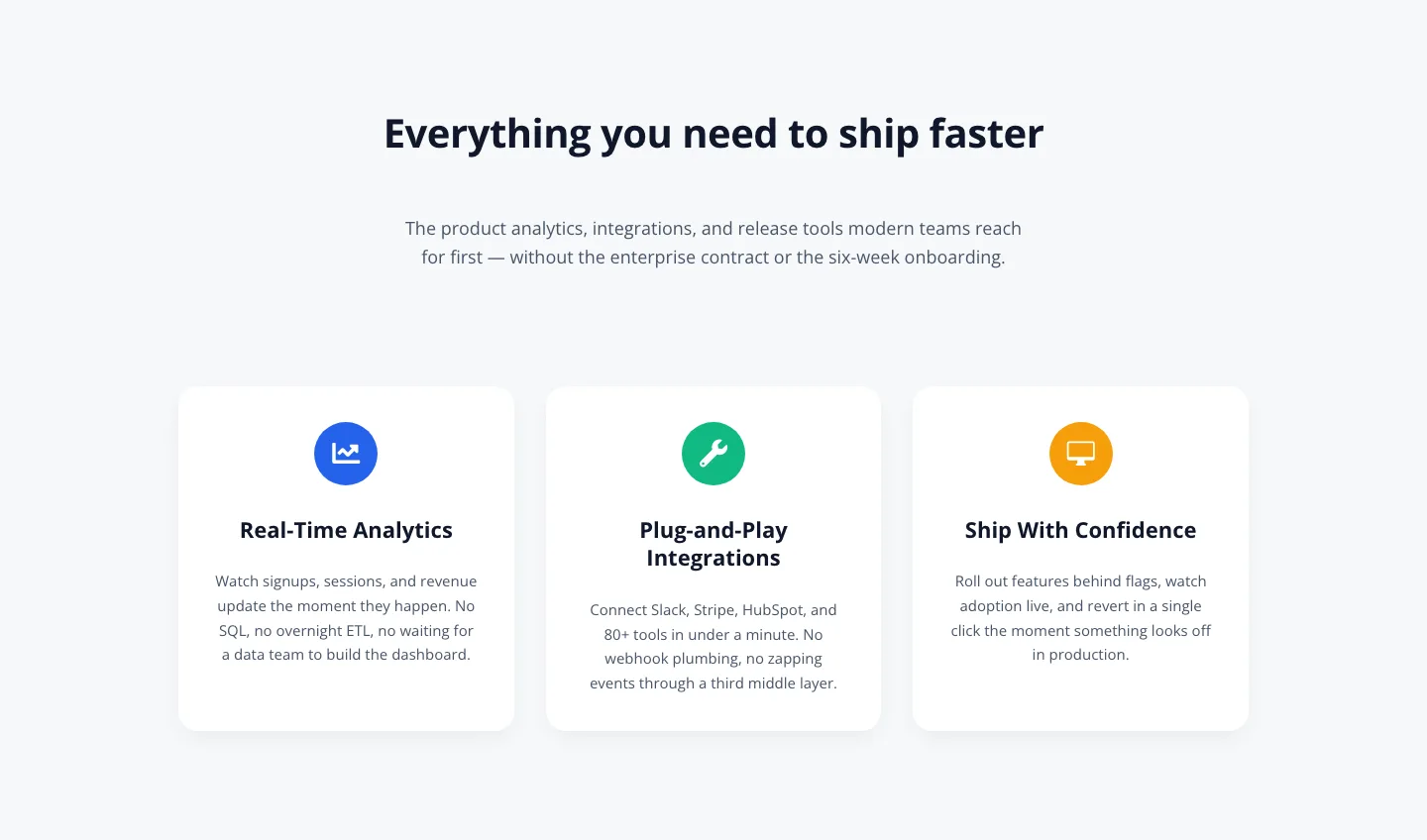
3-Column SaaS Feature Cards: Minimal Divi 5 Layout
cards · saas · minimal
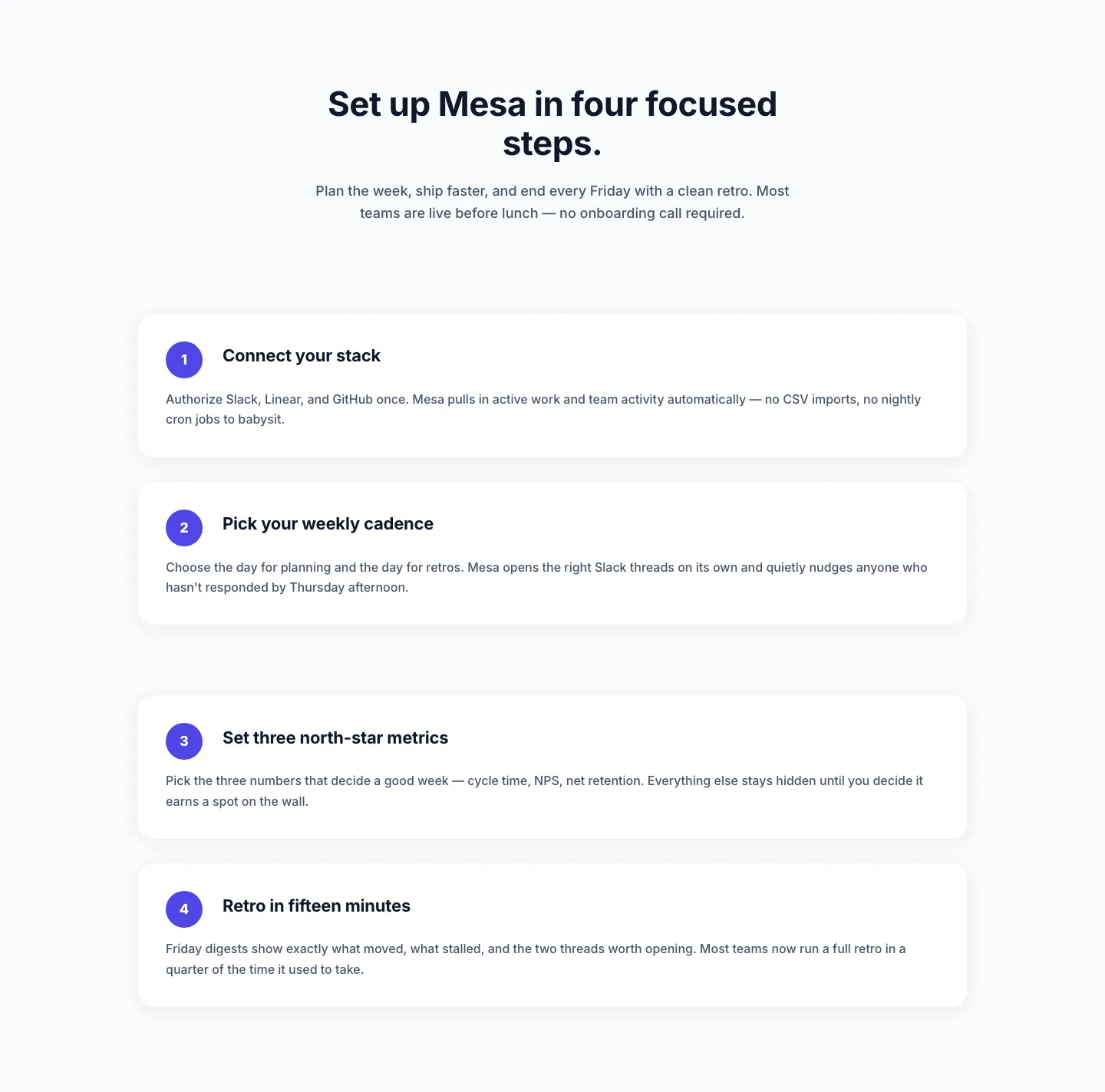
Minimal SaaS Four-Step Setup Cards Layout for Divi 5
cards · saas · minimal
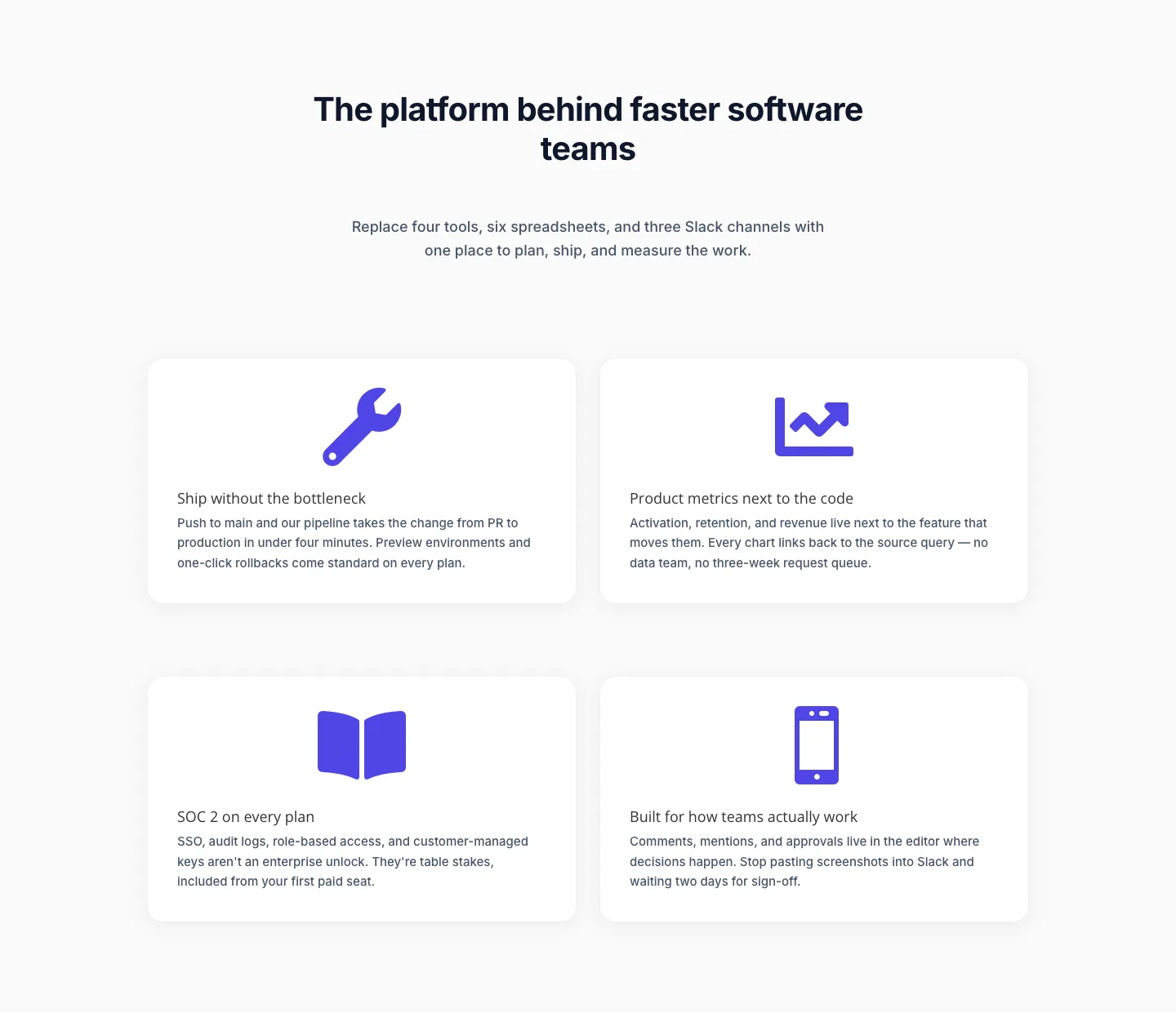
Minimal SaaS Feature Cards Layout for Divi 5
cards · saas · minimal
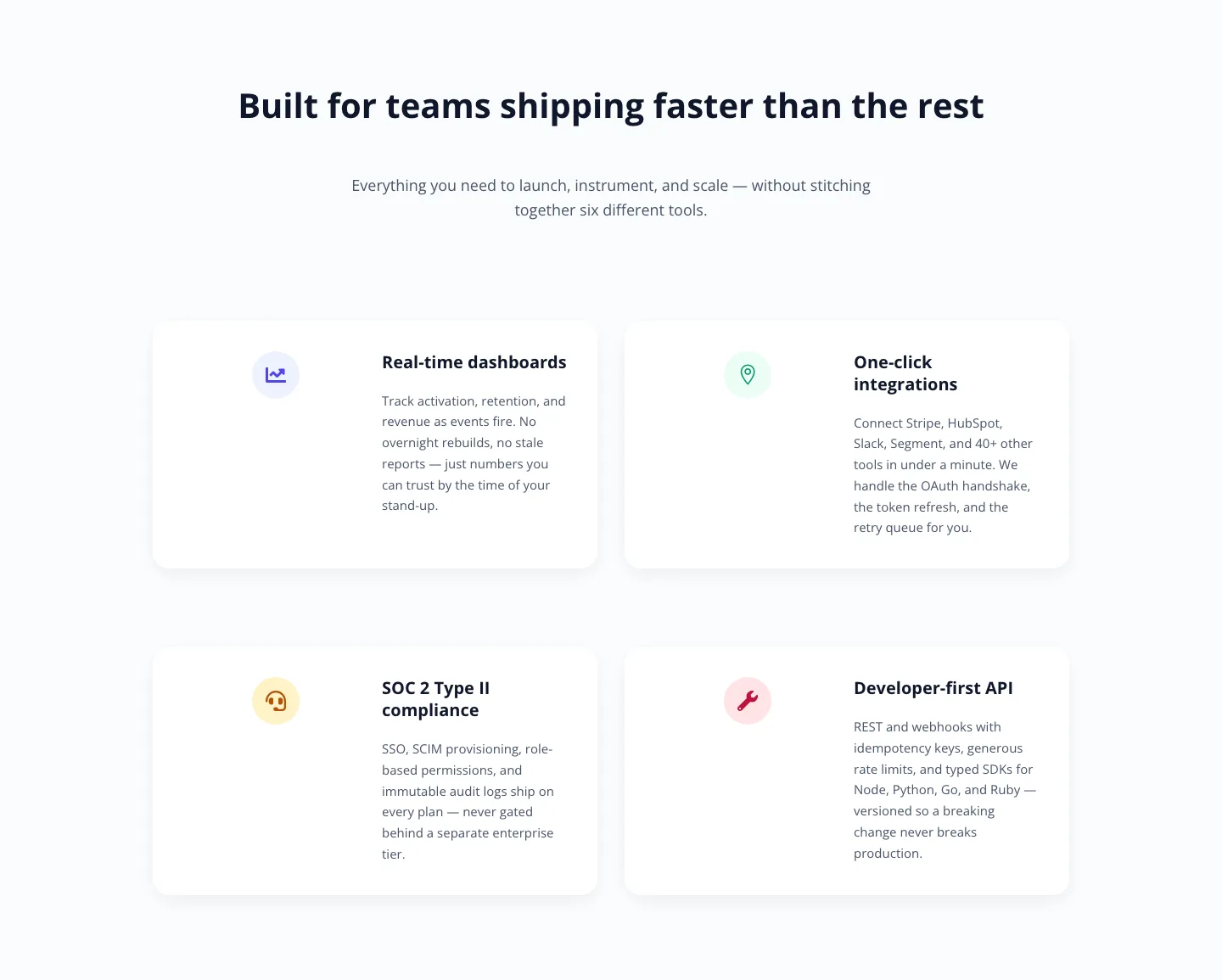
Minimal SaaS Feature Cards: Divi 5 Layout
cards · saas · minimal
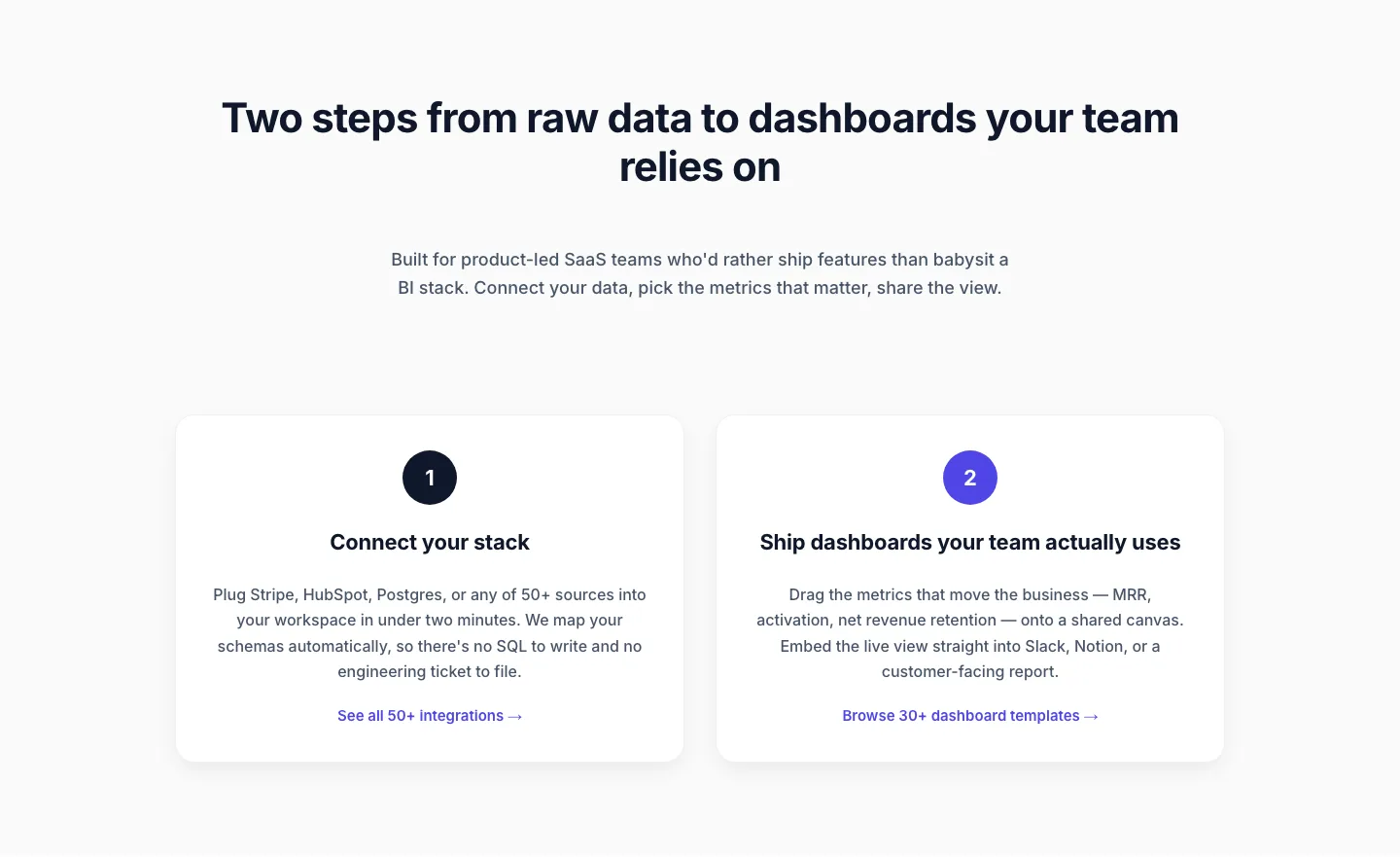
Minimal SaaS Two-Step Onboarding Cards for Divi 5
cards · saas · minimal
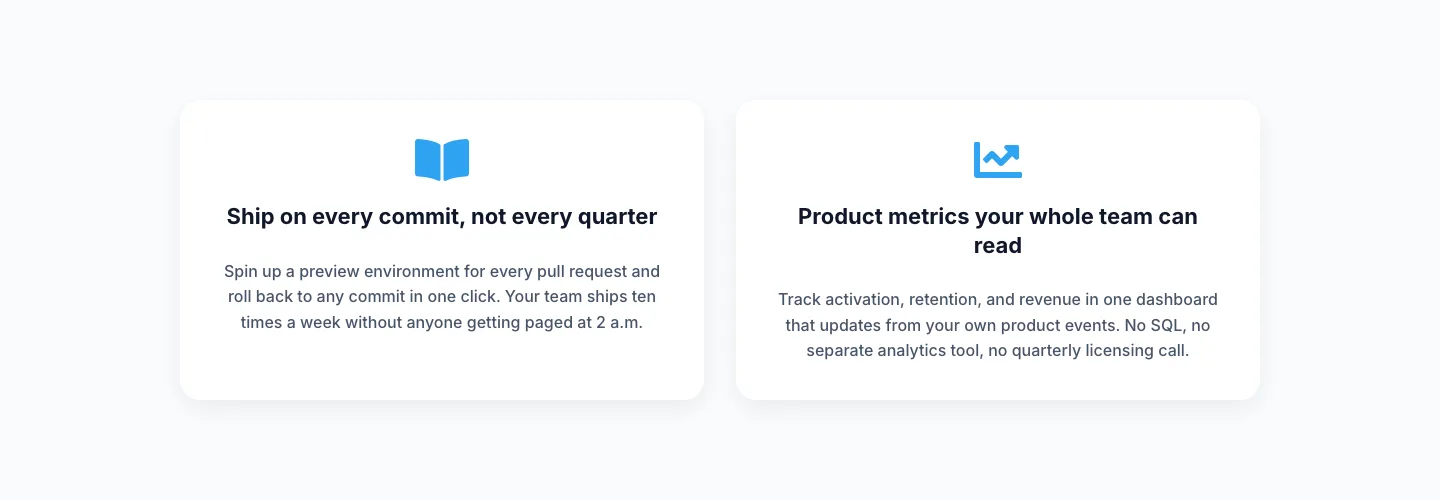
Minimal SaaS Two-Column Feature Cards
cards · saas · minimal
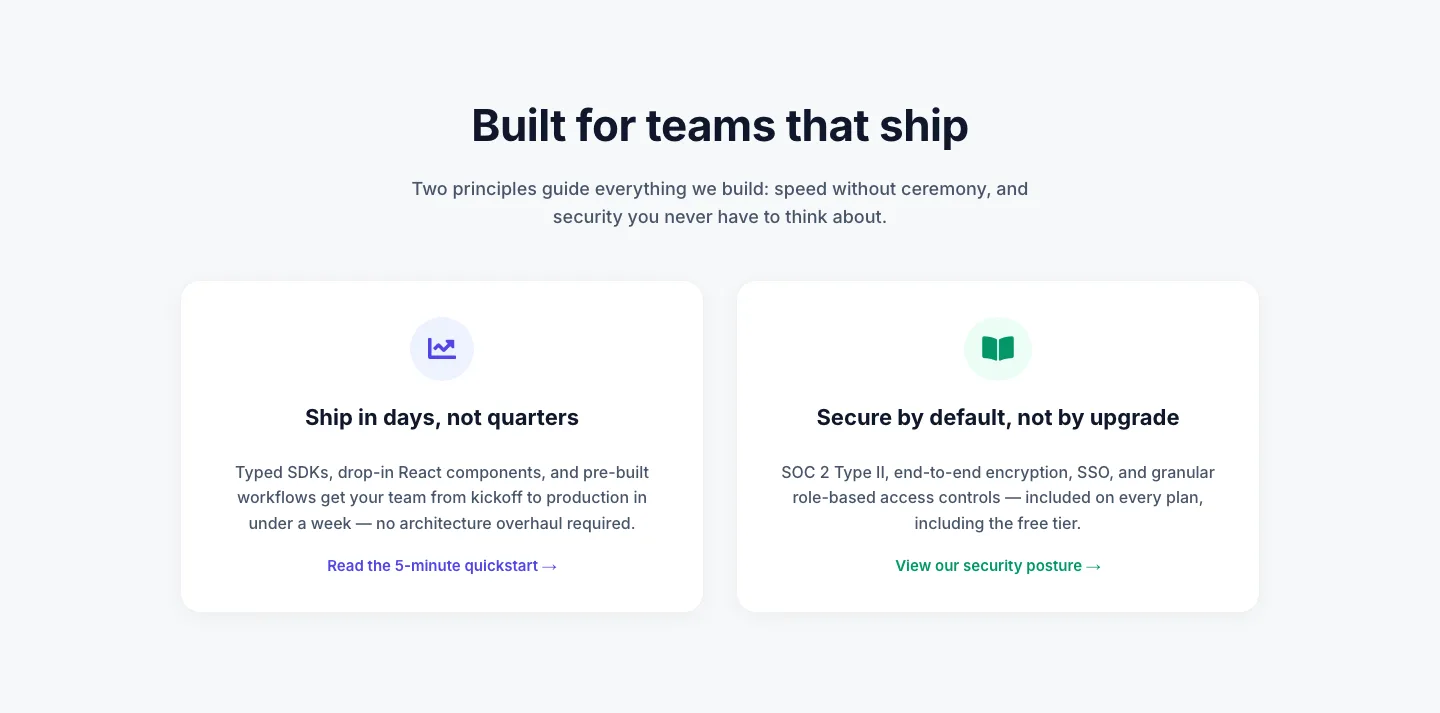
Minimal SaaS 2-Up Cards with Circular Icon Badges: Divi 5 Layout
cards · saas · minimal
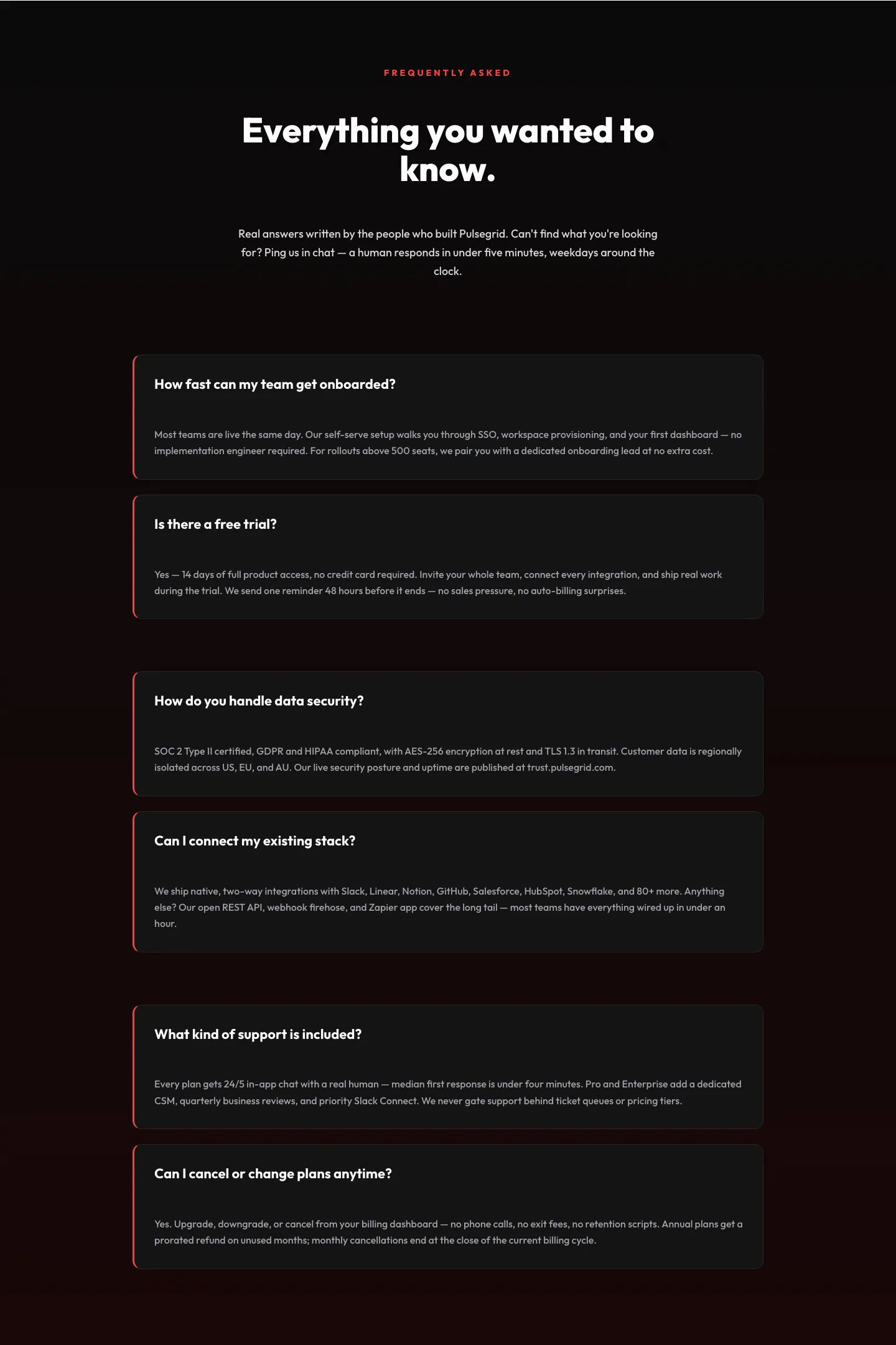
Bold SaaS FAQ Section: Two-Column Accordion Divi 5 Layout
faq · saas · bold
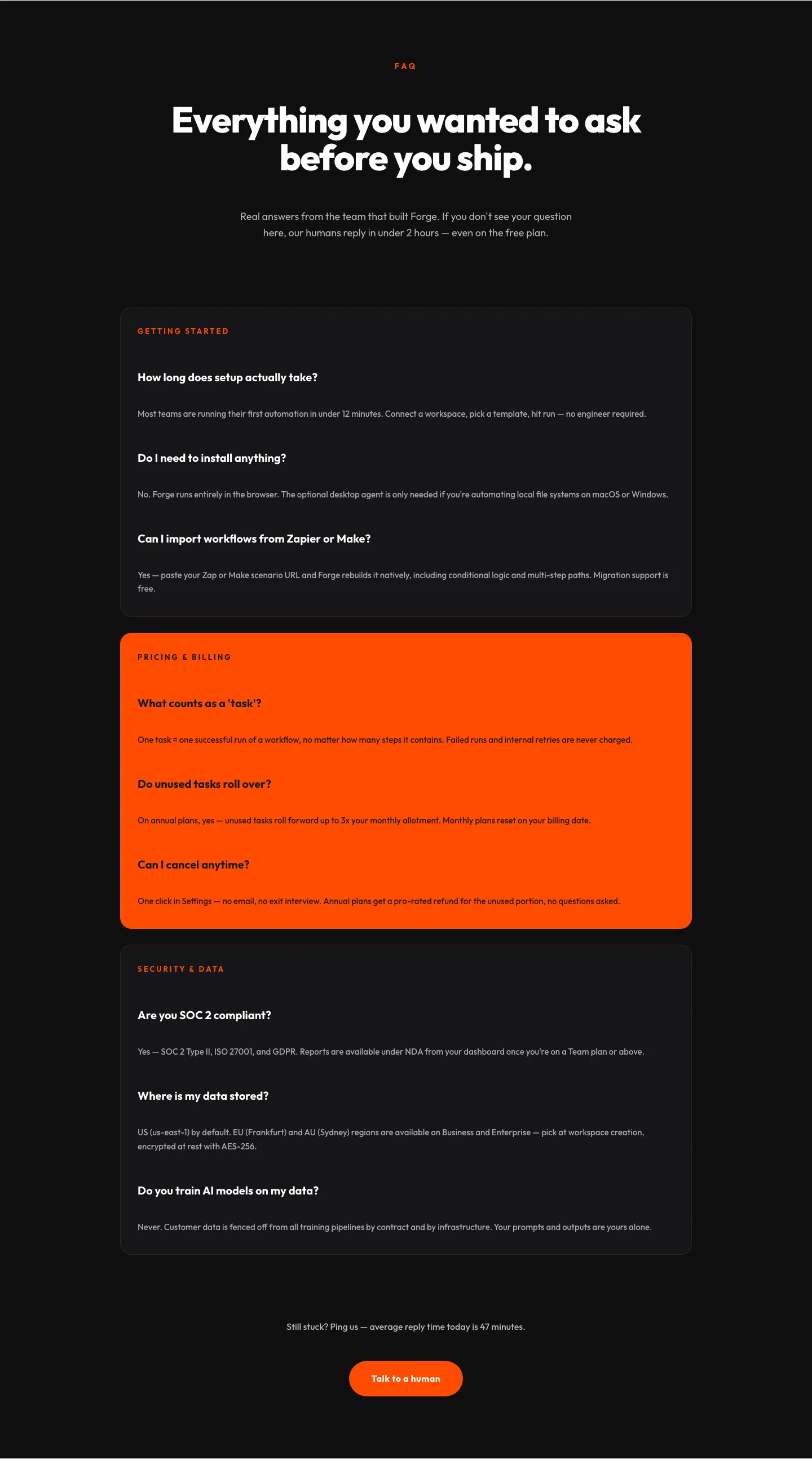
Bold SaaS FAQ Section for Divi 5: Categorized Free Template
faq · saas · bold
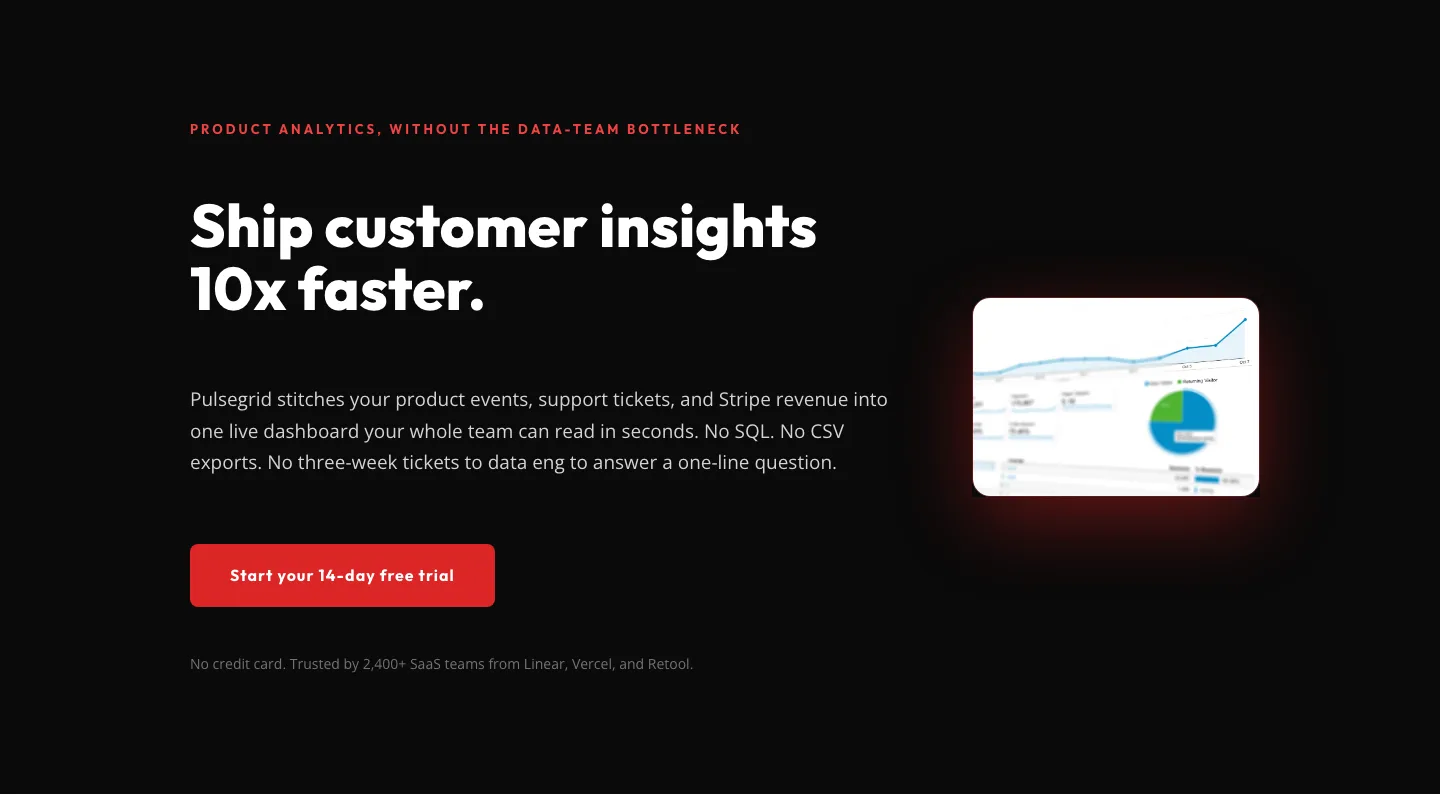
Pulsegrid SaaS Hero: Bold Dark Product Analytics Landing Section | Divi 5
hero · saas · bold
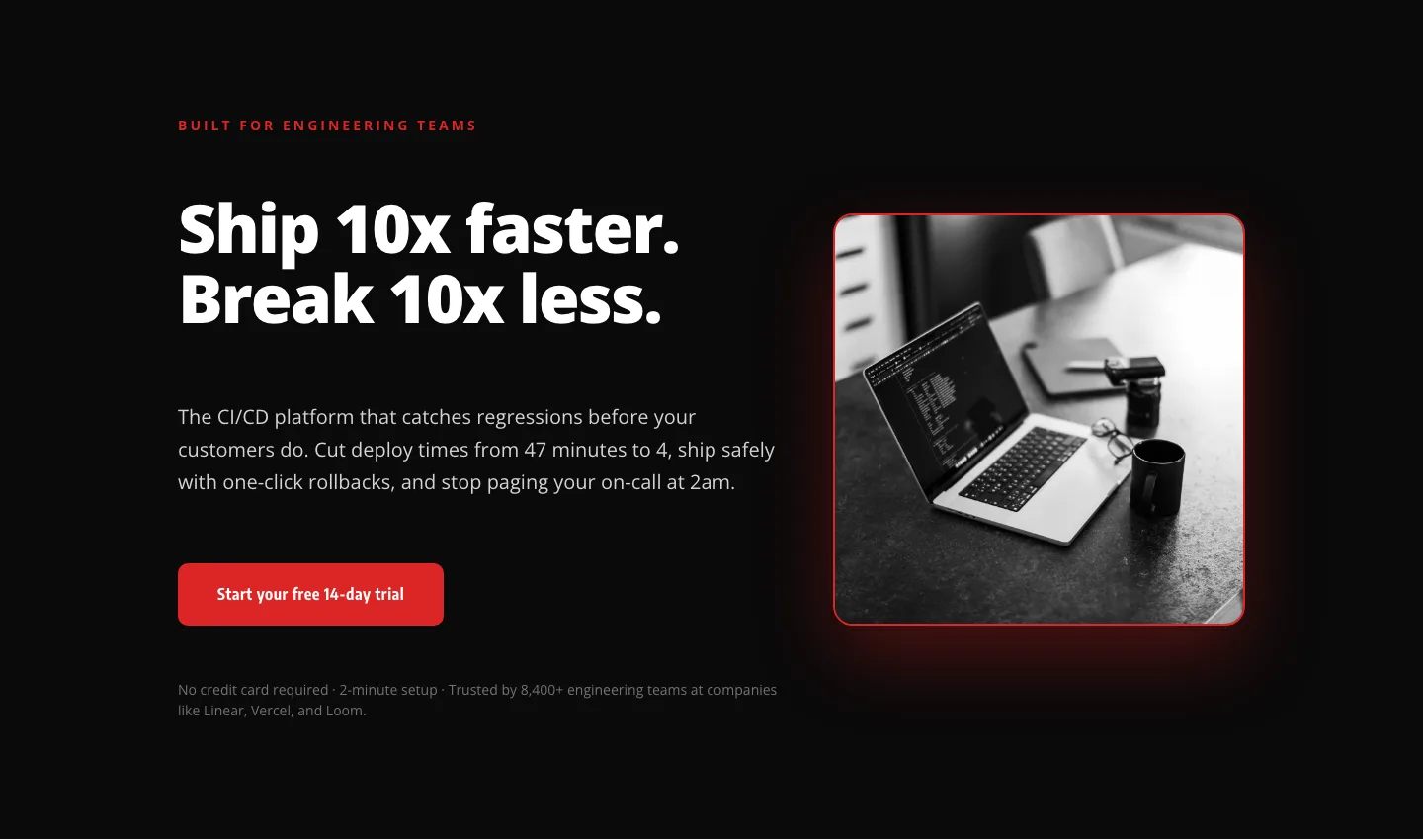
Bold SaaS Hero Layout for CI/CD & Engineering Tools: Divi 5
hero · saas · bold
What makes a good SaaS layout
SaaS visitors arrive with one question (what does this do for me?) and they leave in seconds if the answer isn't on screen. A layout built for this niche earns attention with a specific headline (not "The Future of Work"), a supporting subhead that names the outcome, and a primary CTA that commits to a low-friction next step: Start free, See a demo, Try it in your browser.
Below the fold, the pattern that converts is repetitive on purpose: a product screenshot or short loop, three to six feature blocks written as benefits, social proof (logos, testimonials, metrics), a pricing section, and an FAQ that pre-empts the objections your sales team hears daily. Skip the header of stock handshakes. Show the interface.
Who these layouts are for
Founders shipping a v1 landing page in a weekend. Freelancers and agencies handing a polished asset to a SaaS client. Product marketers running a paid-traffic experiment who need a variant live by Friday. In every case the win is the same: a serious page in a fraction of the time, without hiring a designer or fighting the Divi builder.
Customizing a SaaS layout in Divi 5
Once imported, treat the layout as a starting frame and lean on Divi 5's preset system:
- Palette. Update the two or three brand colors in the global color slots. Every button, accent, and icon inherits the change. No clicking through each module.
- Typography presets. Assign your product font to Heading and Body presets. Keep the type scale the layout ships with; the vertical rhythm was tuned to the section spacing.
- Copy. Replace headline, subhead, and feature titles with product-specific language. Numbers beat adjectives: "Cut onboarding from 4 days to 20 minutes" outperforms "Faster onboarding."
- Screenshots. Swap the placeholder product image for a real one: a cropped view of your actual UI, not a hero mockup. This single change moves conversion more than any other edit.
- Trust bar. Update logos, testimonials, and metrics to real customers. If you don't have them yet, replace the section with a security or integrations bar instead of leaving fake ones.
- Pricing. Match the tier structure to your Stripe products before launch, and highlight the plan you actually want people to pick.
Every download includes the Divi 5 JSON export and a commercial license covering unlimited sites you own or build for clients.